Find the guide you need
Practical answers to help you choose, improve and understand your home network. Search for a problem or explore a topic.
58 guides found
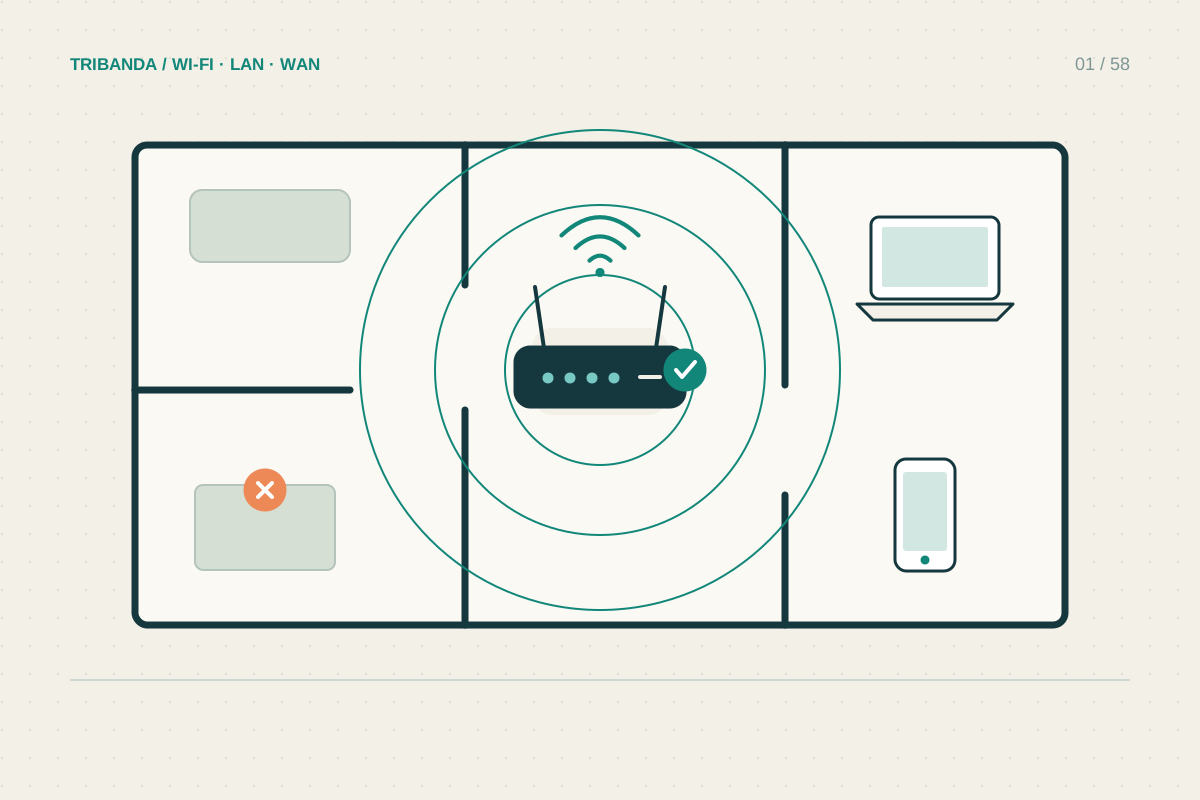
Where to put your router
Try a better position before buying more Wi-Fi hardware.
Read the guide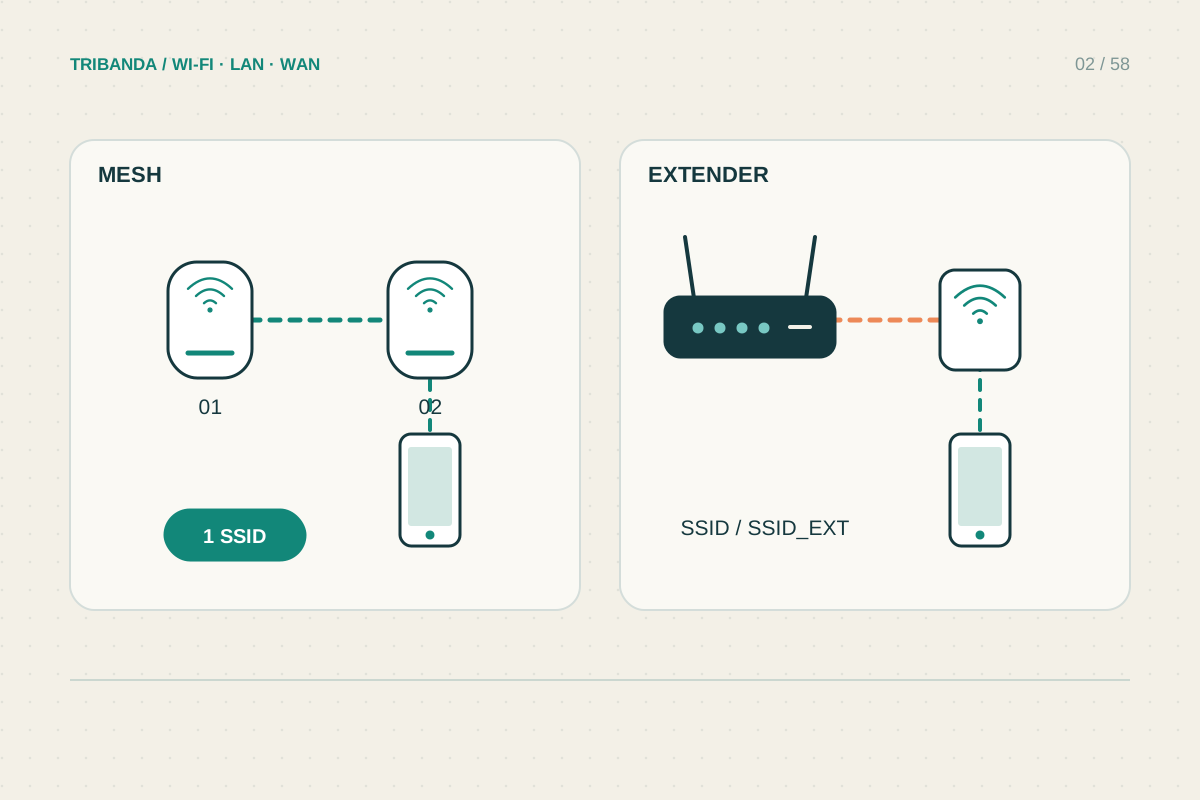
Mesh or extender: choosing the right fix
Match the equipment to the weak area and the connection it can receive.
Read the guide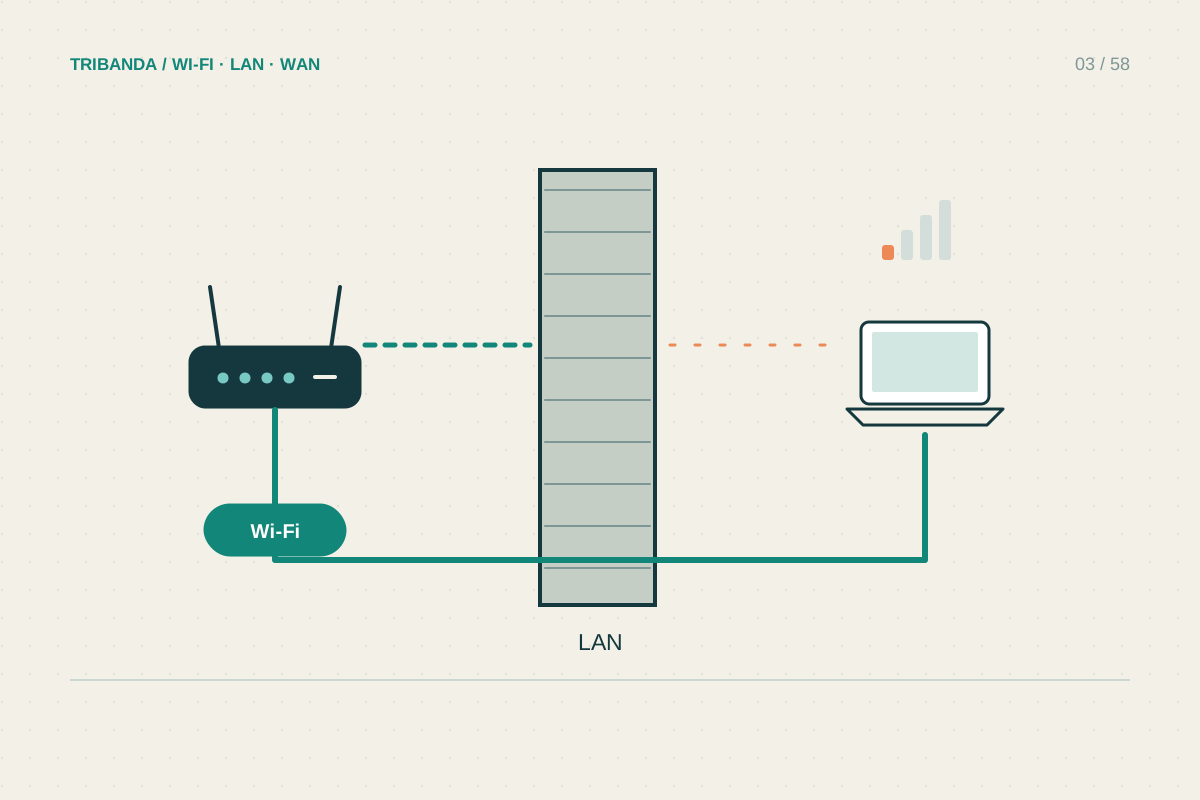
Getting Wi-Fi through thick walls
Find the barrier before buying a stronger-looking router.
Read the guide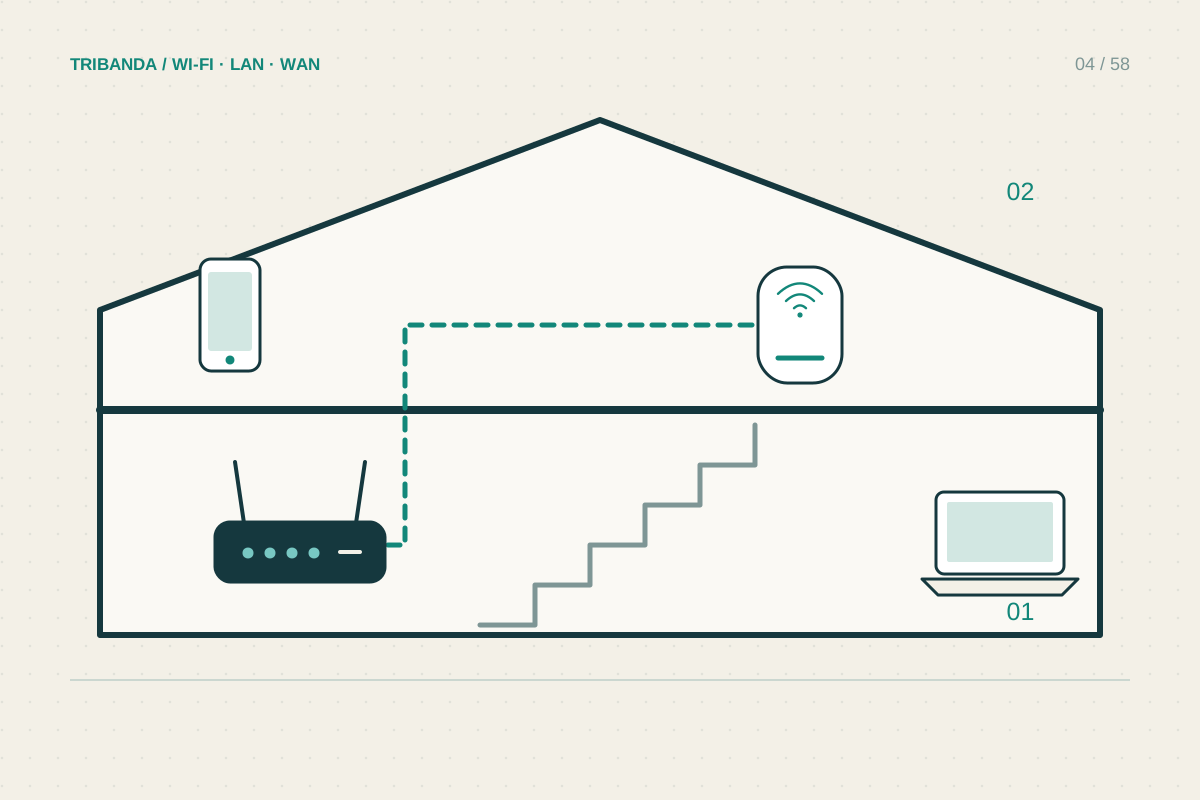
Wi-Fi across two floors
Plan the connection between floors as carefully as coverage within rooms.
Read the guide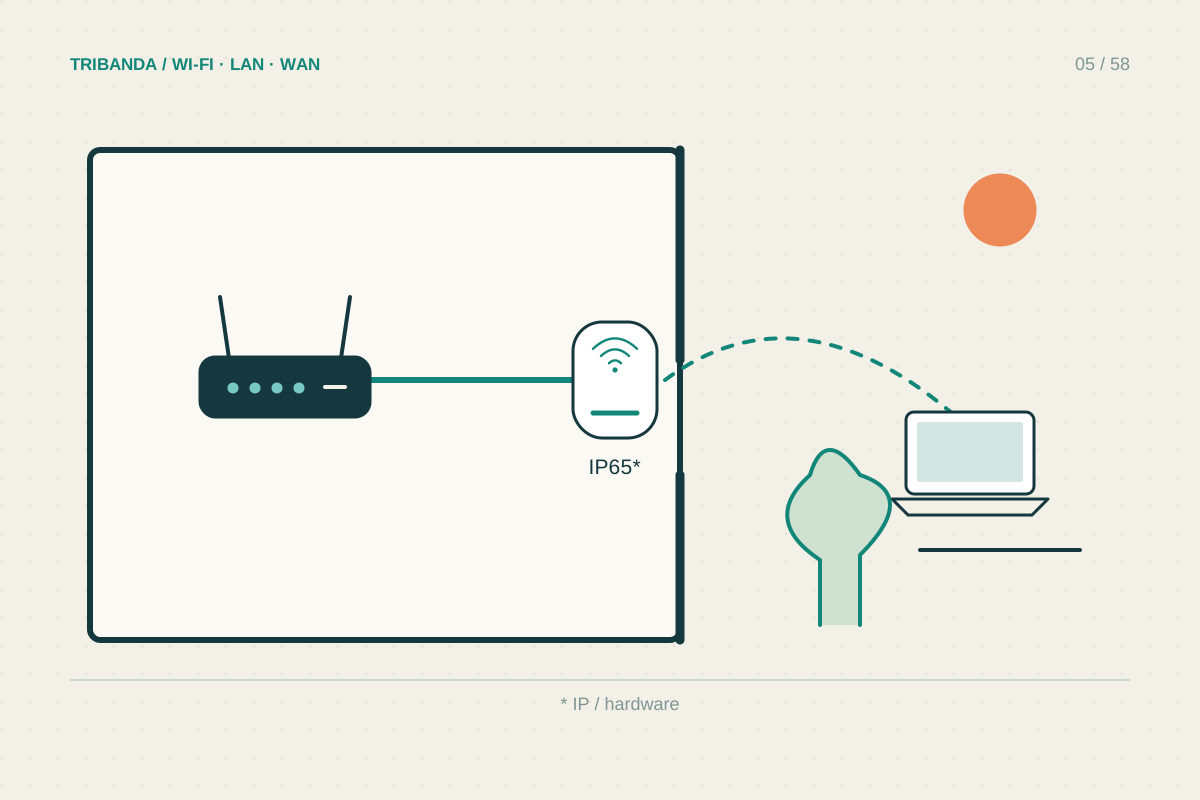
Taking Wi-Fi to a balcony or garden
Test from your outdoor seat with doors and windows in their normal position.
Read the guide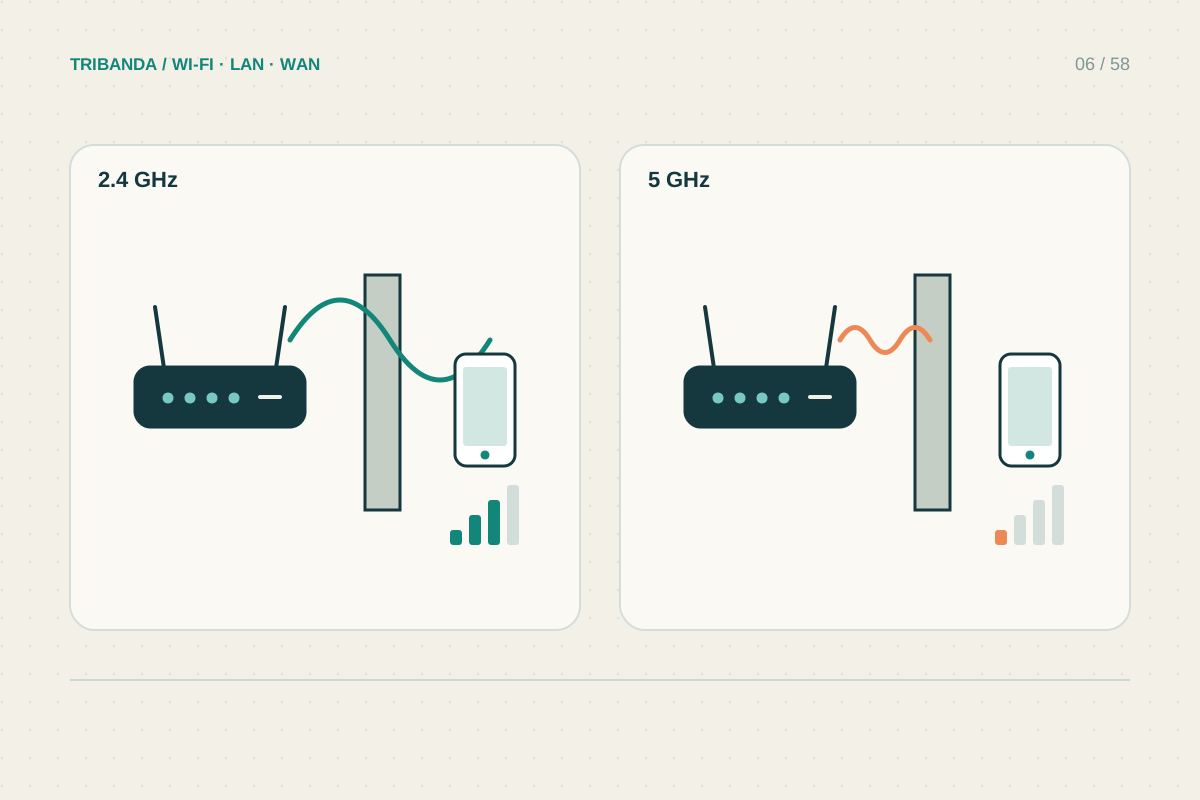
2.4 GHz or 5 GHz: which should you use?
Compare stability and your actual task, not just signal bars.
Read the guide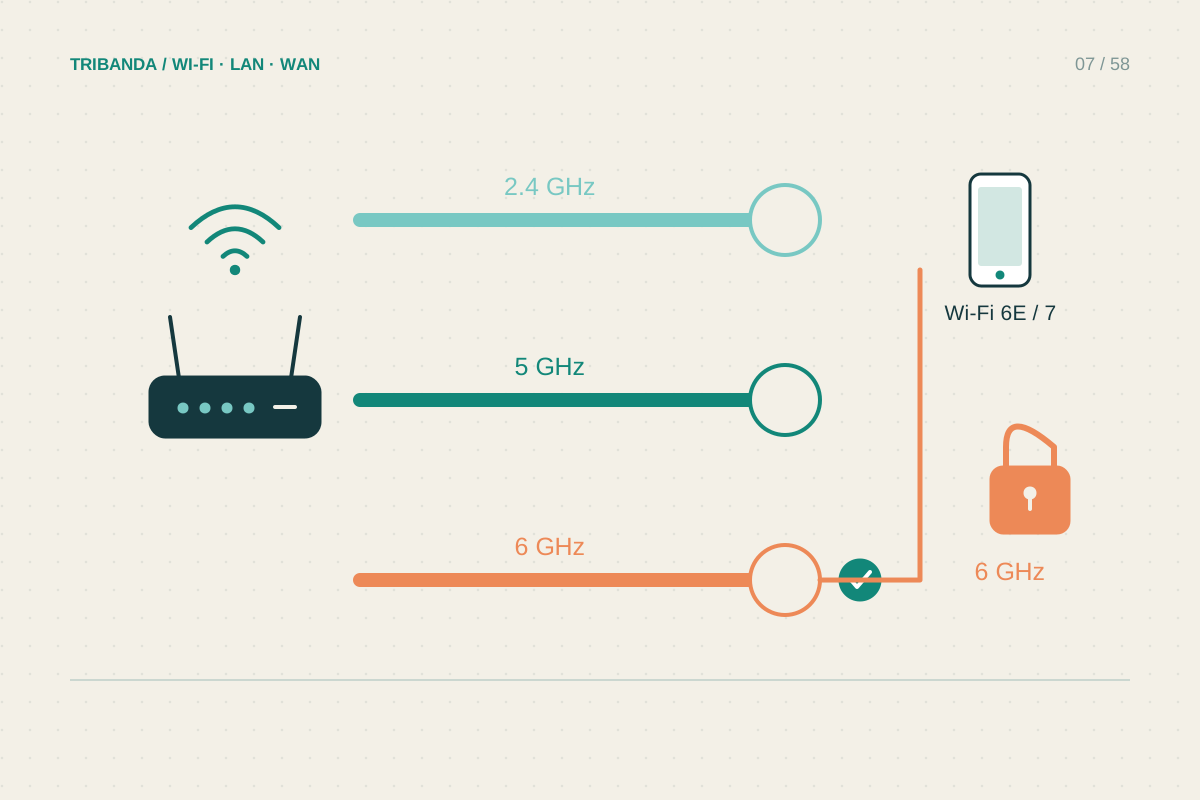
What 6 GHz changes at home
New spectrum helps compatible devices; placement and compatibility still decide the result.
Read the guide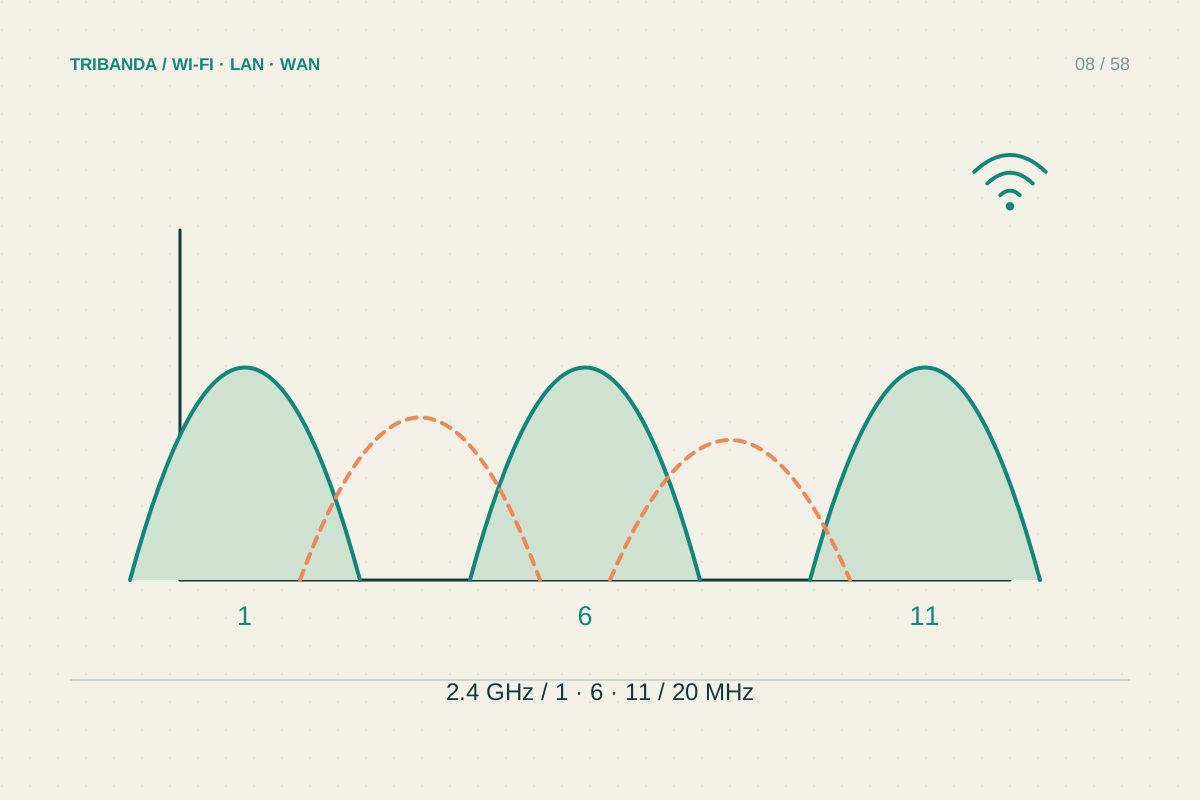
Finding a less crowded Wi-Fi channel
Use scans as clues, then compare ordinary performance before and after.
Read the guide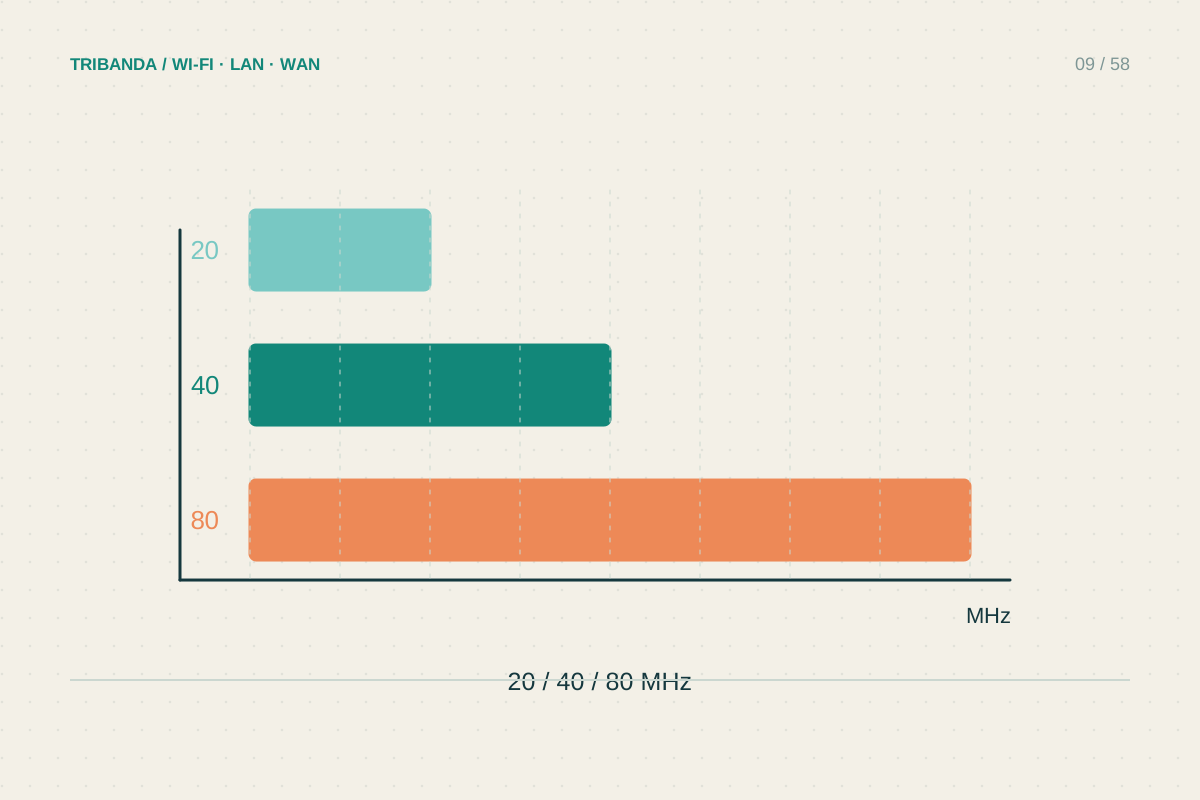
Choosing a sensible channel width
More MHz can increase potential speed while reducing room for neighbouring networks.
Read the guide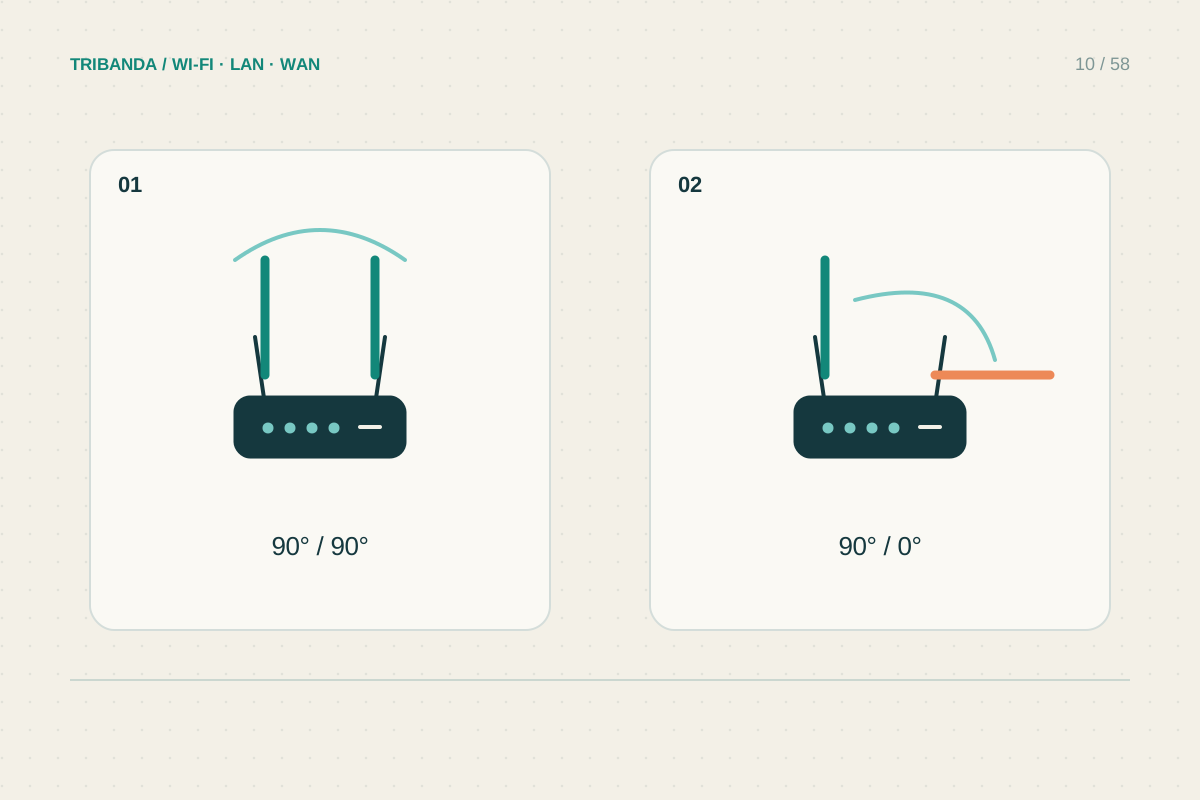
Positioning router antennas
Use the model’s instructions before experimenting with angles.
Read the guide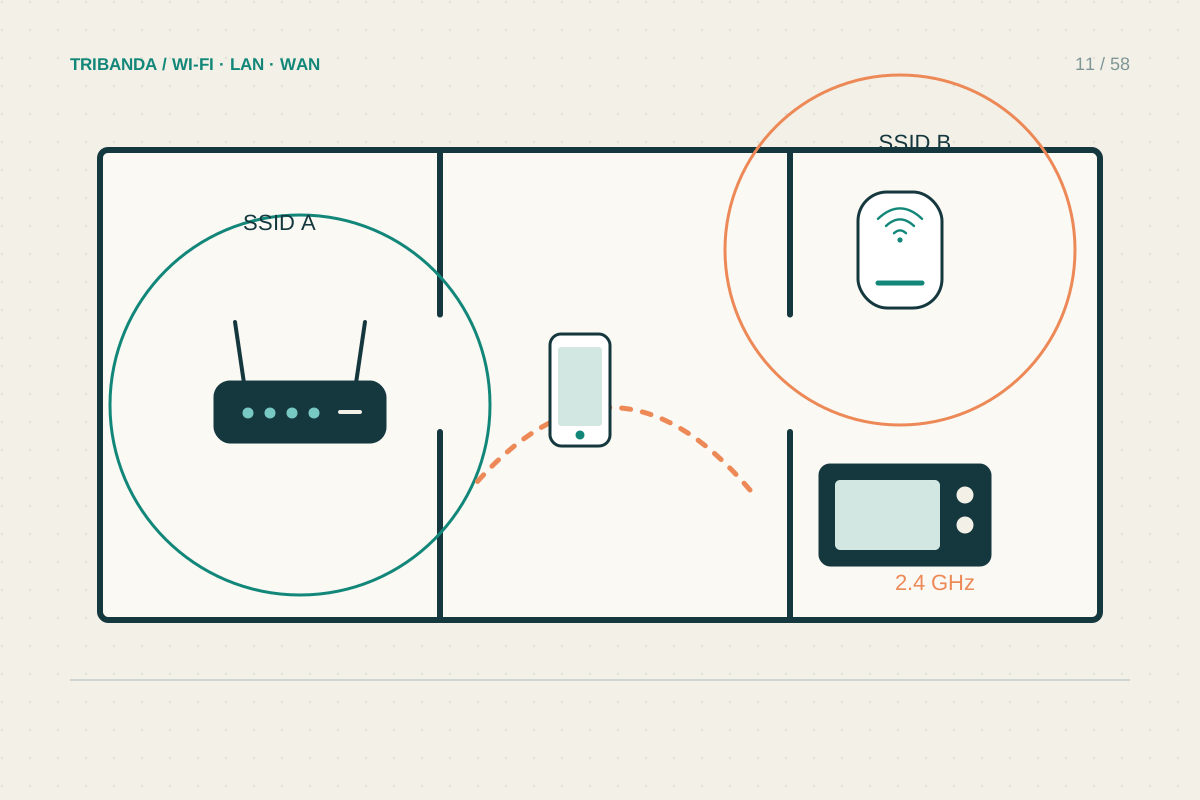
Neighbours, appliances and interference
Look for repeatable timing and compare a wired device.
Read the guide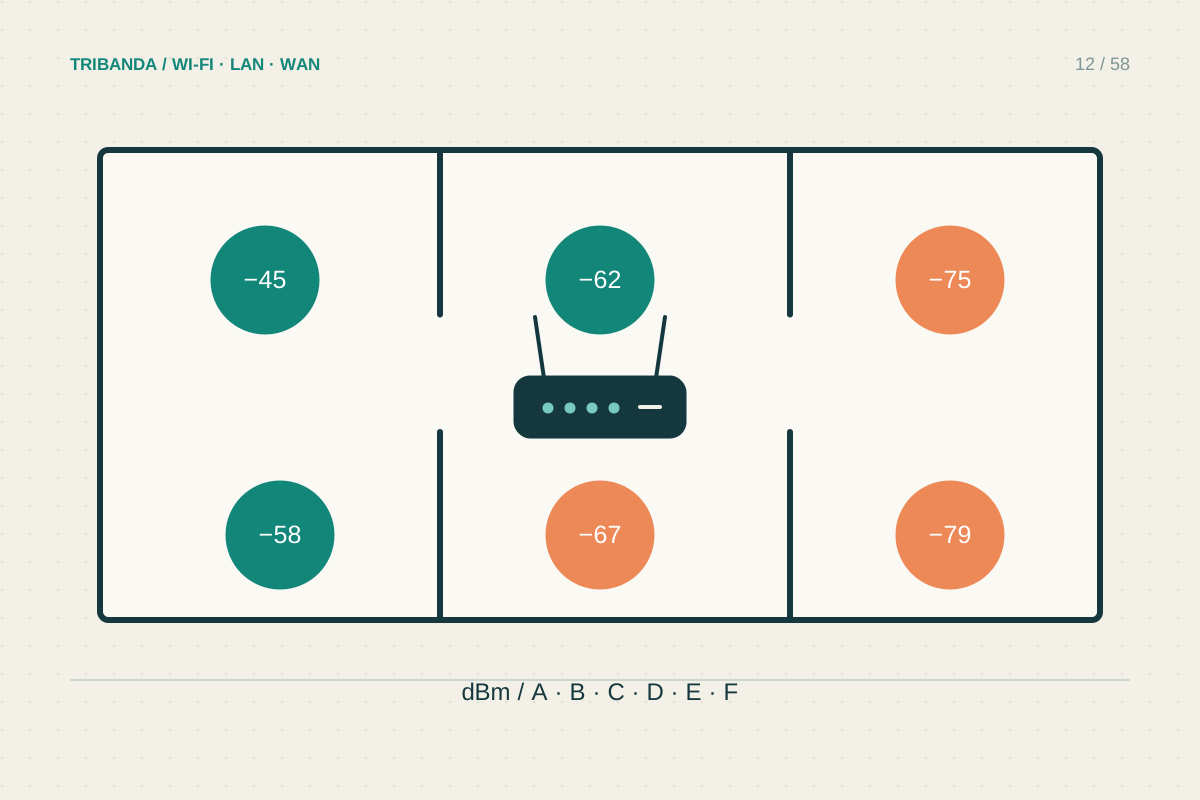
Mapping Wi-Fi coverage room by room
Build a small repeatable record before changing the network.
Read the guide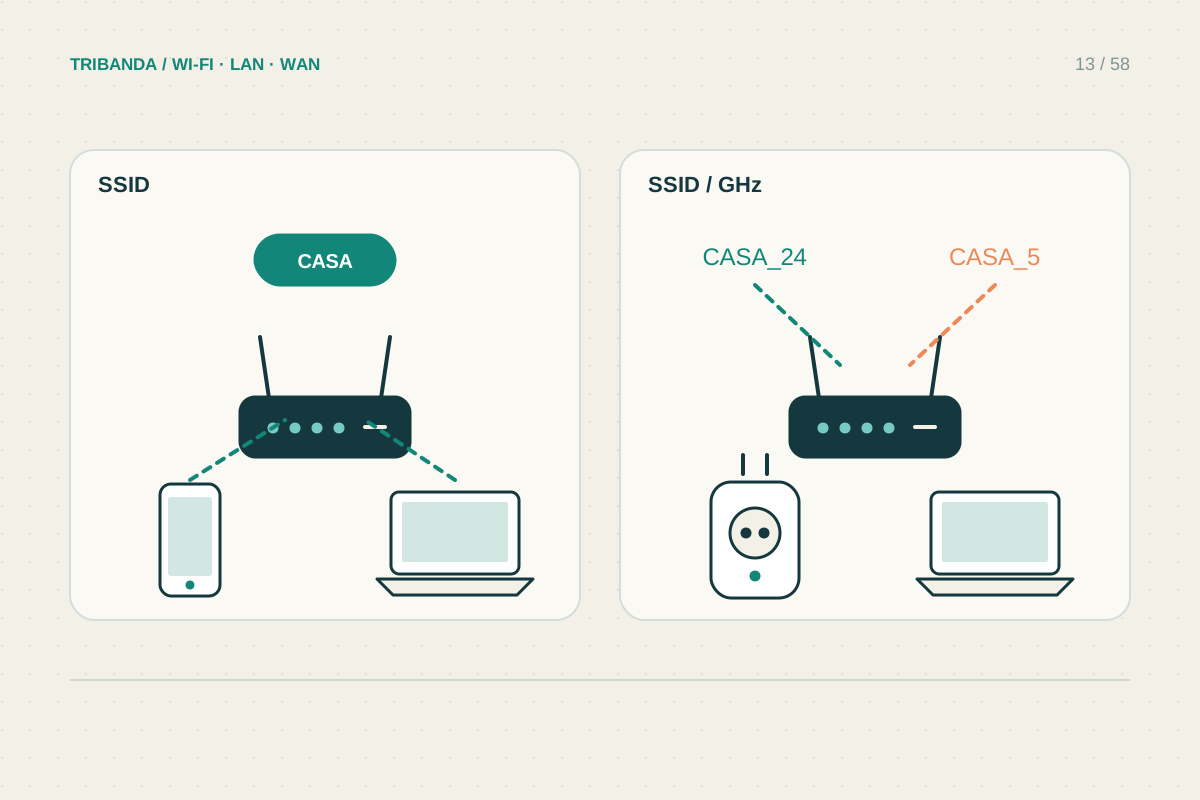
One Wi-Fi name or separate names?
Choose names for usability and compatibility, then verify actual connections.
Read the guide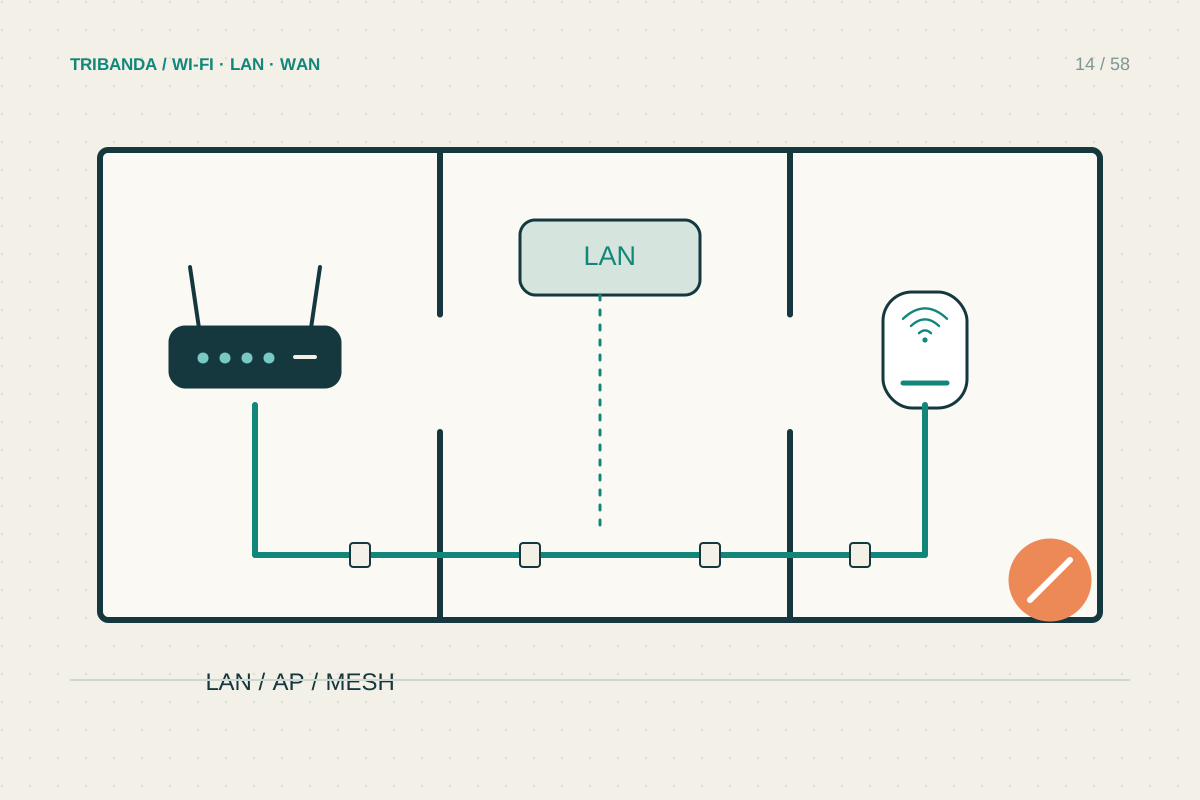
Improving Wi-Fi in a rented home
Prefer reversible changes and document the original arrangement.
Read the guide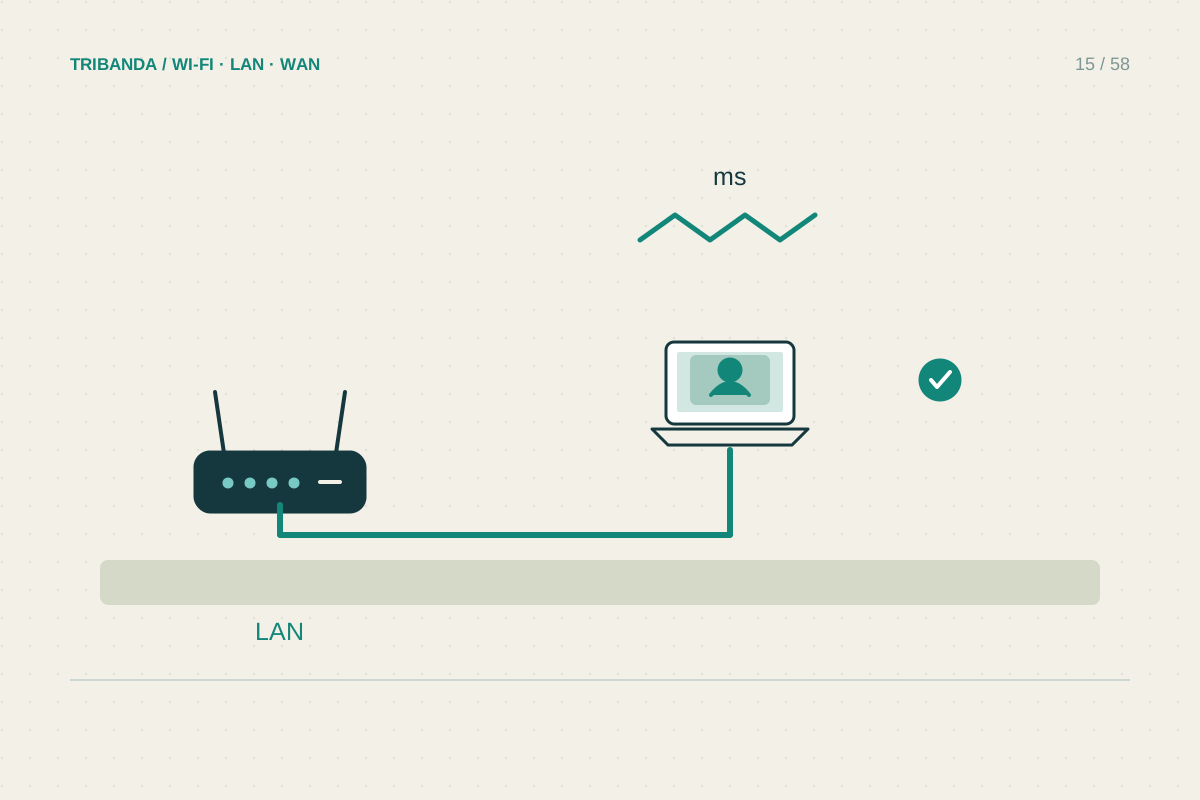
A reliable corner for video calls
Check upload load, local Wi-Fi and the everyday call setup separately.
Read the guide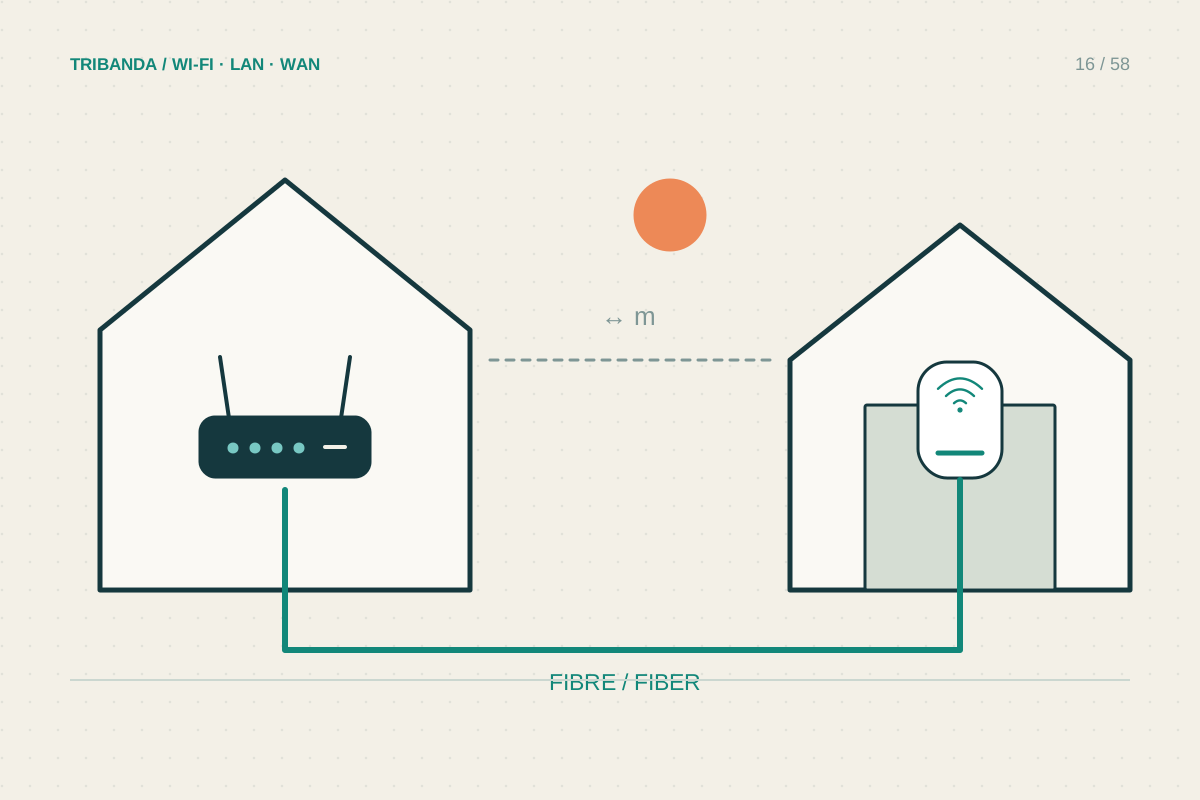
Connecting a detached garage
Choose an appropriate link between buildings, then provide local coverage.
Read the guide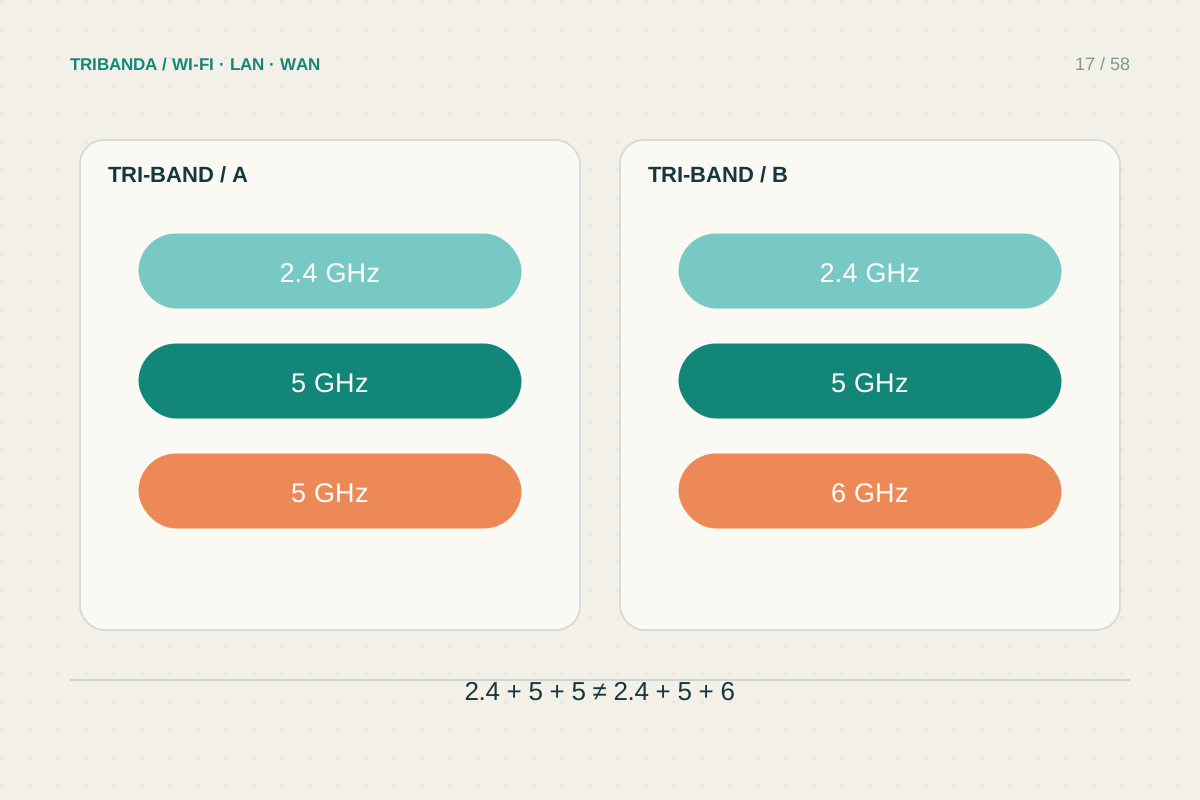
What tri-band actually means
Read the band breakdown and backhaul policy before comparing headline speeds.
Read the guide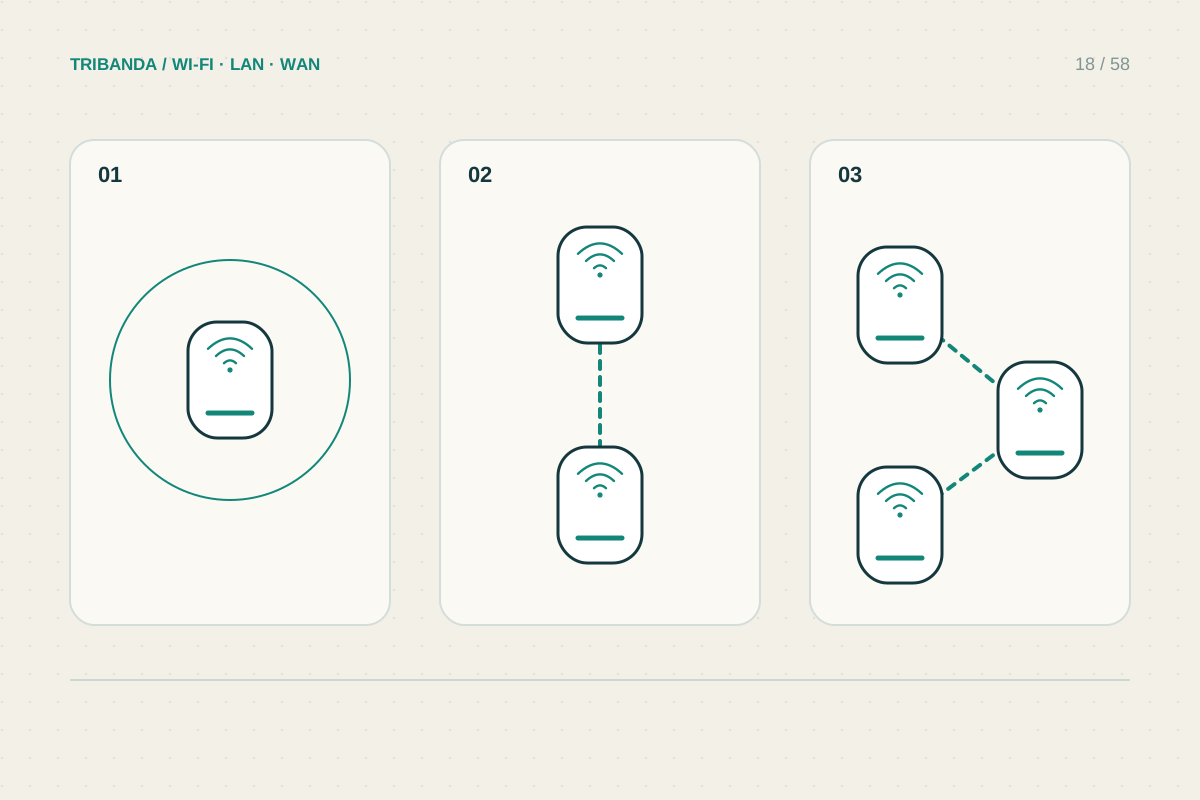
How many mesh nodes do you need?
Count required coverage areas and reliable links rather than square metres alone.
Read the guide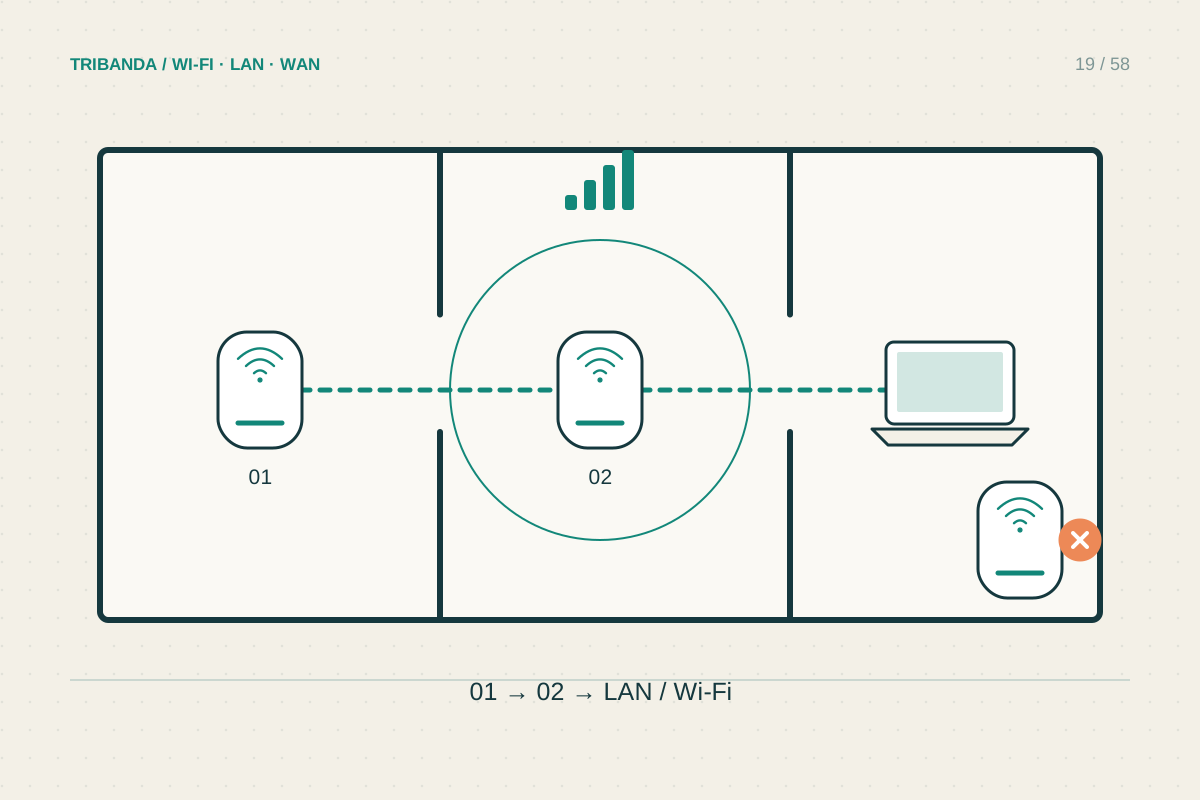
Where to place mesh nodes
Place a wireless node where it receives well and extends towards the weak room.
Read the guide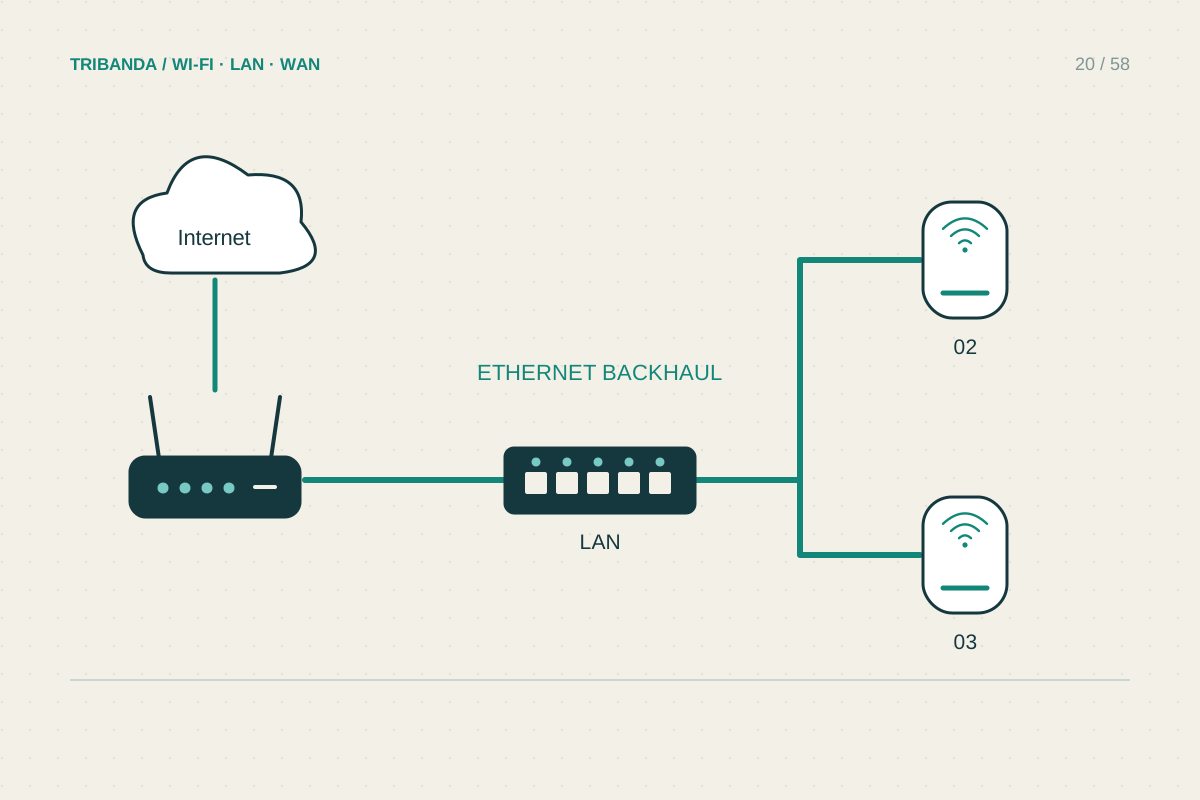
When wired backhaul is worth it
Use Ethernet for the link that walls and distance make unreliable.
Read the guide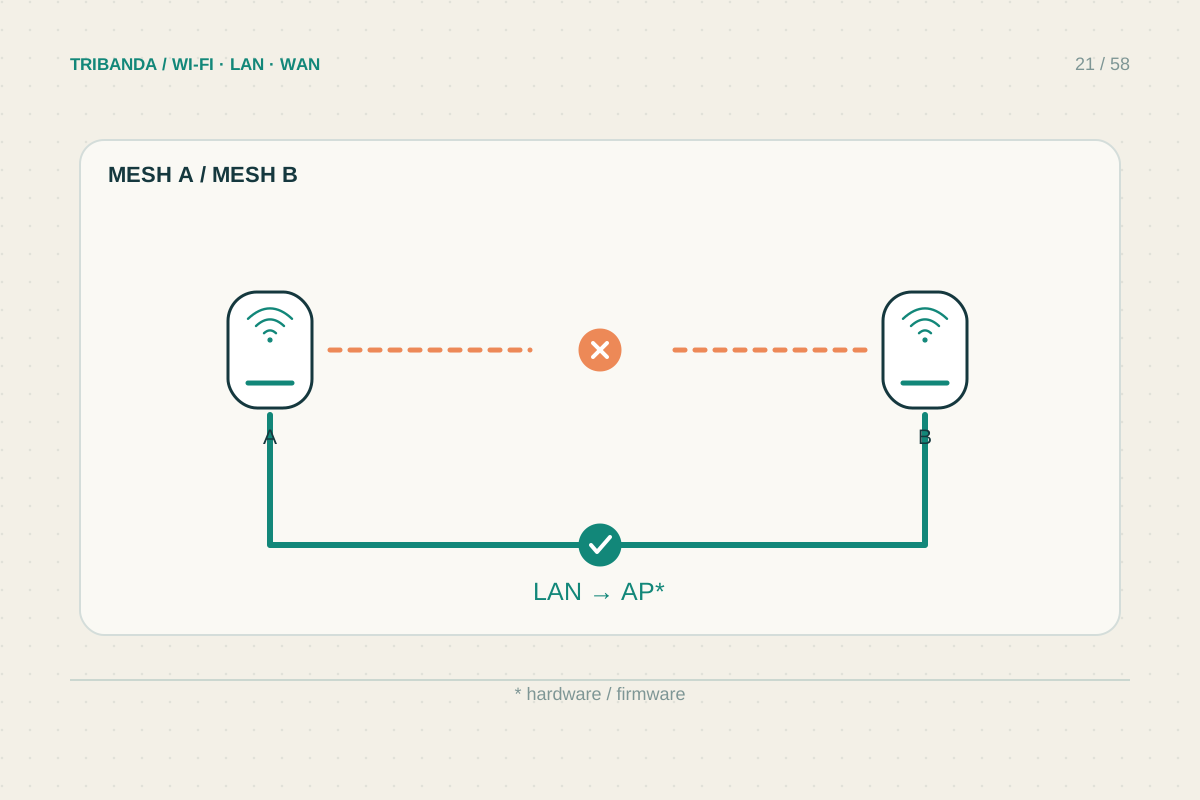
Can you mix mesh brands?
Check mesh family, firmware and supported roles before adding a node.
Read the guide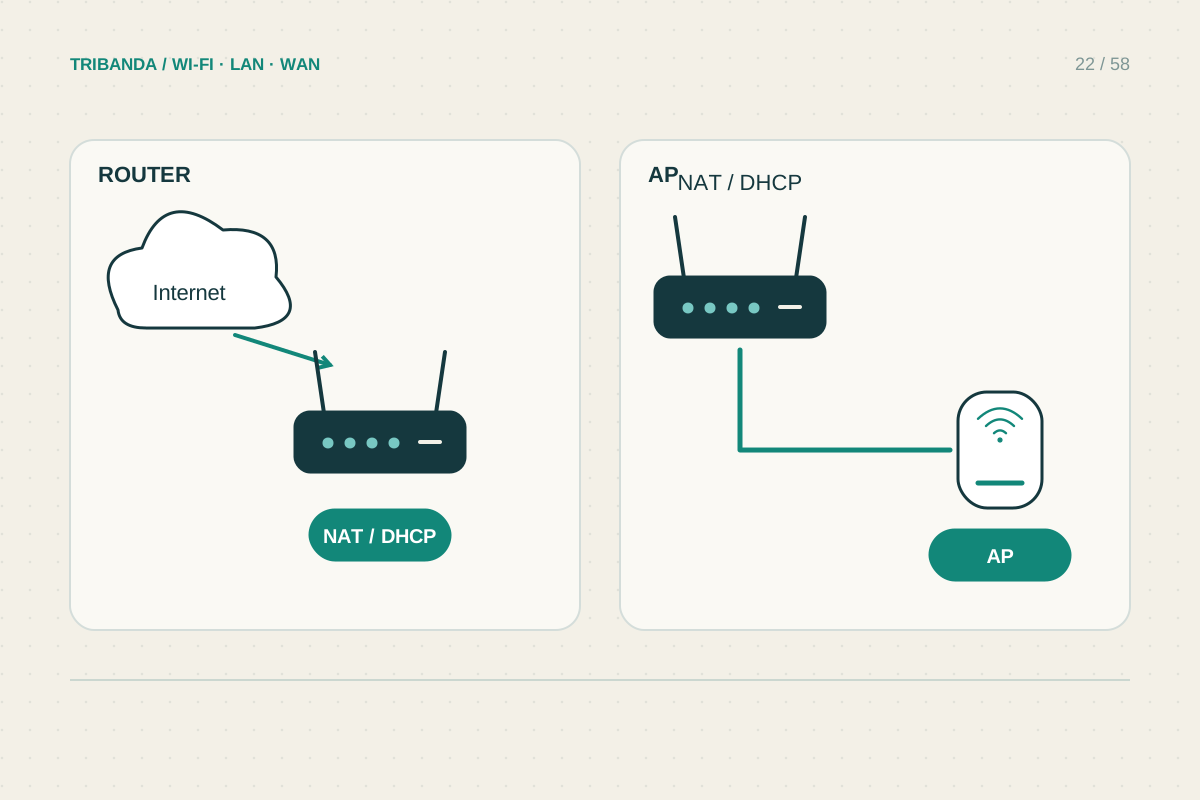
Access point mode or router mode?
Give routing duties to the intended gateway and check which features move with them.
Read the guide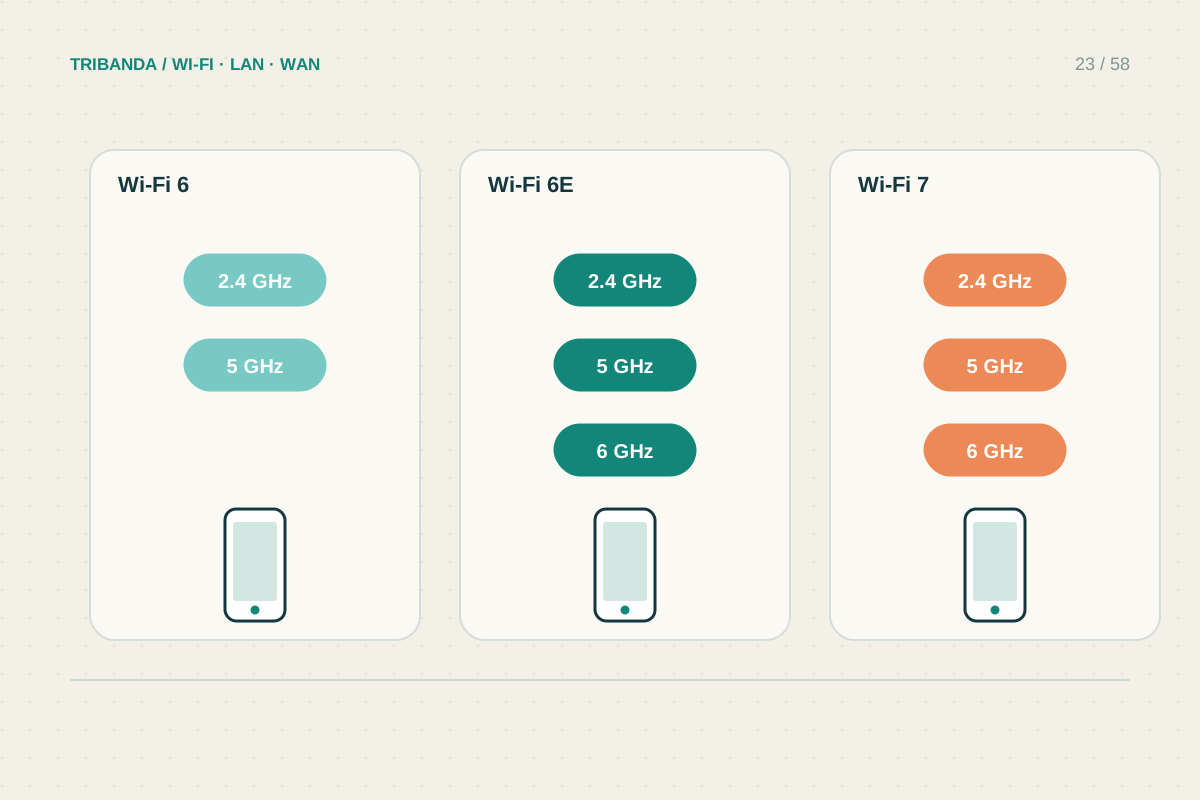
Wi-Fi 6, 6E and 7: buying for your devices
Match the upgrade to your equipment, rooms and actual workload.
Read the guide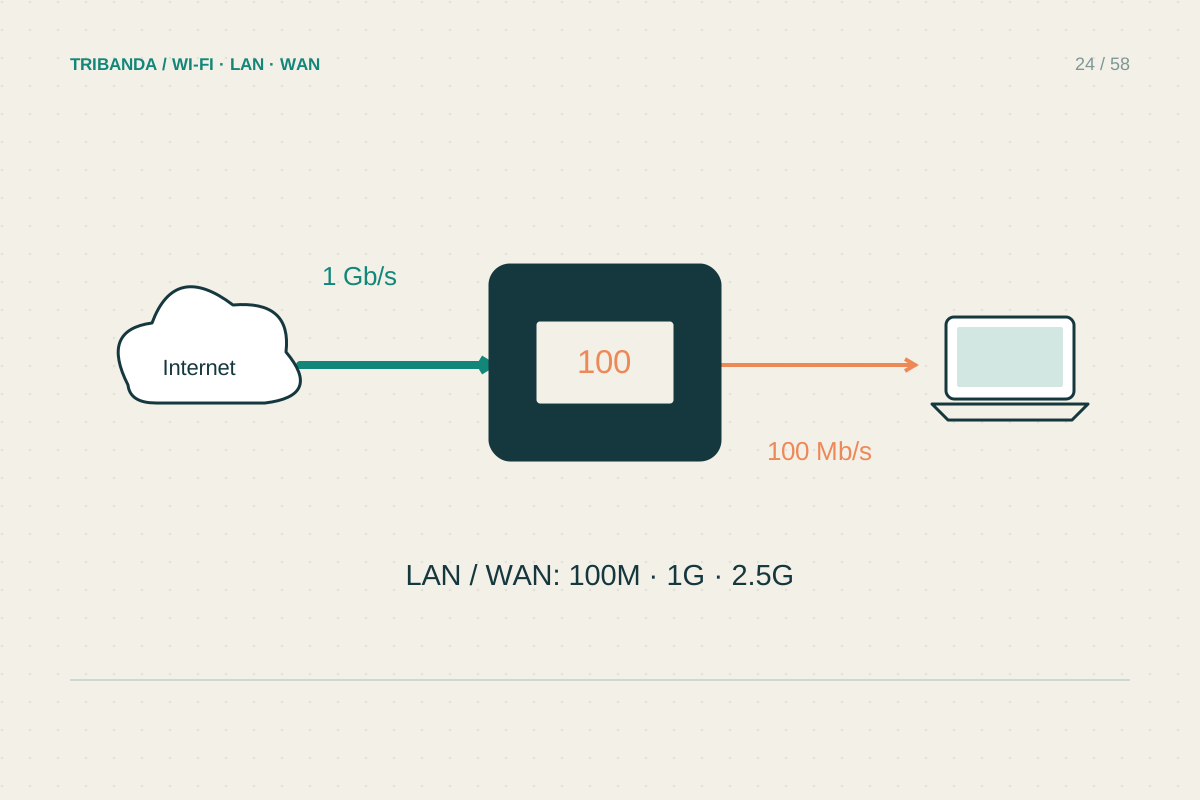
Check the Ethernet ports before buying
Follow the wired path from the internet connection to your devices.
Read the guide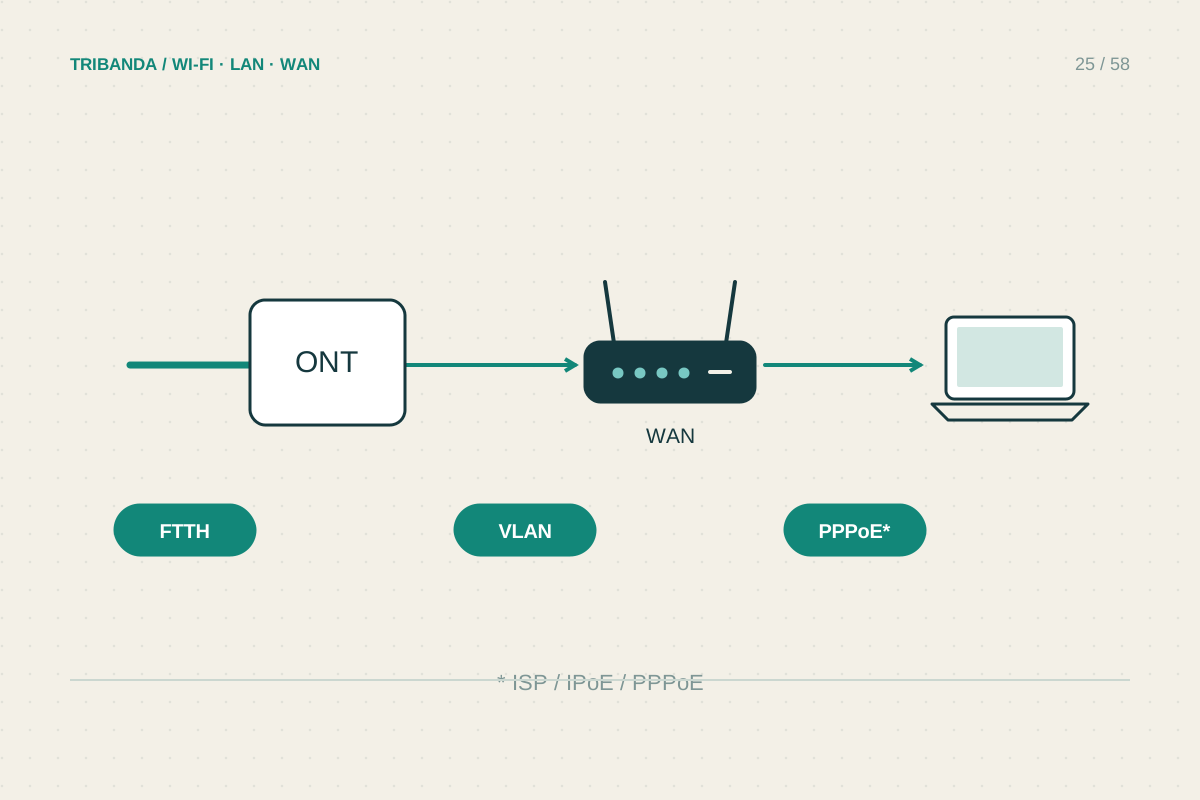
Using your own router with Italian fibre
Check the optical handover, provider settings and telephone service separately.
Read the guide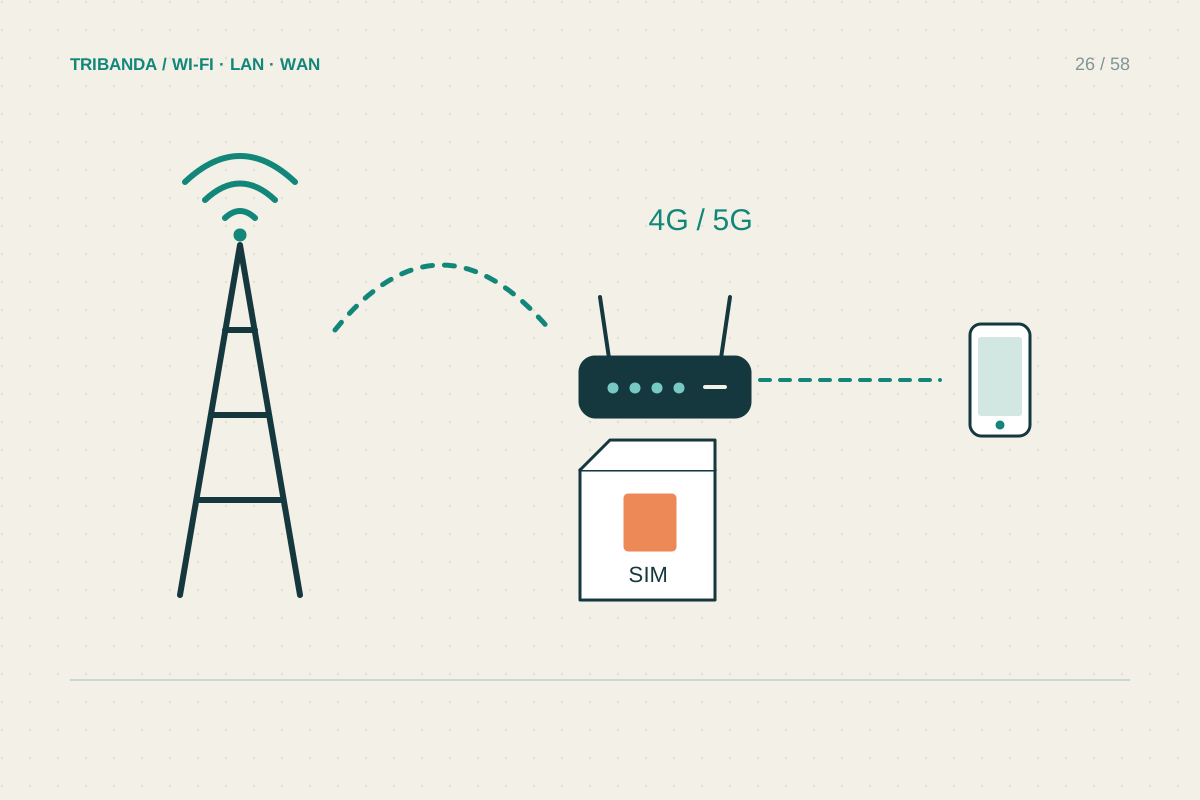
Choosing a router with a SIM slot
Check the mobile connection, the tariff and the home network separately.
Read the guide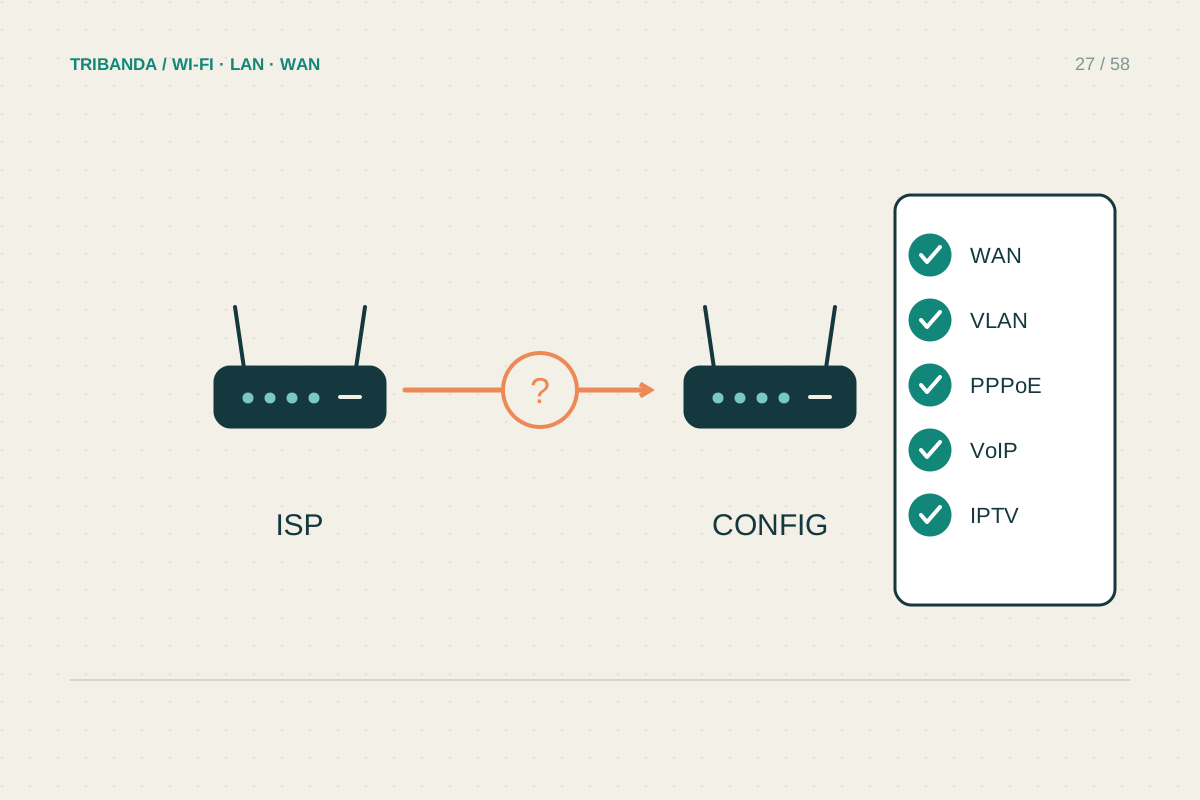
Before replacing the ISP router
Preserve the services you use and make the change reversible.
Read the guide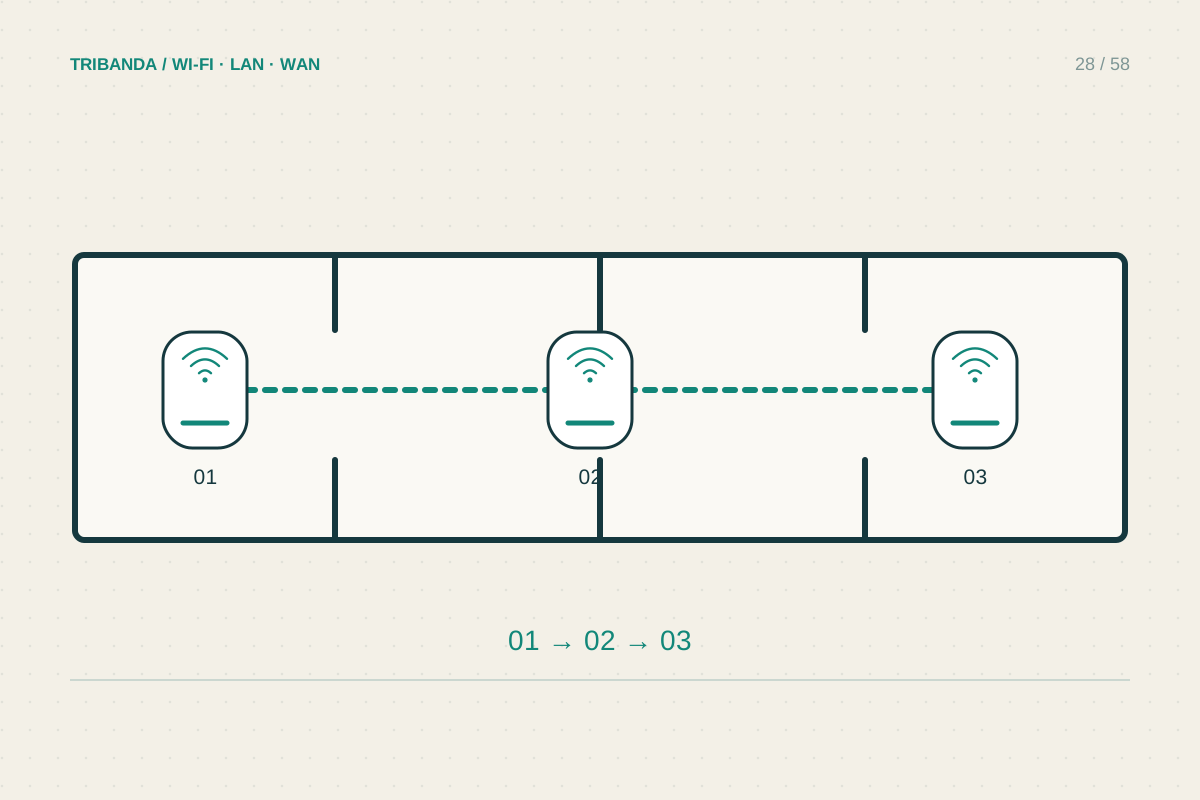
Mesh in a long, narrow home
Design the route along the apartment before counting the nodes.
Read the guide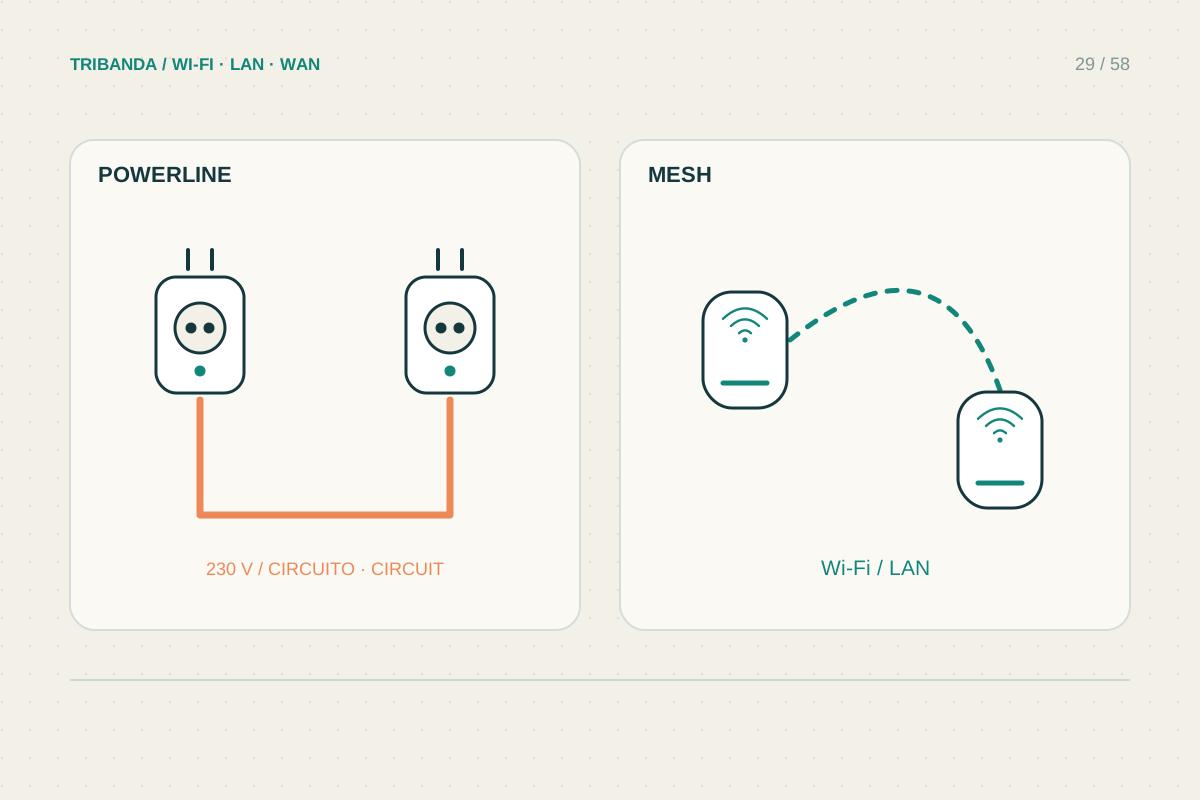
Powerline or mesh?
Compare the electrical route with the wireless route inside your own home.
Read the guide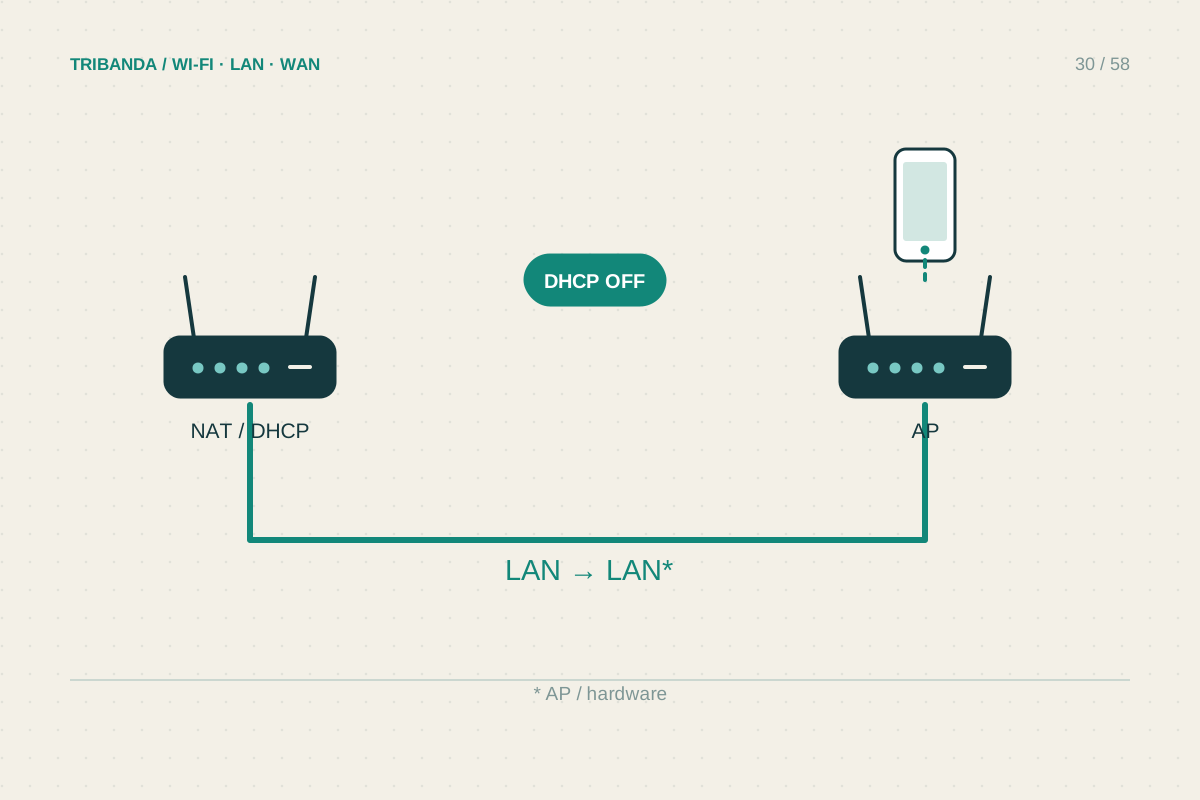
Turning a second router into an access point
Reuse suitable hardware without creating a second home network.
Read the guide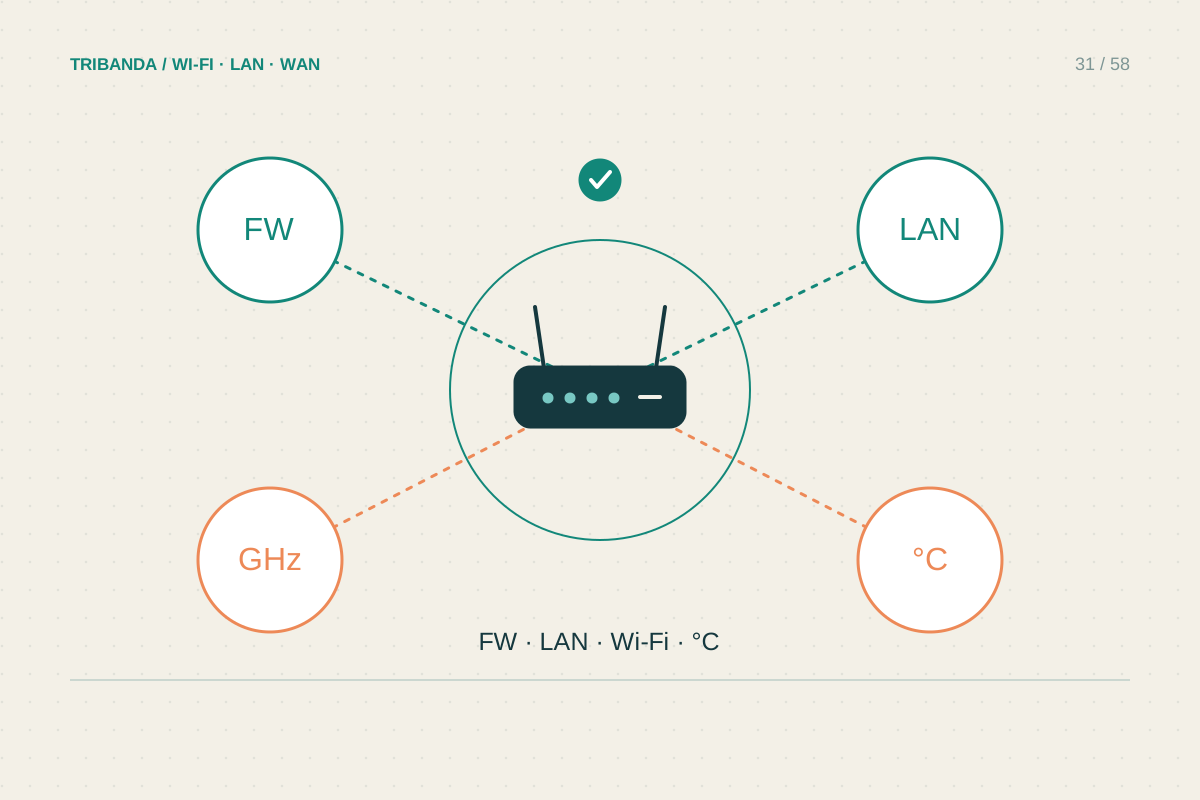
Is it time to replace your router?
Build a short evidence list before buying a faster-looking box.
Read the guide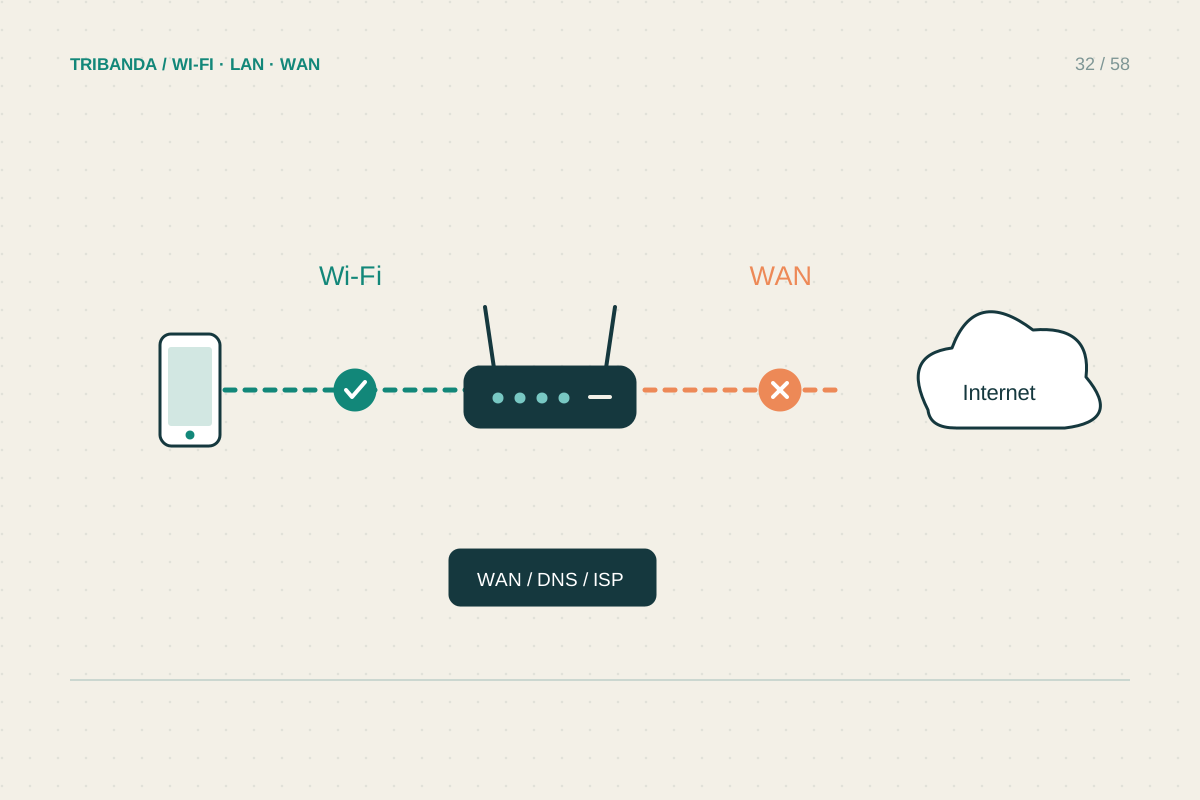
Connected to Wi-Fi, but no internet
Find which connection has failed before changing the router.
Read the guide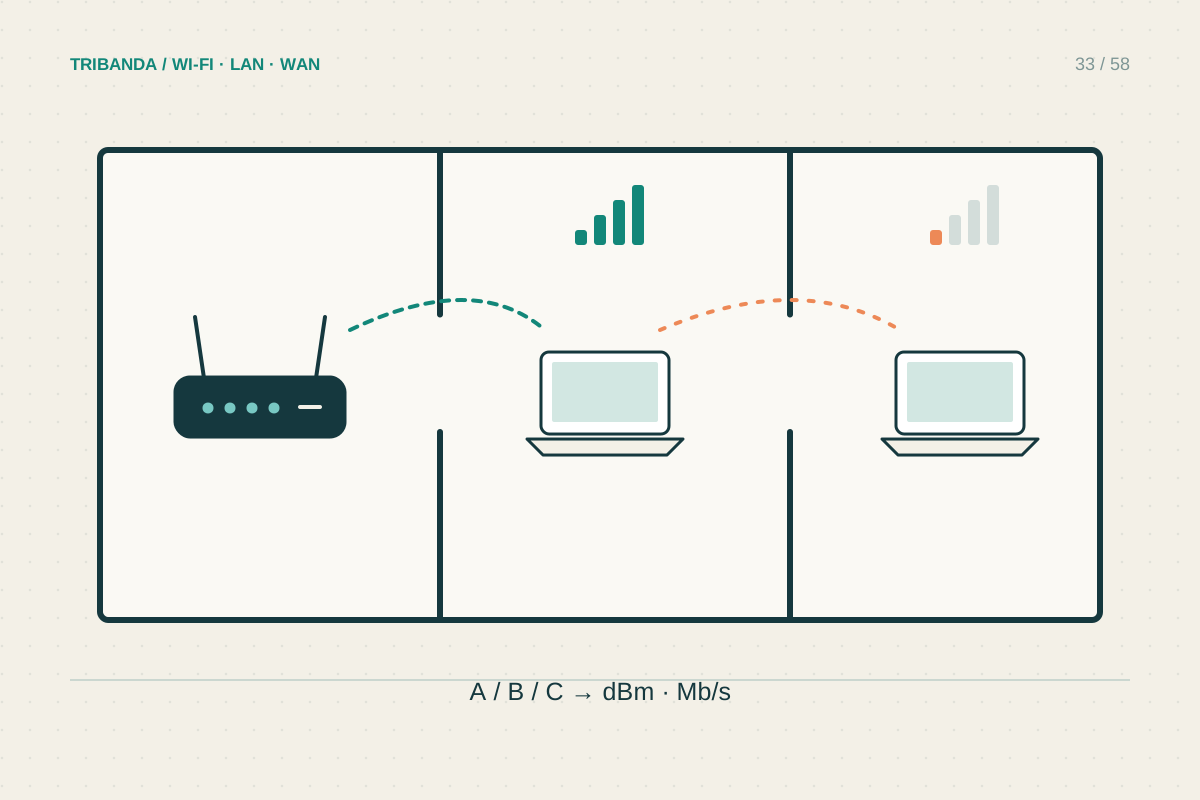
Why just one room is slow
Use a doorway test to separate coverage from a slow device.
Read the guide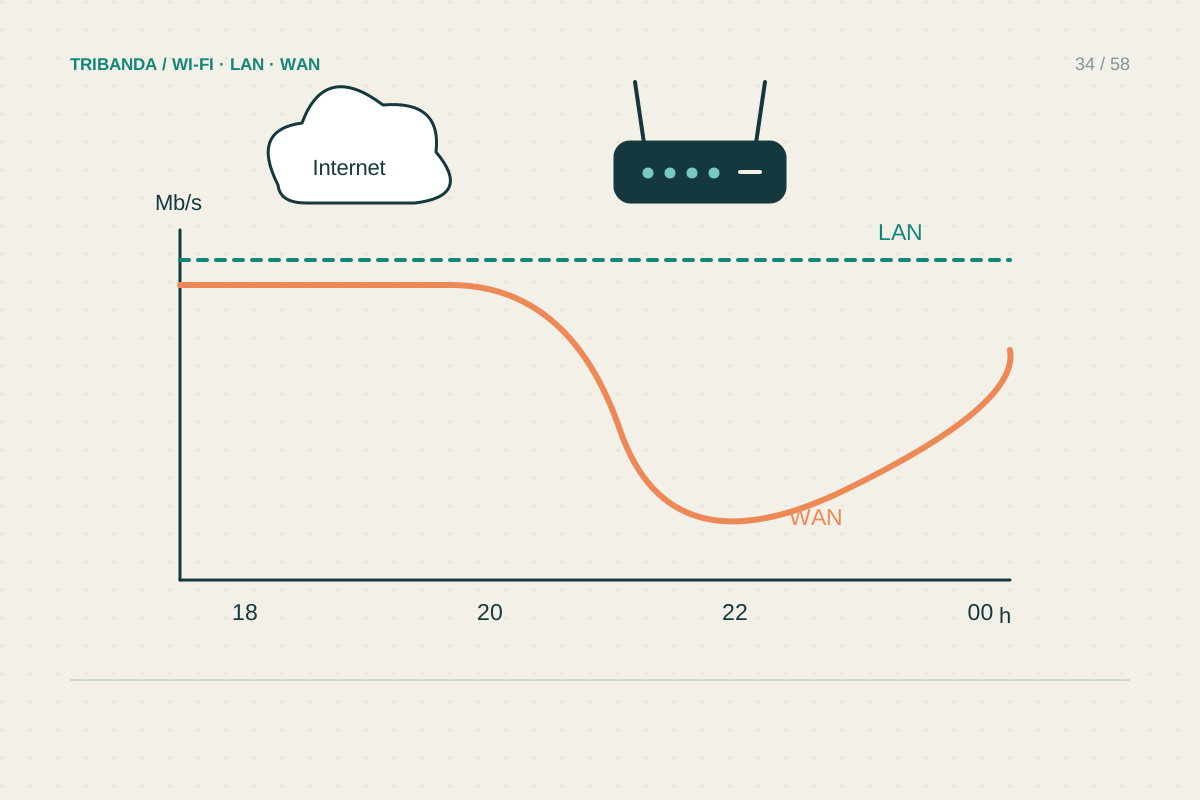
When the internet slows down in the evening
Compare quiet and busy periods before blaming the provider.
Read the guide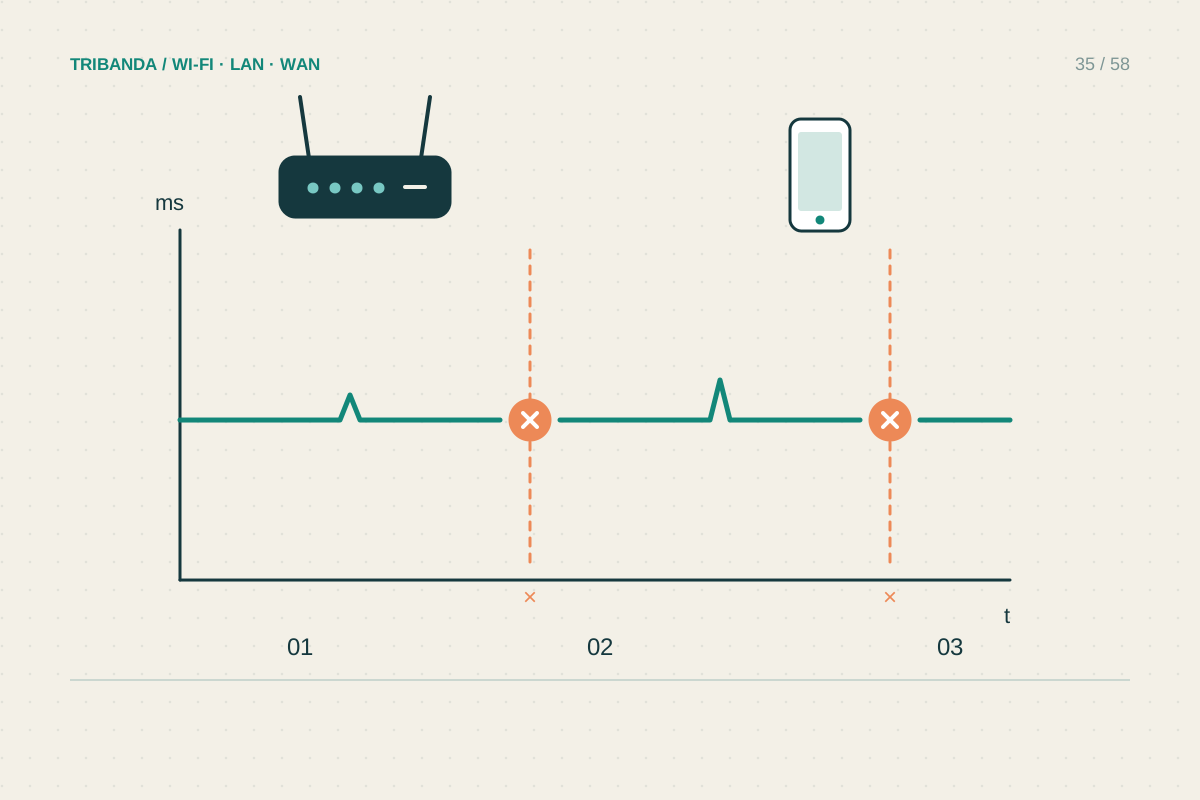
Tracking down frequent disconnections
Record what drops, for how long and on which devices.
Read the guide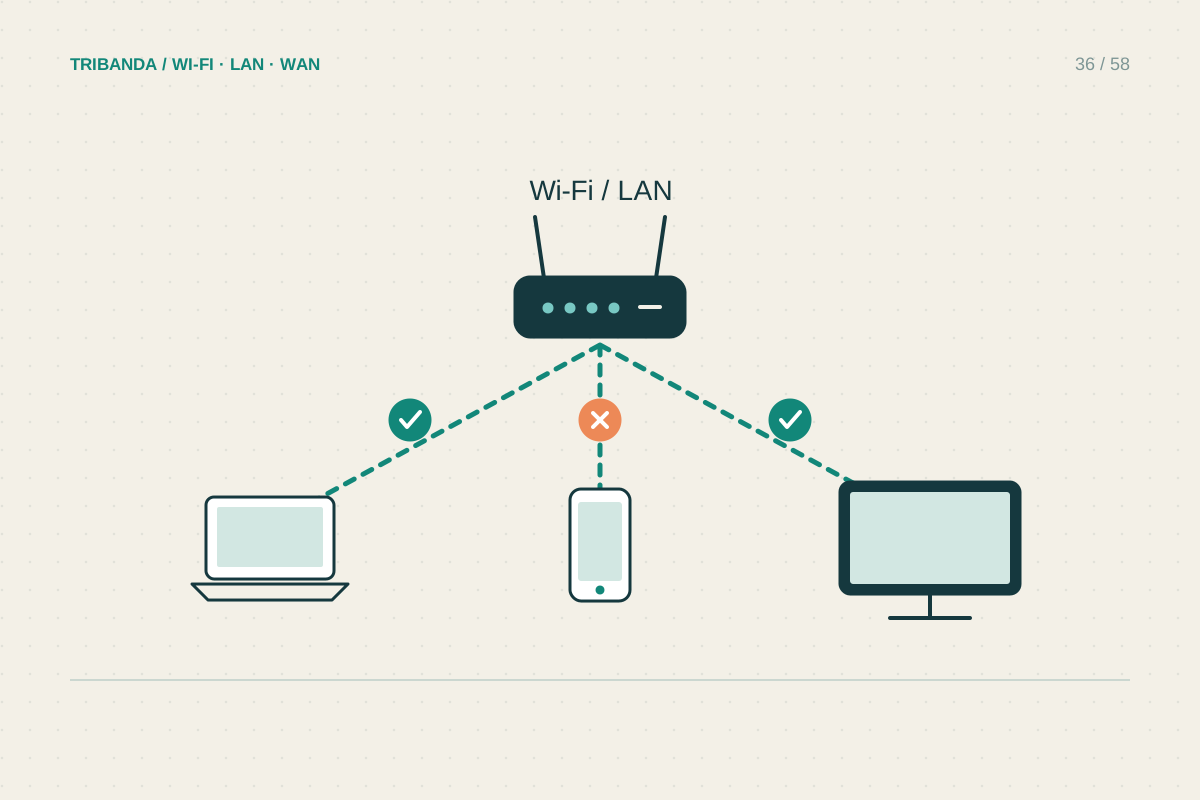
When only one device is slow
Keep the room and network unchanged while comparing devices.
Read the guide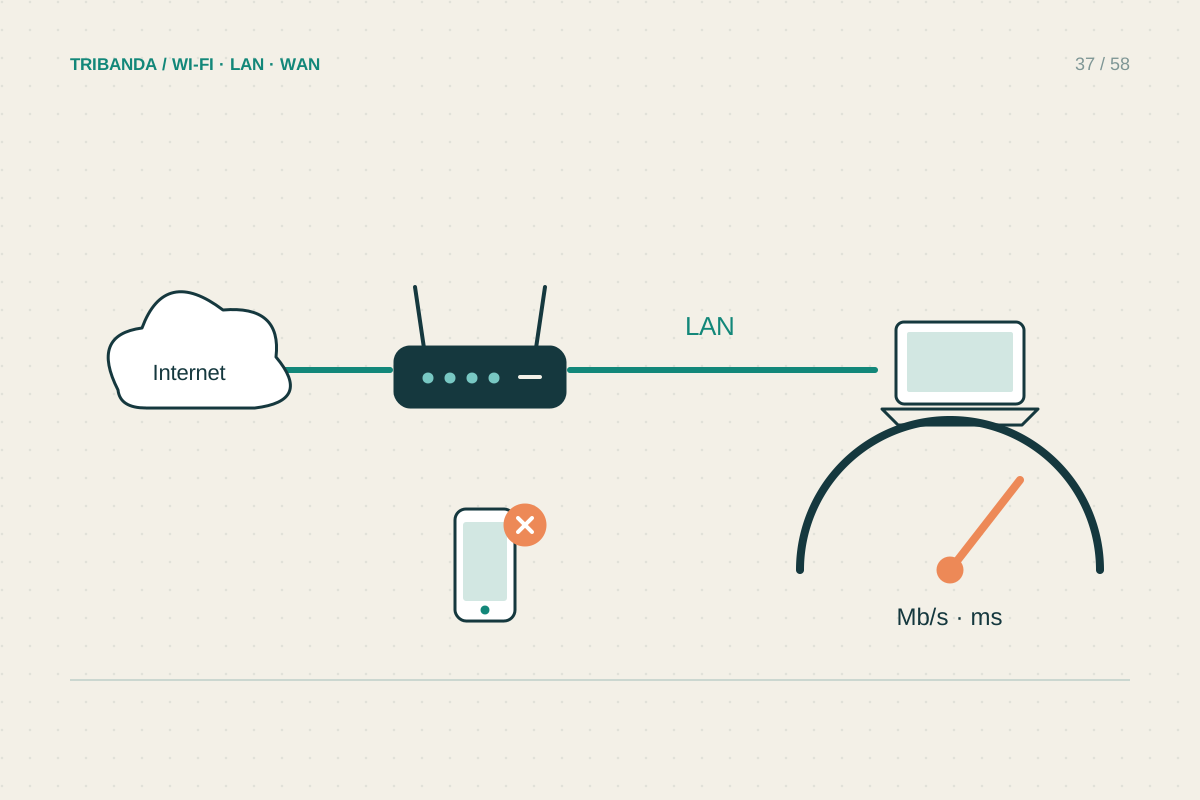
How to run a useful speed test
Measure a connection under known conditions, then test the room you use.
Read the guide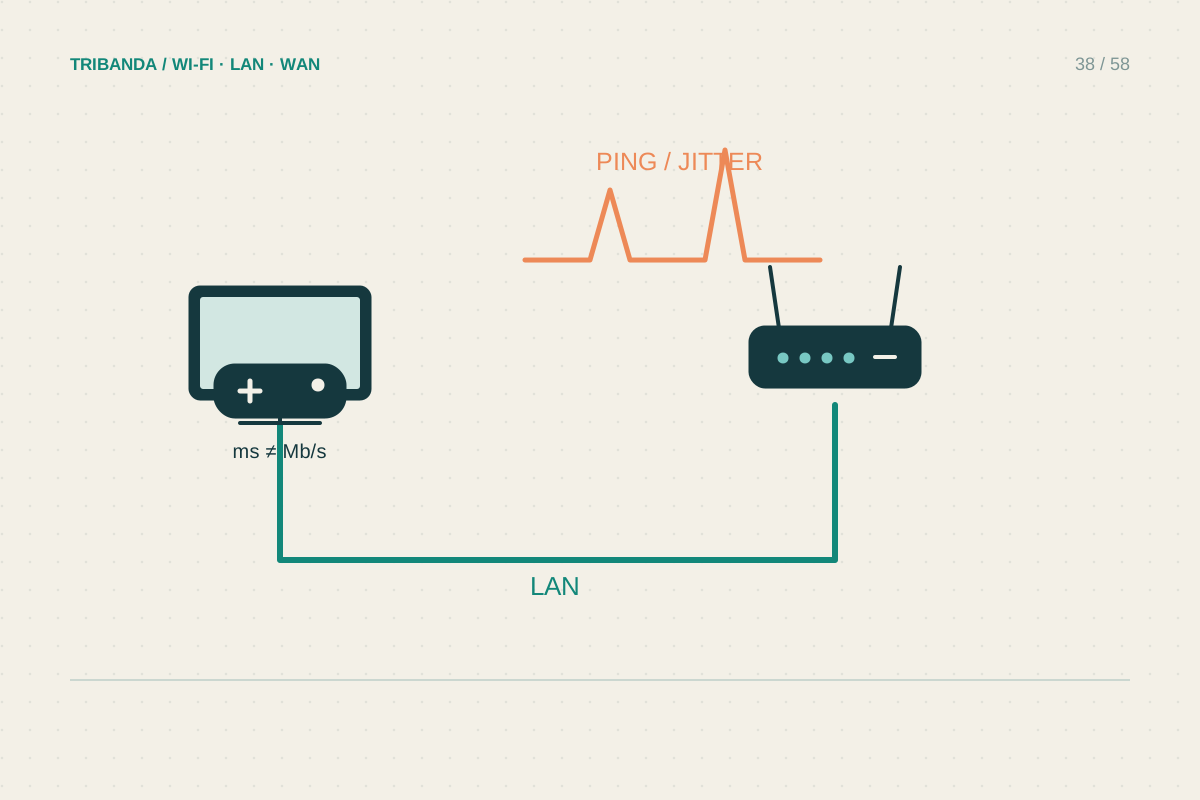
Reducing gaming lag at home
Look for delay and loss before shopping for more megabits.
Read the guide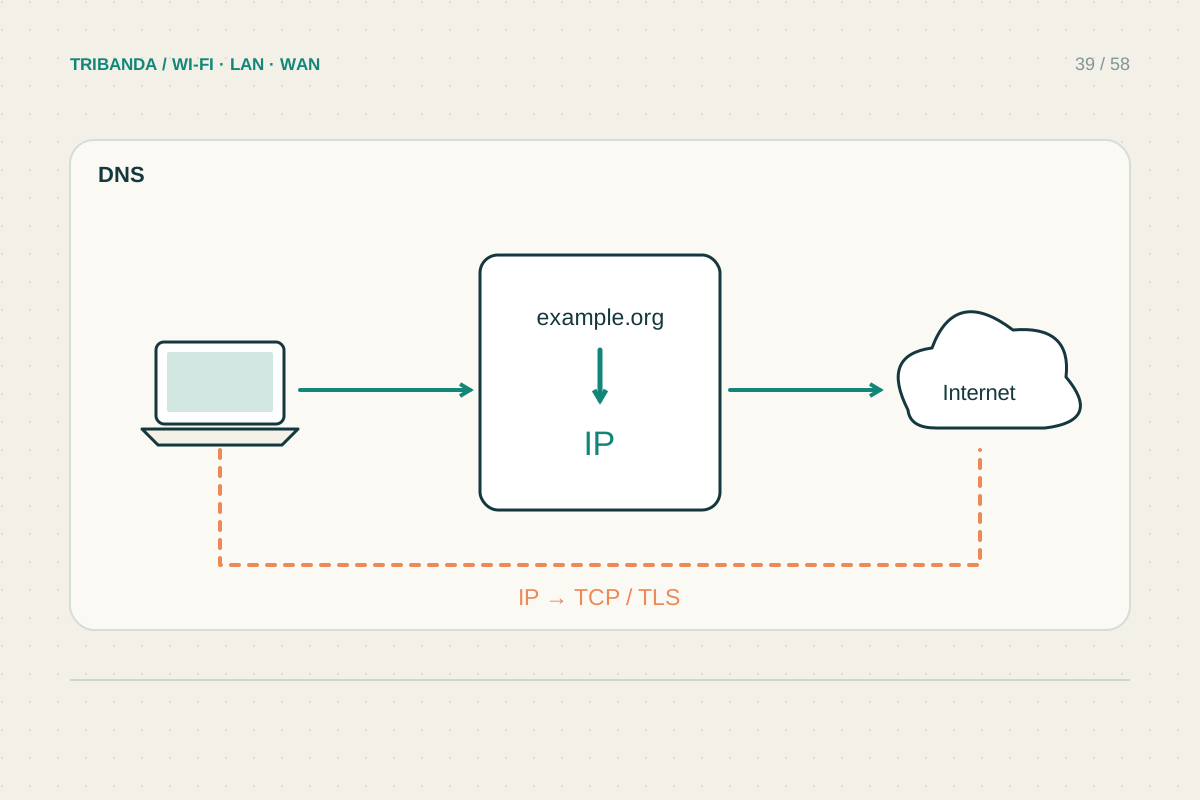
Is it DNS or the connection?
Test name lookup separately from the path to the internet.
Read the guide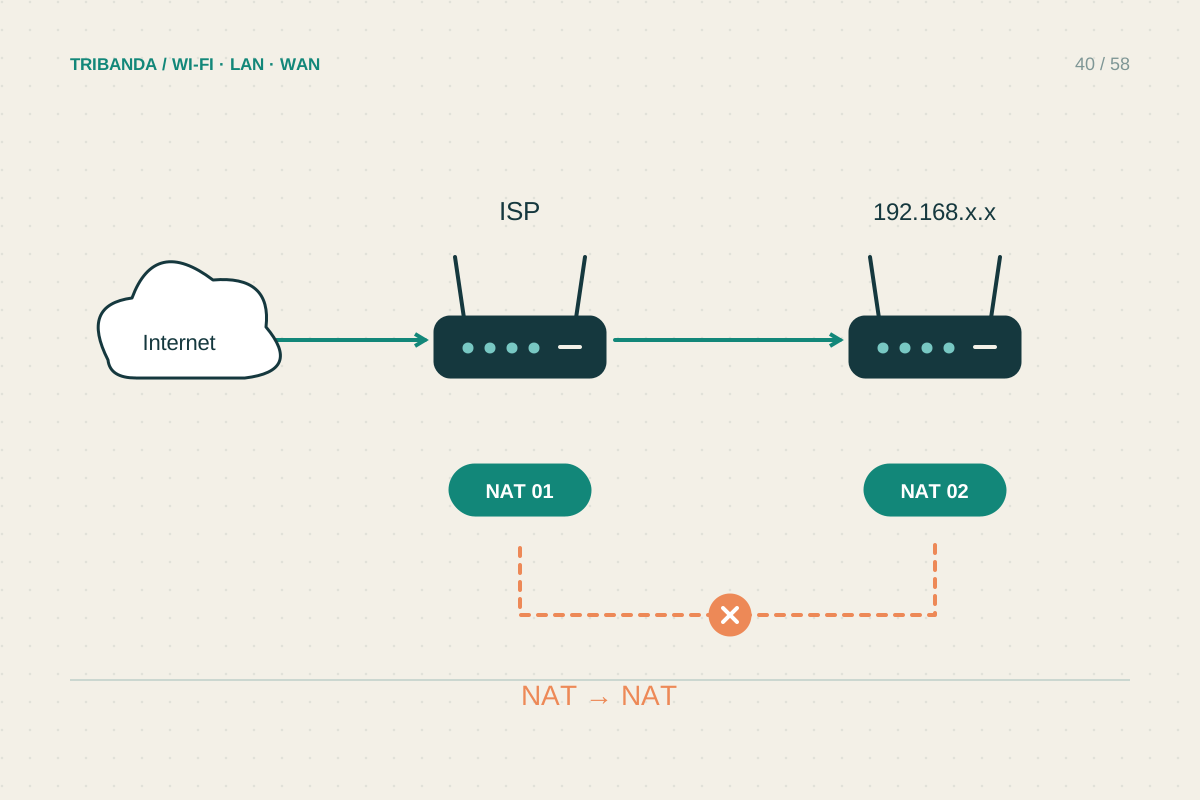
Recognising and fixing double NAT
Draw the two routers before changing either one.
Read the guide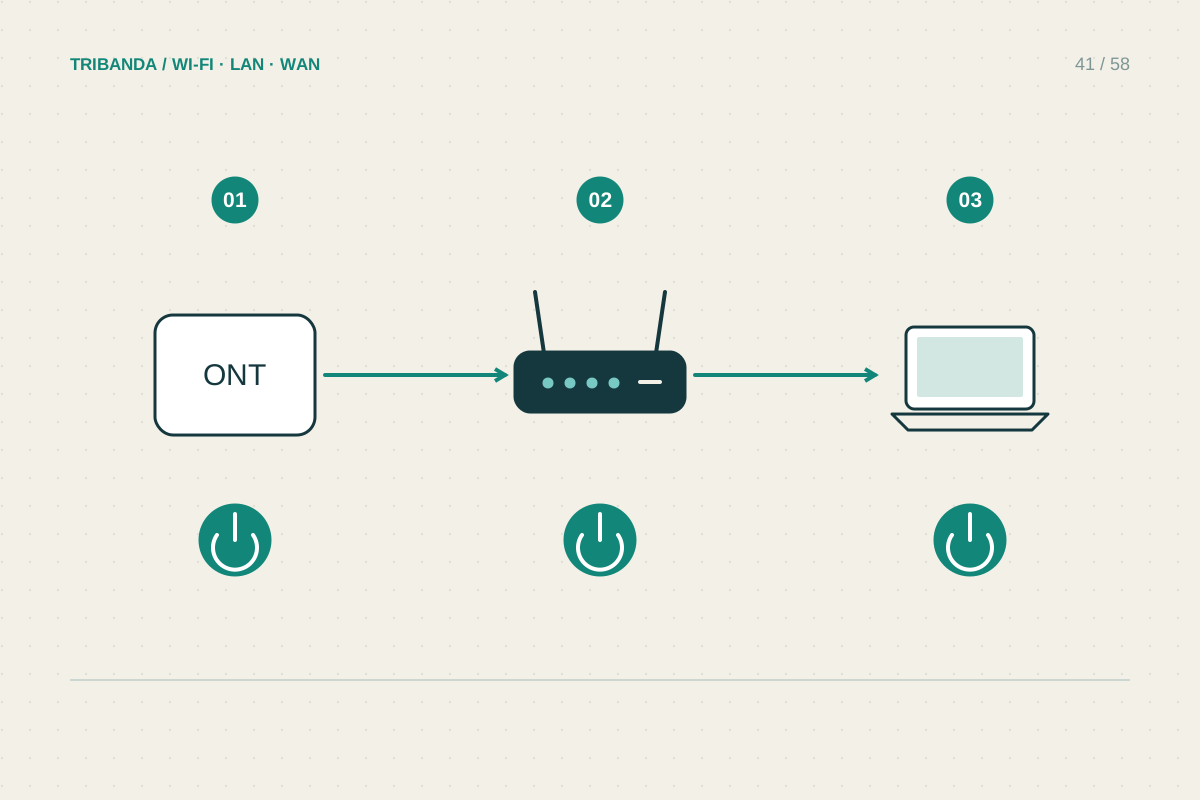
Getting back online after a power cut
Let the upstream connection settle before restarting everything again.
Read the guide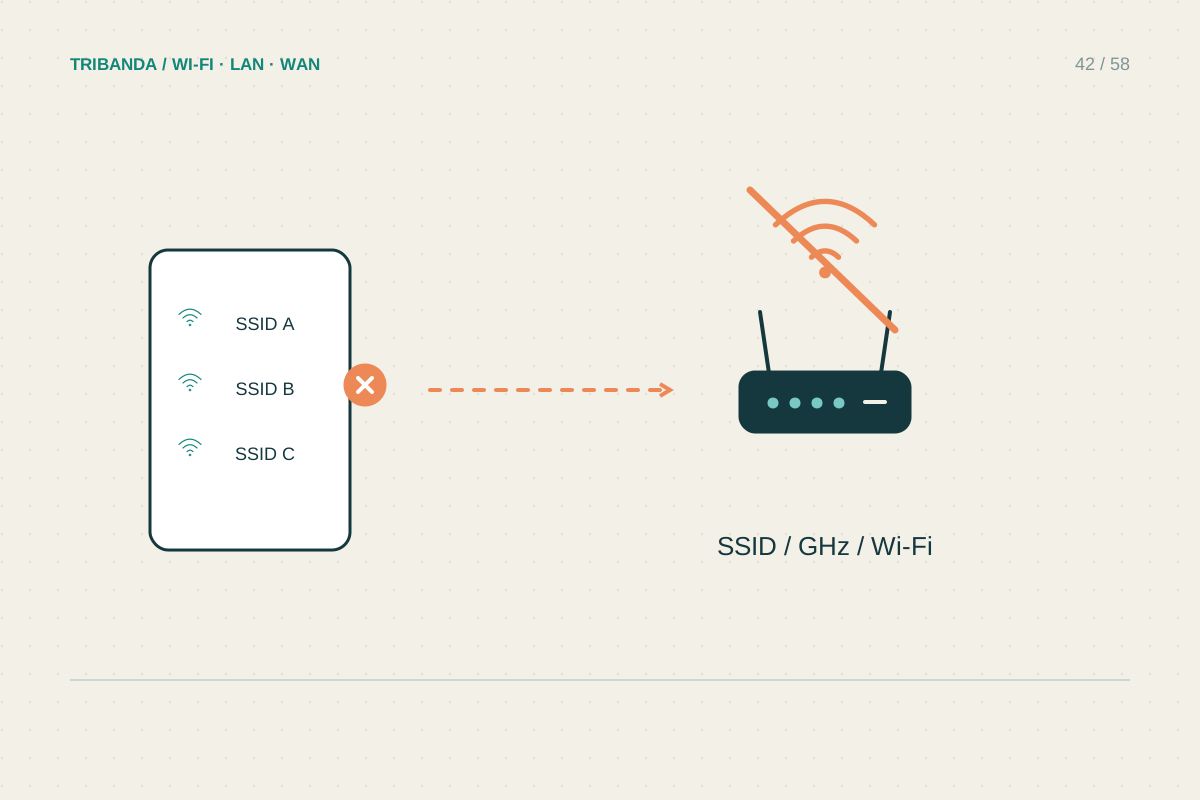
When your Wi-Fi network disappears
Check whether the radio is missing or the internet has stopped.
Read the guide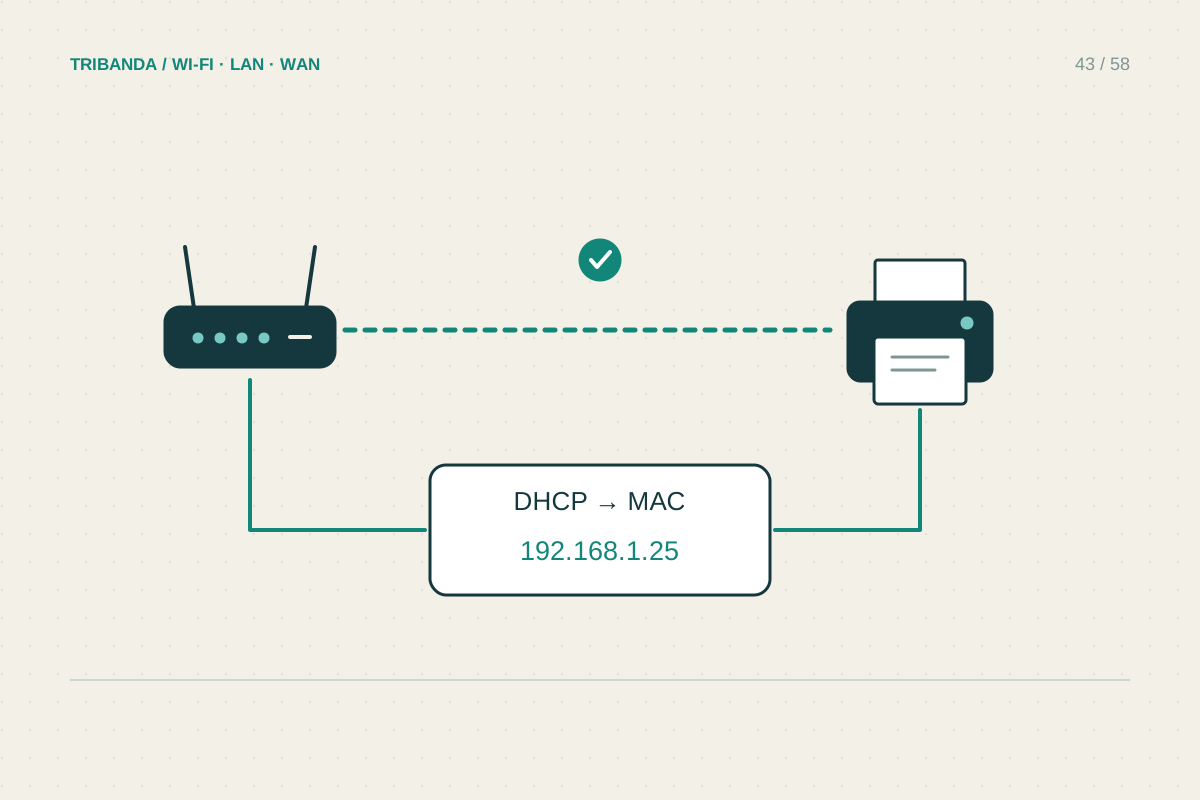
A Wi-Fi printer that keeps going offline
Check the printer's own connection before reinstalling it again.
Read the guide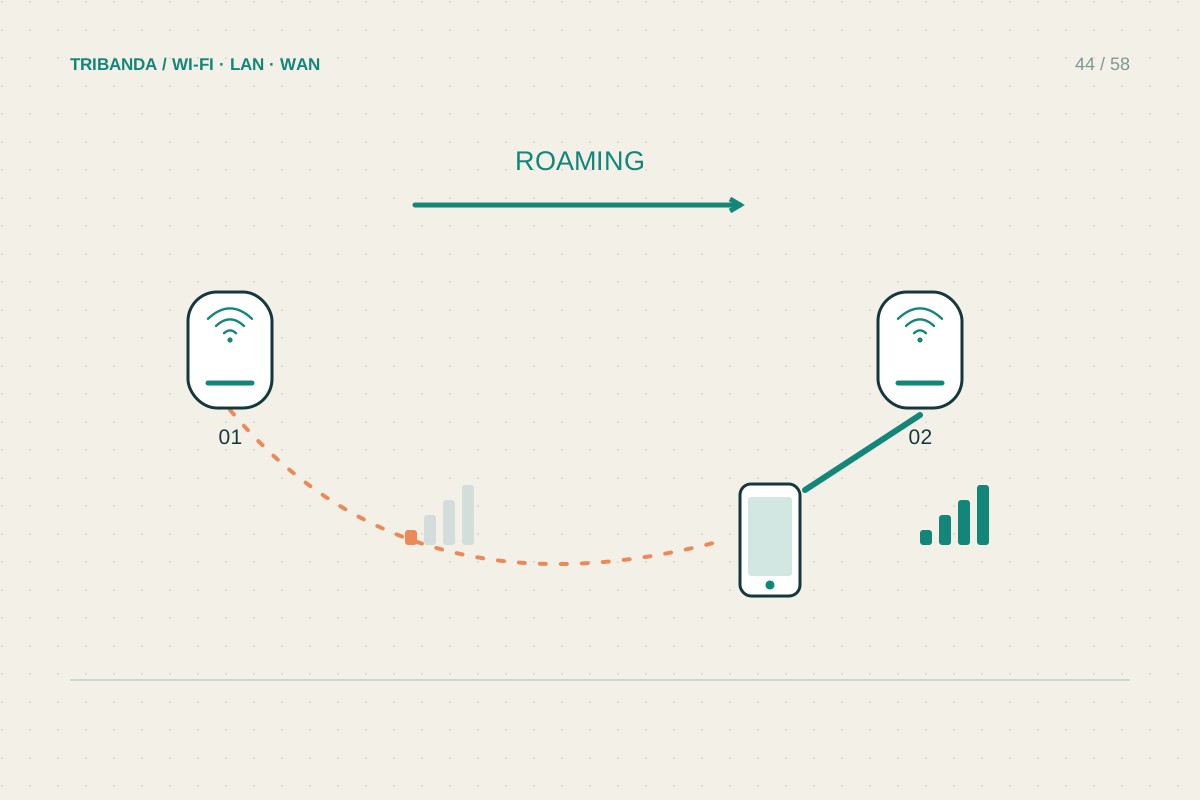
Why a phone stays on the wrong mesh node
Judge the connection by its behaviour before judging the node name.
Read the guide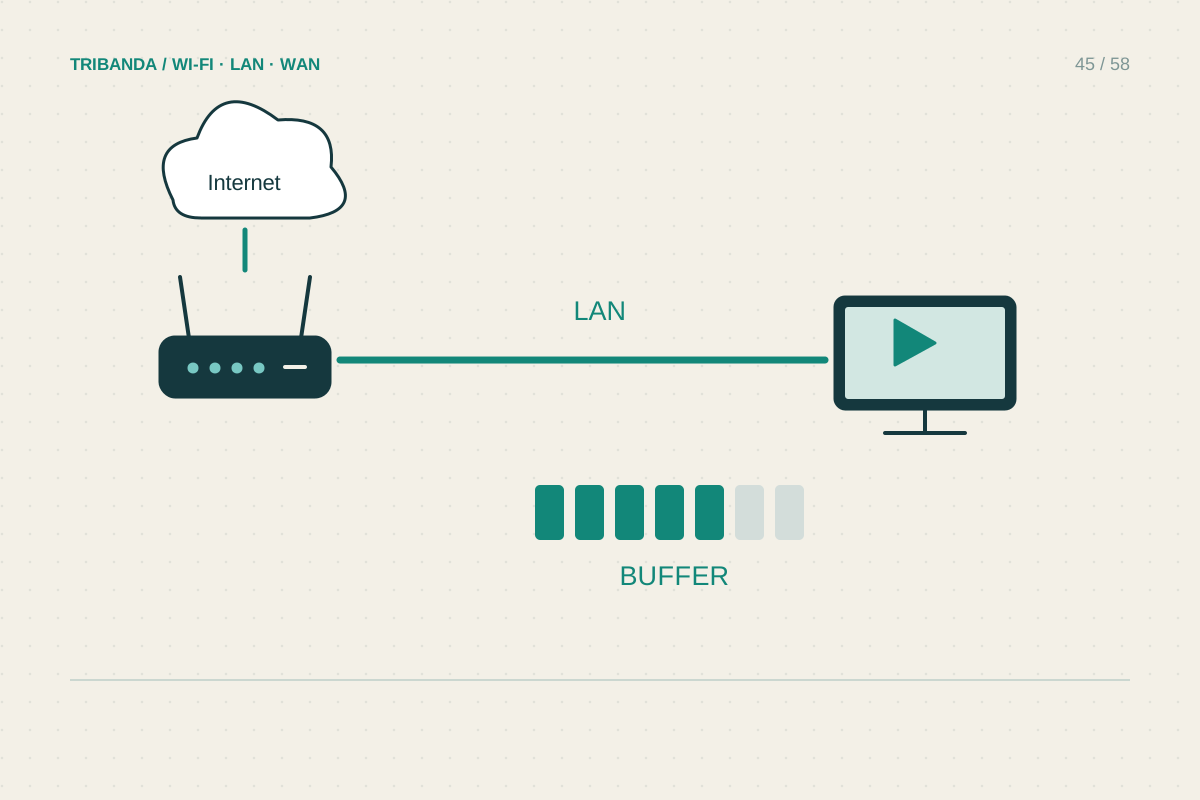
Fixing buffering on the living-room TV
Test the television's path, not just the phone beside it.
Read the guide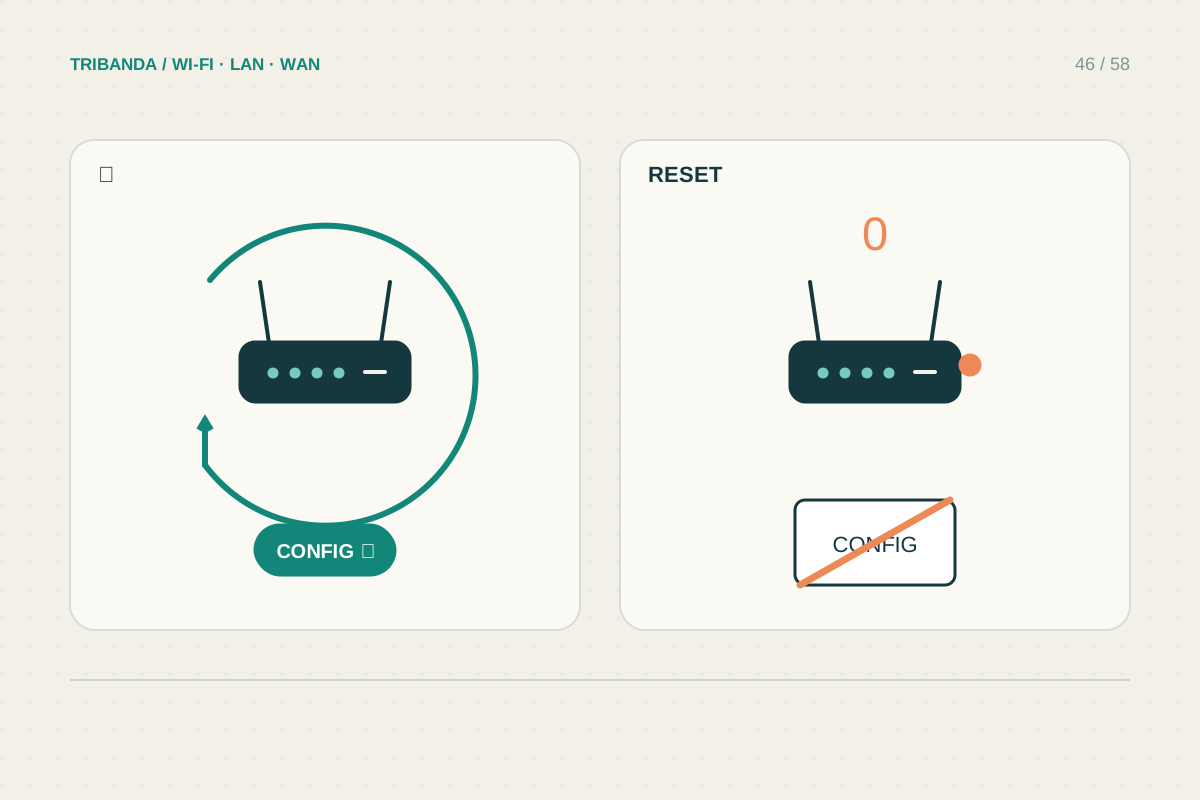
Restart or factory reset?
Know which settings you will keep before pressing a button.
Read the guide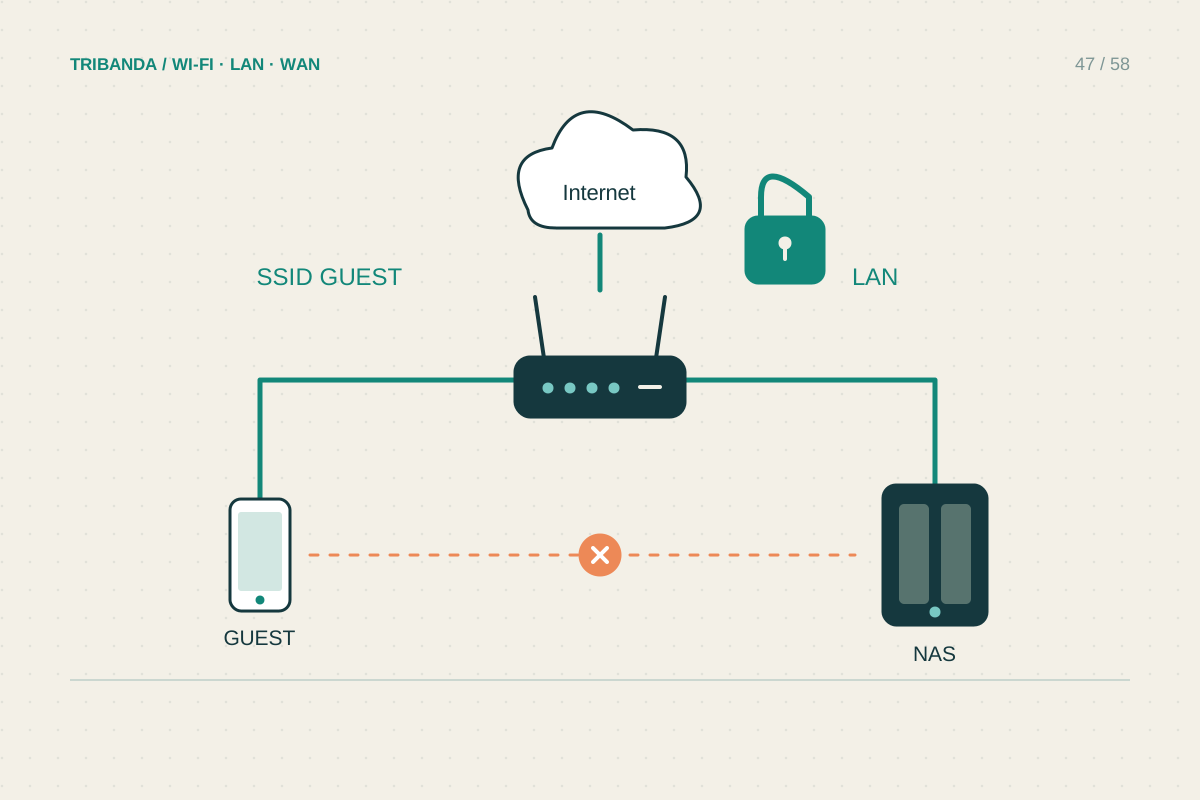
Setting up a useful guest network
Offer visitors internet access with a separate, tested connection.
Read the guide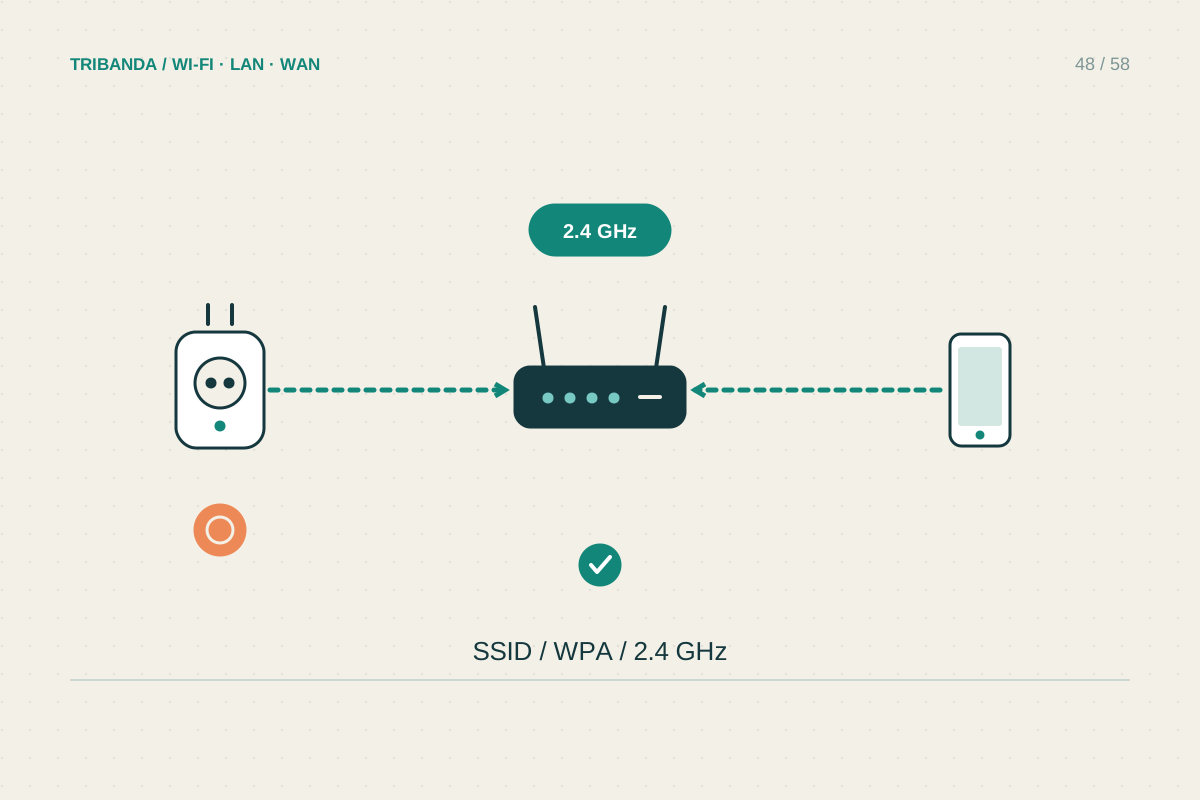
A smart plug that will not connect
Identify the setup stage that fails before changing the home Wi-Fi.
Read the guide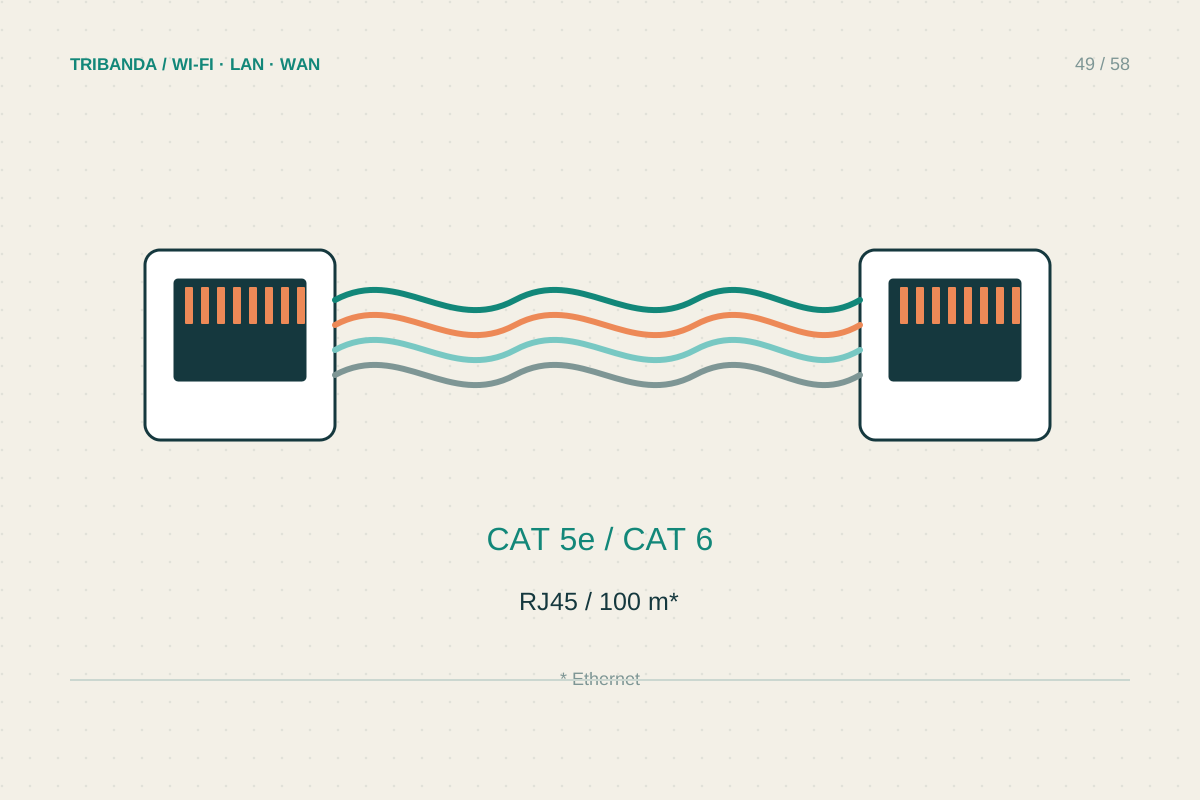
Choosing Ethernet cables for home
Buy for the required link and route, not the largest category number.
Read the guide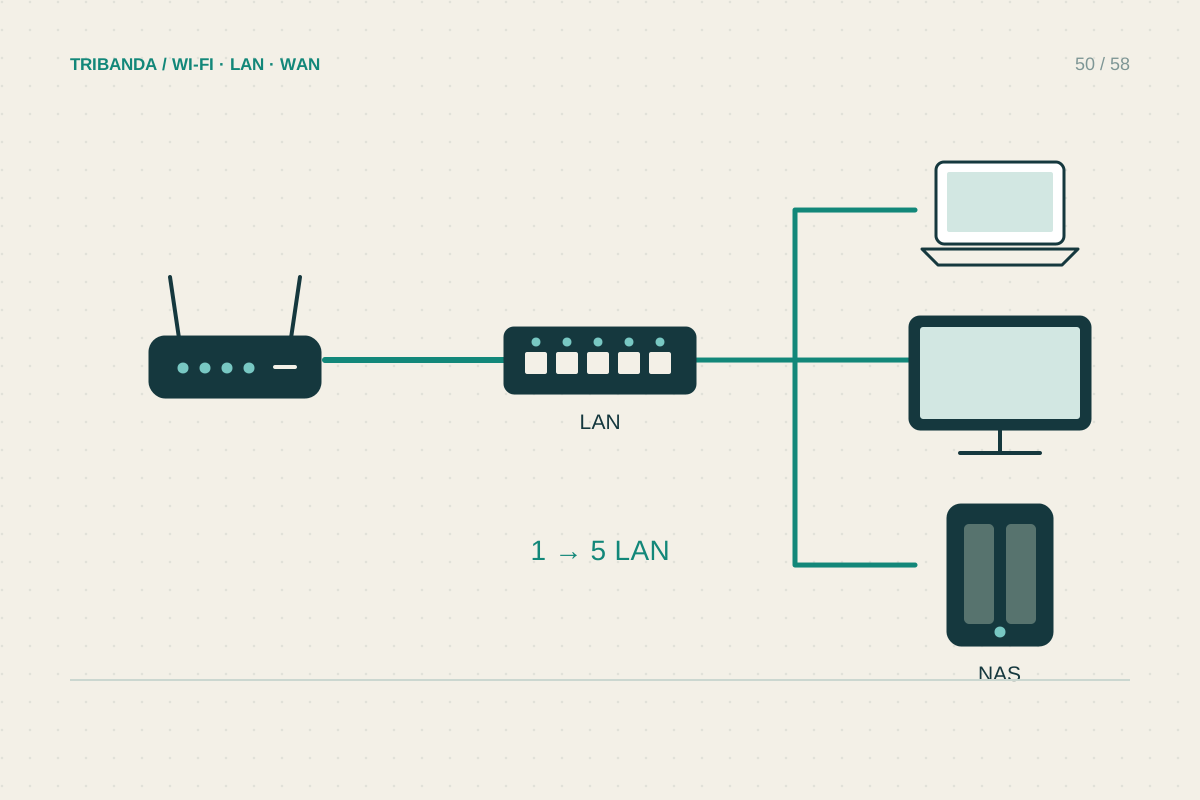
Adding a small Ethernet switch
Expand LAN ports with a simple, clear wiring layout.
Read the guide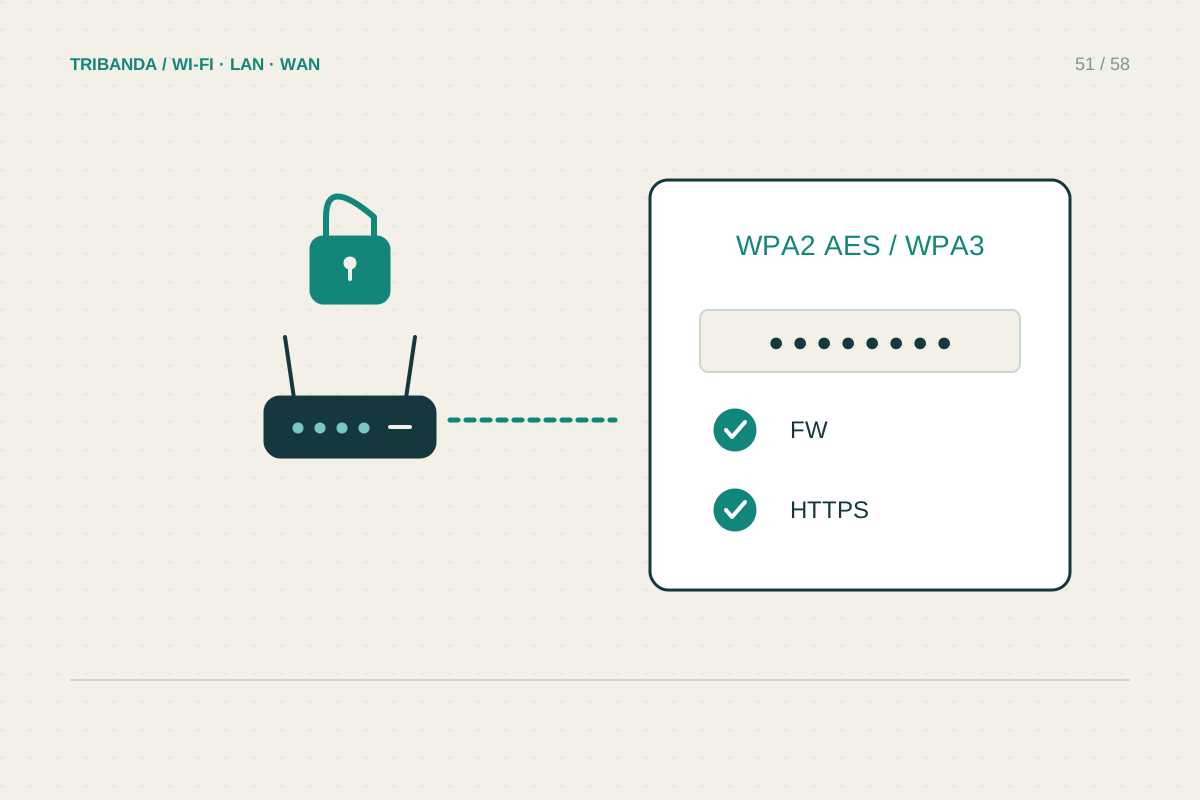
Everyday router security
Build a maintainable routine around access, updates and unnecessary features.
Read the guide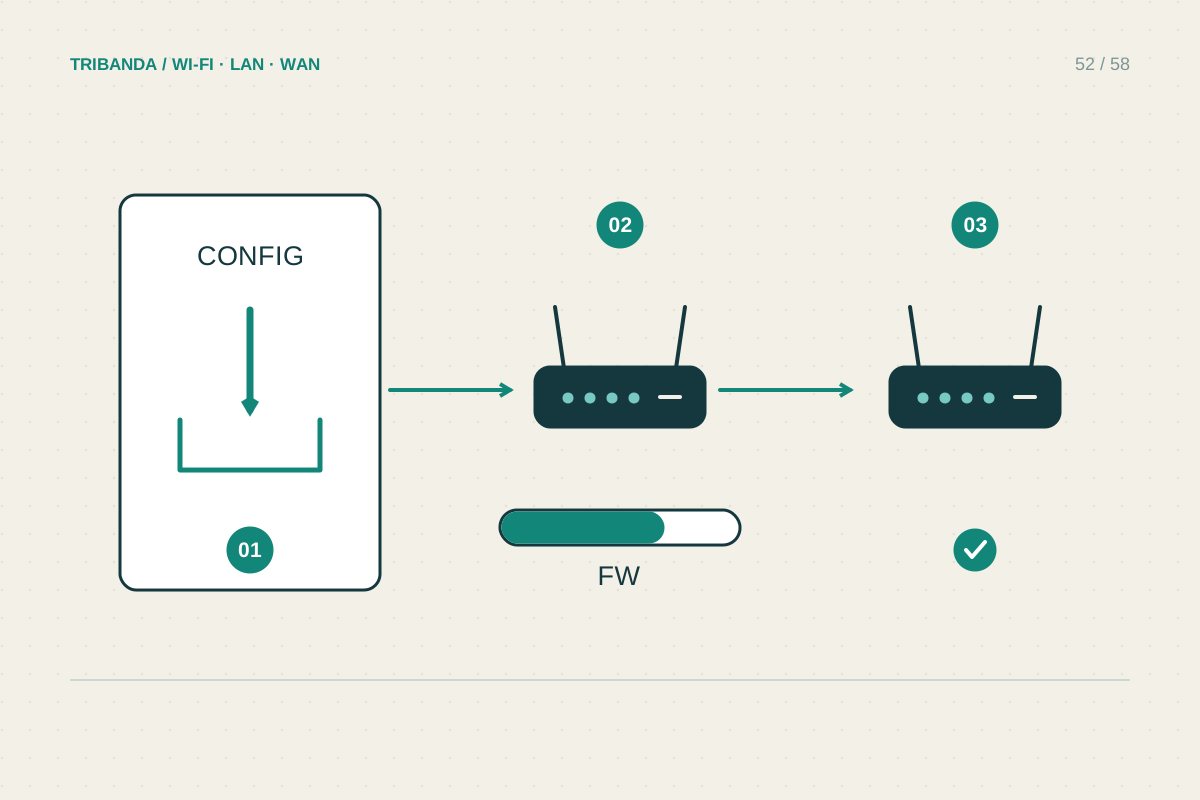
Updating router firmware safely
Match the exact hardware, prepare recovery details and verify afterward.
Read the guide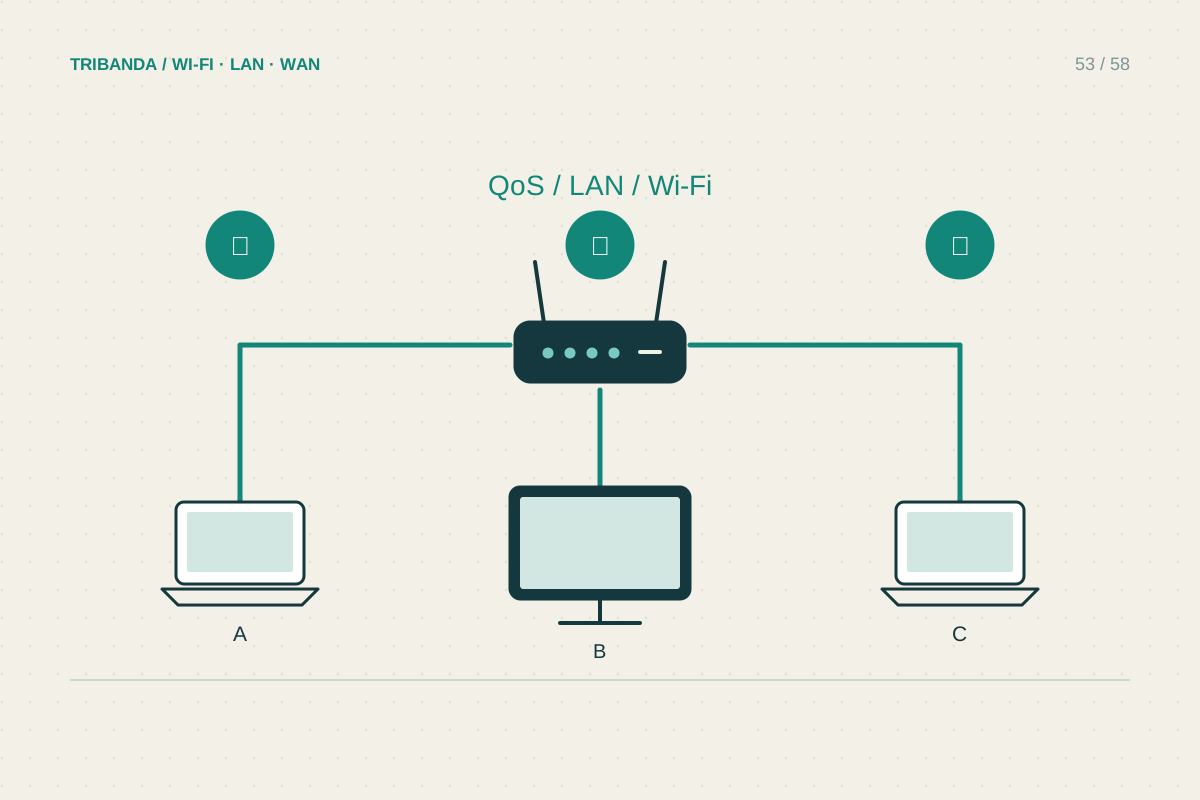
Sharing a home network with housemates
Agree on administration, shared demand and what remains private.
Read the guide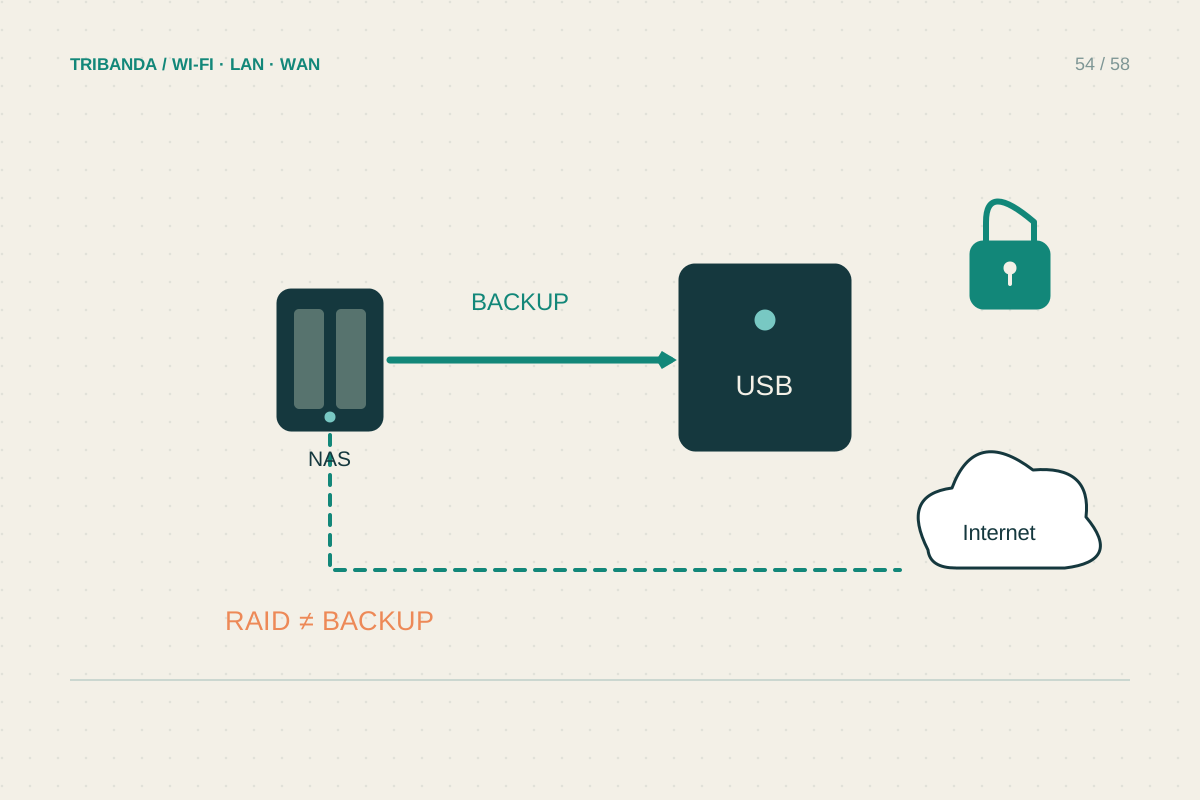
Before adding a NAS at home
Plan permissions, backups and the connection before moving important files.
Read the guide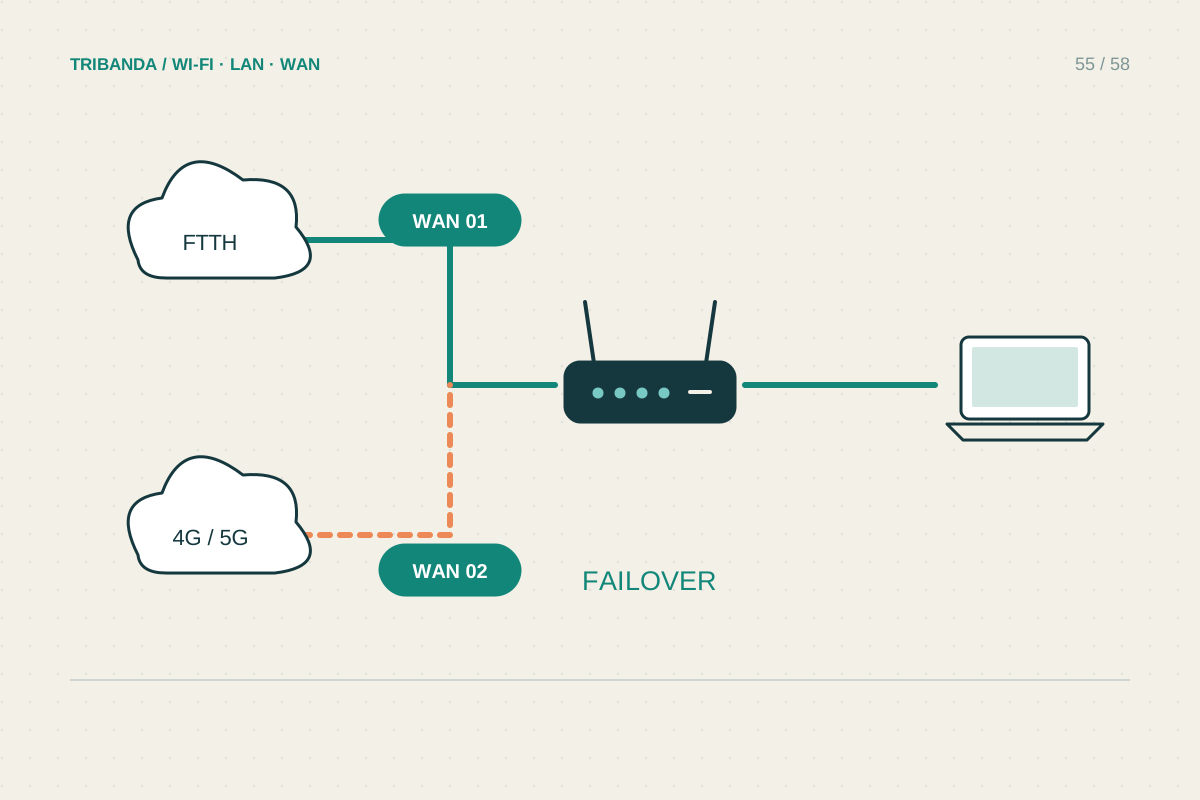
Planning a backup internet connection
Test the fallback during the time and activity you need to protect.
Read the guide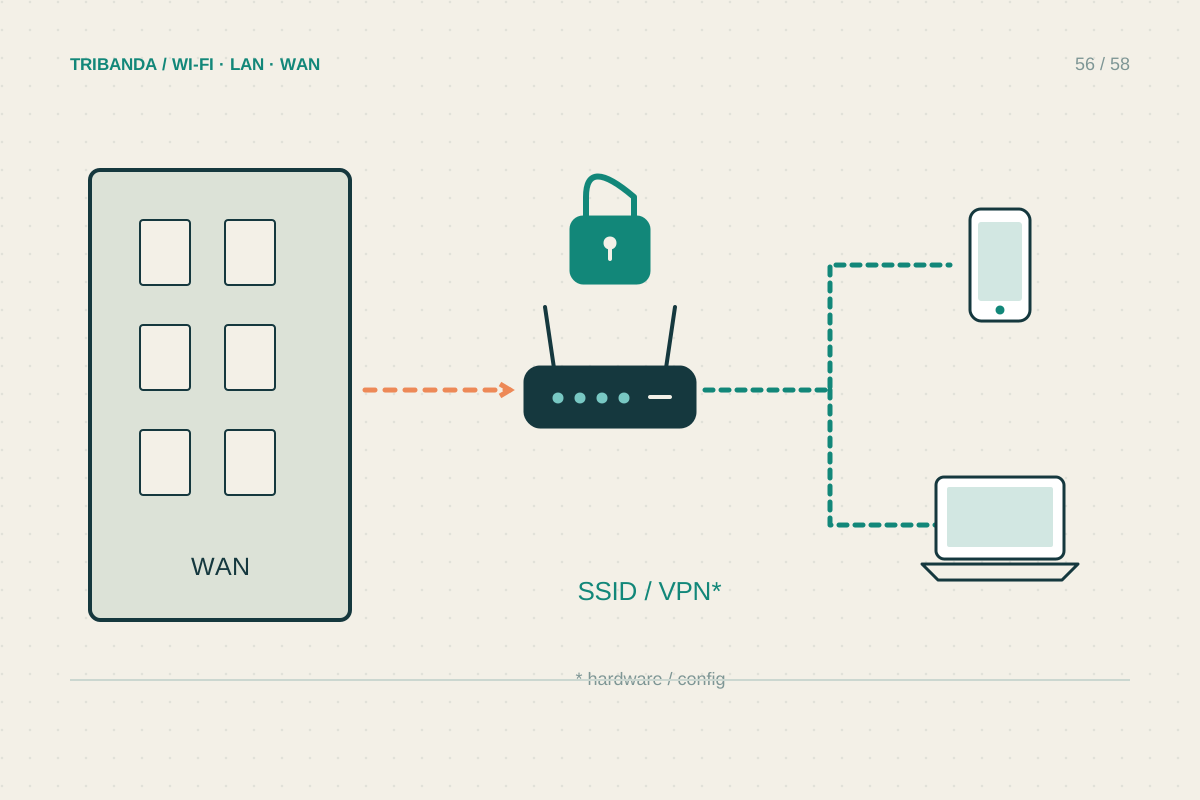
When a travel router is useful
Carry a familiar private network while respecting the upstream connection.
Read the guide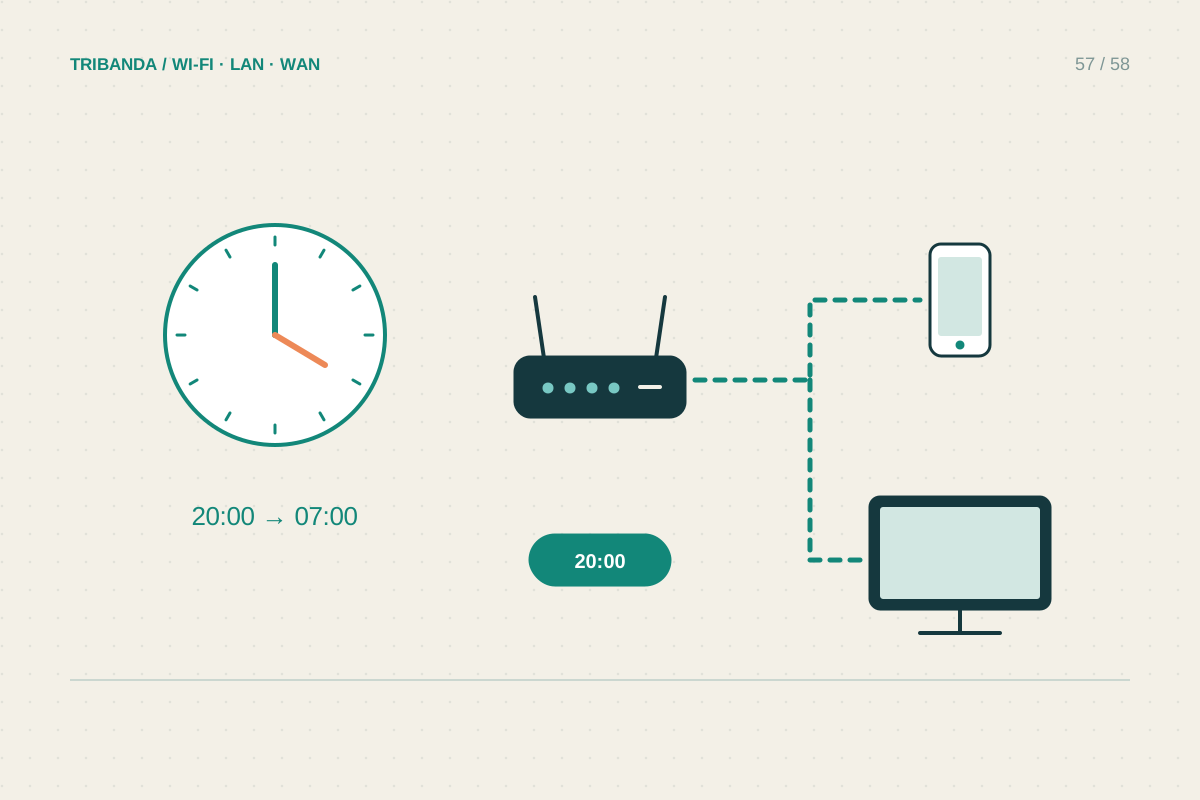
Practical network rules for a family
Use clear agreements and test the limits your router applies.
Read the guide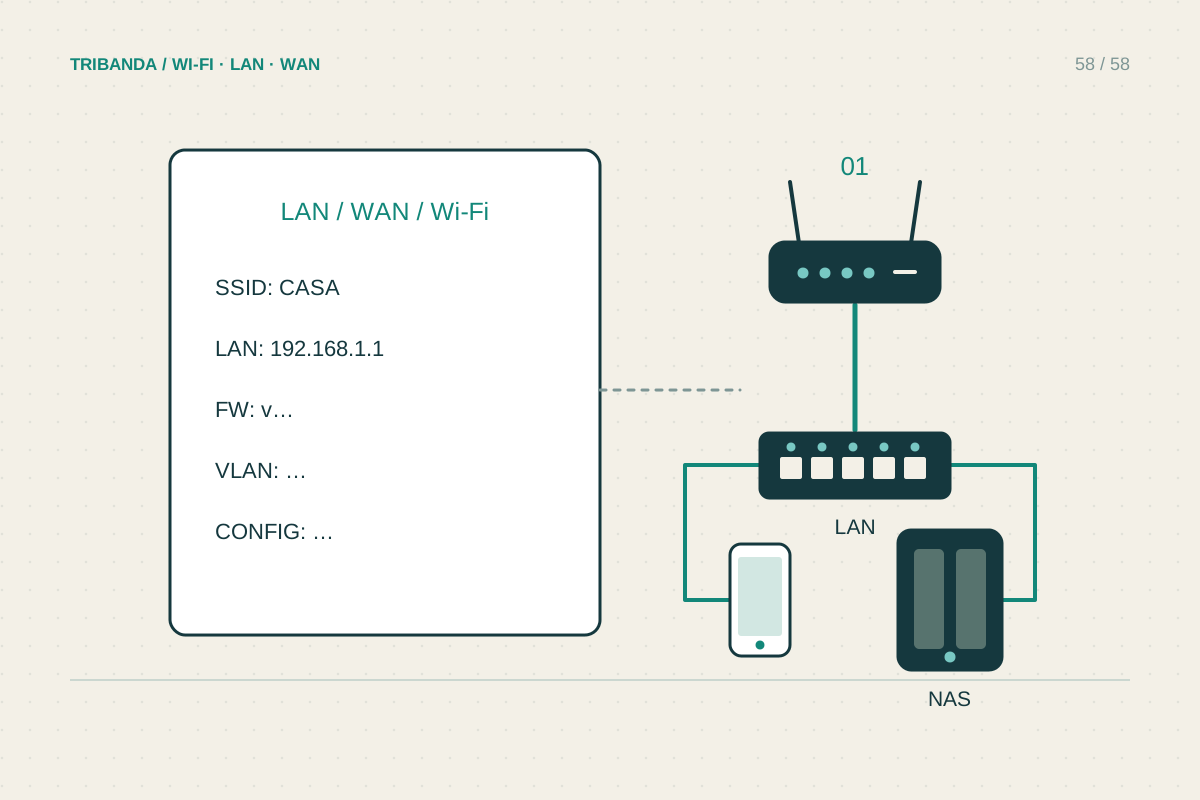
Make a simple home-network record
Keep enough information to recover service without exposing passwords.
Read the guideNo guides found. Try a simpler term or another topic.