External antennas invite constant adjustment, but their appearance does not reveal the complete radio design. Start with the orientation in the router’s own quick-start guide. Then test deliberate changes from the places where coverage is poor, while keeping the router’s position and other settings unchanged.
Identify what can actually move
Some antennas are hinged, some are fixed, and some units hide every antenna inside the case. Do not force a fixed assembly or assume a removable-looking part uses a standard connector. Check the exact hardware revision’s manual if the casing differs from online photographs.
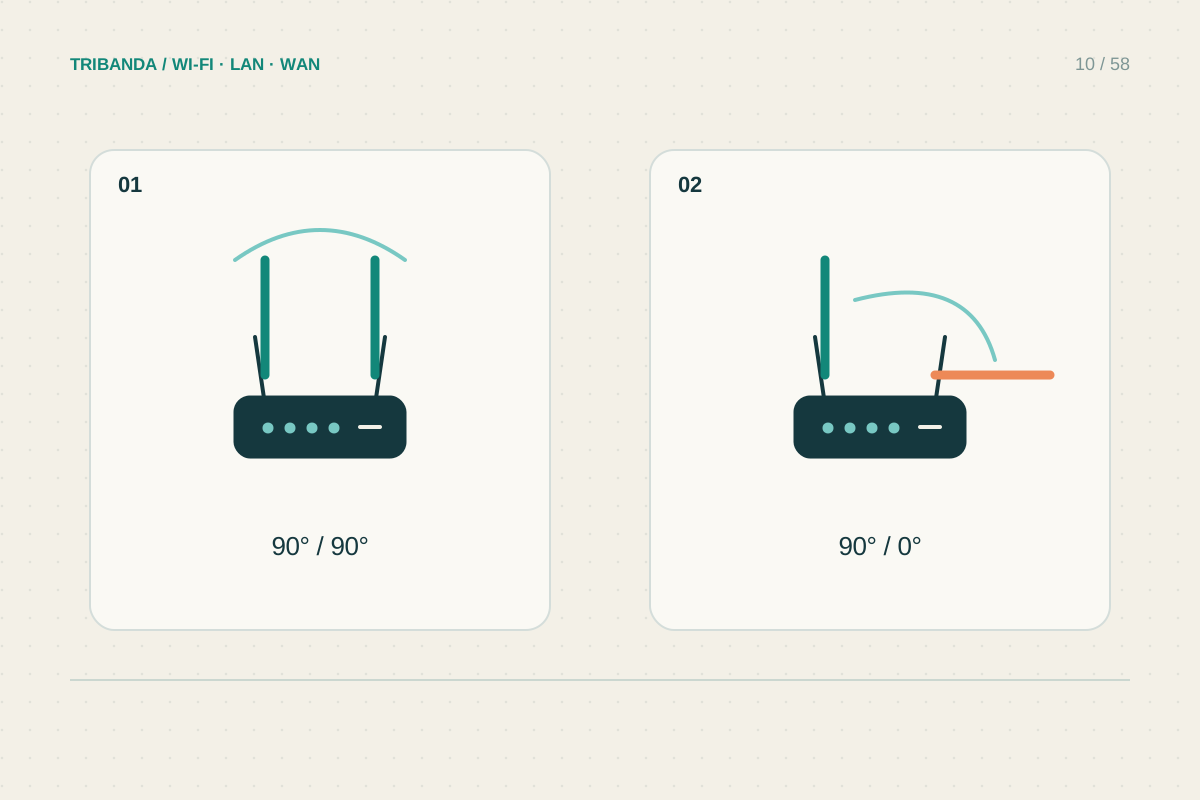
Different antennas may serve different radios or spatial streams. Pointing one directly at a room does not work like aiming a flashlight. Typical rod antennas have a radiation pattern around their length rather than a single narrow beam out of the tip. The product’s recommended arrangement is the best initial reference.
Compare useful orientations
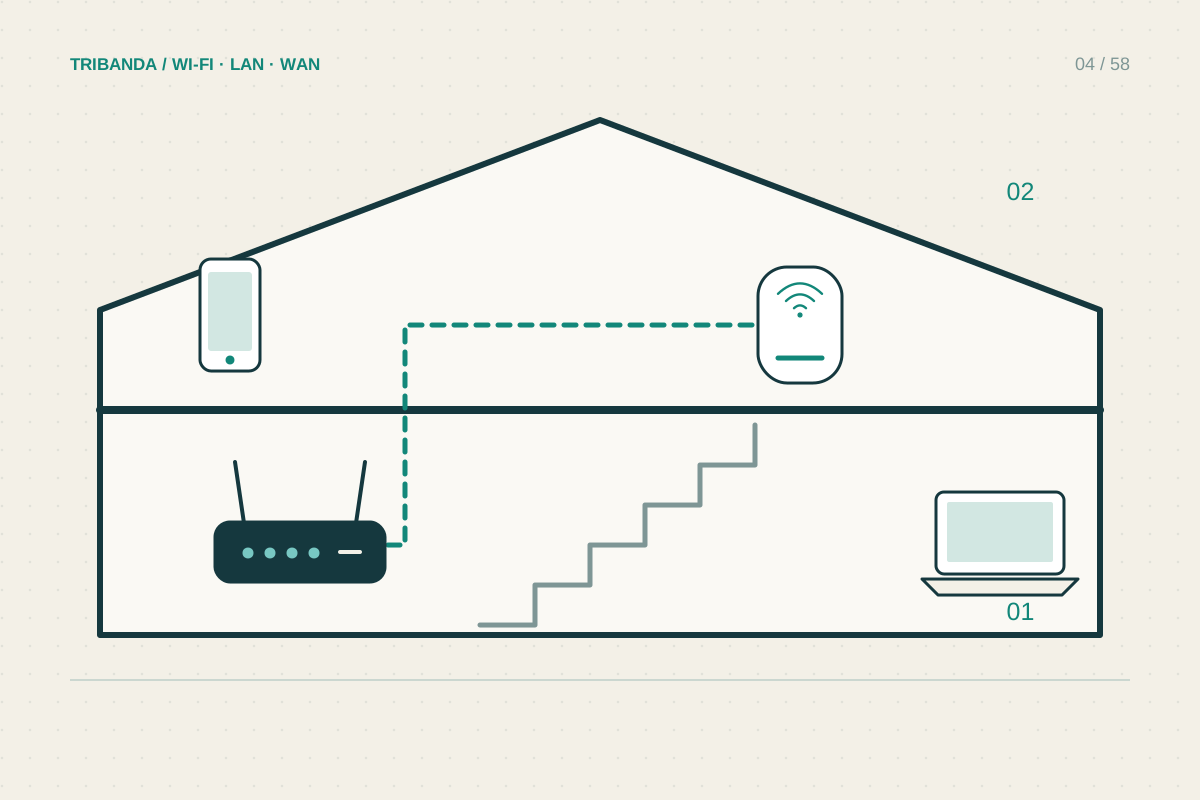
For same-floor coverage, many manufacturers recommend a broadly upright starting arrangement. Multi-floor advice can include different angles for different models. Avoid turning that guidance into one universal angle: internal antenna geometry, mounting position and the client’s orientation all contribute to the result.
Use a phone or laptop at the normal desk height, with its screen in the usual position. Holding a phone against the router is not a useful reception test. Keep the router out of cupboards and leave ventilation clear before investigating small antenna changes.
- Read the exact model’s antenna and mounting instructions.
- Photograph the original orientation.
- Test from two important weak positions.
- Try one supported angle change while keeping all other variables fixed.
- Repeat and restore the original if no reliable improvement appears.
Stop if the change has no repeatable effect
Record the starting arrangement with a photograph. Change one movable antenna group, repeat tests and return to the original arrangement if the difference is inconsistent. A few centimetres of device movement can alter radio conditions, so compare several results rather than selecting the highest number.
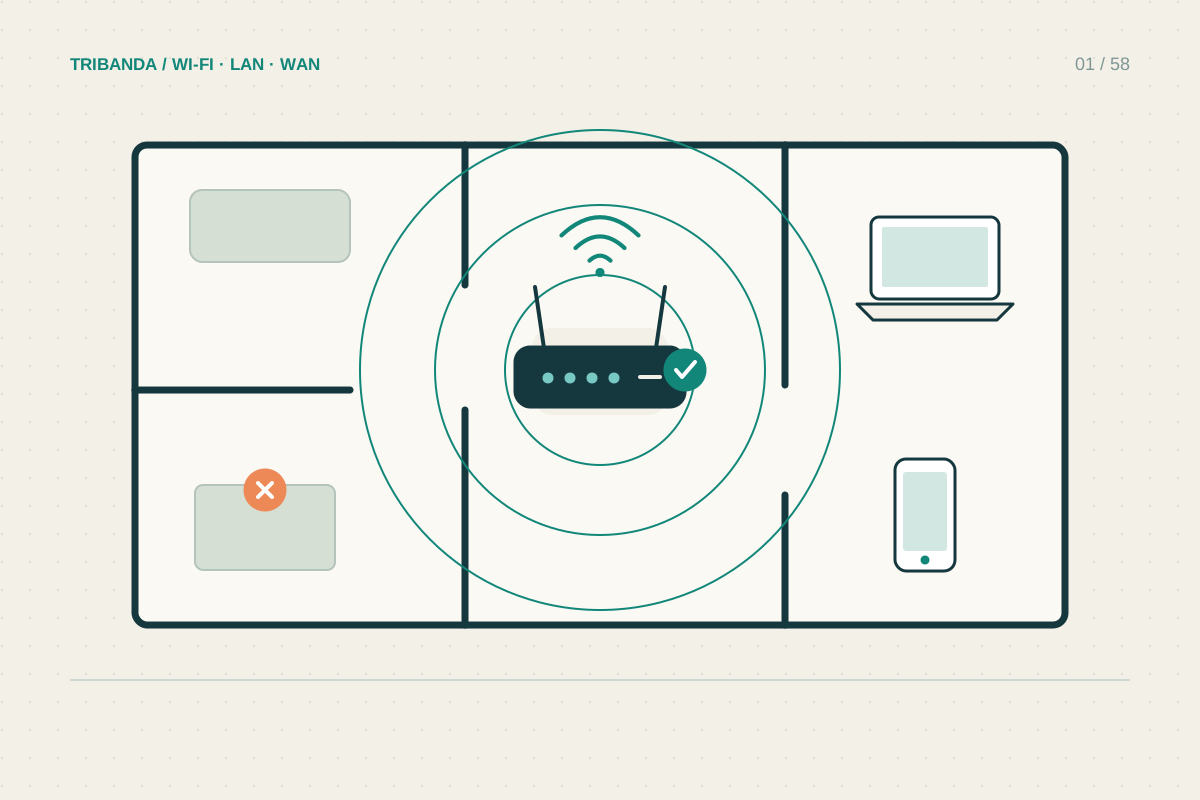
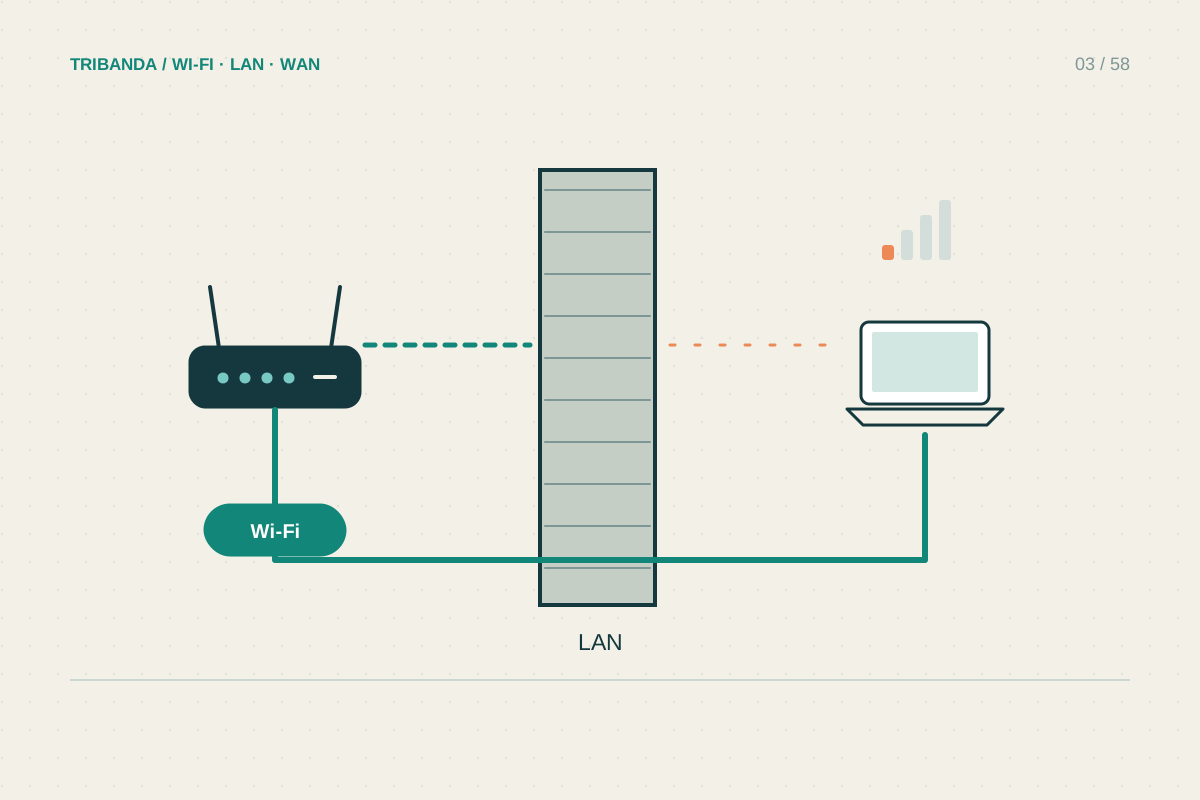
If the weak room remains behind several dense walls, antenna adjustment is unlikely to replace a better access point location. Do not buy unapproved high-gain antennas expecting free whole-house coverage. Connector compatibility, radio design and permitted transmission conditions need checking, and a stronger router signal does not automatically strengthen the phone’s return path.
Antenna orientation is a controlled adjustment after good placement. It cannot make a dense wall or poor backhaul disappear.
Common questions
Should every antenna point upwards?
Use the manual first. Upright is a common starting point, but the recommended arrangement varies by design.
Can I turn the whole router on its side?
Only if that mounting orientation is supported and ventilation remains adequate. Internal antennas may depend on the intended orientation.
Original technical illustration; schematic, not to scale.