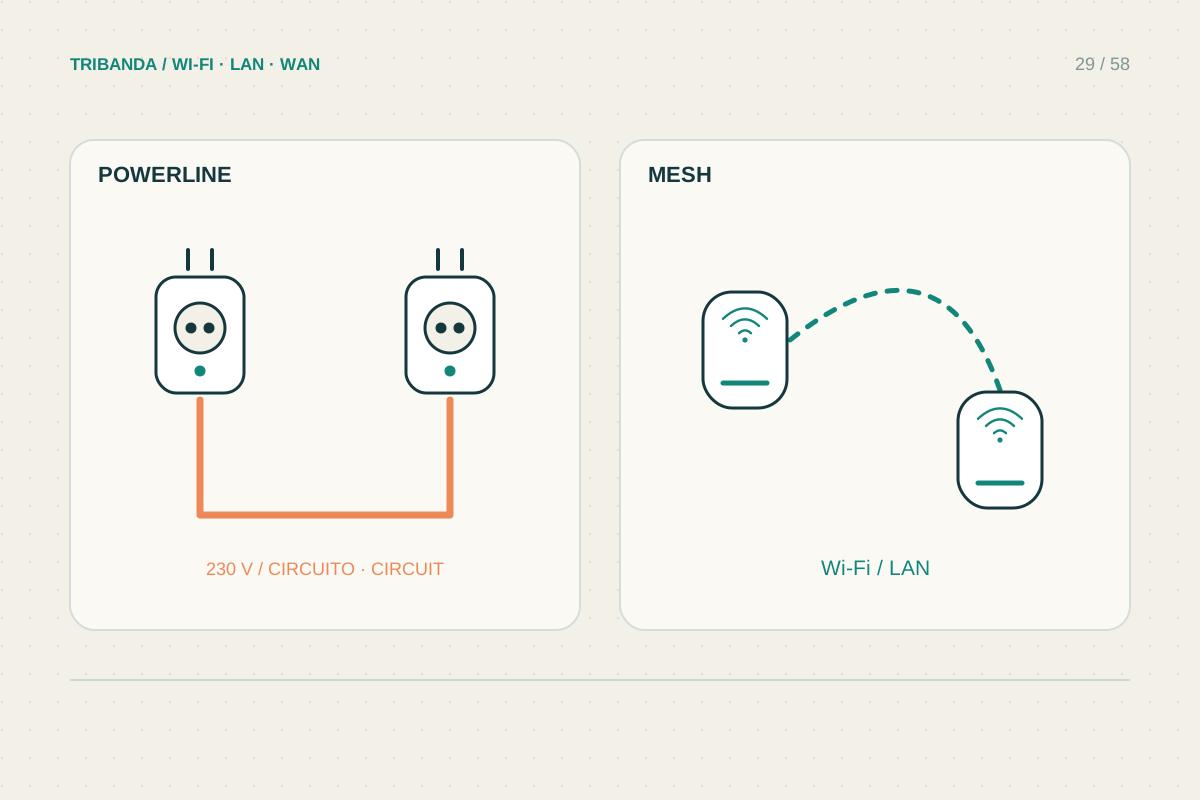
Powerline and mesh solve different transport problems. Powerline carries network data over electrical wiring; a wireless mesh carries it between radio nodes. Either can provide a useful connection where the original router struggles, but the building determines the result. Choose by testing the route, rather than comparing the largest number on the packaging.
Separate transport from the final Wi-Fi signal
A powerline kit needs at least two compatible units: one near the router and another near the destination. The remote unit may offer Ethernet only or include Wi-Fi. Read that distinction before buying. A powerline adapter with no wireless radio will not make phones connect in the far room without an additional access point.
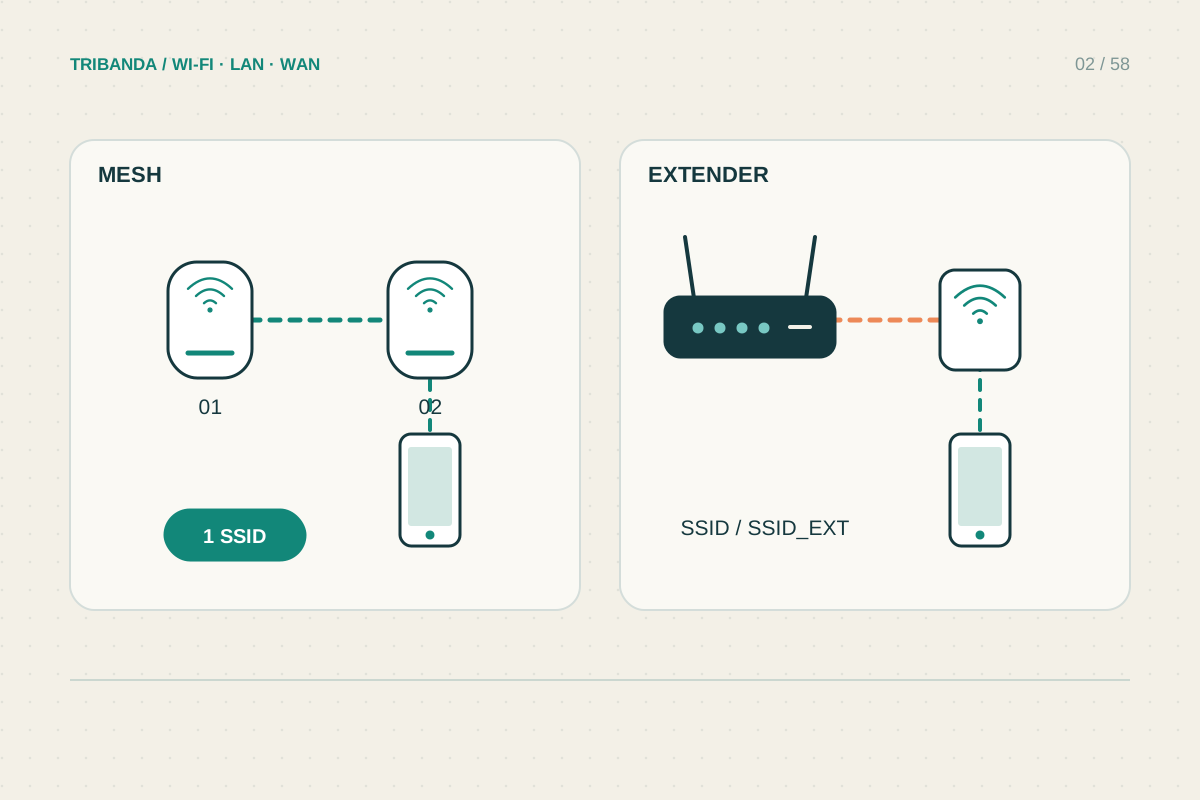
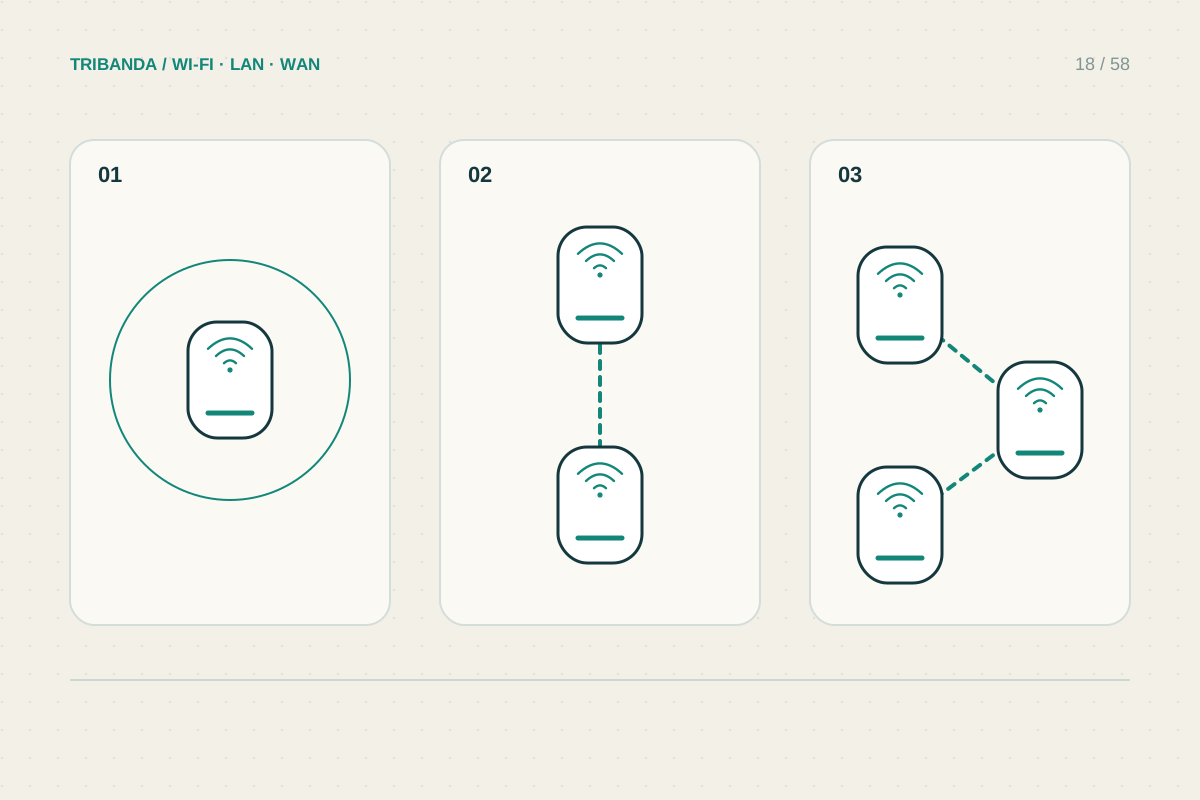
Mesh coordinates compatible Wi-Fi units, with a backhaul joining them to the main network. That backhaul can be wireless or, on supported systems, Ethernet. Some mesh products also incorporate powerline. The category names therefore overlap: ask what carries traffic between the units and what connects your final device, not merely whether the product says mesh.
Give powerline a fair electrical test
Use suitable wall sockets directly, following the product installation instructions. Filtered strips and surge protectors can impair powerline communication. Pair the units using their documented procedure, then connect a computer to the remote Ethernet port. This separates the electrical link from the remote Wi-Fi coverage.
Try more than one practical socket and repeat while ordinary appliances are running. Electrical noise and the wiring route can change performance. Two nearby rooms may have an inconvenient electrical path, and different panels can prevent communication. Do not assume that visible distance predicts the result, and do not alter electrical wiring to troubleshoot a consumer networking kit.
Give mesh a fair wireless test
Place a satellite where it still receives a reliable upstream connection, rather than putting it directly into the weakest room. Check the link indicator in its application. Repeat the same task at the destination and compare stability as well as throughput. A good local signal with poor backhaul can still feel slow.
If an Ethernet cable can reach the destination, include a wired access point or wired mesh backhaul in the comparison. This avoids depending on either the electrical installation or a difficult wireless barrier for that stretch. Consider the time and tidiness of cable installation alongside the price of the equipment.
Decide using the task you actually need
For a television, test a full programme; for a desk, test calls and uploads. Make short notes for each socket or node position so one unusually good speed test does not drive the decision. Check compatibility before combining powerline families or mesh ranges. Keep return conditions in mind, because no advertised link rate guarantees performance on the wiring or walls in your home.
Powerline depends on electrical conditions; wireless mesh depends on radio conditions. Test both links separately from the final Wi-Fi, and include Ethernet when a route exists.
Common questions
Is the powerline number a guaranteed download speed?
No. It is a link-class figure, not the usable internet throughput available at your socket.
Can I put powerline on a surge-protected strip?
Follow the model instructions. Direct wall connection is commonly required because filtering can weaken or block the data signal.
Original technical illustration; schematic, not to scale.