Home-router security is easier to maintain when the setup stays understandable. Begin with who can administer it, who can join Wi-Fi and how updates arrive. Strong settings help, but they do not replace updates on the computers, phones and smart devices that share the network.
Separate the two passwords
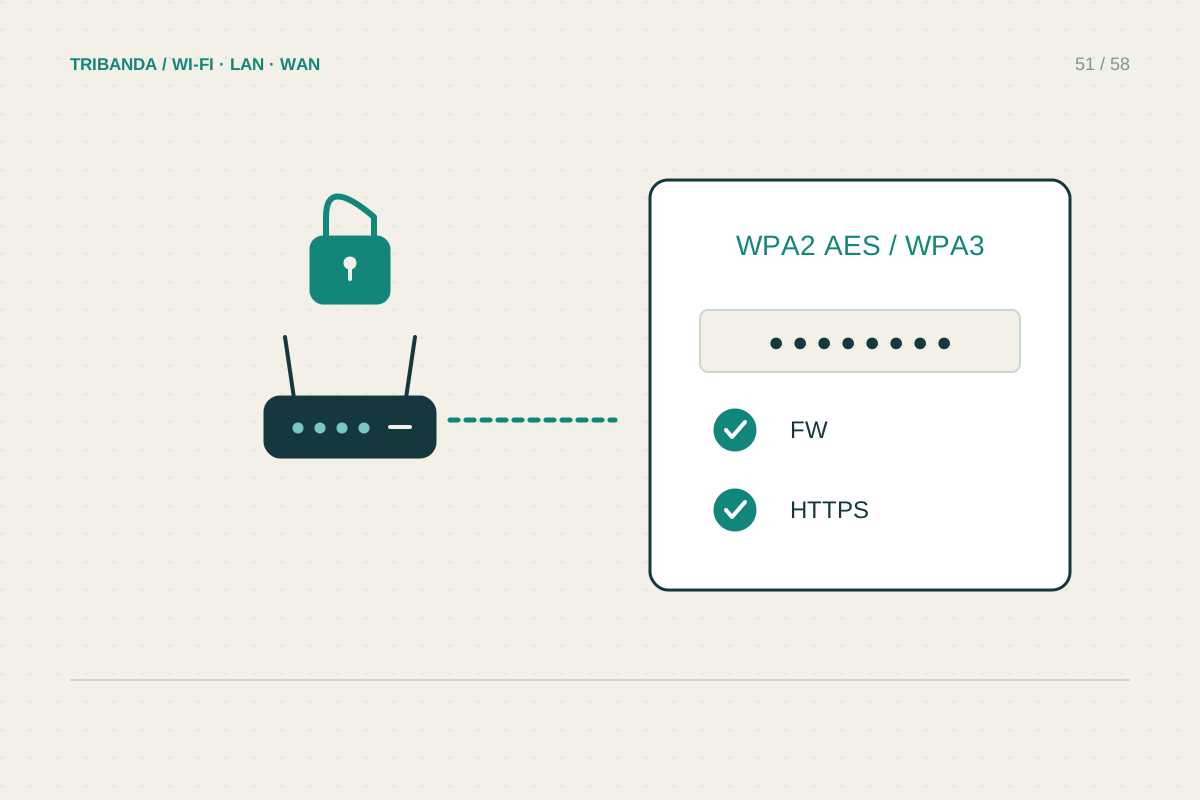
The administrator password changes router settings; the Wi-Fi password lets devices join the network. Use distinct strong passwords and store them in a trusted password manager or another secure household record. Check whether a cloud account can also administer the router, and protect that account with supported multifactor authentication. Choose WPA3 Personal where your clients support it, or a secure compatibility mode such as WPA2-AES where necessary. Avoid WEP, outdated WPA modes and open Wi-Fi. Changing the Wi-Fi password disconnects existing clients, so plan how you will reconnect important devices rather than doing it in the middle of a work call.
Review features according to need
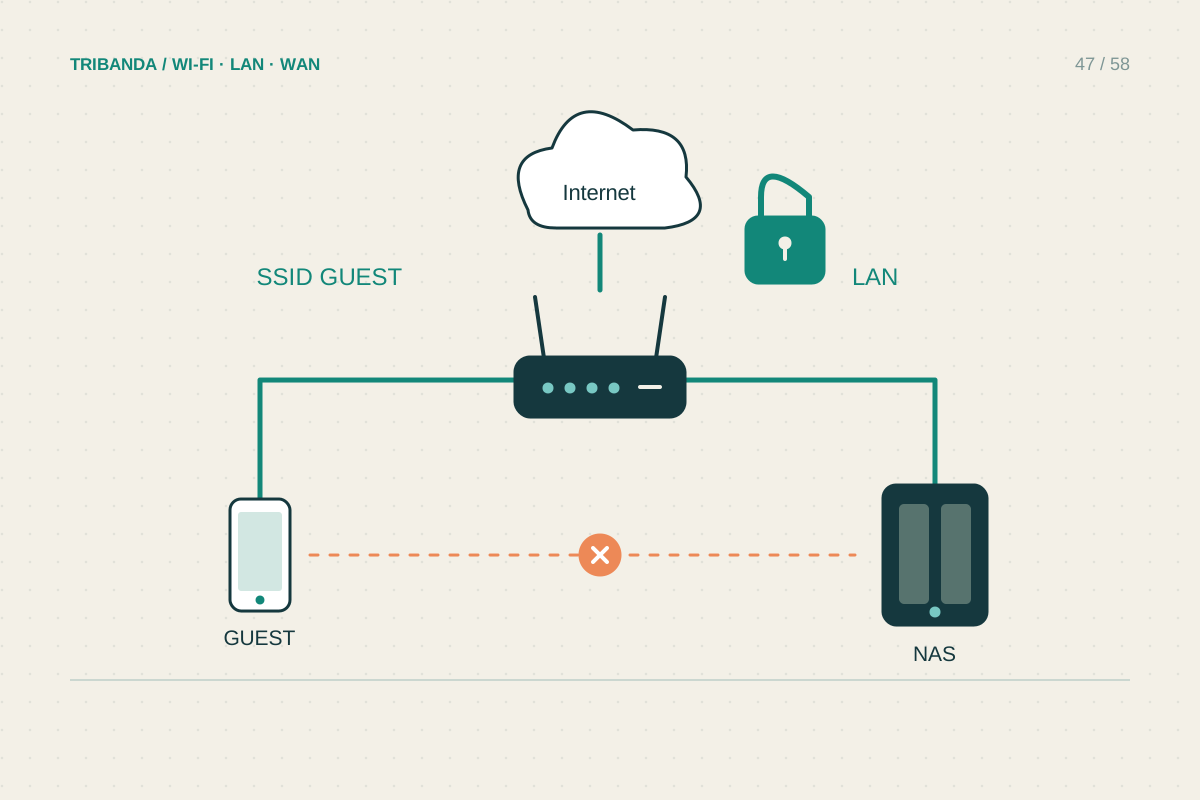
Check whether administration from the public internet is enabled. Leave it off unless you have a specific supported requirement and understand the protection involved. Review WPS, UPnP and existing port-forwarding rules individually; disabling an unused feature reduces complexity, but changing one that a household service uses needs a functional test. Do not disable the router firewall to make a troublesome application work. Use an isolated guest network for visitors and verify its local-access behaviour. An unfamiliar name in the client list deserves identification, but is not automatically an intruder: phones can use private addresses and devices often advertise unclear manufacturer names.
Make maintenance practical
Find the official update method for the model and check whether the provider manages updates automatically. Keep a configuration backup after meaningful changes and record the hardware revision and installed firmware. Review connected devices and remove obsolete sharing or remote-access rules when equipment leaves the house. Check the manufacturer's support status; hardware that no longer receives fixes may need replacement even if its radio still works. After a security change, test ordinary browsing, printing and any remote service you intentionally keep. Treat an unexpected administrator change, unknown forwarding rule or repeated unsolicited login alerts as a reason to investigate through official support, not to install a random repair application advertised in a pop-up.
Use the official management address or saved app rather than links from unexpected messages. A convincing-looking update notice is not proof that the destination belongs to the manufacturer.
Security improves when access is deliberate, supported software stays current and the household can understand its own setup.
Common questions
Is a hidden Wi-Fi name enough protection?
No. Use supported encryption and a strong joining password. Hiding the name is not a substitute and can complicate device setup.
Must I replace a router every few years?
There is no universal age rule. Consider security support, documented vulnerabilities, reliability and your actual requirements rather than replacing solely by a calendar date.
Original technical illustration; schematic, not to scale.