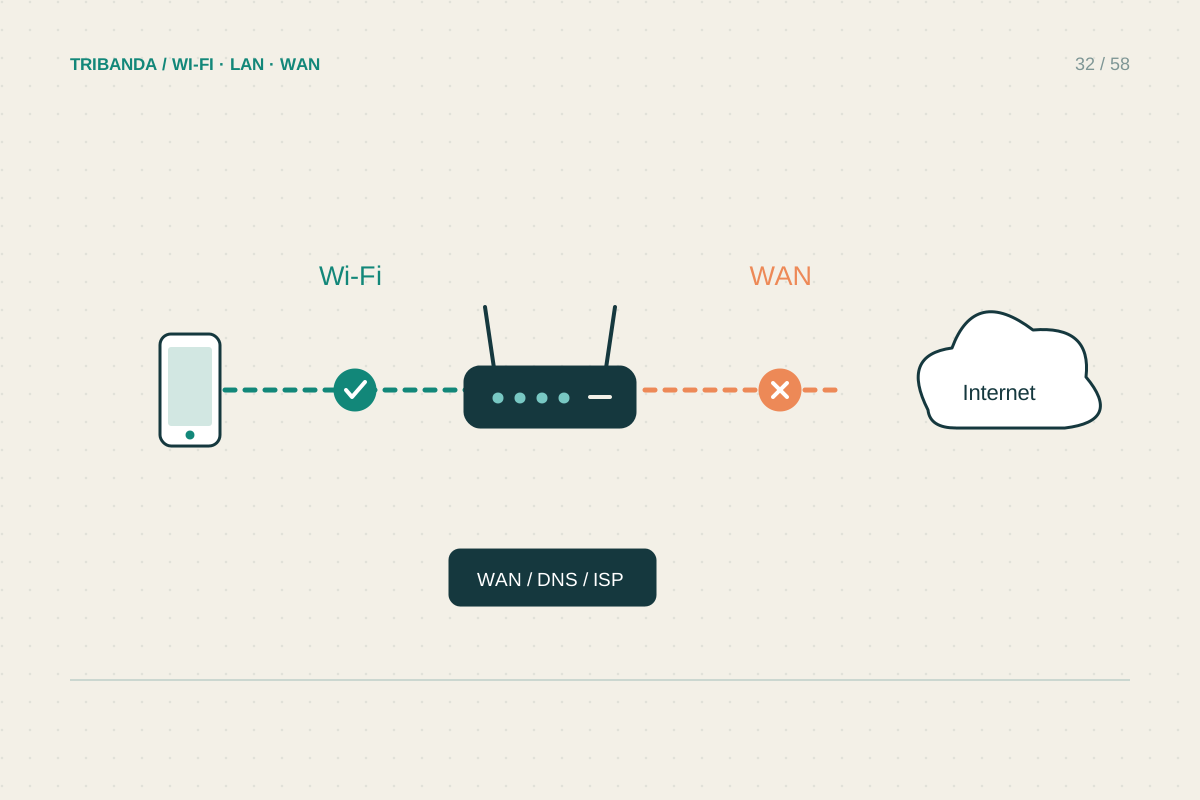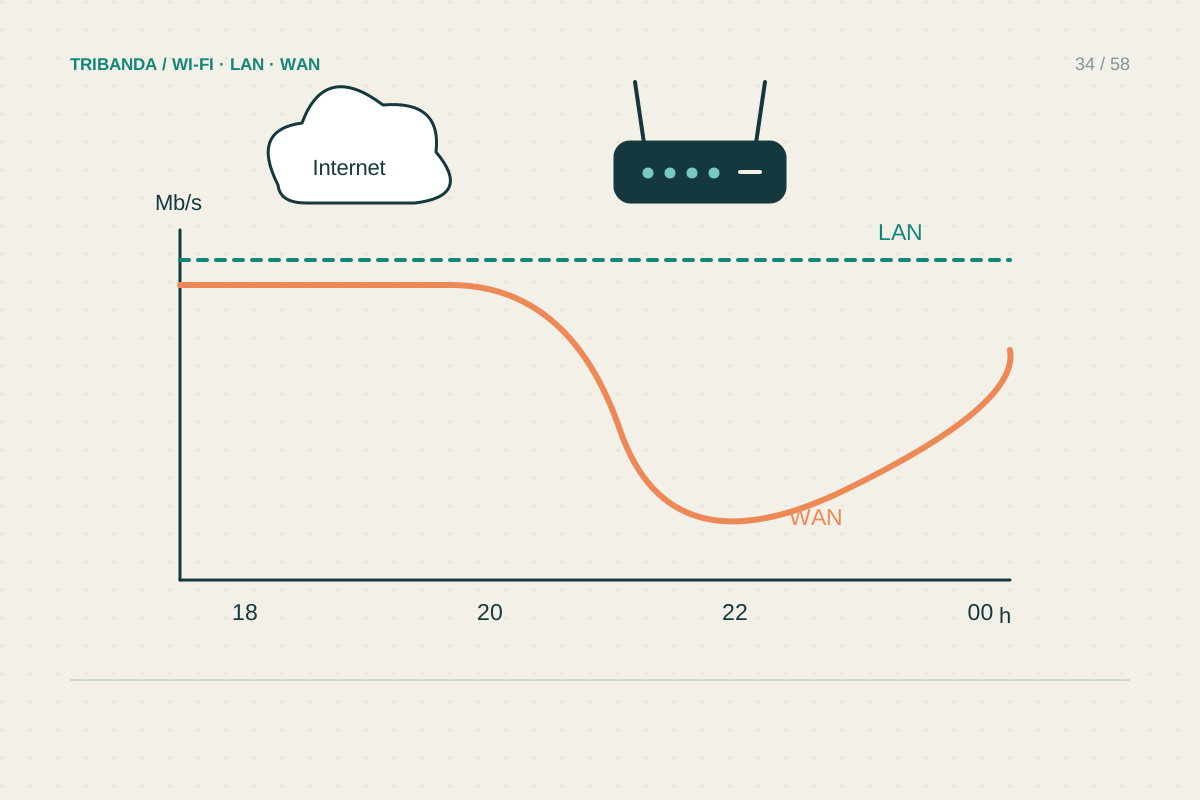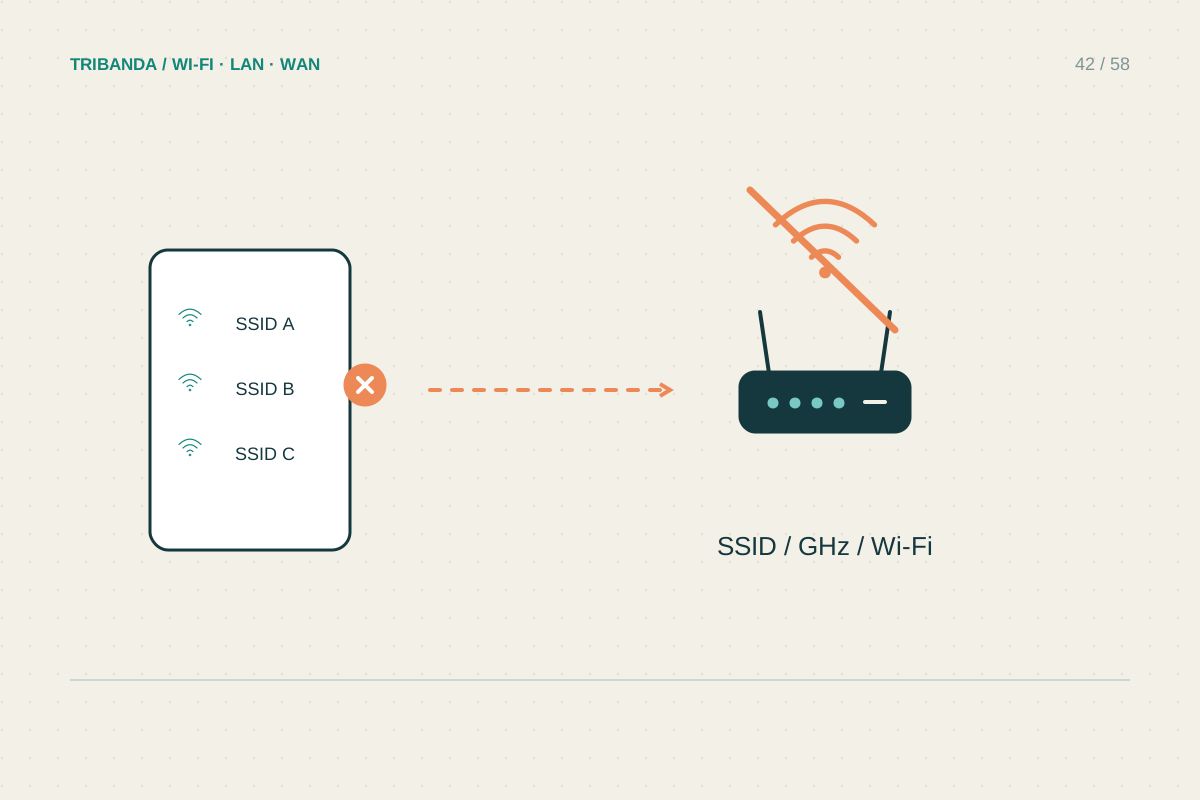
A network name missing from the list is different from a visible network that has no internet. Start with that distinction. The missing name may affect every device, only older clients or only one part of the house, and each pattern suggests a different test.
Look with a second device
Stand near the main router and open the available-network list on two devices. Refresh the list and confirm that Wi-Fi is enabled and airplane mode is off. If one device sees the network and the other does not, check the missing device's supported bands and wireless adapter state. A 2.4 GHz-only device cannot discover a network available solely on 5 or 6 GHz. If neither device sees your network but both see neighbours, concentrate on the home router. If neither sees any networks, check whether the test devices themselves have a disabled radio or another local problem.
Check the router's broadcast settings
Inspect power and Wi-Fi indicators using the manual. Some routers have a physical Wi-Fi button, an app toggle or a wireless schedule; a mistaken press or schedule can turn off broadcasting while wired internet continues. Open the management panel over Ethernet if available. Check whether the network name changed after a reset or configuration update and whether SSID broadcast is enabled. Hidden names are not a useful general security measure and complicate discovery. On some 5 GHz channels, radar detection can require a waiting period or channel change. Use the manufacturer's permitted regional settings and do not change the country to unlock channels.
Restore visibility and test the edge rooms
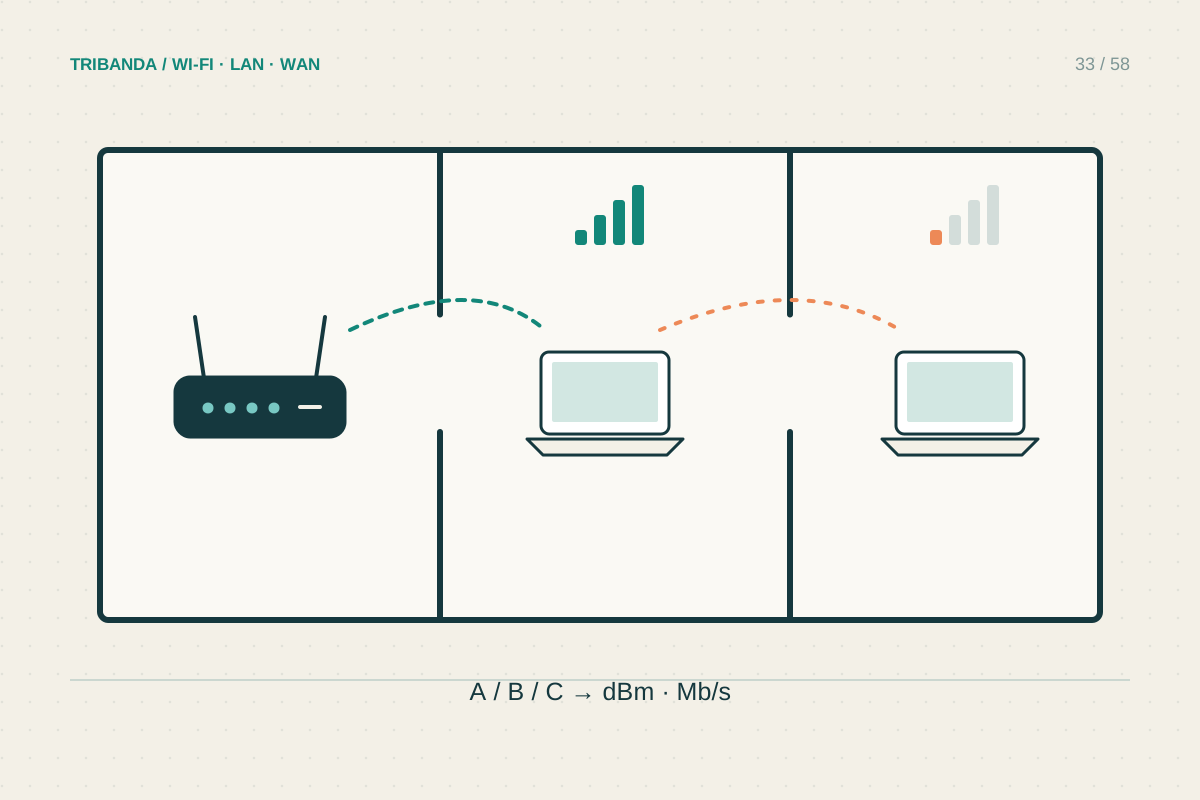
If a configuration change caused the problem, restore the relevant setting and wait for the radio to restart. Otherwise perform a normal restart according to the manual, keeping factory reset as a later recovery step. Check visibility first close to the main unit, then in the affected room. A name that returns nearby but remains missing far away suggests coverage rather than provider internet service. With mesh, verify that the satellite serving that area is powered and linked. Once the name appears, reconnect and test actual internet access; visibility is only the first stage. Record the band and affected device models if incompatibility persists, so support can compare their capabilities.
Test near the main router with two devices before treating a missing network as an internet-line fault.
Common questions
Does hiding the network make it safer?
It does not replace strong encryption and a good password. Hidden names can introduce compatibility and discovery difficulties without solving access security.
Why can a new phone see it but an old plug cannot?
They may support different bands or security modes. Check the plug's exact specifications and offer a supported, secure network rather than removing security.
Original technical illustration; schematic, not to scale.