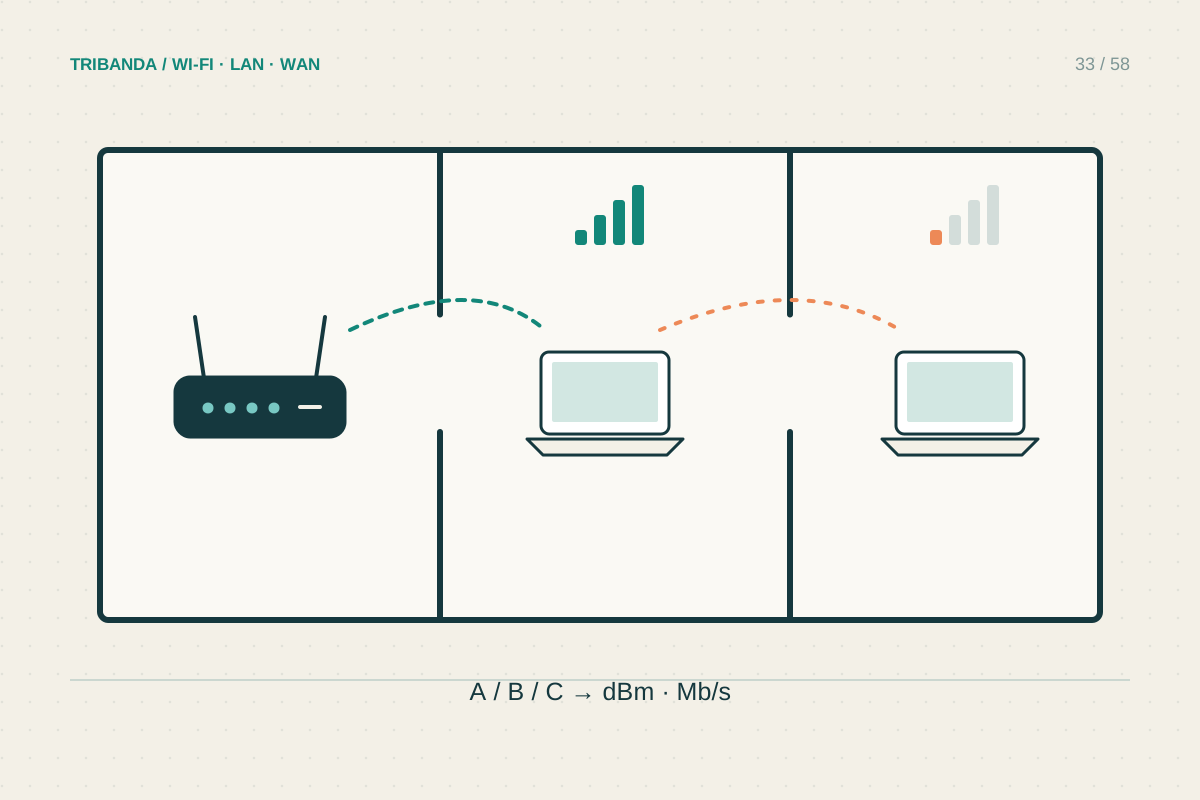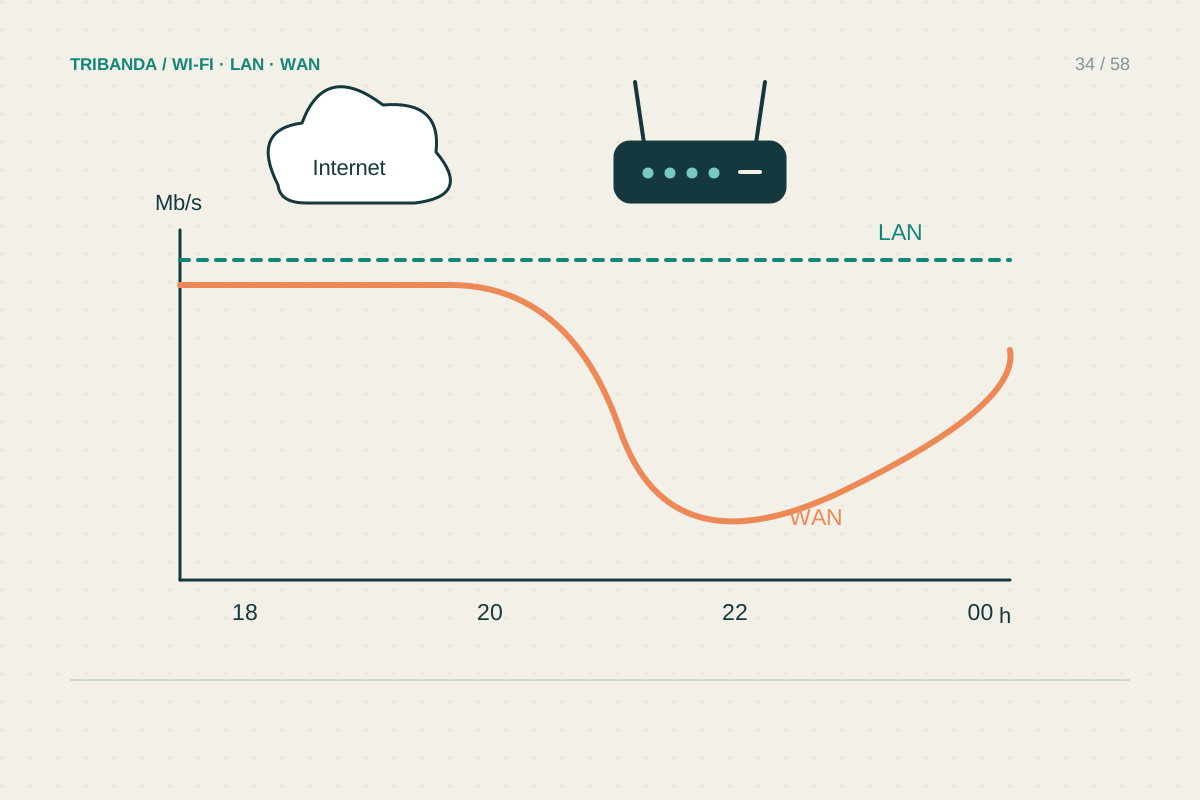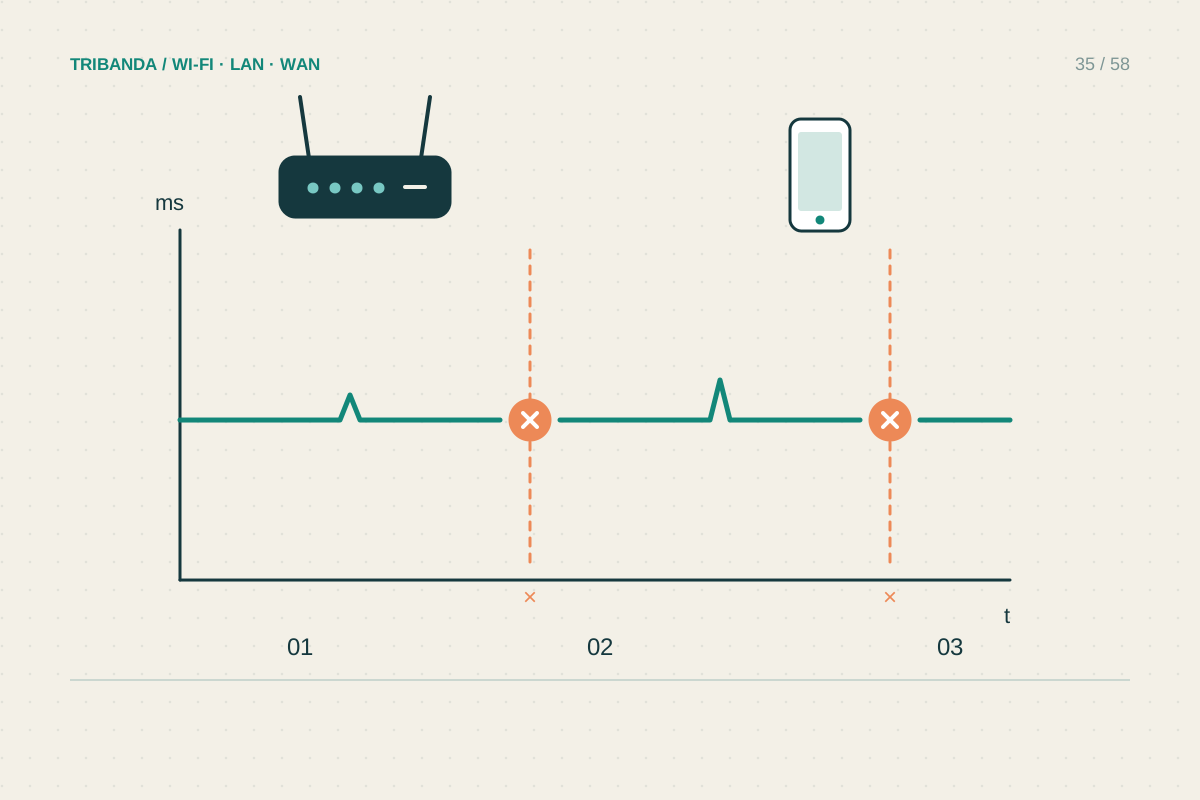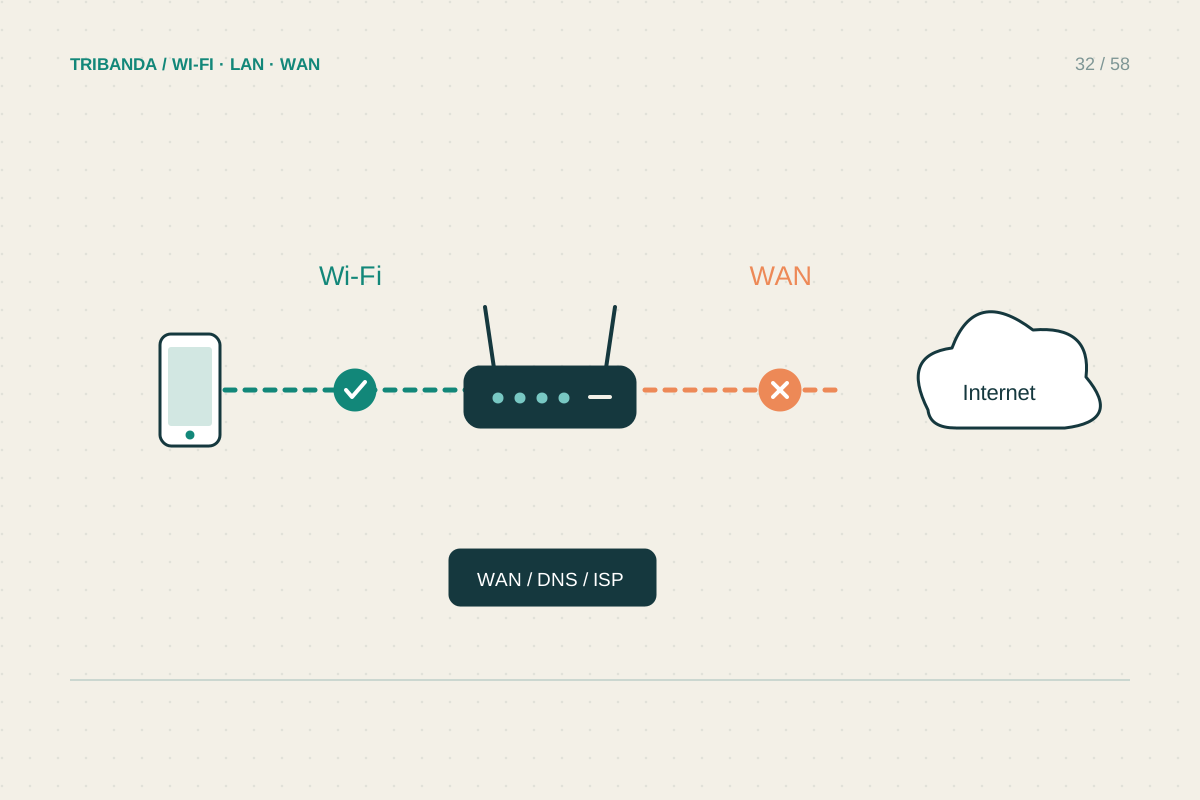
The Wi-Fi symbol confirms a local wireless connection. It does not guarantee that the router can reach the internet. A useful investigation separates the affected device, the home network and the provider connection, instead of immediately resetting everything and losing the evidence.
Check the size of the problem
On a phone, switch off mobile data briefly so it cannot hide a Wi-Fi failure. Open two unrelated websites, then repeat on another device connected to the same network. If only one service fails, check that service before changing network settings. If the second device works, concentrate on the first device's VPN, network settings or software. On a guest or hotel network, look for a sign-in page. At home, check whether you accidentally joined an old extender or a nearby network with a similar name.
Compare local and external access
Try opening the router's management page using the gateway address shown in the device's network details. A page that opens proves local communication with that router, even if websites fail. Check its internet or WAN status and record the exact message. If available, test one computer by Ethernet to a router LAN port, turning off that computer's Wi-Fi. Failure over both paths makes a wireless coverage problem less likely. An address beginning 169.254 on Windows can indicate that the computer has not received a usable local address automatically.
Recover in a controlled order
Photograph the modem or fibre terminal lights and check the provider's outage information using mobile data. Restart the affected device first when it alone fails. For a whole-home failure, follow the equipment's restart instructions: let the upstream modem or terminal finish starting, then start the router. Do not unplug optical cables. Allow service indicators to settle before retesting. If the WAN connection still fails, give support the time, light pattern and wired-test result. A factory reset is a separate procedure that can erase provider credentials and should not be the first response.
If the router reports a connected WAN but pages still fail, record whether its own diagnostic test succeeds. This helps support distinguish the router's external access from the client's path, without changing several settings merely to make the warning icon disappear.
Two devices, a local gateway check and one wired comparison usually identify which part deserves attention next.
Common questions
Can Wi-Fi work during a provider outage?
Yes. Devices may still communicate locally while the router has no working internet connection. Local printing or file sharing may continue, depending on their setup.
Should I change DNS immediately?
Only after checking basic connectivity. DNS changes cannot repair an unplugged WAN cable, failed provider connection or missing local address.
Original technical illustration; schematic, not to scale.