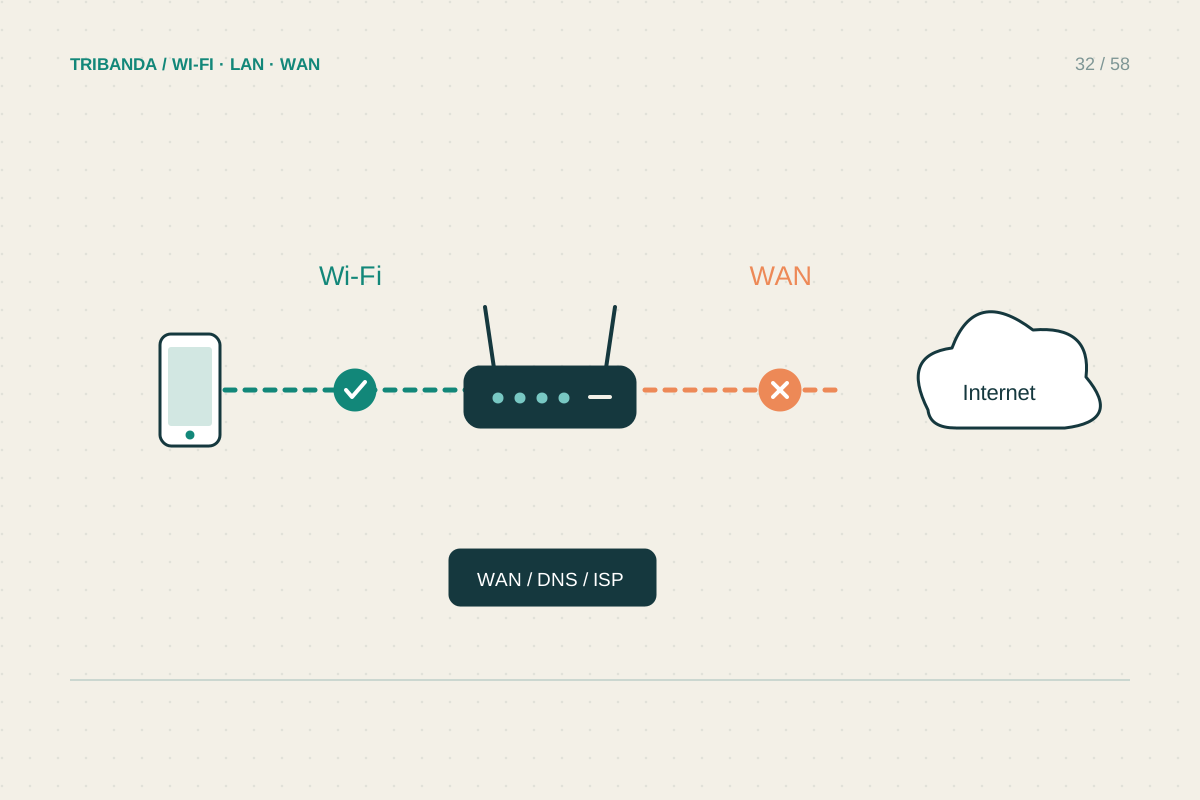
A speed test measures a particular device reaching a particular test service at a particular moment. It does not certify every website or every corner of the house. Separating a wired baseline from a normal Wi-Fi test makes the numbers useful for decisions and support requests.
Prepare a wired baseline
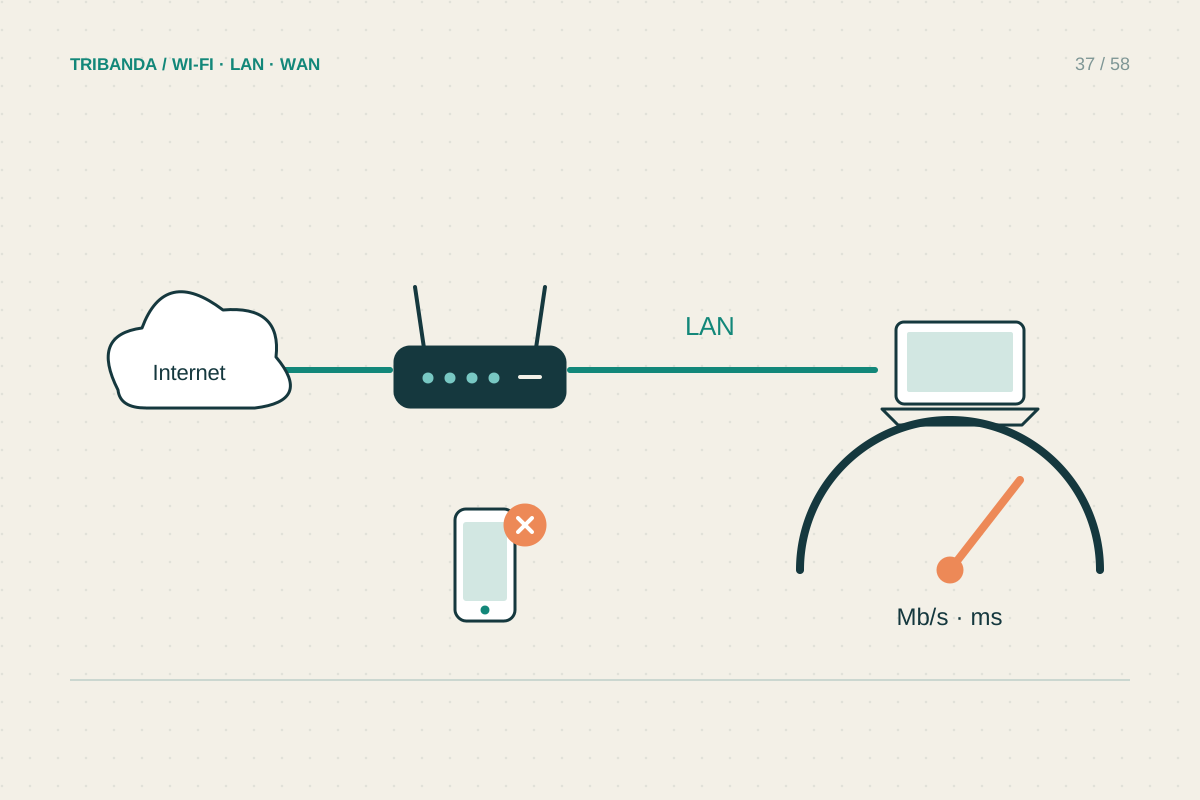
Connect a computer to a LAN port on the main router using a known-good cable. Disable Wi-Fi on that computer and check the negotiated Ethernet link speed; a 100 Mbps link will limit a faster connection. Pause optional downloads and uploads elsewhere, with the household's agreement. Record whether the test uses a VPN. Choose a reputable test service and run it more than once, allowing a short pause between runs. Keep the results together rather than selecting only the fastest number. A test itself uses data, which matters on metered mobile connections.
Read beyond download speed
Download tells you about receiving data, while upload matters for cloud backups, sending files and calls. Latency describes delay; jitter describes how that delay varies. Packet loss can disrupt interactive activities even when average throughput looks healthy. If the service reports latency while the connection is busy, compare that with its idle figure. A large increase under load suggests a different problem from simply having too little download capacity. Do not compare Mbps directly with a file-transfer display in MB/s: eight bits make a byte, before considering protocol overhead and other practical limits.
Repeat under everyday conditions
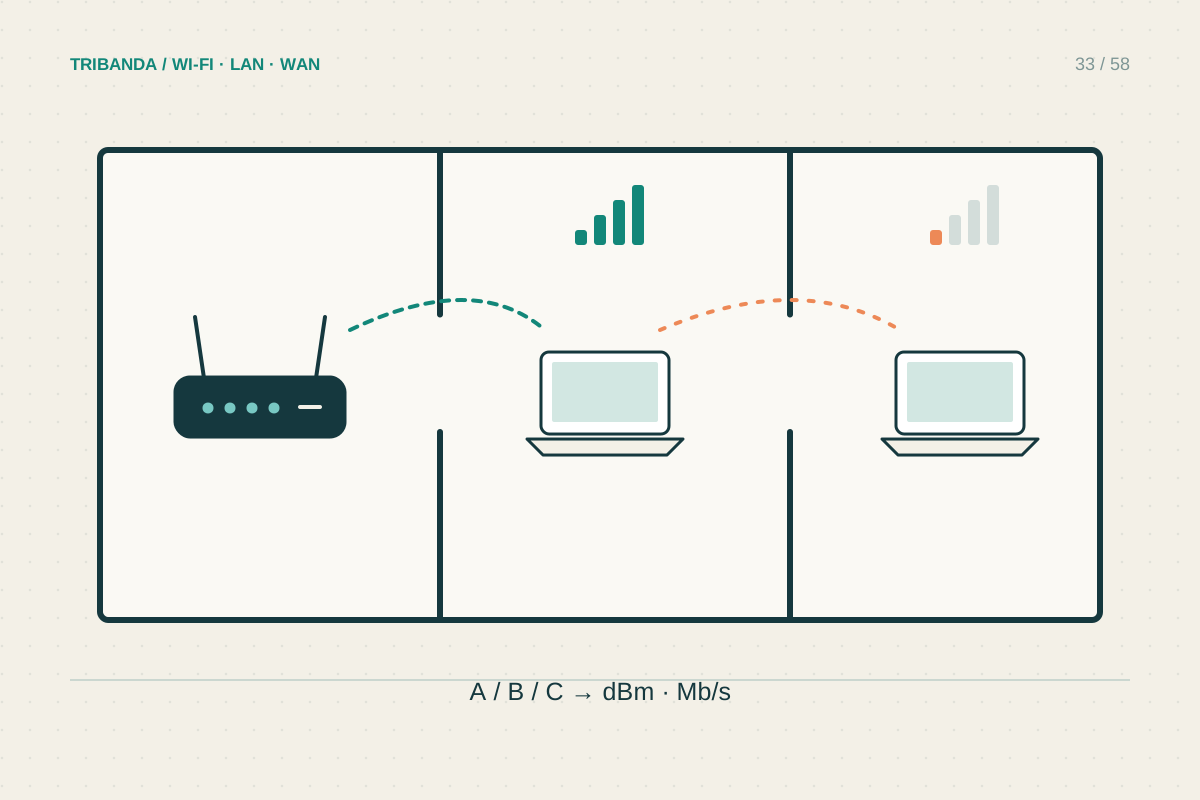
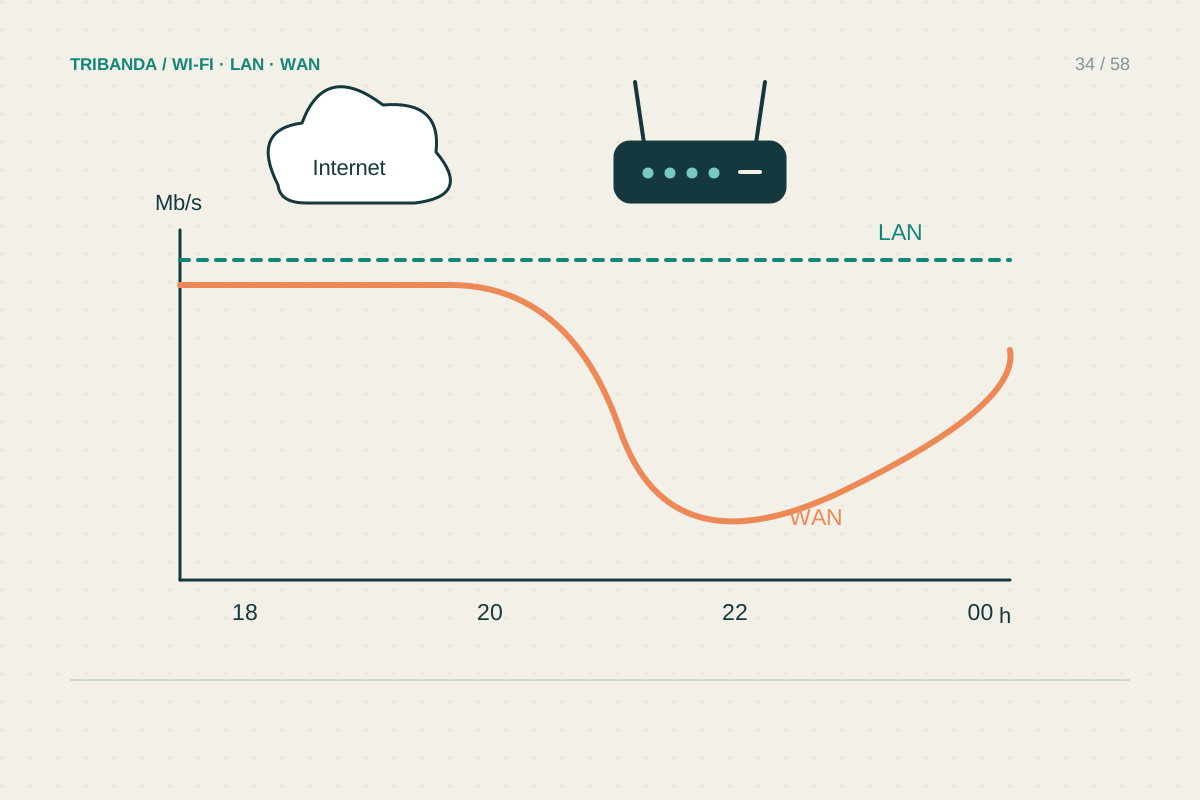
Now use Wi-Fi in the room where you work or watch television, keeping the same device and test service. Record the band or mesh node when available, the room and the time. A good wired baseline with poor room performance suggests a local wireless path to investigate. If both are poor, repeat later and try one alternative test service to avoid blaming the home network for one remote server. For a provider complaint, retain dates and connection details. Formal contractual measurements may require the provider's or regulator's prescribed procedure; an ordinary browser test is useful evidence but does not automatically meet those requirements.
Keep tests for diagnosis separate from ordinary viewing or work: a running speed test deliberately loads the connection and can disturb the very call you are assessing.
A reliable comparison comes from controlled conditions and a written record, not from collecting the biggest number.
Common questions
How many tests are enough?
Start with a few comparable runs and repeat when the problem normally occurs. Constant testing can create traffic and distract from the actual activity you are trying to improve.
Why is a local file copy different?
It tests the home path and storage as well as networking, without necessarily using the internet connection. It can help isolate a fault but answers a different question.
Original technical illustration; schematic, not to scale.