Family network rules work best when people understand their purpose and can ask for an exception. Router controls can support schedules or filtering, but they are not a complete view of someone's online life. Start with concrete household needs and keep essential services and privacy in mind.
Agree on the behaviour first
Choose a small set of understandable rules, such as scheduling console updates outside work calls or keeping optional entertainment offline during a particular shared activity. Discuss which devices belong to whom and which are shared. Explain any filtering or activity information visible to the administrator instead of silently collecting it. Decide who can grant a temporary exception and how long it lasts. Avoid cutting power to the entire network as a routine rule: security cameras, backups, work services and smart-home controls may depend on it. Internet access and the device's ability to run offline applications are also different things.
Configure a narrow, testable profile
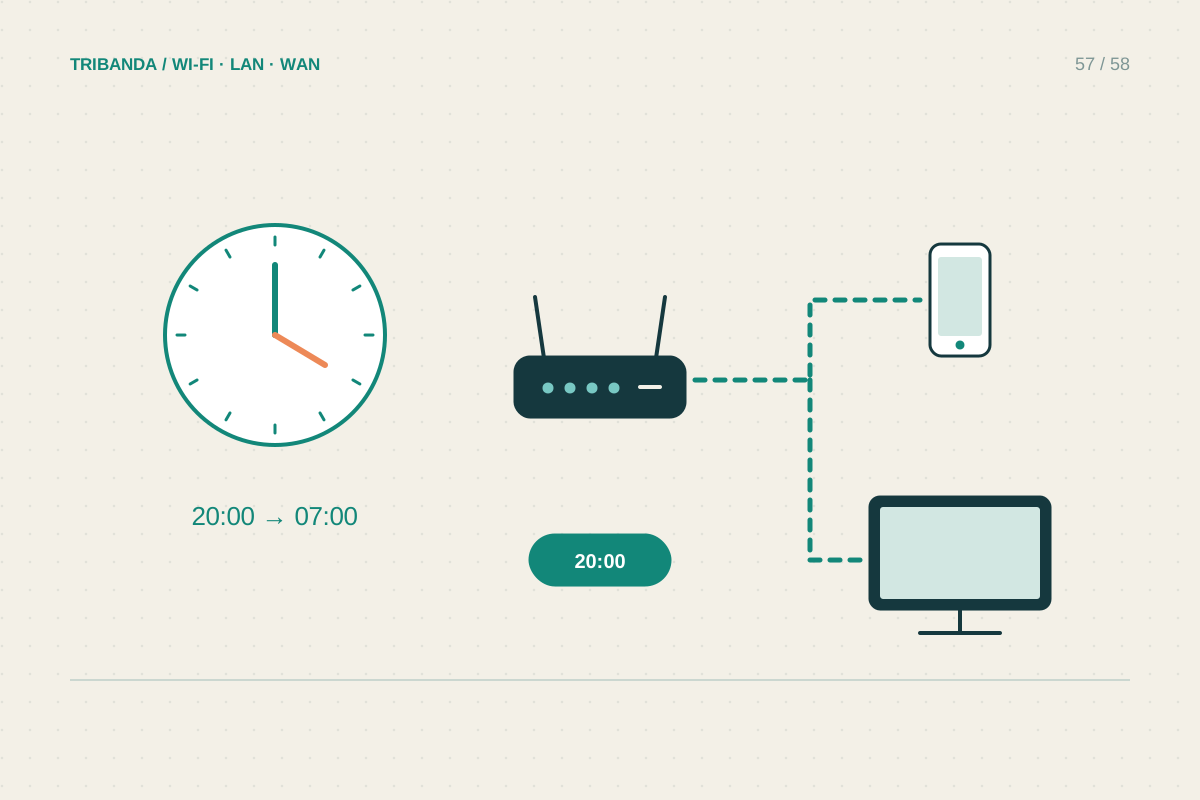
If the router supports parental profiles, add the correct devices and start with one small schedule rather than a broad set of untested blocks. Check the router's time zone and clock, especially after setup or a reset. Test on the intended device both inside and outside the restricted period. Shared tablets need particular care because a device-based rule may affect every person using them. Some controls depend on subscription level, operating mode or cloud connectivity; read the current model documentation rather than assuming a feature shown in an advertisement is available permanently. Record how to pause or remove a profile when the rule is no longer appropriate.
Recognise technical limits and review together
Private or changing device addresses can affect rules tied to a MAC address. Understand the operating system's options and use a supported arrangement for the home network without disabling privacy features indiscriminately on public networks. Cellular data, other Wi-Fi networks, VPNs and encrypted services may mean router filters cannot enforce every expectation. Combine router settings with suitable device-level controls and conversation where appropriate. Check that legitimate school resources, calls and accessibility services still work. Revisit the rules as needs change and remove old device assignments. The practical success measure is whether the agreed household activity works and the restrictions behave as explained, not whether a dashboard claims complete protection.
Write the exception process in the same place as the rules. A clear request and expiry time are easier to manage than leaving a temporary unrestricted profile active indefinitely.
Use a few clear rules, verify them on the actual devices and preserve a straightforward exception process.
Common questions
Can the router limit a person across all their connections?
Usually not. It controls traffic through that router, not every mobile connection, outside network or offline activity.
Why does a schedule affect the wrong device?
The profile may include a shared device, an incorrect client or an address that changed. Recheck assignments and test rather than adding more restrictions blindly.
Original technical illustration; schematic, not to scale.