A slow bedroom beside a fast hallway is usually a more useful clue than a low speed-test number on its own. The goal is to discover where performance changes, using the same device and activity, before deciding whether to move equipment or add another access point.
Make a small route through the house
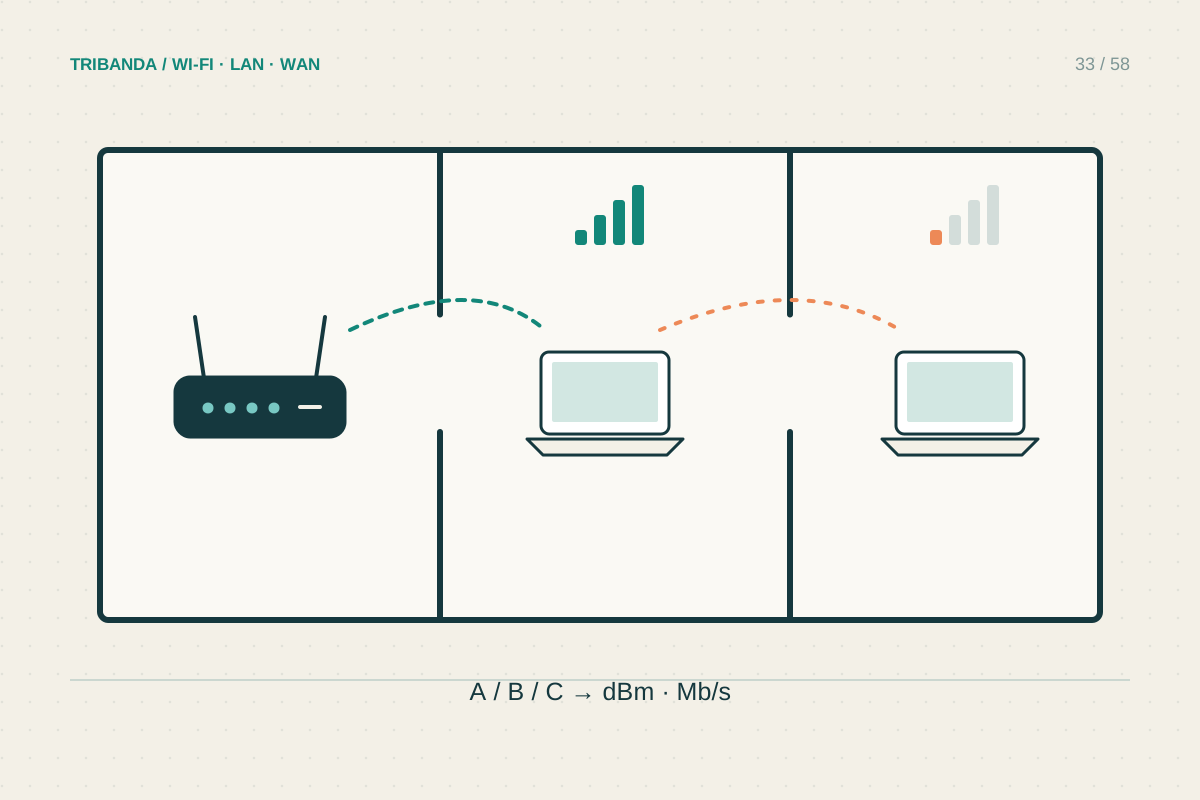
Pick three positions: near the router, just outside the troublesome room and the place where you actually sit. Test the same phone or laptop in each position, keeping its orientation similar and using the same test service. Pause downloads elsewhere during this comparison. Repeat the route once with the door open and once closed. Write down upload, download and whether the real activity, such as a video call, remains usable. A consistent drop at the doorway suggests an obstruction or an unfavourable radio path rather than an inadequate internet subscription.
Inspect the path and the mesh link
Look beyond the distance on a floor plan. A bathroom, metal cabinet, mirrored wardrobe or dense wall may sit between the room and the router. Move the device a short distance away from the wall or behind the television and test again. If a mesh node serves the room, inspect that node's connection to the main unit. Strong phone-to-node signal cannot compensate for a weak node-to-router link. Temporarily placing the node nearer the doorway can reveal whether its backhaul is the limiting part. Keep power and ventilation suitable in every trial location.
Choose a fix based on the comparison
If every device improves outside the room, first try a higher, more open router position. Test 2.4 GHz and 5 GHz where your equipment permits; the better choice depends on both obstacles and congestion. A wired access point inside or near the room avoids relying on the troublesome radio path. A wireless mesh node needs a position where it still receives a useful upstream signal, rather than being hidden in the dead spot. If only one laptop struggles while a phone works beside it, investigate that laptop before buying coverage equipment. Do not assume a faster headline Wi-Fi standard changes the walls.
Mark the improved position with a small note before moving anything permanently. A repeatable result is easier to reproduce than a remembered impression of faster browsing.
Map the transition from good to poor service; that boundary often tells you where a placement change will matter.
Common questions
Will a node inside the slow room fix it?
Only if the node has a good link upstream. A node receiving a weak signal can advertise strong local Wi-Fi and still deliver poor internet service.
Why are full signal bars misleading?
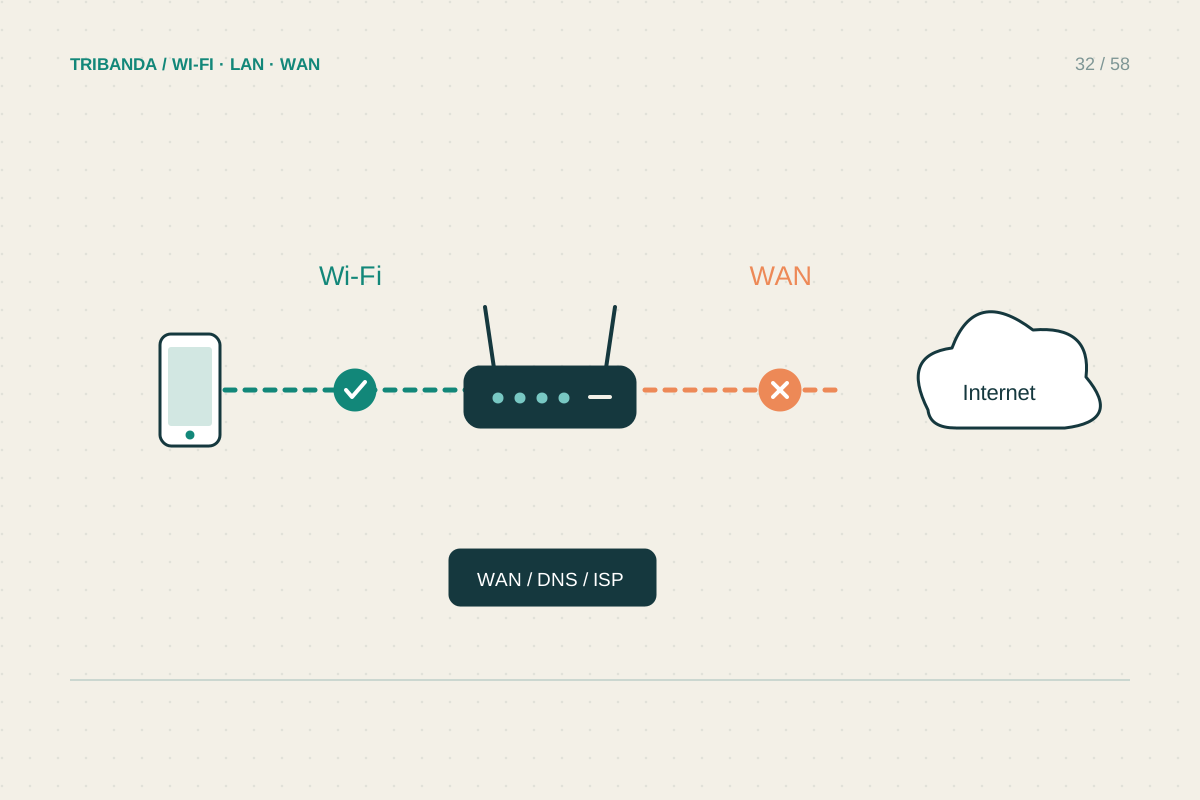
Bars mainly describe the local radio signal. They do not measure the provider connection, mesh backhaul, interference or the speed of an individual application.
Original technical illustration; schematic, not to scale.