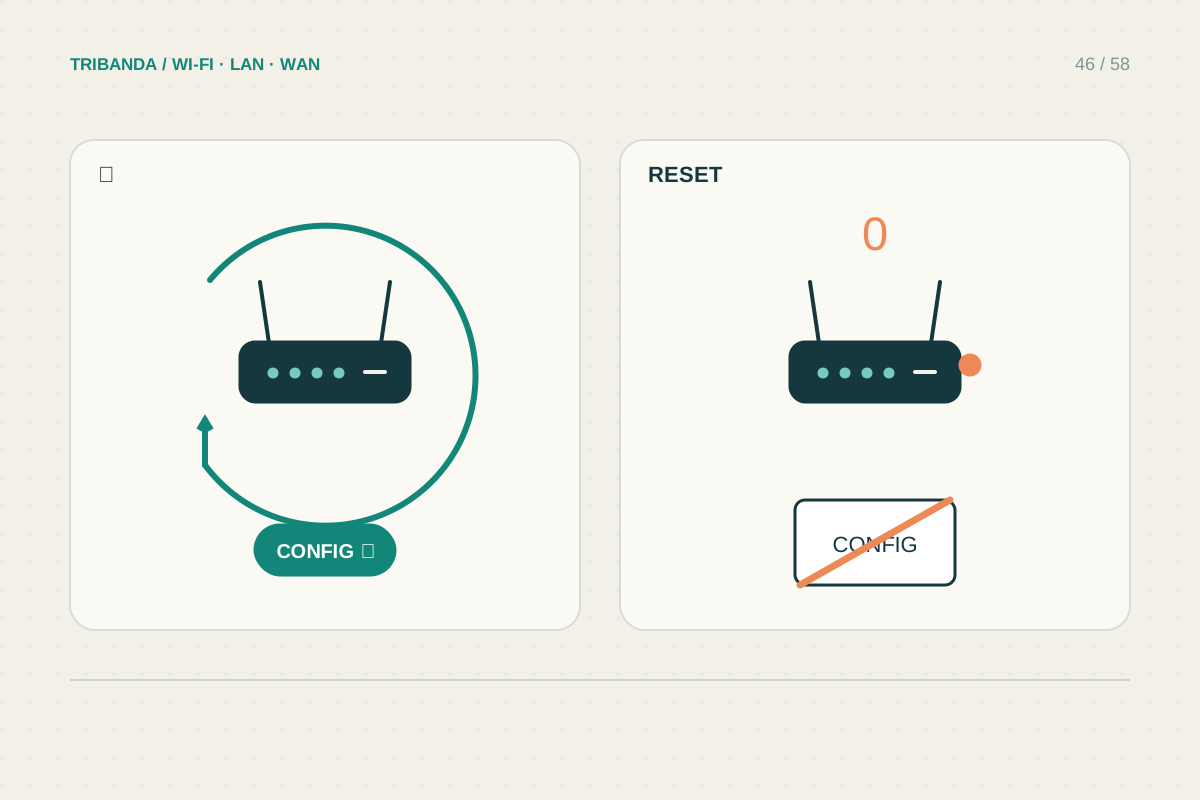
Restart, reboot, reset and restore are often used loosely in conversation, but router interfaces give them very different consequences. A normal restart reloads the device while usually keeping its configuration. Factory reset returns settings to their defaults and may leave the household without internet until setup is completed again.
Use a restart for a temporary fault
Start by recording the error, current indicator lights and whether other devices are affected. If a normal restart is appropriate, use the router's documented reboot command or power procedure. Wait for its ready state before reconnecting clients and testing. A combined WPS/Reset button may perform different actions depending on how long it is held, so do not experiment with it as a power switch. Restarting can clear a temporary state, but a problem that returns on a predictable schedule needs further investigation. Keep that pattern instead of masking it with repeated reboots.
Prepare before a factory reset
Check the exact model's manual and obtain any provider connection details, including credentials, VLAN settings or telephone requirements that apply to your service. Save a configuration backup when possible and keep it somewhere accessible without internet. Record the network names, reservations and special rules you will need to recreate. Know how to reconnect using the default details or setup process for that hardware revision. Plan for other people to lose access, and avoid resetting during a firmware update. If the router is provider-managed, ask its support about the supported recovery path before erasing a configuration you cannot rebuild.
Rebuild and verify deliberately
A reset is reasonable when a documented recovery procedure calls for it, a lost administration password leaves no supported alternative or the device is being transferred to someone else. Follow the manufacturer's actual timing and indicator guidance; it varies across models. Afterward, create a strong administrator password, configure the necessary internet settings and restore secure Wi-Fi. Test a wired client, a wireless client and any voice or special services. If you reset to investigate a bad configuration, immediately importing the same backup can bring the fault back. Recreate only the necessary settings first, then add optional features one at a time. Keep the successful configuration backup for later recovery.
When giving the device away, retain a redacted record of its model for your own equipment history. Remove personal configuration according to the manufacturer's transfer process before handing it over.
Restart preserves a setup in ordinary use; factory reset requires a credible plan to build it again.
Common questions
Will reset install newer firmware?
Usually a factory reset changes configuration, not the installed firmware version. Firmware updates are a separate procedure with their own instructions.
Does reset remove an old owner's account link?
Not necessarily. Cloud ownership and account unbinding can require separate steps. Check the product's transfer instructions before buying or giving away a used device.
Original technical illustration; schematic, not to scale.