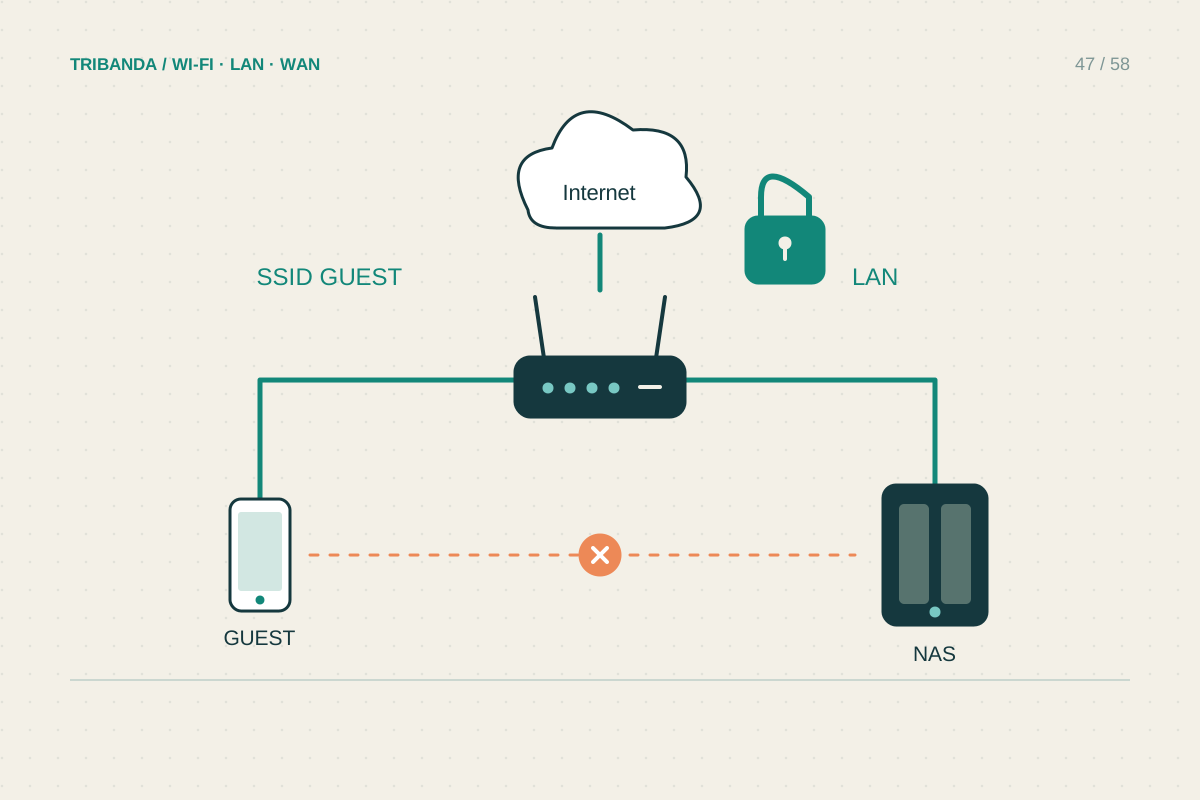
A guest network should make a visit easier while limiting access to household resources. A second Wi-Fi name alone does not prove isolation. Decide whether visitors need only internet or also a particular local device, then check what your router's guest mode actually does.
Create a clear and secure visitor network
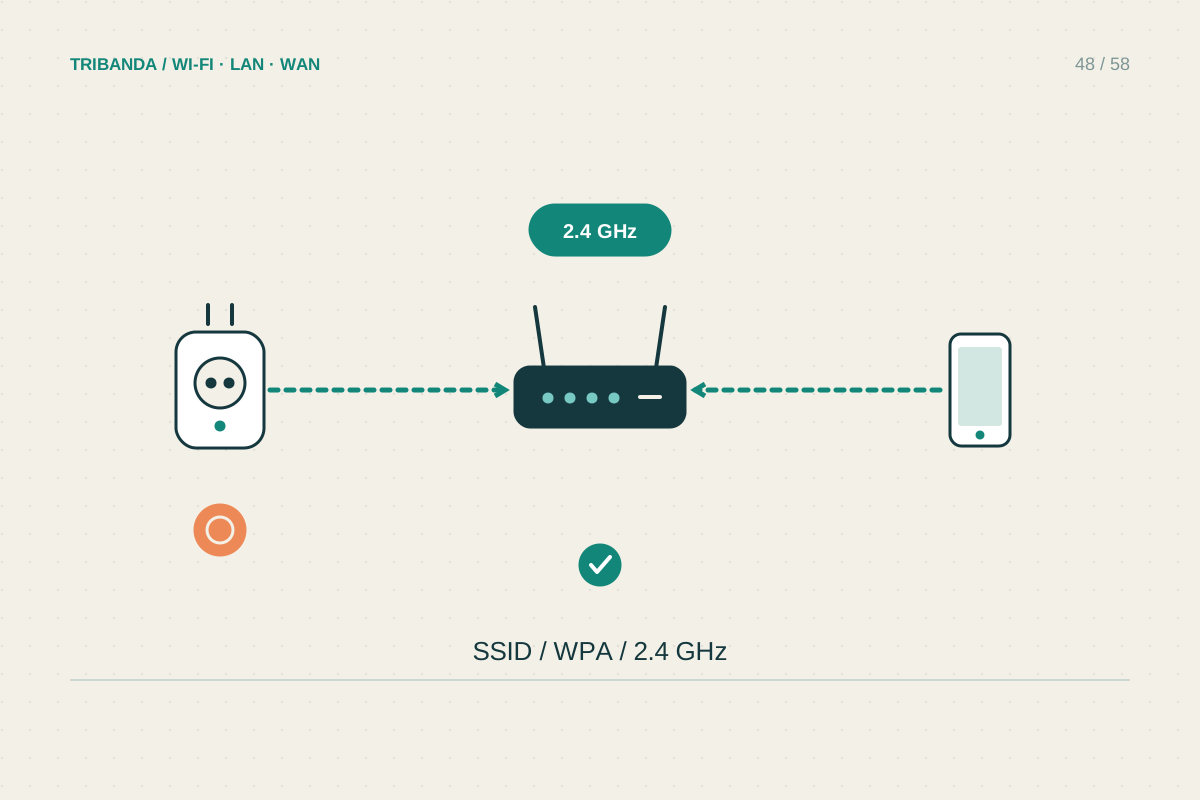
Open the router's official app or management page and find its guest-network settings. Choose an obvious name distinct from the private network, with a different strong password. Use a supported secure mode such as WPA3 or WPA2-AES according to client compatibility; do not leave the network open for convenience. Enable the bands visitors' devices can use. A temporary duration or schedule can help for occasional visits, but make sure it will not unexpectedly disconnect someone during a call. Store the sharing details somewhere intended for visitors rather than exposing the router's administrator password or private-network credentials.
Check isolation in the actual operating mode
Read the options for local-network access and communication between guest clients. Those are different permissions: guests may need to communicate with one another without reaching your NAS, or may need neither. Router mode and access-point mode can implement guest separation differently, even within one product family. Connect a phone to the guest network, turn off mobile data and verify that an unrelated website opens. Then try a known private resource that should be blocked, such as the local page of your NAS. A failed discovery list alone is not a complete isolation test, so also attempt the resource by its known local address when appropriate.
Plan the exceptions carefully
A visitor wanting to cast to the living-room television or use a printer may need local communication that the guest network deliberately blocks. Do not disable all isolation automatically. Check whether the router provides a supported narrow exception, or use an alternative such as sharing the document with a trusted household device. If you intentionally grant broader access for a task, understand and reverse that change afterward. Optional bandwidth limits should leave enough capacity for a normal call and browsing; an unrealistically low limit makes the network frustrating. Test in the guest bedroom as well as near the router, because isolation and useful coverage are separate requirements. Review the password after long-term visitors leave.
Keep a short guest instruction beside the shared details: which network to join and whom to ask if a local service is unavailable. Avoid advertising administrative access as part of visitor help.
A guest network is useful when it provides reliable internet and demonstrably enforces the local access you intended.
Common questions
Can I reuse my main Wi-Fi password?
A different password makes visitor access easier to change without reconnecting your household devices. It also keeps the private network's joining details separate.
Will guests see my printer?
That depends on isolation and discovery rules. If printing is required, verify a supported arrangement rather than assuming that two Wi-Fi names guarantee either access or separation.
Original technical illustration; schematic, not to scale.