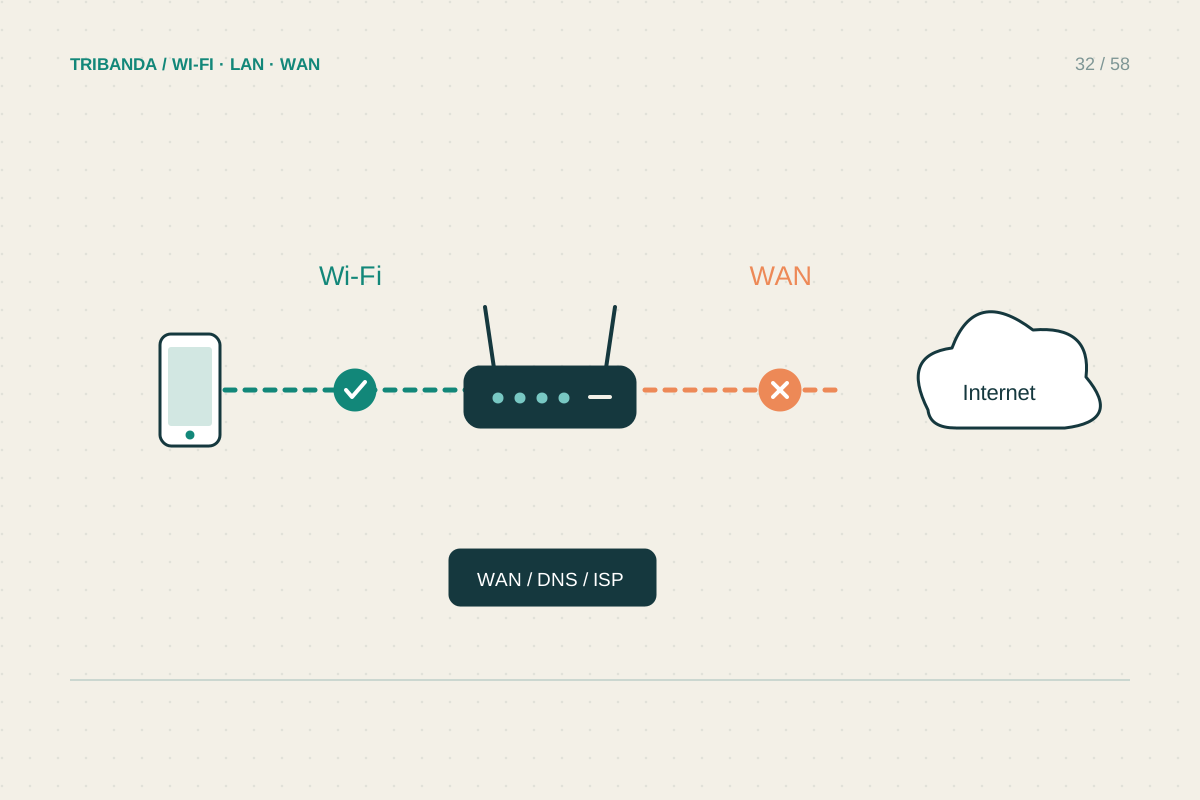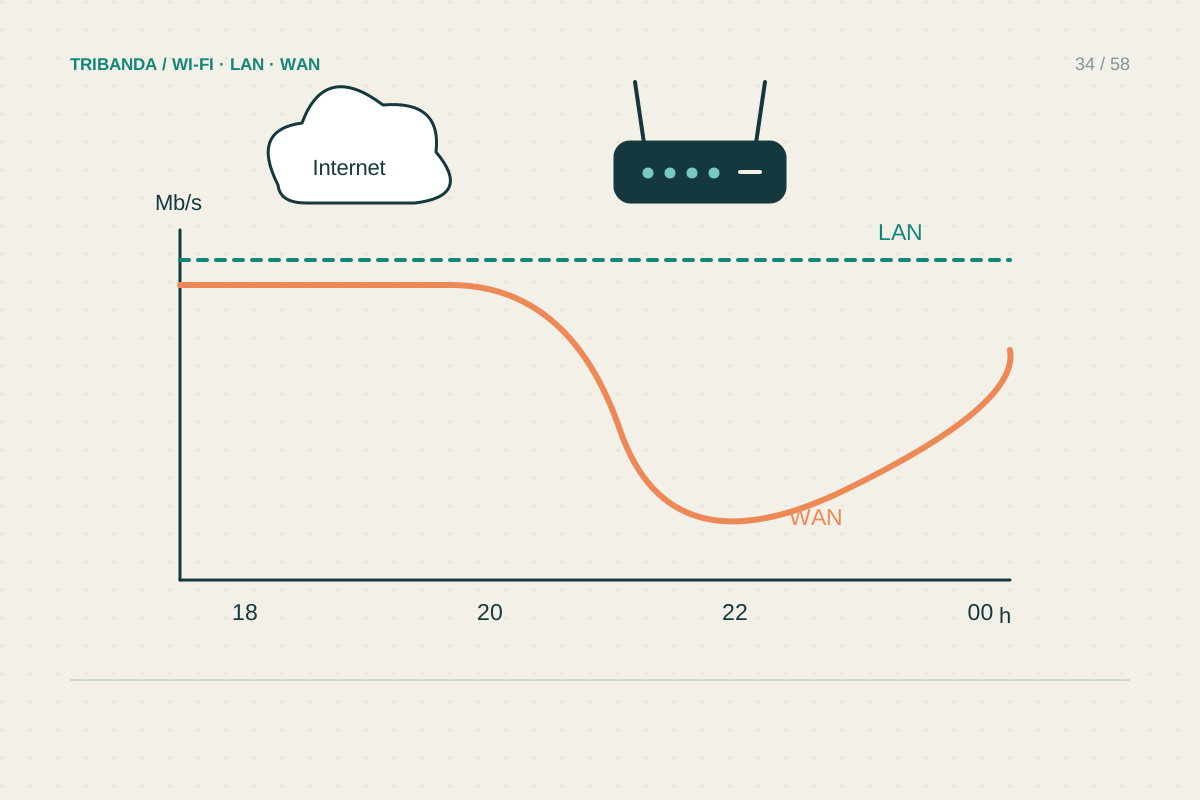
Evening slowdowns can come from activity inside the home, busier neighbouring Wi-Fi or congestion farther along the internet path. These causes can feel identical on a television. A short, repeatable test schedule is more useful than changing channels every night without recording what happened.
Collect comparable results
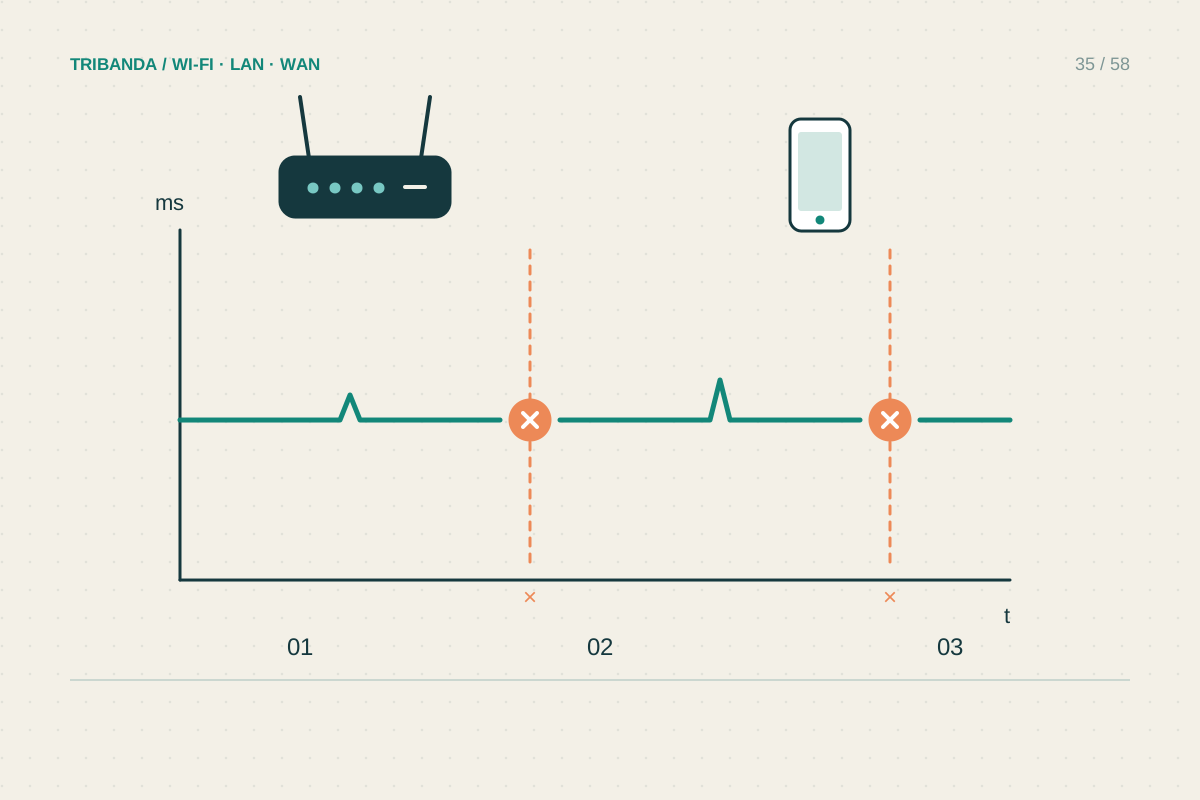
Choose a wired computer connected to the main router, with its Wi-Fi disabled. Use the same speed-test service and, where selectable, the same server. Take a morning result and an evening result on several days, recording download, upload, latency and the exact time. Note whether a VPN is active and leave that condition unchanged for the comparison. Add a Wi-Fi test in the room where the problem occurs. Avoid treating one unusually low result as proof: the test server and the route to it are also part of the measurement.
Check what the household is doing
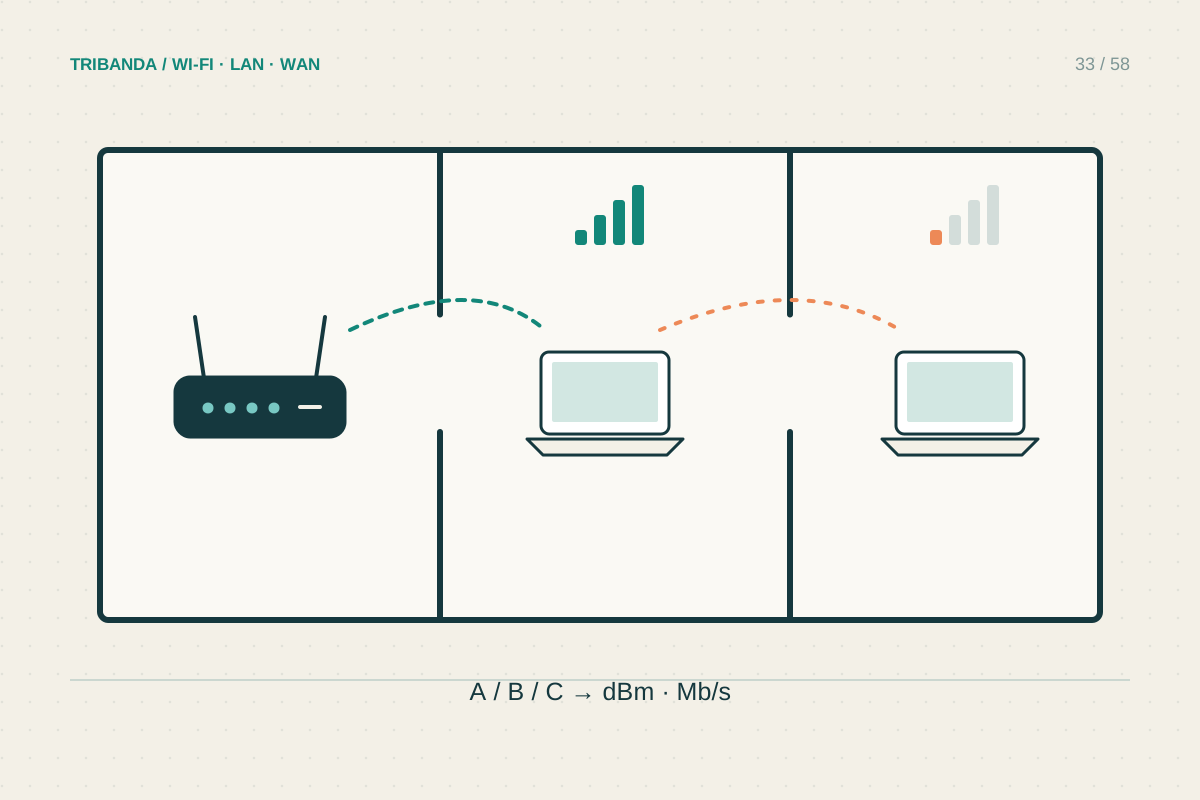
At the troublesome time, look for console updates, cloud photo uploads, large work transfers and several simultaneous streams. Ask people before pausing their activity. Repeat the wired test during a brief quiet interval, then restore normal use. A large recovery points towards shared demand at home. Upload use deserves attention even when download speed looks adequate, because busy upstream queues can make calls and browsing feel sluggish. If Ethernet remains good but Wi-Fi deteriorates, compare a position near the router with the affected room and examine wireless congestion rather than upgrading the internet package immediately.
Escalate the evidence, not the guess
When wired results repeatedly worsen in the evening despite a quiet home, send the provider a small table of dates, times and measured results. Include the connection method and whether other services also fail. Try a second test destination once to check whether the effect is specific to one route. Do not promise yourself that a new router fixes congestion outside the home. For a local-demand problem, schedule backups and updates for quieter hours; model-specific queue management may help, but requires sensible bandwidth settings and a fresh comparison. A mobile backup can also slow down at busy times, so test it during the same evening window.
Keep the original test screenshots with their timestamps. A concise comparison showing normal daytime service and repeated evening deterioration is easier to assess than isolated numbers copied without context.
A repeated wired comparison with household traffic paused gives the provider a much clearer problem to investigate.
Common questions
Does evening slowdown prove the provider is overselling?
No. It is a pattern, not a diagnosis. Local usage, Wi-Fi contention, a service's servers and internet routing can all contribute.
Should I pay for a faster plan?
First establish where the bottleneck is. Extra capacity may help shared household demand, but does not automatically fix poor Wi-Fi coverage or an application-specific fault.
Original technical illustration; schematic, not to scale.