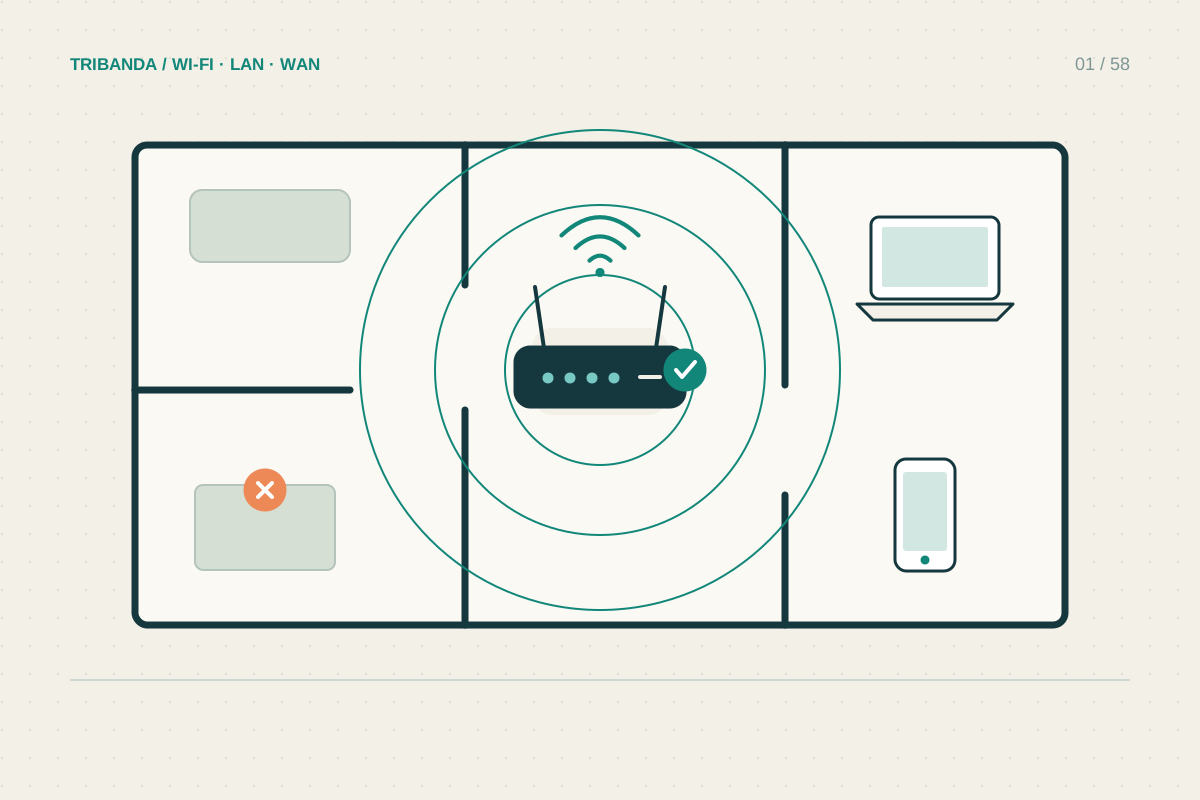
A channel is the portion of radio spectrum a Wi-Fi network uses. Choosing another one can help in an apartment block, but counting nearby network names is not enough. A quiet-looking channel may carry a busy hidden network or interference that an ordinary Wi-Fi scan cannot identify.
Begin with the current settings
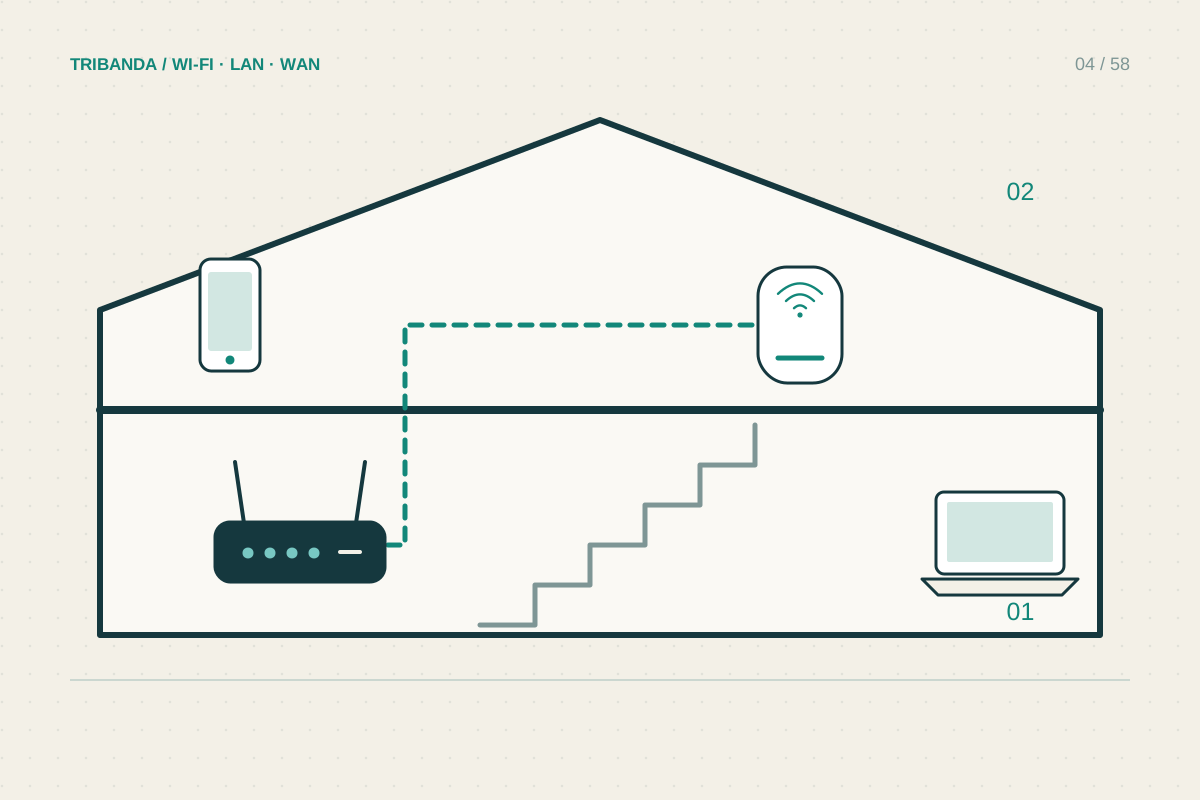
Open the router’s official app or local administration page and record the band, channel and width. Leave automatic selection enabled if the network works well. Some mesh systems manage channels centrally and offer fewer manual controls; follow the manual rather than assuming a missing menu indicates a fault.
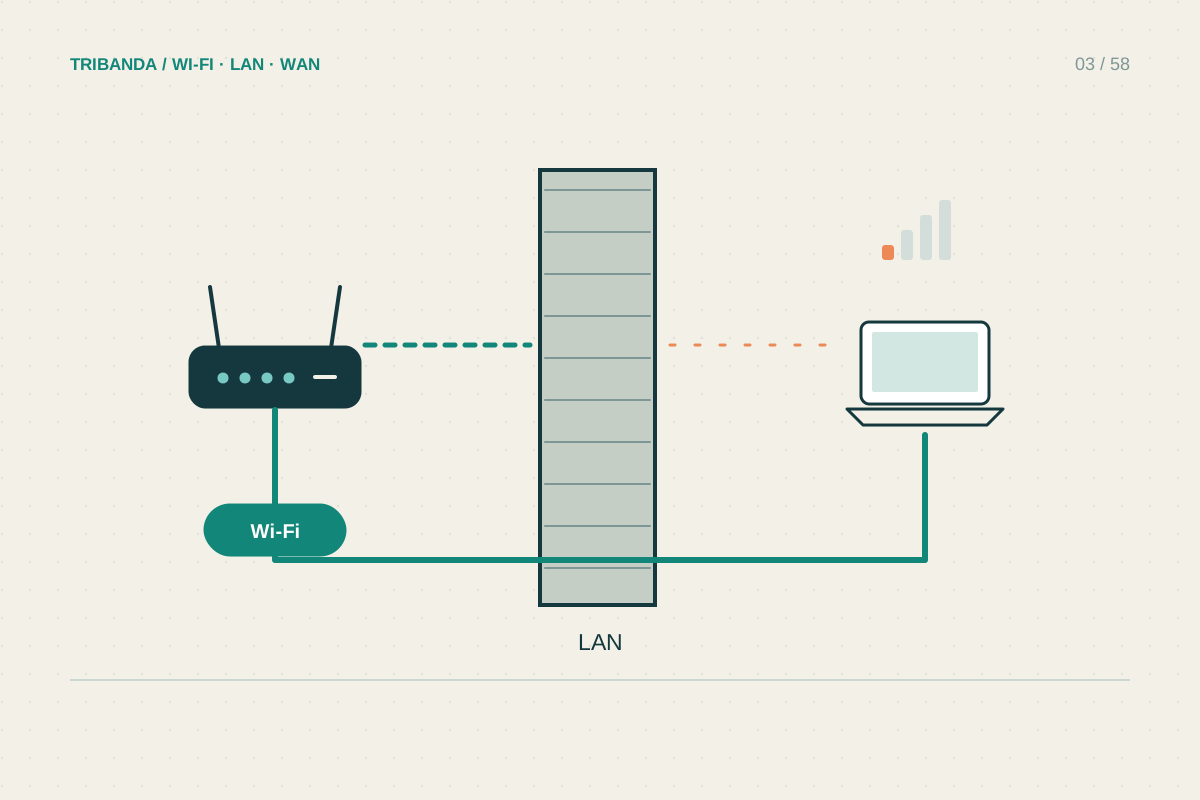
Compare a wired device with a nearby wireless one first. If both are slow, changing channels is unlikely to resolve the incoming service problem. If Wi-Fi alone deteriorates at busy times, channel congestion is one plausible explanation alongside interference and an overloaded access point.
Change one radio variable
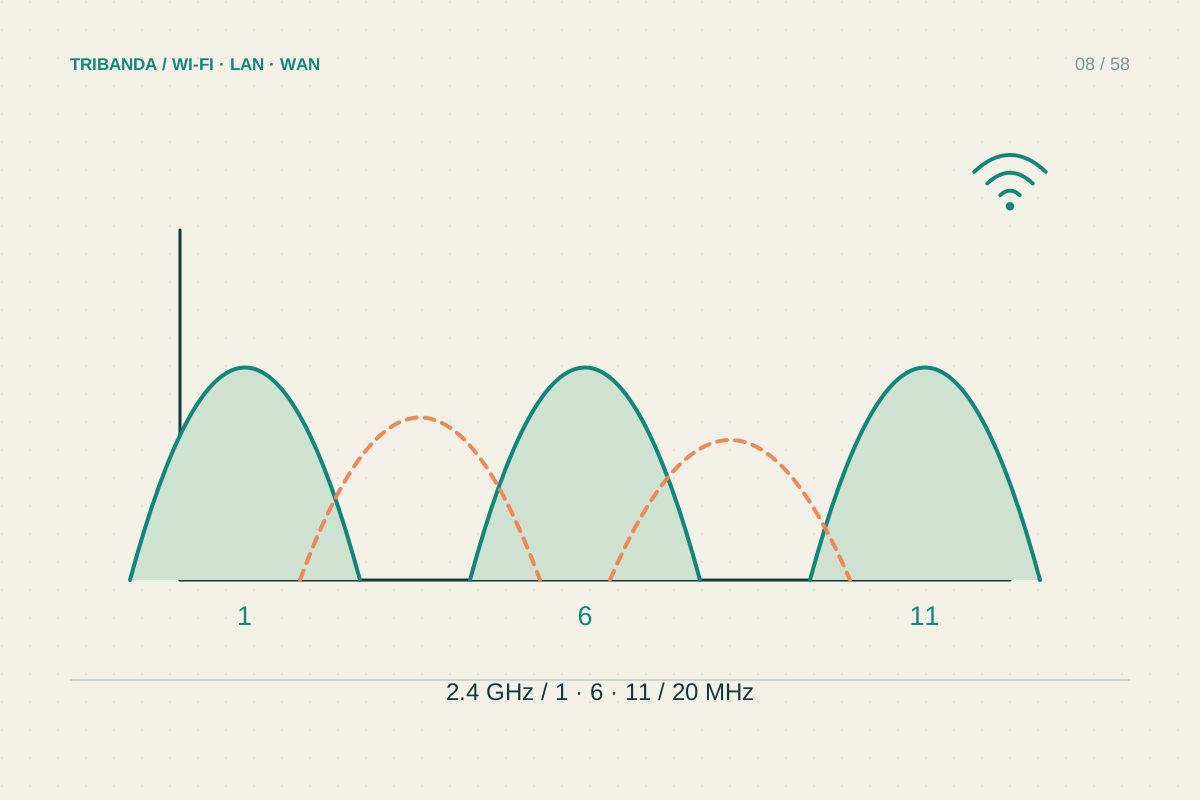
For 2.4 GHz at 20 MHz width, channels 1, 6 and 11 form a commonly used non-overlapping plan. Your router’s regional settings determine the available choices. Do not select a foreign country profile to unlock channels: some clients may not connect, and permitted operation differs.
On 5 GHz, automatic management is often practical. Some channels use DFS, where radar detection can require a channel change or waiting period. If interruptions coincide with DFS events in router logs, test an allowed non-DFS choice where available. This is a diagnosis, not a universal instruction to avoid DFS.
- Record current channel and width and establish a baseline.
- Scan from the problem room and note strong overlapping networks.
- Choose one allowed alternative while keeping width unchanged.
- Reconnect and repeat the same tasks at a comparable time.
- Restore the original or automatic setting if reliability worsens.
Keep the change only if it helps
A scanner reports radio observations at a particular position and moment. Scan near the problem desk as well as near the router. A neighbour’s strong network beside your desk may be more relevant there than a long list of weak networks visible in the hallway.
Do not change channel, width, security and transmit power together. That hides which change made a difference. Repeat the same workload during the hours when the trouble normally occurs. Keep notes of the previous setting so returning to automatic selection is straightforward if manual tuning adds no clear improvement.
A better channel is one that measurably improves your connection. Scans narrow the candidates; repeated use decides the result.
Common questions
Is an empty channel always fastest?
No. Activity and non-Wi-Fi interference matter, and scans only capture part of the environment.
Should I tune channels every day?
Usually no. If automatic selection is reliable, frequent changes add disruption without a demonstrated benefit.
Original technical illustration; schematic, not to scale.