Replacing the router on an Italian fibre connection is not just a Wi-Fi decision. First establish what equipment belongs to the provider, how the service reaches your home and whether the telephone also depends on the existing box. Keep the working installation available until the replacement has passed practical checks.
Identify the connection you actually have
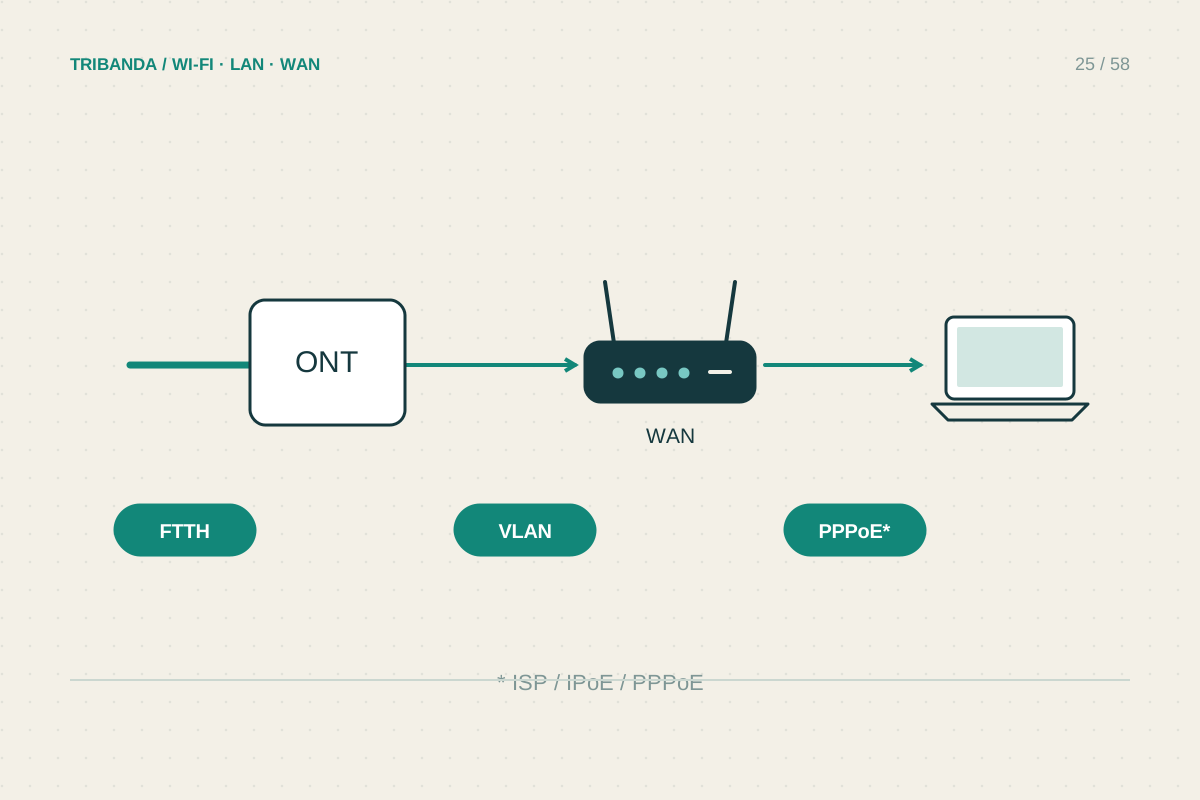
FTTH brings fibre to the premises, often through an optical network terminal, or ONT, that presents Ethernet to a separate router. FTTC typically reaches the home over copper and needs a compatible DSL modem function. The word fibre in an offer is not enough to identify the connector your replacement needs.
Photograph the existing layout and labels without exposing account passwords. If there is an external ONT, its Ethernet connection is usually the handover to investigate. If the optical module is inside the provider's router, ask the provider about a supported external handover. Do not move optical modules, bend fibre sharply or assume a third-party optical module will be provisioned automatically.
Obtain the settings for your own line
Use the current documentation for your provider, access technology and subscription. A connection may require a particular authentication method, VLAN tagging or other WAN settings. TIM's generic-modem documentation is an example of provider-specific instructions, not a configuration template for every Italian network.
Confirm that the chosen router can apply the required settings to its WAN interface. If you have a telephone plugged into the old router, obtain the relevant VoIP requirements separately and check whether the replacement supports the service. Working web browsing does not prove that incoming calls, outgoing calls or any provider-specific television service still work.
Change with a clear return path
Choose a time when the connection is not needed for work. Save a record of the original configuration, keep the original router and power supplies labelled, and configure the new unit before disconnecting more equipment than necessary. Avoid a factory reset of the provider's box merely to try another router.
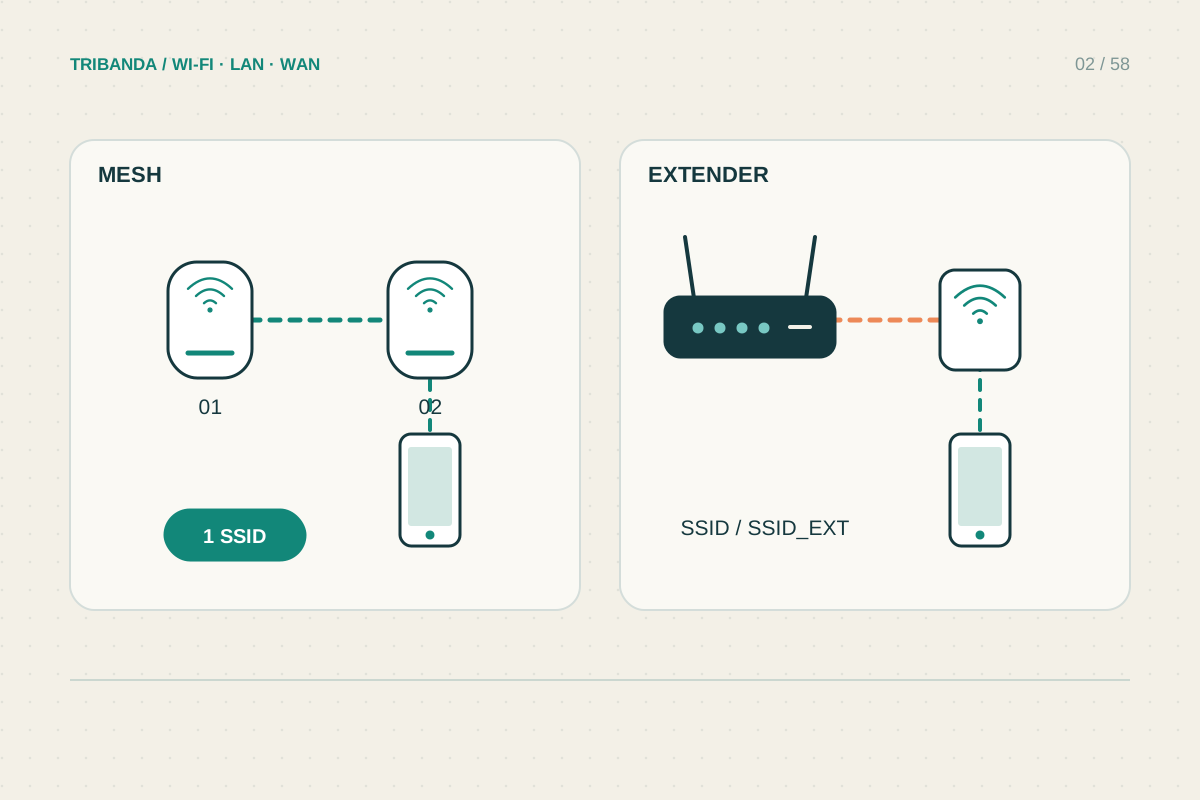
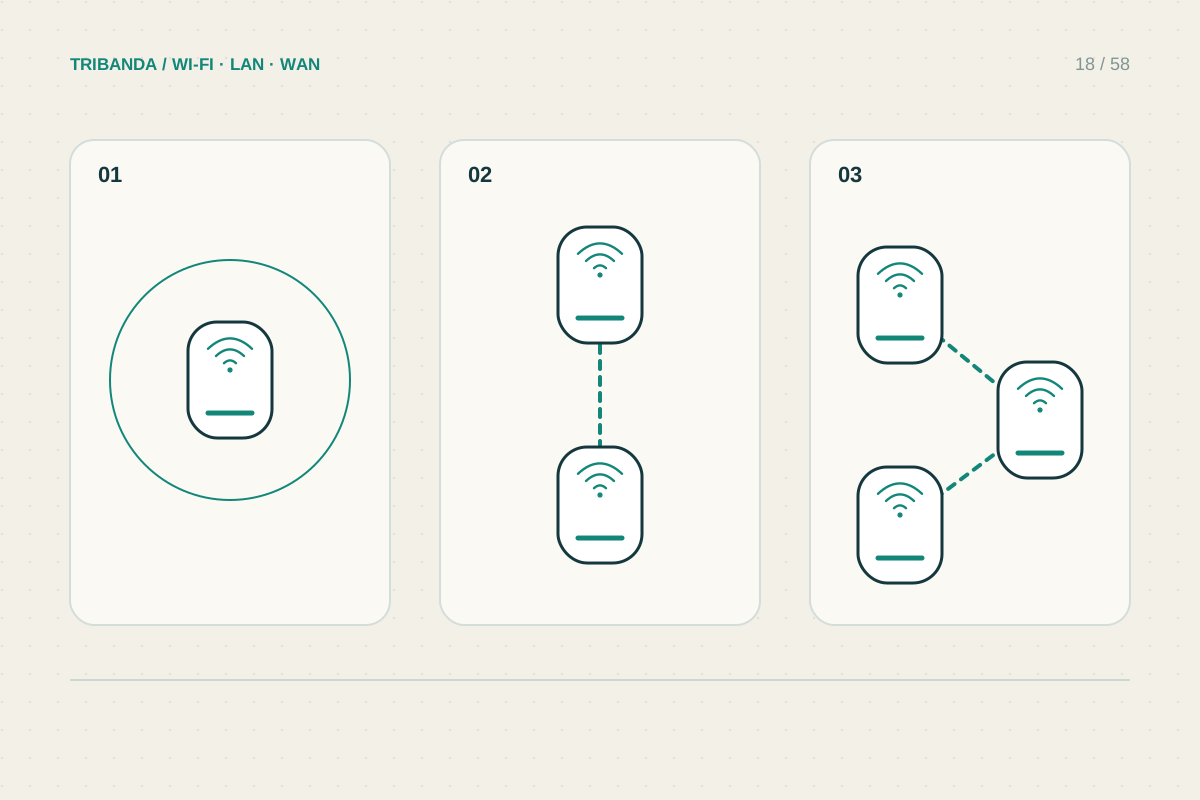
After connecting, check the WAN status, a wired computer, normal Wi-Fi use and any phone service you rely on. Record which test fails and the exact status message. If provider authentication or optical provisioning is unclear, reconnect the known-working installation and ask support about the specific handover. Adding your own access point or mesh in AP mode may meet a coverage need with less disruption.
Confirm the access technology, WAN requirements and voice service before changing equipment. Preserve the original working setup until the replacement is verified.
Common questions
Can an ordinary Wi-Fi router replace a DSL modem?
Not by itself unless it includes the required modem function. A separate compatible modem or supported provider handover may still be needed.
Are the settings the same for all Italian providers?
No. Follow the documentation for your actual line and provider; even the same brand can use different requirements for different access technologies.
Original technical illustration; schematic, not to scale.