A weak bedroom connection does not automatically call for a complete mesh kit. An extender may be enough for one modest coverage gap; several difficult rooms may justify a coordinated system. The important question is how the new device connects back to the existing network, because a strong-looking local signal can still sit behind a weak upstream link.
Describe the problem before choosing a box
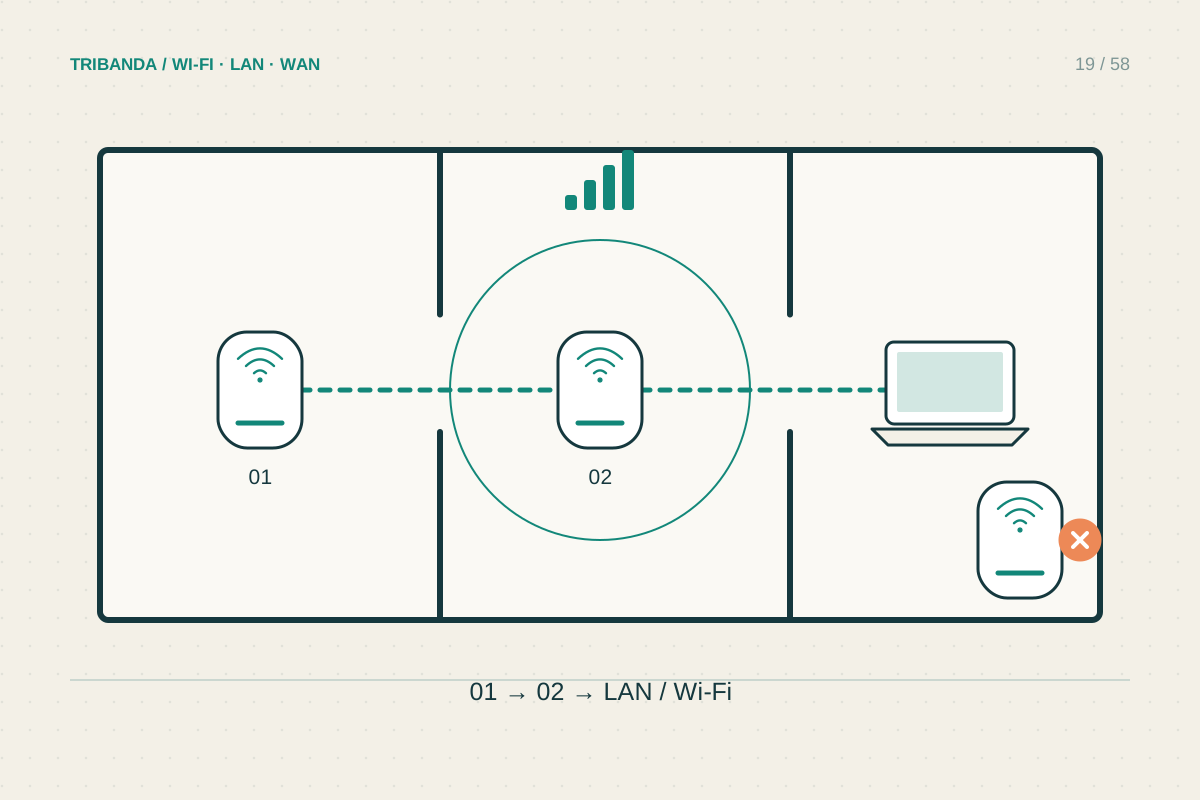
Write down where the connection fails and what you need there. A connected lamp and a work laptop have different requirements. Test beside the router and at the doorway of the weak room. If performance already collapses before the doorway, putting an extender inside that room will give it little usable signal to repeat.
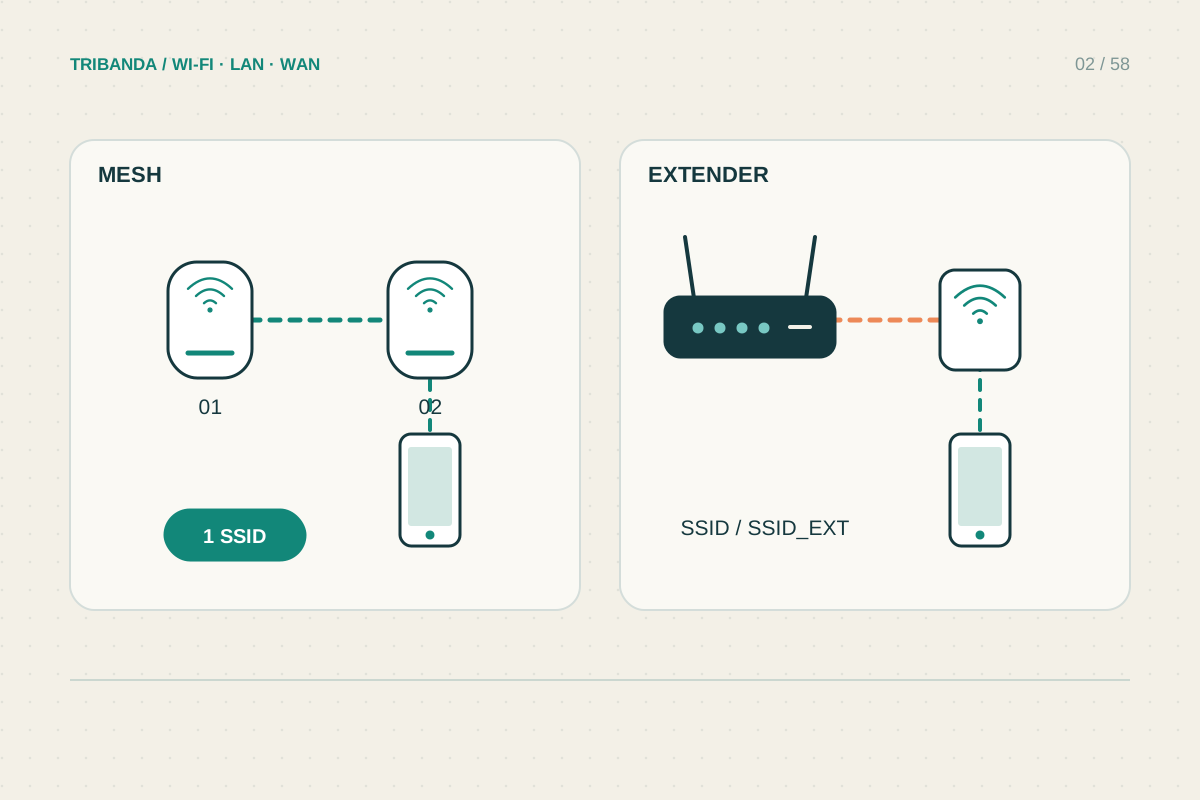
An extender normally joins the existing wireless network and rebroadcasts it. Mesh systems coordinate supported nodes under one management system. Both can depend on wireless links between units, and both can suffer from walls and congestion. Do not assume the word mesh removes the need for careful positioning or guarantees full broadband speed everywhere.
Pick the smallest suitable change
For one edge-of-coverage room with a good intermediate socket, an extender is a reasonable option to evaluate. Check whether its Ethernet port can work as an access point if you later run a cable. Some products instead use the port only for a wired client, so the connector alone is not proof of that capability.
For several occupied rooms or floors, mesh can make administration and expansion easier. Verify the exact router, node and firmware compatibility rather than buying by brand alone. Different mesh families from the same manufacturer can remain separate systems. Consider access point mode if you need to keep the provider's router for voice or other services.
Test the route back to the router
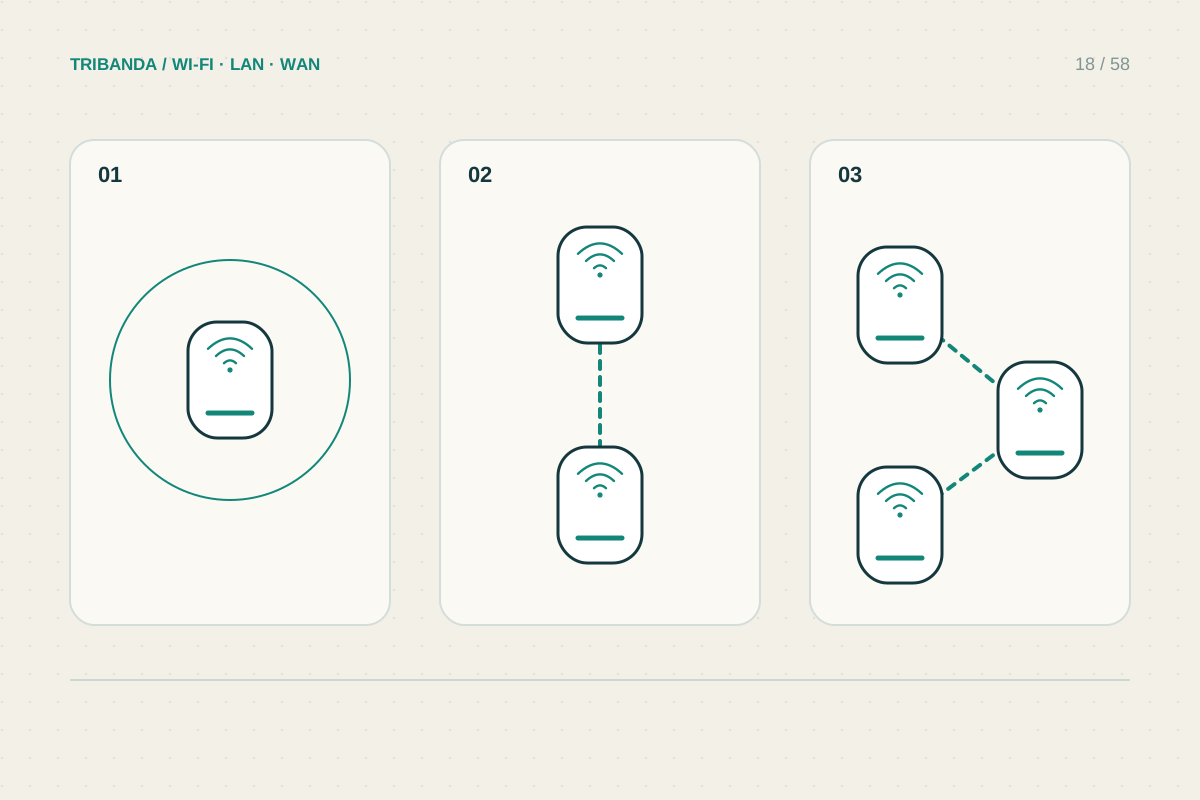
The connection between network units is called backhaul. Wireless backhaul shares radio conditions with the rest of the building; Ethernet backhaul replaces that link with a cable. It does not remove every bottleneck, but it avoids asking a wireless signal to cross the same difficult barrier that caused your coverage problem.
- Map a candidate position between the router and the weak area where your test device still works reliably.
- Set up the extender or satellite near the router first, following the product instructions.
- Move it to the candidate position and check the manufacturer's link-quality indicator.
- Test from the actual desk or television position. Compare a normal task and repeated speed results.
- If the upstream link remains poor, try a closer position or test an Ethernet connection before adding another wireless hop.
Check the compromises before committing
A conventional extender may present a separate network name, which is straightforward for a stationary device but less convenient when walking between rooms. Using the same name does not by itself create coordinated mesh roaming. Even with mesh, the phone or laptop participates in deciding when to change access points, so interruption-free movement cannot be promised.
Compare the whole arrangement: available sockets, cable routes, Ethernet port speeds, replacement flexibility and features that require an account or subscription. Keep the packaging and check the seller's return conditions before using your home as the final coverage test. Manufacturer coverage areas are a starting estimate rather than a map of your walls.
Use an extender for a well-defined small gap with a healthy upstream signal. Choose mesh for coordinated coverage across several areas, and favour a cable when the building blocks wireless backhaul.
Common questions
Can mesh make a slow internet subscription faster?
It can improve local coverage, but it cannot increase the incoming service speed. Compare a wired baseline first.
Can any extender become a mesh node?
No. Mesh participation requires explicit compatibility between the devices and their firmware. Check the exact support list.
Original technical illustration; schematic, not to scale.