A game can download quickly and still feel unresponsive during a match. Real-time play depends on a timely exchange of small updates, not merely on a high download headline. Begin with an Ethernet comparison and the game's own network indicators, then check what changes when the household is busy.
Establish which kind of lag you have
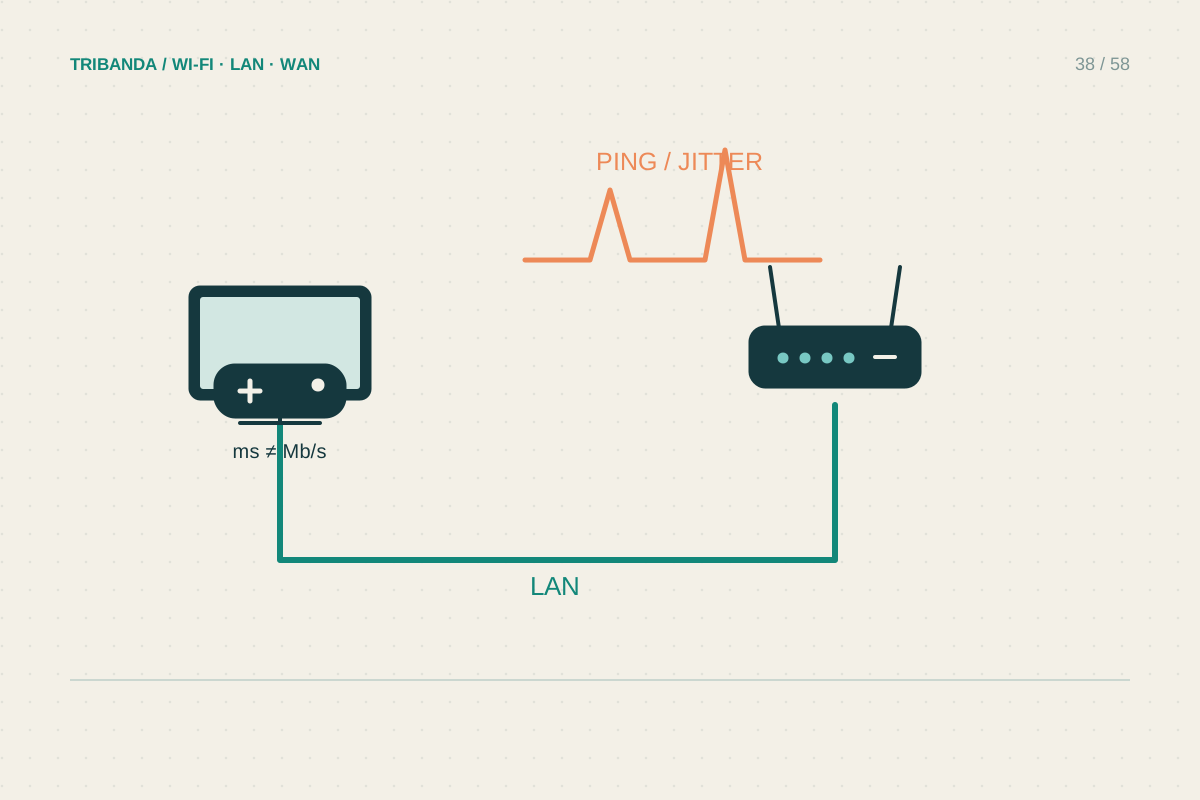
Watch the game's latency, packet-loss and server-region indicators if available. Distinguish network delay from low frame rate: a scene that renders slowly can be a graphics or processor issue even on an excellent connection. Choose the same game mode and region for comparisons. Connect the console or computer by Ethernet to the main router, turn off its Wi-Fi where appropriate and play a comparable session. If performance improves, focus on Wi-Fi or the mesh path. A cable to a wireless satellite still uses that satellite's upstream wireless link, so it is not the same as wiring to the main router.
Test the busy-household effect
Observe a match during quiet network use, then compare when an ordinary backup or download is running. Ask before pausing another person's transfer. Record whether latency rises sharply only under load. Scheduling large updates outside play sessions is an inexpensive remedy. Some routers offer queue management or QoS, but settings and trade-offs vary: follow the model's documentation and compare before and after. Prioritising every device achieves little. Reserve priority for a real interactive need, and do not assume a gaming-labelled router can change the physical distance to the server or the provider's external route.
Keep fixes proportionate
For wireless play, test near the main unit and use a band that remains stable at the actual seat. Avoid hiding a console behind a television or metal cabinet when its antennas are there. Update supported console, adapter and router software in a planned window. NAT warnings are a separate clue about reachability and hosting; opening ports blindly is not a general cure for high latency. If a single game or region performs badly while others work, check its service status and compare another supported region. Keep a short record for the game publisher or provider, including wired results, times and the selected server region.
Use Ethernet and a quiet-versus-busy comparison to distinguish a home delay problem from one farther away.
Common questions
Will a faster plan lower my ping?
Sometimes extra capacity helps a busy home, but it does not shorten the route to a distant server. Test latency under your normal load first.
Is a VPN a gaming improvement?
It adds another route and can help or worsen a particular path. Compare carefully, respect the game's rules and avoid treating it as a guaranteed fix.
Original technical illustration; schematic, not to scale.