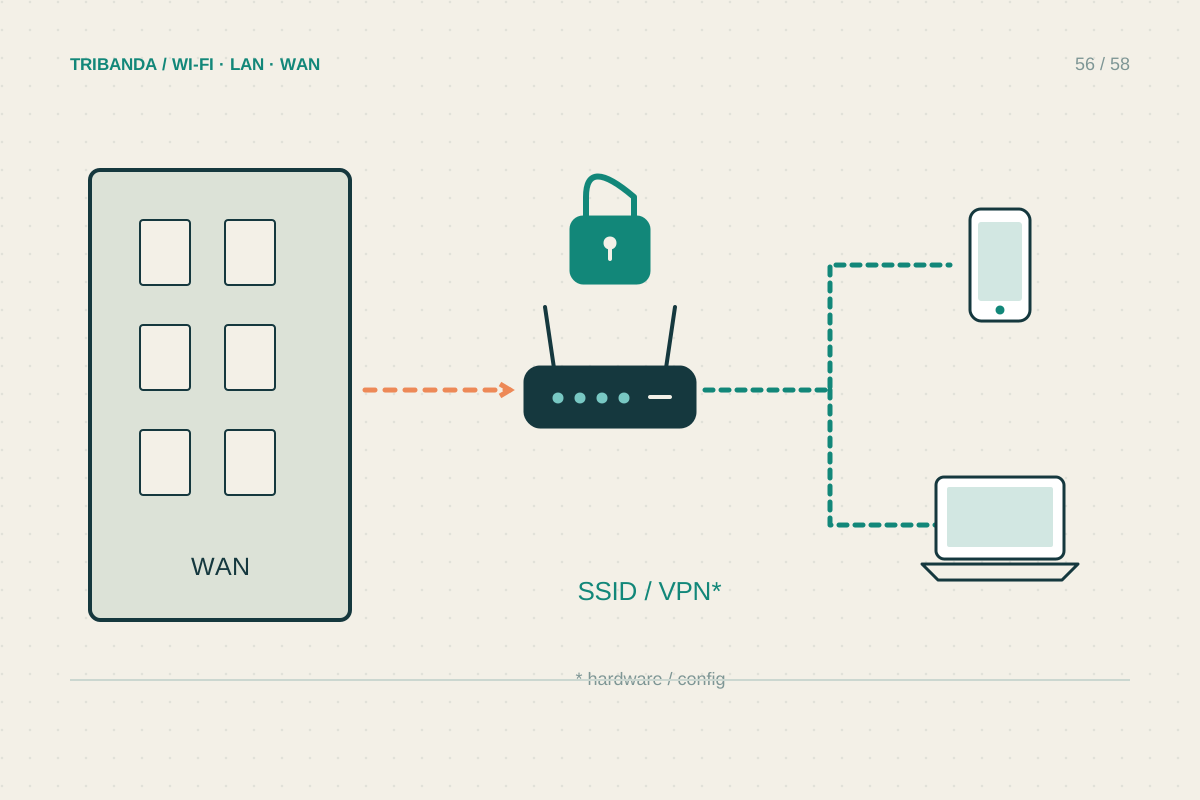
A travel router can connect several personal devices through one supported hotel, apartment or mobile connection. Its main appeal is convenience: your own Wi-Fi name and local arrangement travel with you. It still depends on the upstream service and cannot manufacture capacity or bypass a venue's access rules.
Match the mode to the available connection
Before travelling, check whether you need Ethernet WAN, a hotspot mode that joins public Wi-Fi or supported USB tethering. Product modes differ, and a basic repeater is not automatically equivalent to a router that creates a separate local network. Confirm power requirements, regional compatibility and the ports your laptop or other equipment needs. Configure a strong administrator password and secure Wi-Fi at home, install supported updates and save the instructions offline. Test with ordinary devices before relying on the setup for an important meeting abroad. An extra power adapter and cable can matter more than a premium theoretical radio speed.
Handle the venue's sign-in page
Ask the venue which connection is intended for guests and whether personal routers are allowed. A captive portal may require a room number, voucher or acceptance of terms after joining. Follow the router's documented portal procedure; support varies by model and firmware, so a successful test on one hotel network does not guarantee every other portal. Complete the legitimate sign-in, then check a normal secure website from each needed device. Do not ignore certificate warnings or copy another guest's credentials. If the portal does not appear, use the manufacturer's supported troubleshooting and ask venue support rather than attempting to bypass restrictions or duplicate another person's identity.
Understand the privacy and speed limits
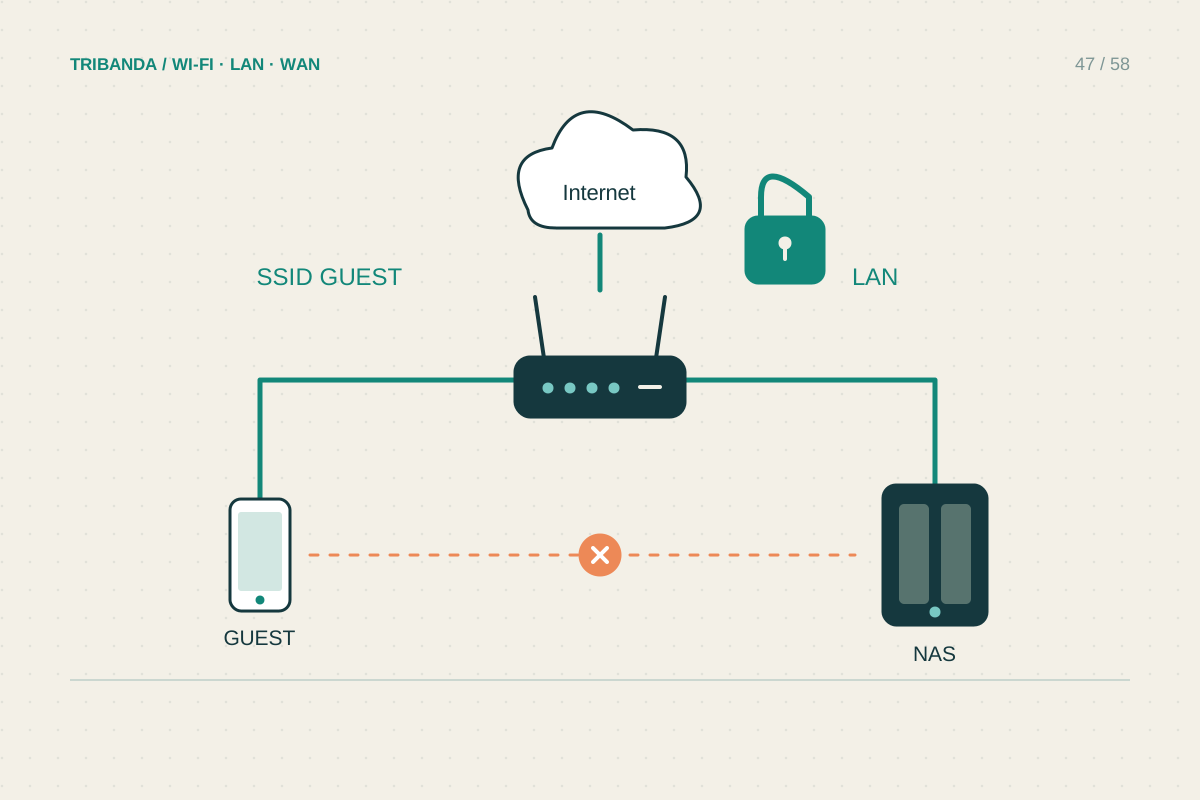
Your own router can separate local devices from the upstream network according to its configuration, but NAT is not encryption for all traffic. Keep HTTPS and device security in place. A supported VPN may be useful for an authorised work requirement, yet it adds overhead and may be restricted by the network or destination service. Test it rather than assuming it improves speed. When the router receives and retransmits over Wi-Fi, shared airtime and a weak upstream signal can limit performance. Place it where the source connection is stable, not merely beside the laptop. A phone hotspot remains a simpler fallback for one device, especially when the hotel connection is unreliable or incompatible.
Choose a travel router for a supported connection-sharing job and keep a simple fallback for unfamiliar networks.
Common questions
Does it make public Wi-Fi completely private?
No. It changes the local arrangement but does not eliminate untrusted websites, insecure device settings or the need for appropriate encryption.
Can I use my home Wi-Fi name while travelling?
You can configure a familiar name where appropriate, but protect the joining details and remember that devices may connect automatically. Keep the router's administration access secure.
Original technical illustration; schematic, not to scale.