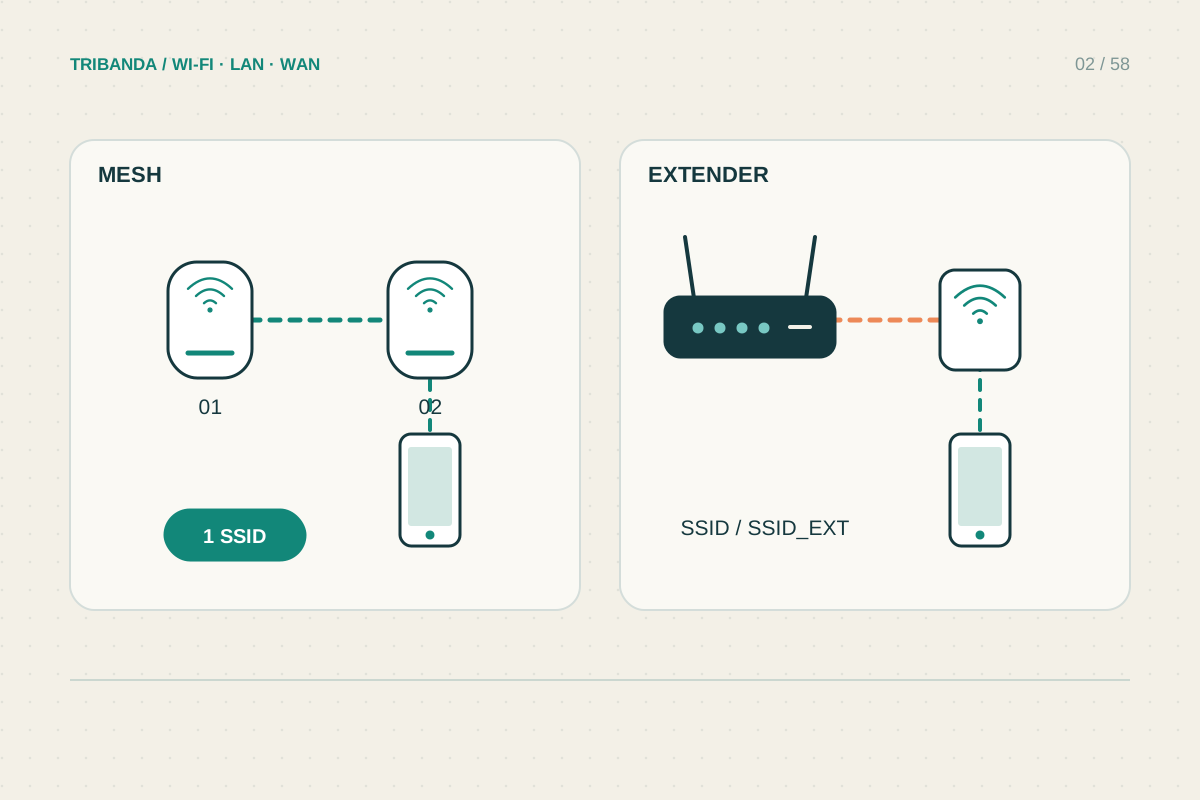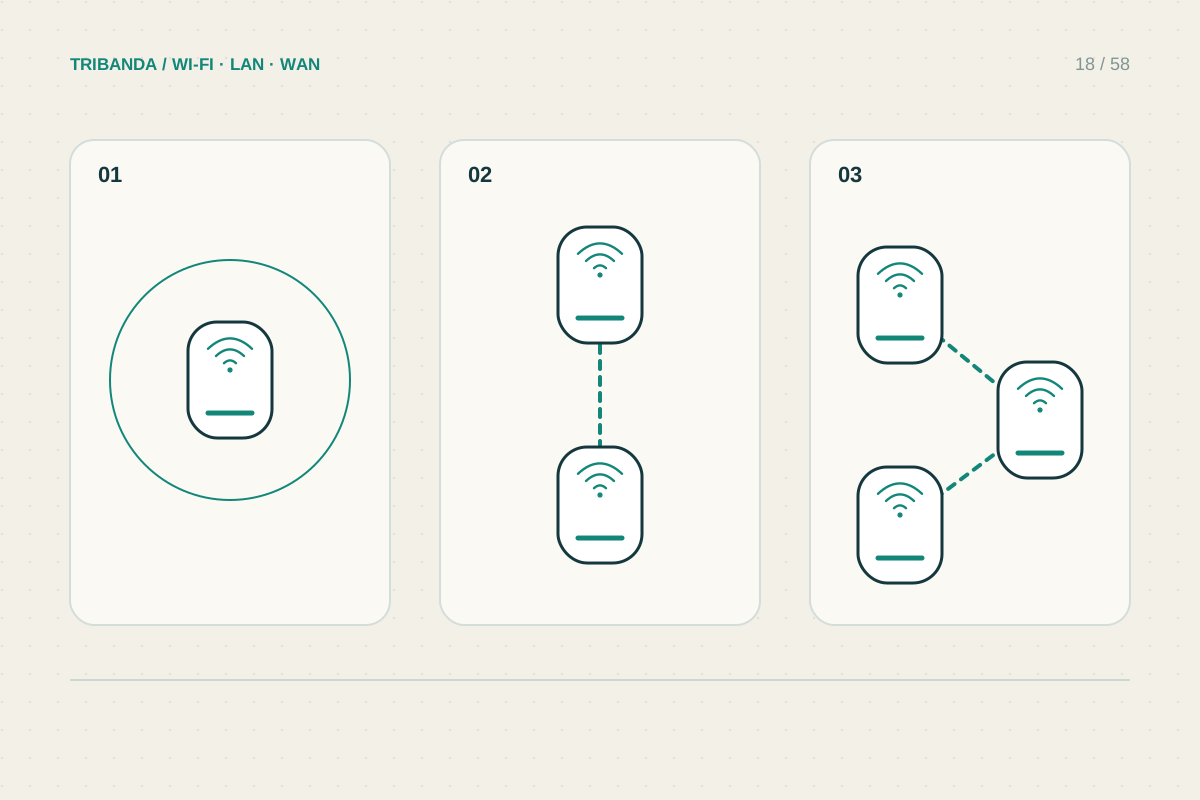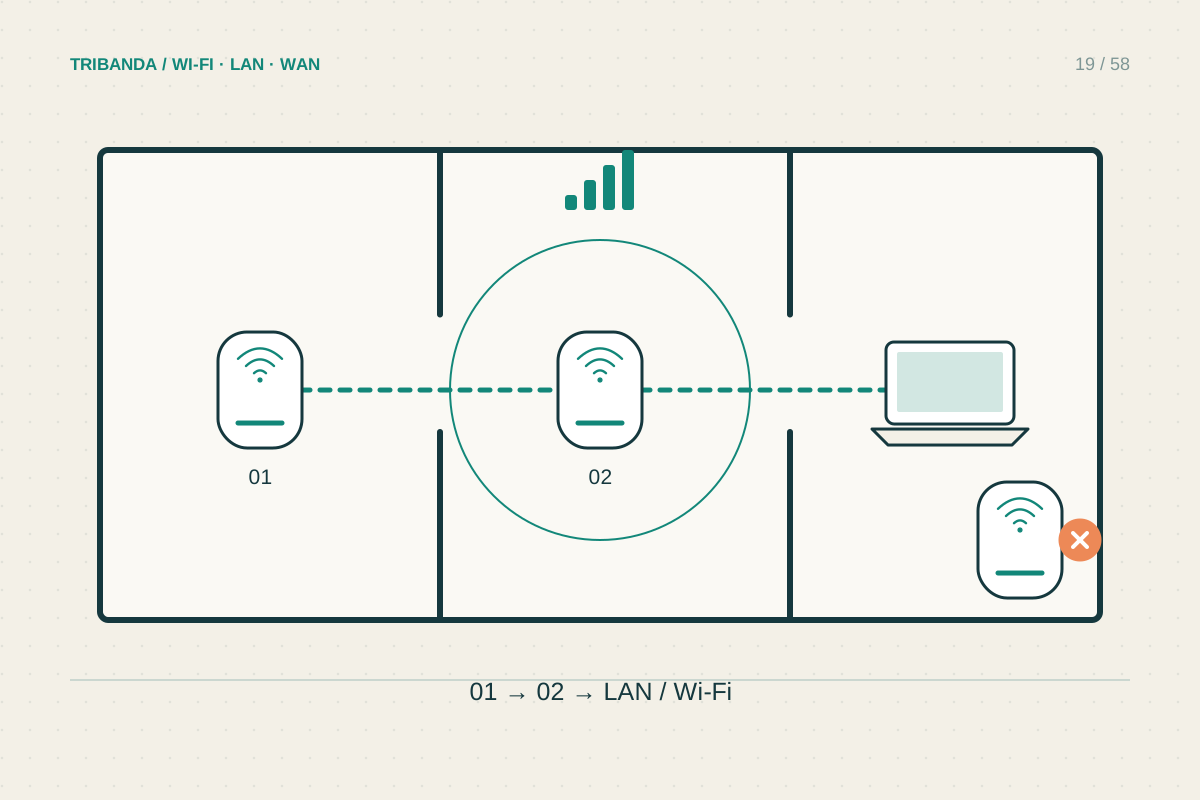
A satellite has two jobs: receive the network from upstream and serve nearby devices. The best location balances both. Putting it beside the disconnected television may solve the second distance while leaving the first link unusable, so begin along the route from the main unit.
Start from a healthy connection
Set up the new satellite near the main unit according to the instructions. Once it joins, move it towards the weak area in stages. A hallway or open doorway can be a better link path than a shorter line through reinforced walls. Use real observations rather than a universal distance rule.
Keep the unit open and ventilated. Behind a television, inside a metal cabinet or on a floor crowded with cables may be convenient but can worsen radio conditions. Follow its intended standing or mounting orientation; internal antennas are not necessarily arranged symmetrically in every direction.
Read the topology as well as the bars
The app may show whether the node links directly to the main unit or through another satellite. It may also identify the band and link quality. These details explain why two clients with equally strong local signals can perform differently. Names and icons vary by manufacturer and firmware.
Test from the actual desk after each move. If the satellite receives poorly, move it back towards a healthy upstream point instead of further into the dead zone. If upstream quality is good but the far room still fails, consider a cable-fed position nearer that room.
- Join the satellite near the main unit.
- Trial an intermediate open position.
- Check its upstream node, link type and quality.
- Measure at the final client position.
- Repeat essential rooms and movement before fixing the location permanently.
Check movement and normal traffic
Walk a phone between important rooms during a non-critical call or stream. Roaming behaviour also depends on the phone, so a delay in changing nodes does not automatically indicate defective mesh hardware. Compare another supported client before changing advanced roaming options.
Avoid changing several nodes together. Record positions and test one move at a time, then inspect the selected topology again. Automatic paths may change after a reboot or new placement. If a node has wired backhaul, verify the app actually reports Ethernet before relying on that arrangement.
A useful mesh position serves both the backhaul and the room. When those needs conflict, Ethernet can let you place the radio where clients need it.
Common questions
Should nodes sit halfway apart?
Halfway is only a rough starting point. Walls and usable upstream signal determine the real position.
Can I hide a node in a cupboard?
An enclosed or metal cupboard can obstruct radio and ventilation. Test an open supported position first.
Original technical illustration; schematic, not to scale.