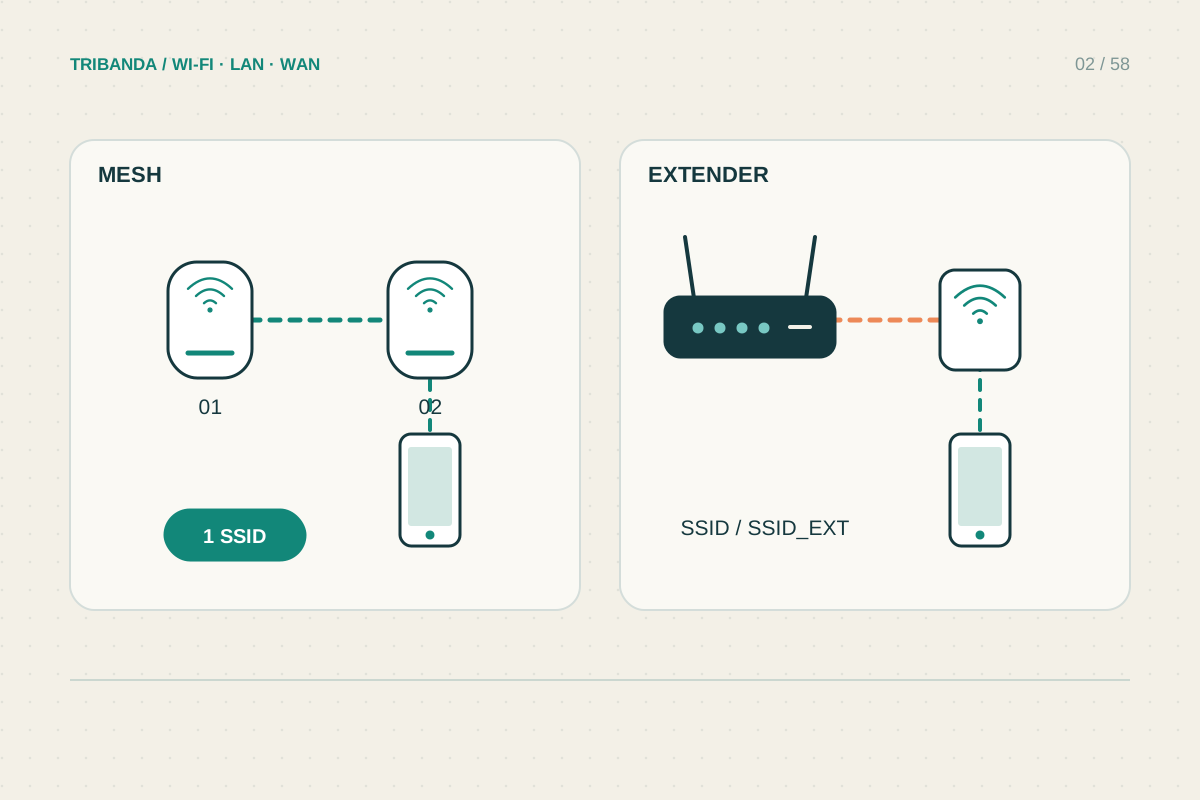
The operating mode decides which box manages the boundary between your home network and the upstream connection. Choose it from the network arrangement, not from a belief that one mode has stronger Wi-Fi. A mesh system can retain coordinated radio coverage while handing routing to an existing gateway.
Identify the device already in charge
Find the box connected to the provider’s service. A standalone ONT is not necessarily a home router: it may simply present Ethernet from the fibre connection. A provider modem router usually already manages a local network, addresses and internet routing. Identify the actual role before changing downstream equipment.
Draw a short chain from provider to ONT or modem, then router, switch and access points. This makes it clear whether a new mesh system replaces routing or only adds coverage. Keep voice and television services in the drawing if the provider’s box supplies them.
Choose responsibilities deliberately
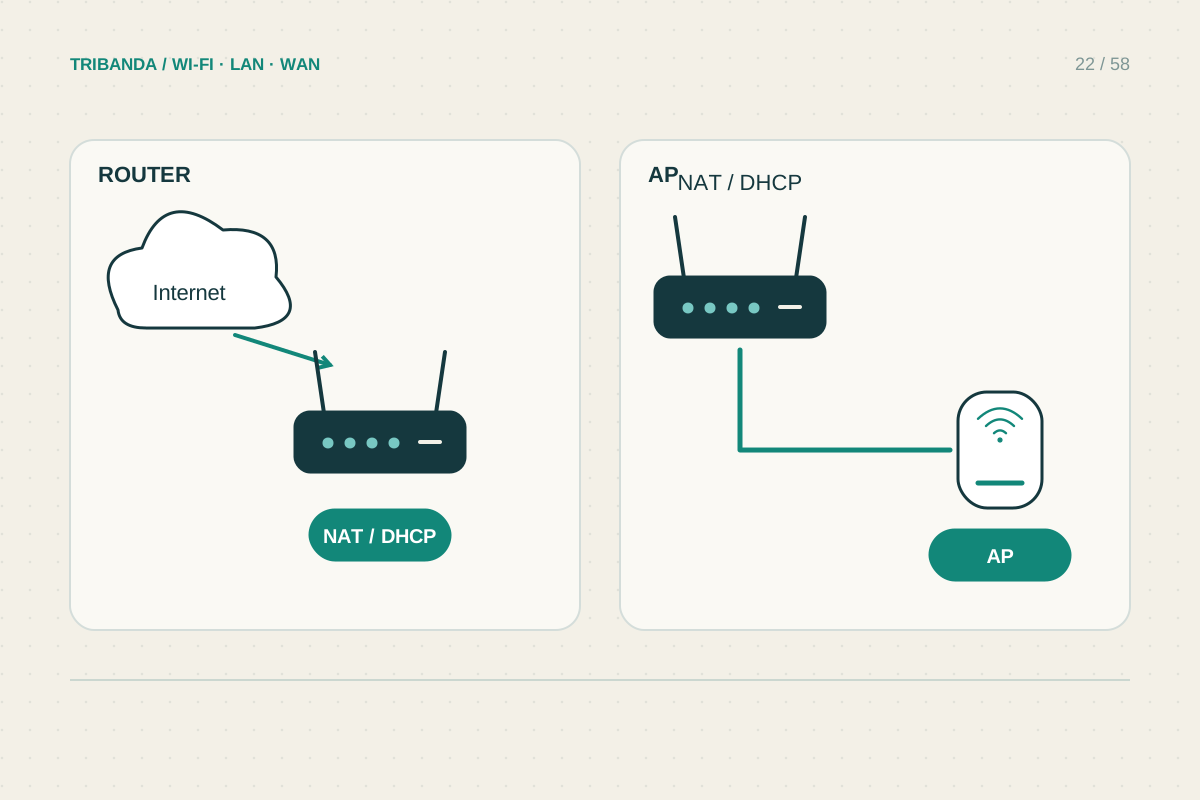
Access point mode typically extends an existing local network while the upstream router handles addresses and routing. It can suit a household keeping the provider’s gateway. Router mode creates or manages its own routed network and may be needed when the new device is the main gateway.
Two successive router-mode devices commonly introduce double NAT for IPv4, which can complicate incoming connections and some games. It is not automatically the cause of every slow speed. If preserving one home network is the aim, evaluate access point mode rather than changing port-forwarding rules at random.
- Draw the existing provider-to-device chain.
- Identify the intended gateway and the functions it must keep.
- Save settings and select the supported operating mode.
- Check addresses and locate the management interface after reboot.
- Test internet, local devices and features affected by the mode change.
Audit the features after switching
Functions tied to gateway traffic may disappear in access point mode. TP-Link documents model-dependent differences for Deco, including routing, reservations and some security or parental features. Check the exact feature table before relying on a purchased subscription or a control that will no longer be available.
After changing mode, reconnect and inspect the gateway address, client list and essential local services. The access point’s management address may change, so find it in the upstream router’s device list. Test printers, guest isolation, voice service and any required remote access before calling the change complete.
Choose mode by responsibilities and topology. Then verify feature availability and the actual network, not just whether Wi-Fi appears.
Common questions
Does access point mode disable mesh?
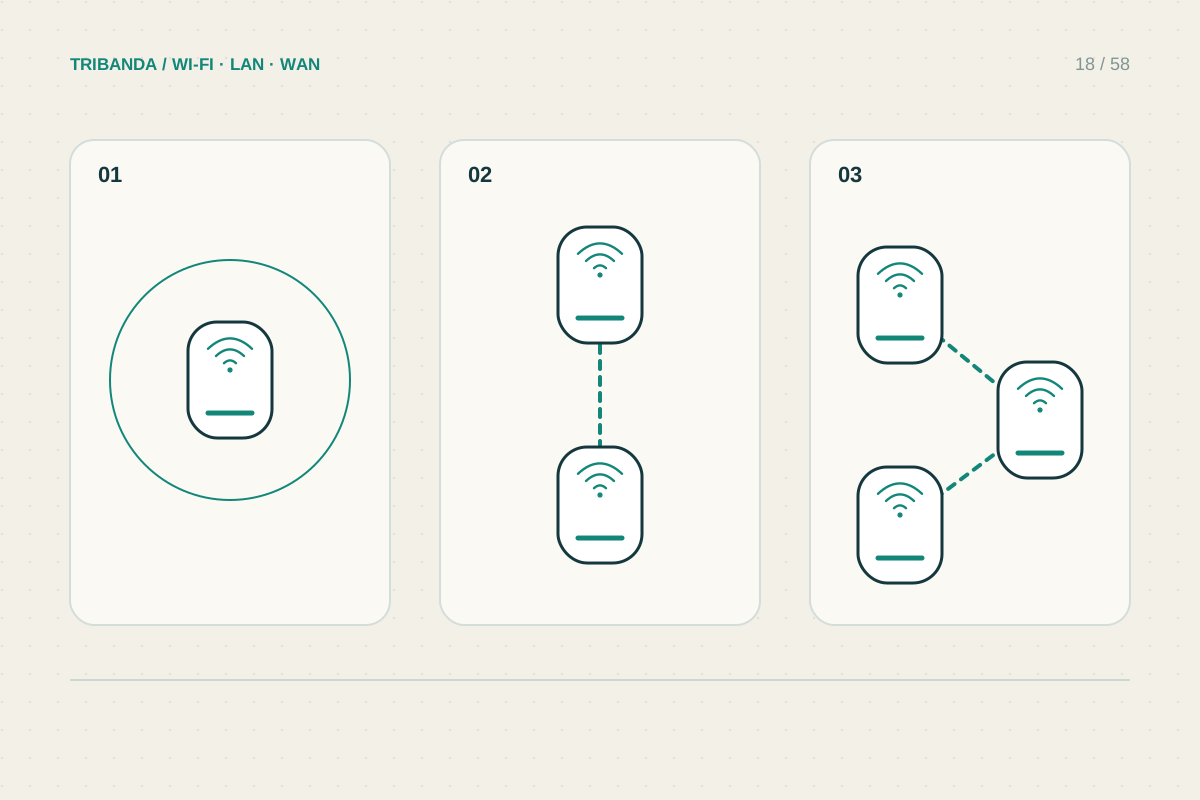
Not necessarily. Supported systems can retain mesh coverage while the upstream router manages the network.
Can I remove the provider’s router immediately?
Only after verifying service requirements, credentials, ONT arrangements and any voice or television dependencies.
Original technical illustration; schematic, not to scale.