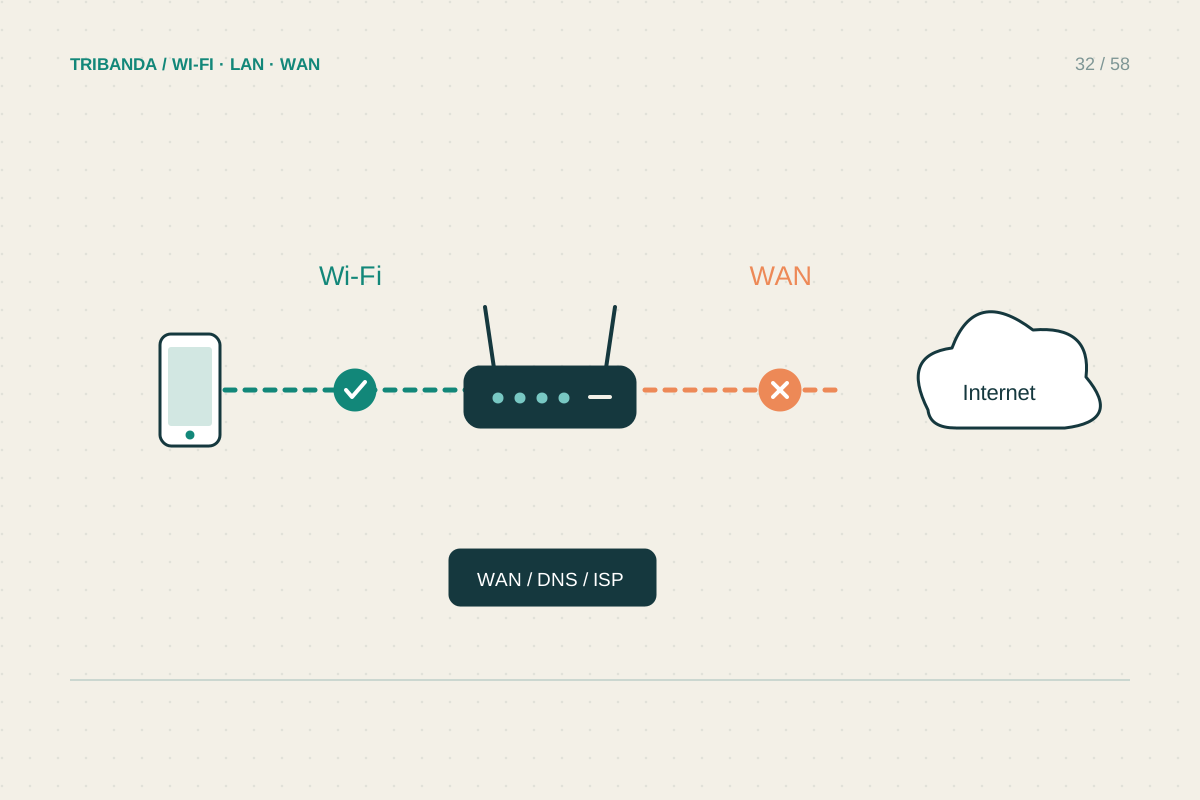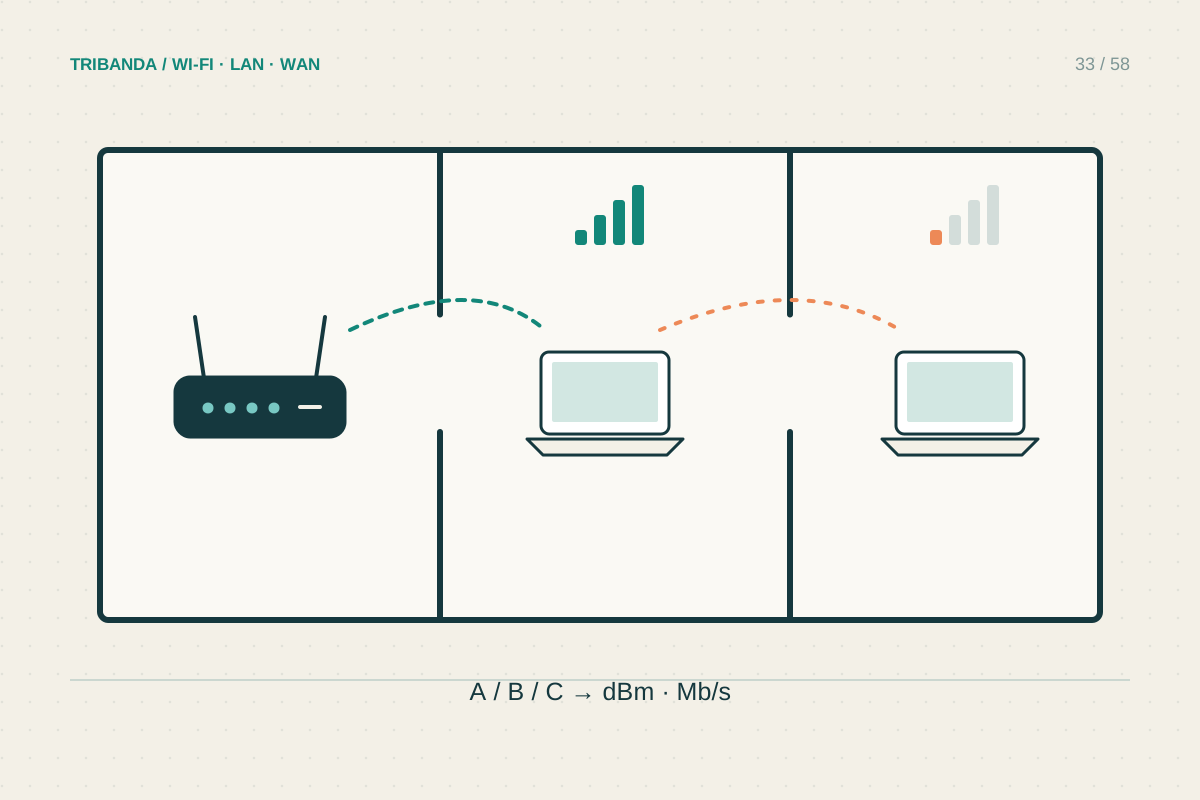
A phone showing a fast speed test does not prove that a television has the same connection. TVs can have different radios, sit behind reflective surfaces and run applications with their own problems. Begin by comparing services and then try a temporary cable before making permanent purchases.
Find out whether one app is affected
Try another streaming service or a different programme in the same app. Check the service's status information on another device if only one platform fails. Restart the TV or streaming box using its normal shutdown instructions, rather than assuming standby is a full restart. Install supported app and system updates. Notice whether playback stops repeatedly or simply starts at a lower quality; these are related but different symptoms. Avoid deleting apps or signing out until you have the account details needed to restore access, especially on a shared family television.
Compare the TV's actual connection
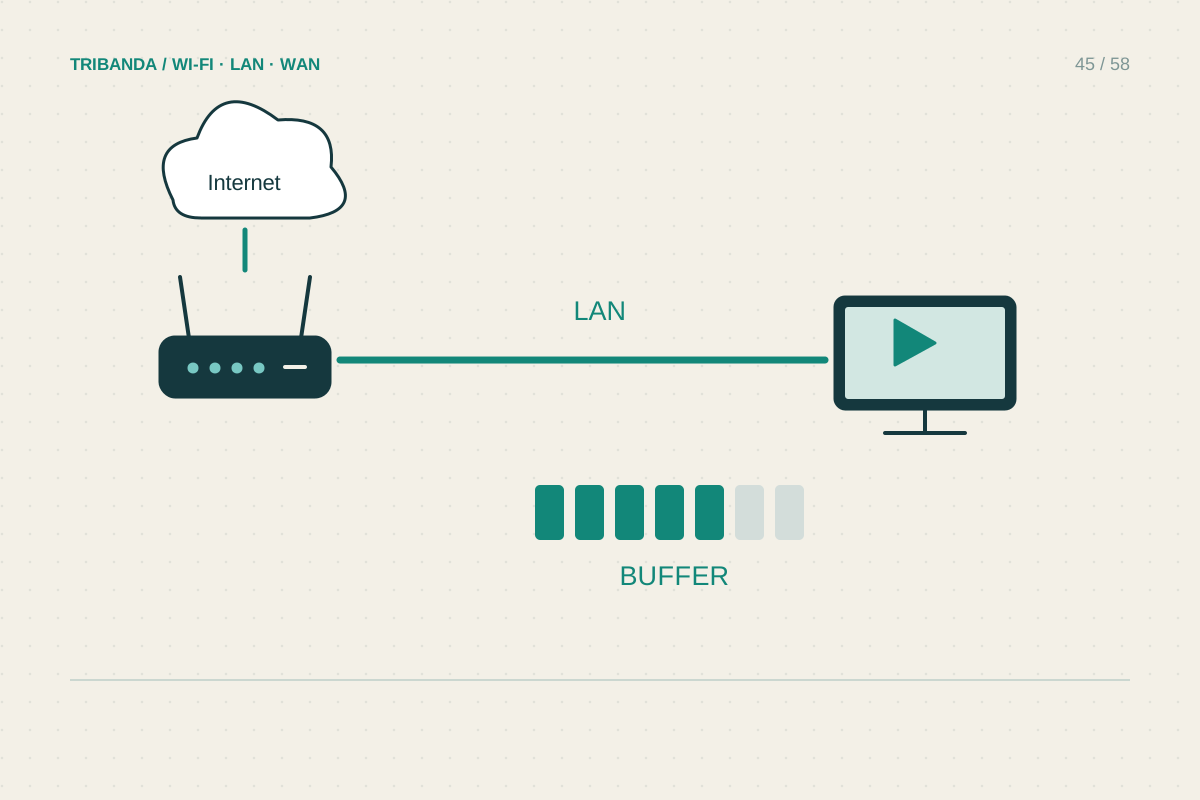
Use the app's built-in connection check if it provides one. Confirm the TV joined the intended network and inspect its position: a streaming stick trapped directly behind a large television or metal bracket may have an unfavourable radio path. A manufacturer-approved HDMI extension can change the stick's position without moving the screen. Test an Ethernet cable from the TV or box to the main router where practical. Some TV ports are limited to 100 Mbps, but that may still be sufficient for supported streaming; stability matters alongside the headline rate. A cable to a wireless mesh satellite still depends on that satellite's upstream link.
Match the fix to the result
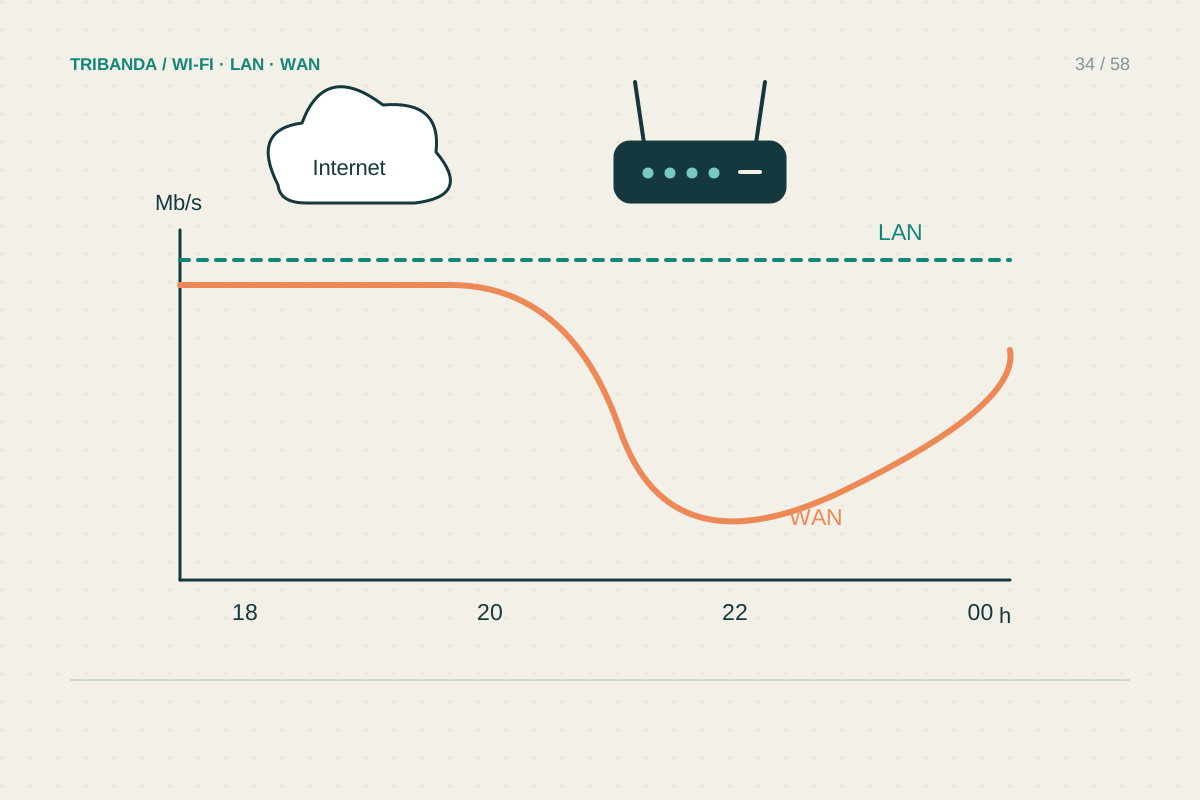
If Ethernet reliably removes buffering, improve wireless placement, the serving mesh node's backhaul or the cable route. If both methods fail at the same time, check simultaneous household downloads and uploads, then compare during a quiet interval. Reducing streaming quality temporarily can test whether capacity is involved, but does not identify the precise bottleneck. Use the streaming provider's current requirements for your chosen quality instead of assuming all 4K services need the same rate. If one app alone remains unreliable, supply its support with model, app version and exact error. Repeatedly factory-resetting the entire TV can erase useful settings without fixing an external service problem.
A temporary cable and a second streaming service are powerful comparisons before buying another router.
Common questions
Is 5 GHz always better for a television?
No. It can provide useful capacity, but obstacles and distance affect reliability. Compare at the TV's real position instead of selecting solely by frequency.
Should I upgrade the plan for 4K?
Check the service's requirement and the TV's measured path first. Extra internet capacity cannot automatically repair a poor radio link behind the screen.
Original technical illustration; schematic, not to scale.