Interference is a useful hypothesis when Wi-Fi changes with time or activity, but it should be tested rather than blamed on the nearest appliance. Separate interference from poor coverage and from a slow broadband service. Each cause calls for a different intervention.
Keep a short event record
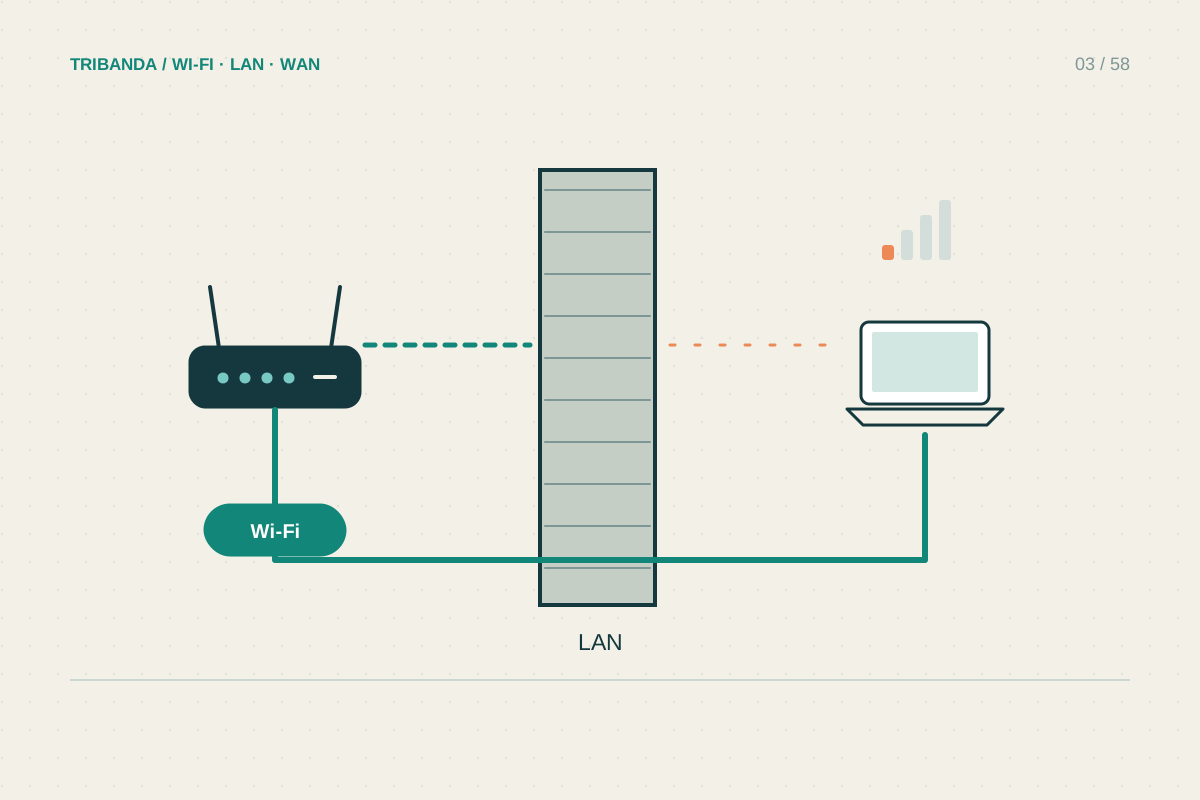
Write down the room, device and time when the problem occurs. Note whether an appliance was operating and whether someone started a large upload. If every device, including Ethernet, slows during a backup, the shared internet connection may explain the symptom without a radio fault.
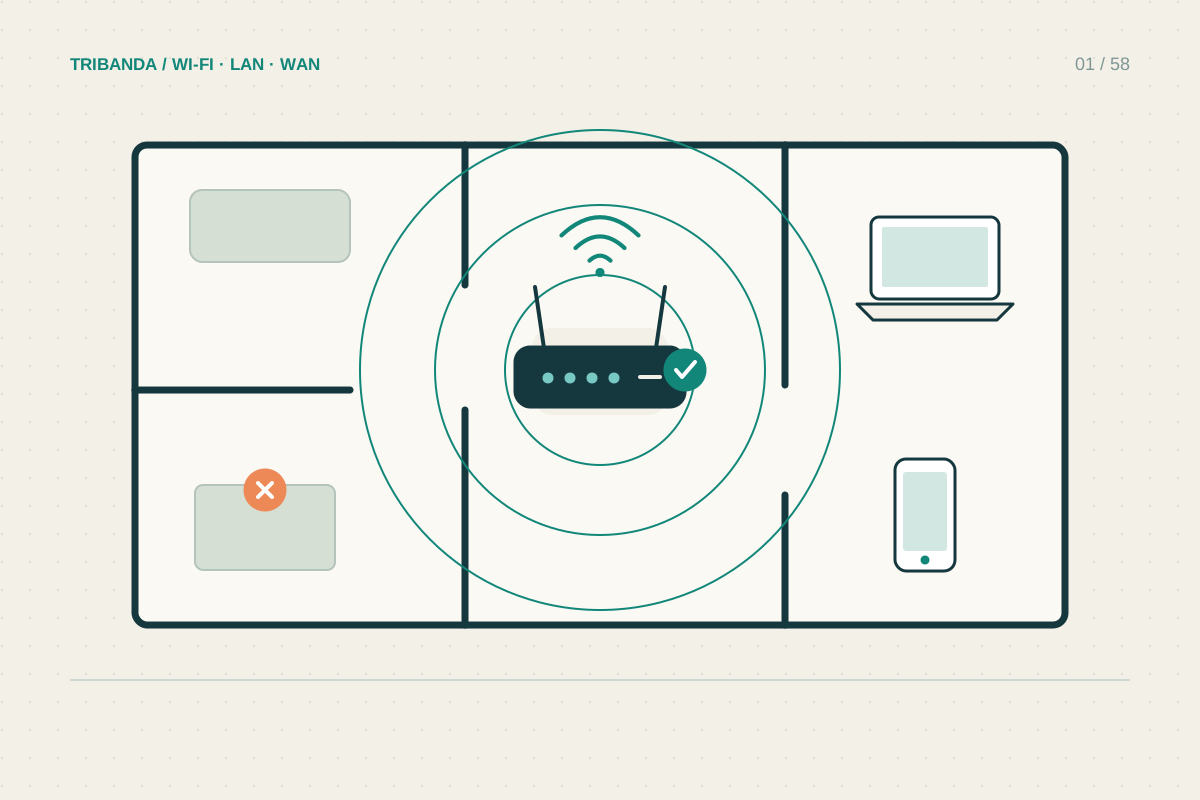
Test the same wireless device near the router and in the weak room. Trouble only at the far location may begin with marginal coverage, making ordinary competing traffic more noticeable. More than one factor can contribute; finding an appliance correlation does not mean placement no longer matters.
Run safe comparisons
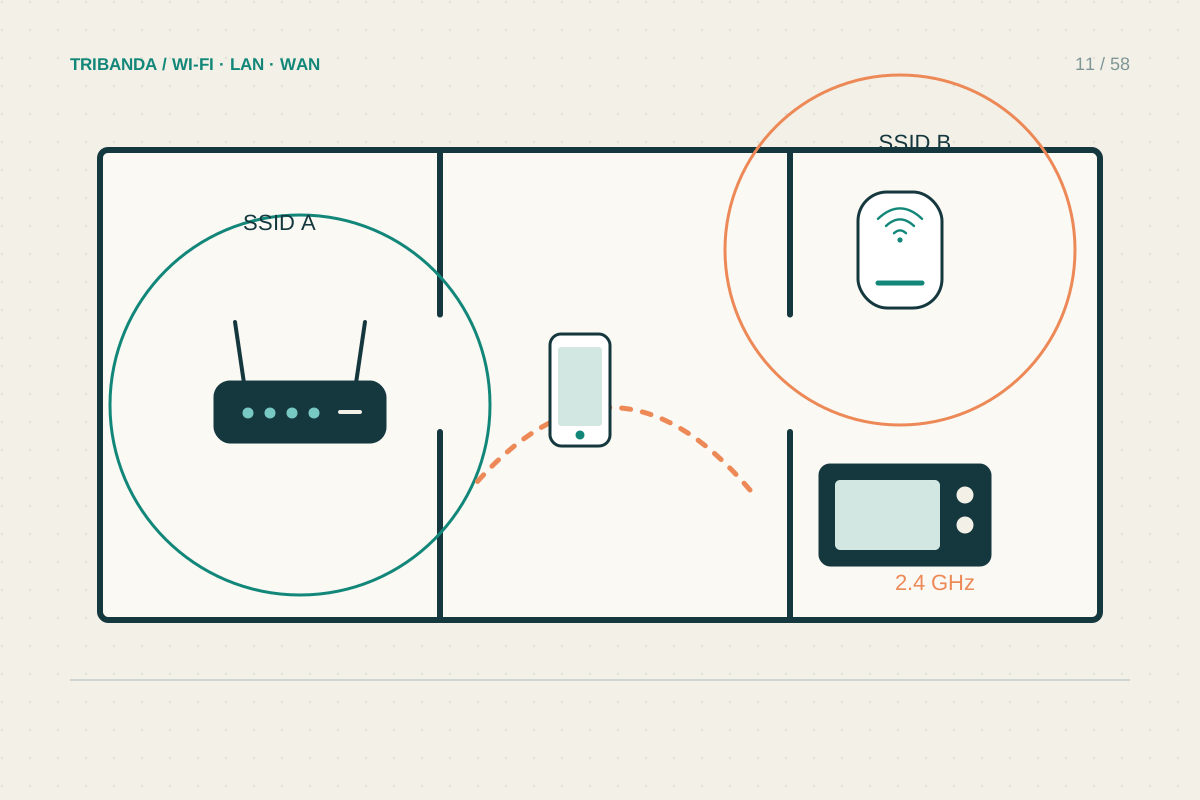
Some household equipment uses or affects frequencies near 2.4 GHz. Try a supported 5 GHz connection in the same place and move the router away from dense electronics. Do not turn off essential equipment, open appliances or defeat shielding to investigate. Change physical separation before attempting complex settings.
Neighbouring Wi-Fi is another form of shared radio use. A scanner can show nearby networks, but it cannot measure every non-Wi-Fi noise source or tell you how busy a hidden client is. Automatic channel selection may already handle the environment better than a channel chosen from one snapshot.
- Record several events with time, room and active tasks.
- Compare Ethernet during the next event.
- Test another supported Wi-Fi band from the same position.
- Increase separation from suspect electronics safely.
- Keep only changes that improve repeated normal use.
Choose an intervention supported by evidence
If a repeatable problem occurs only on one band and disappears with greater separation, keep that separation and retest ordinary use. If the problem follows one laptop in every room, update its supported wireless driver and investigate that device before rearranging the entire network.
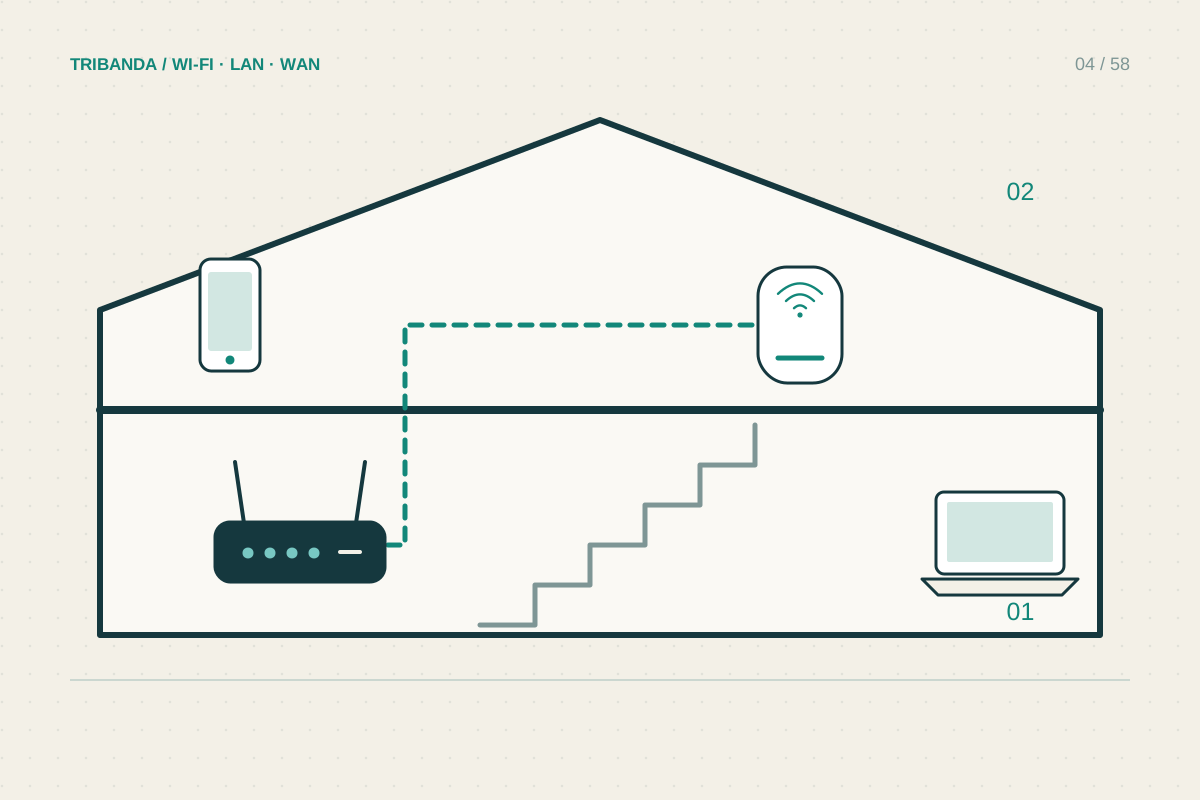
For a fixed work computer, Ethernet bypasses the local Wi-Fi radio environment. If you need wireless mobility, improve access point placement or test an allowed alternative channel. Avoid maximum transmit-power adjustments as a first response: they do not remove competing transmissions and may not improve the client’s return signal.
Use timing, location and a wired comparison to find a plausible cause. Interference deserves a repeatable test, not a guess based on nearby equipment.
Common questions
Can a neighbour read my traffic because we share a channel?
Sharing a channel is normal. Use strong supported Wi-Fi security; channel selection itself is not an access control.
Does a scanner show all interference?
No. Ordinary scans mainly identify Wi-Fi networks and provide an incomplete view of radio activity.
Original technical illustration; schematic, not to scale.