Problems & fixes
Find the cause. Take the next useful step. Practical guides to understand your options and choose your next step.
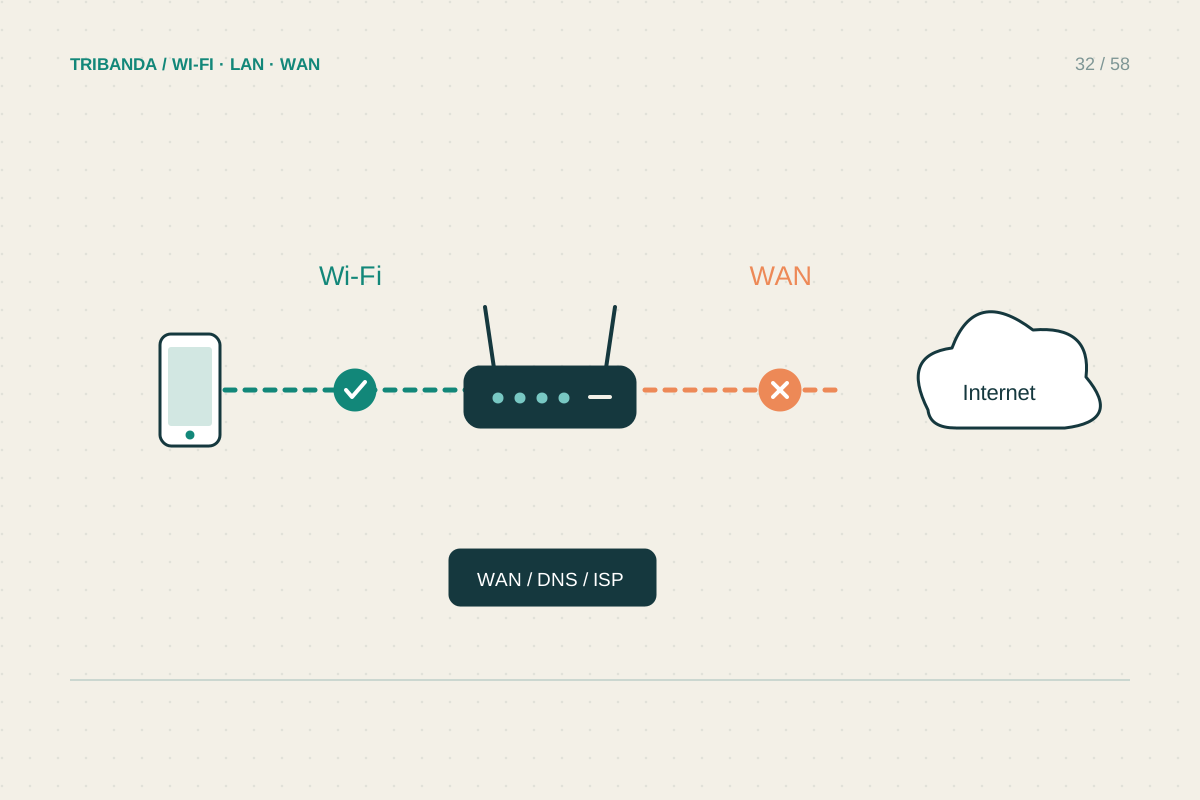
Connected to Wi-Fi, but no internet
Find which connection has failed before changing the router.
Read the guide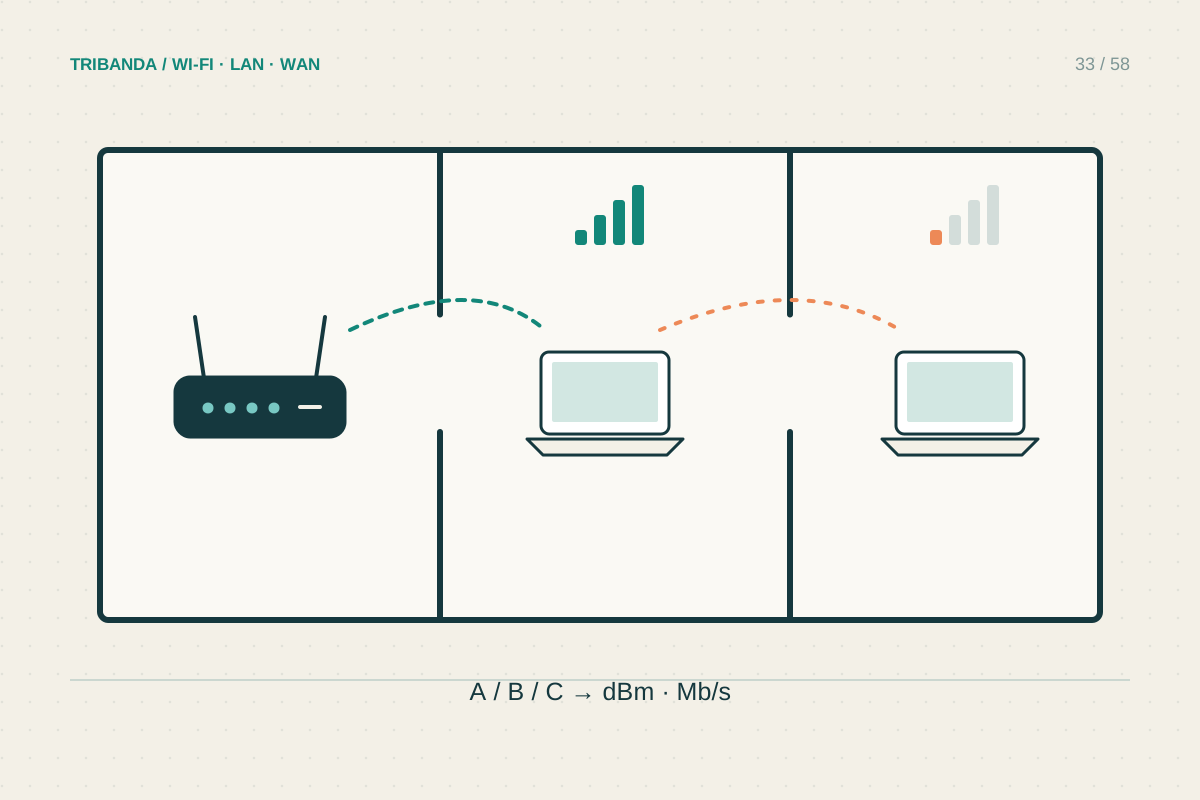
Why just one room is slow
Use a doorway test to separate coverage from a slow device.
Read the guide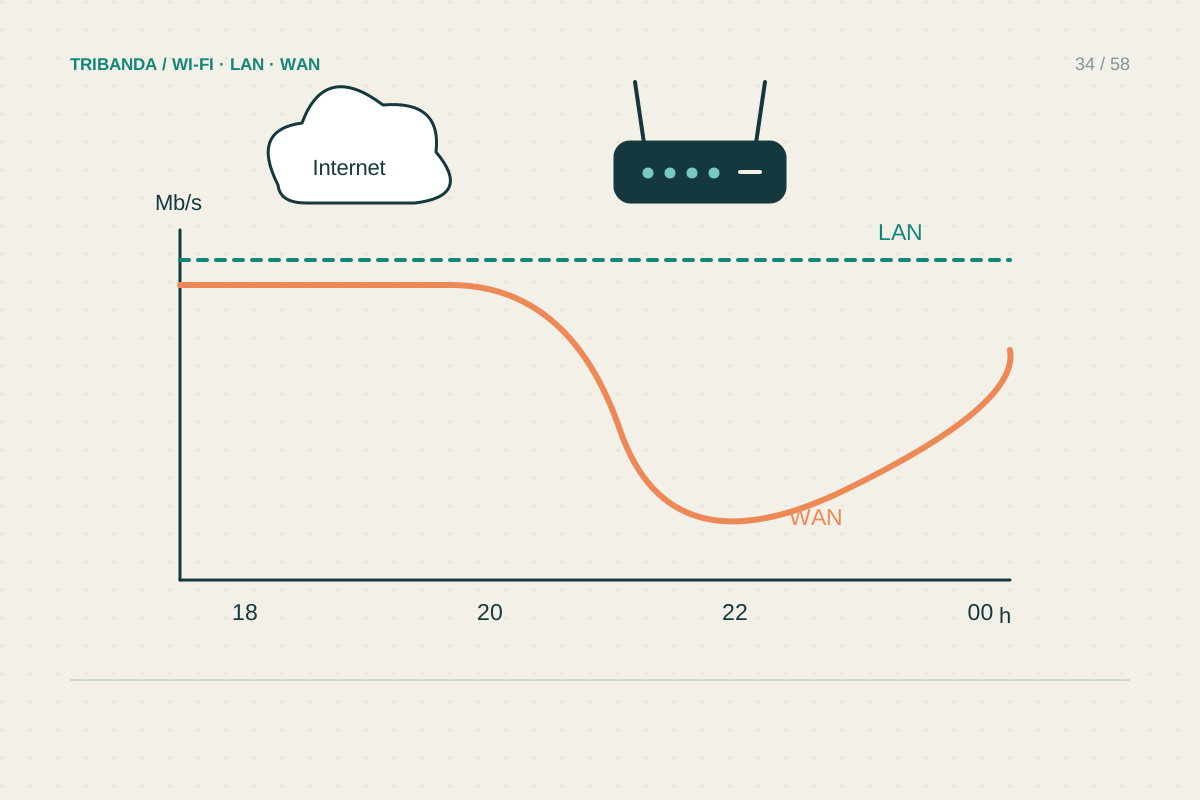
When the internet slows down in the evening
Compare quiet and busy periods before blaming the provider.
Read the guide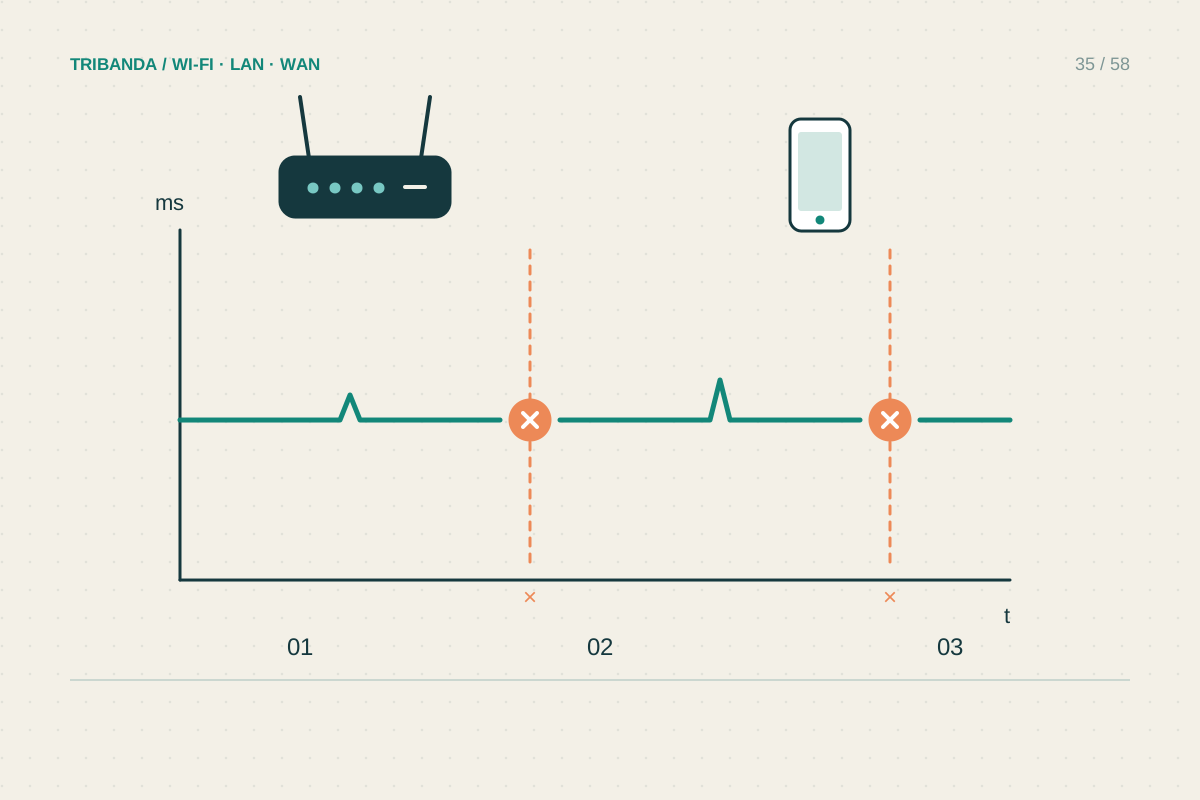
Tracking down frequent disconnections
Record what drops, for how long and on which devices.
Read the guide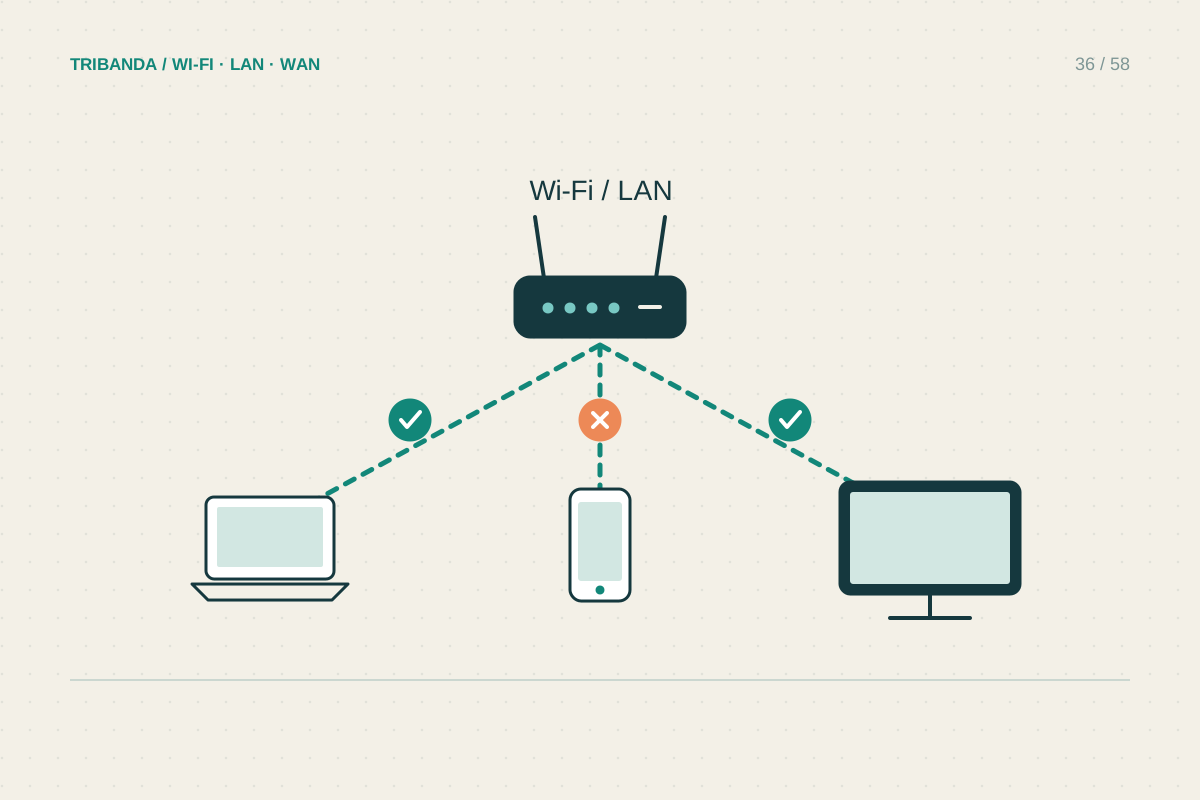
When only one device is slow
Keep the room and network unchanged while comparing devices.
Read the guide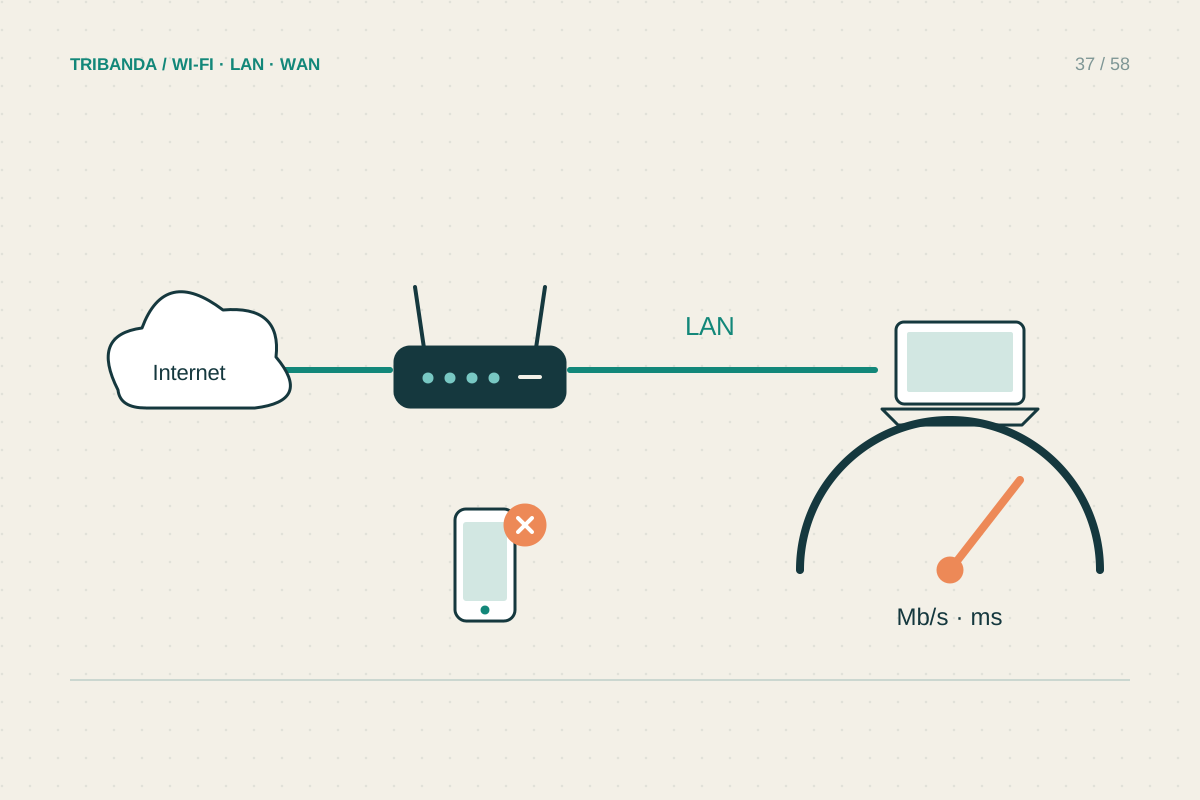
How to run a useful speed test
Measure a connection under known conditions, then test the room you use.
Read the guide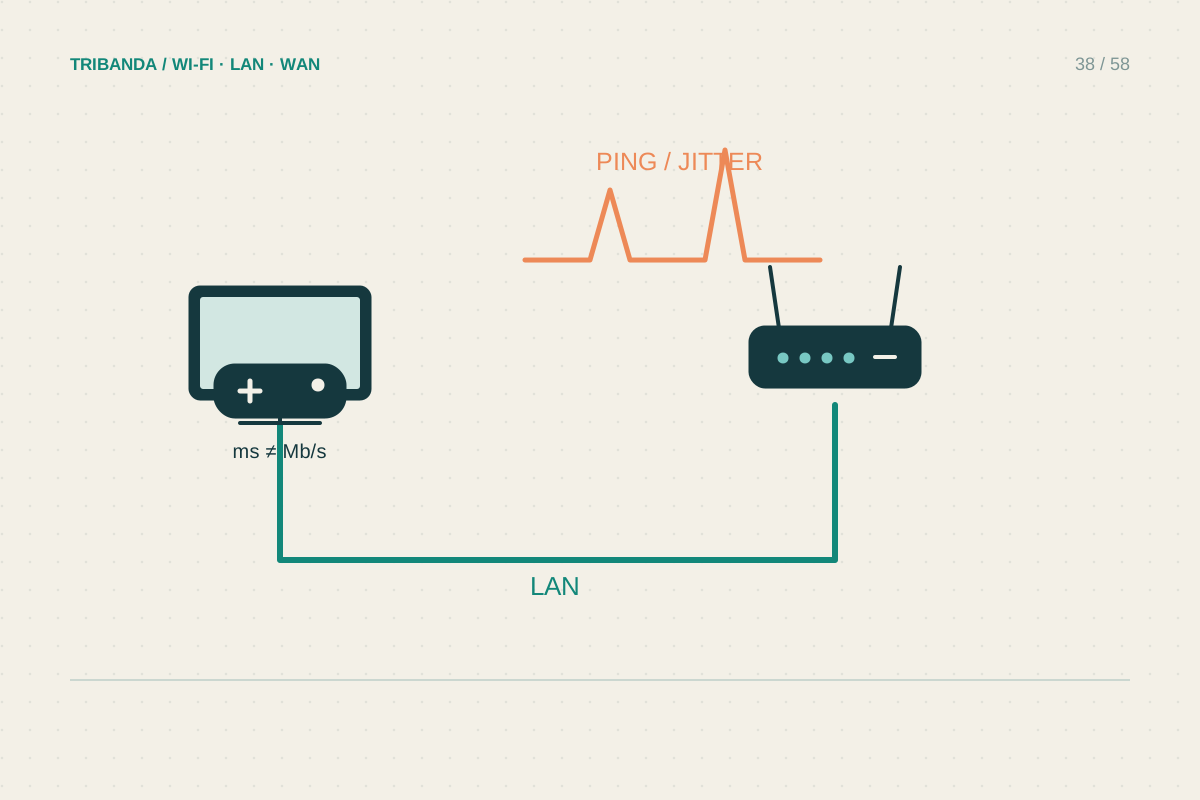
Reducing gaming lag at home
Look for delay and loss before shopping for more megabits.
Read the guide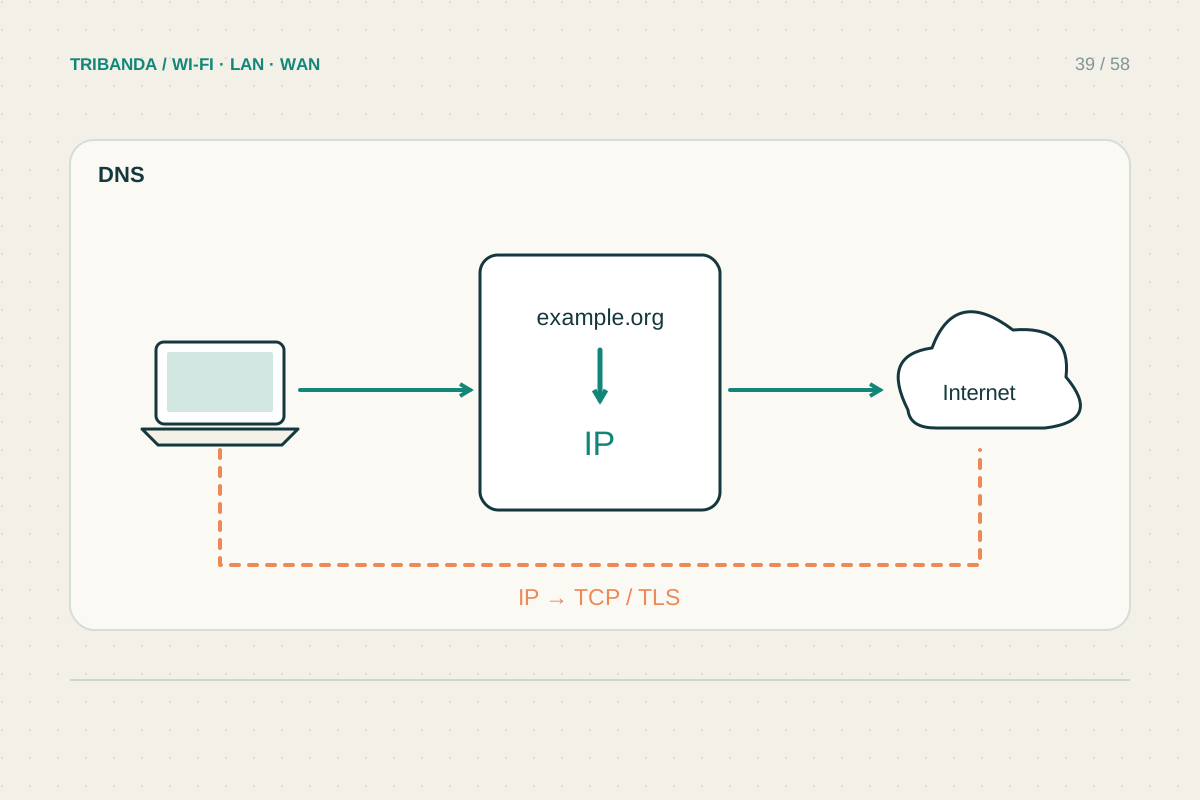
Is it DNS or the connection?
Test name lookup separately from the path to the internet.
Read the guide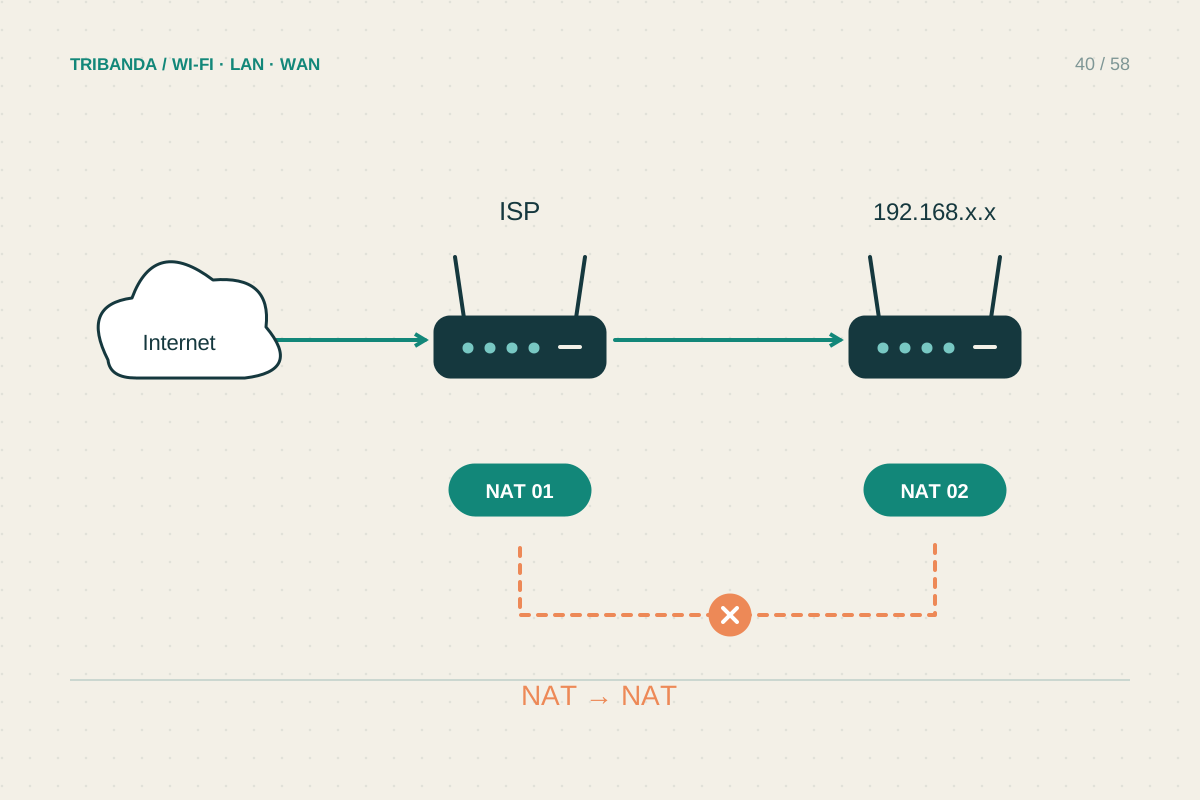
Recognising and fixing double NAT
Draw the two routers before changing either one.
Read the guide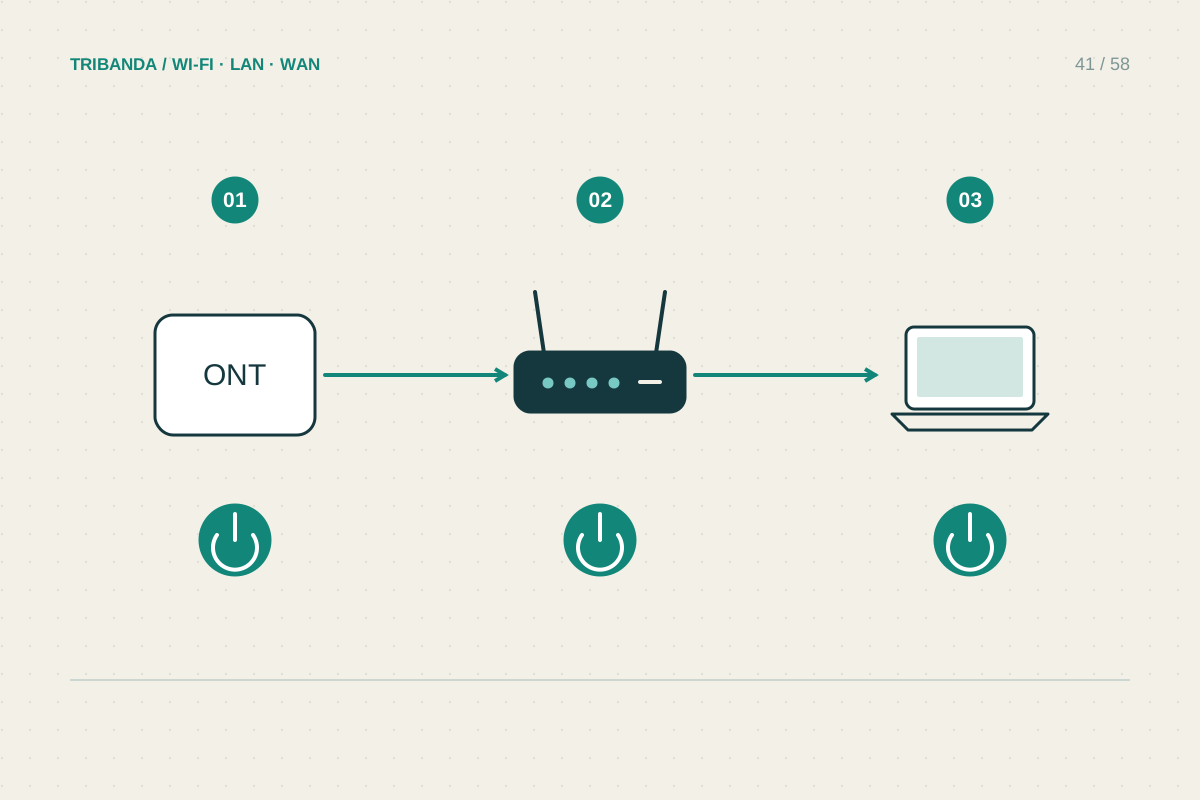
Getting back online after a power cut
Let the upstream connection settle before restarting everything again.
Read the guide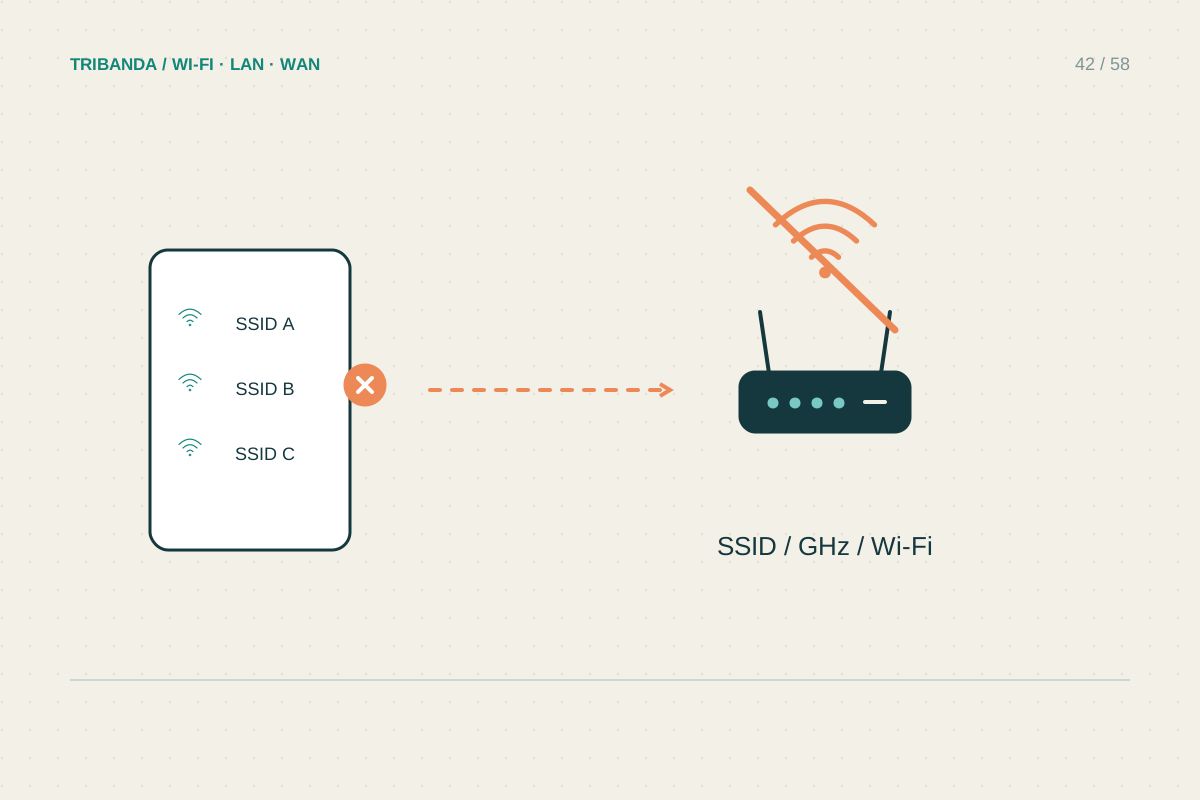
When your Wi-Fi network disappears
Check whether the radio is missing or the internet has stopped.
Read the guide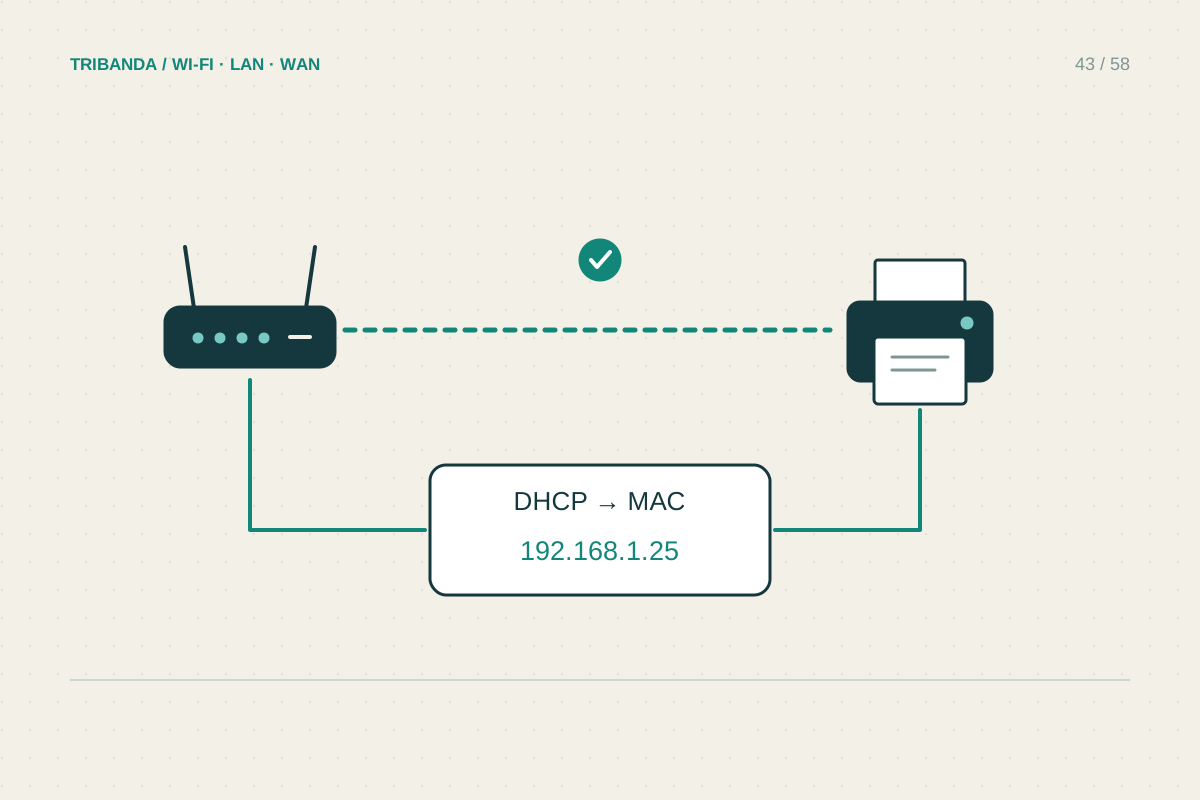
A Wi-Fi printer that keeps going offline
Check the printer's own connection before reinstalling it again.
Read the guide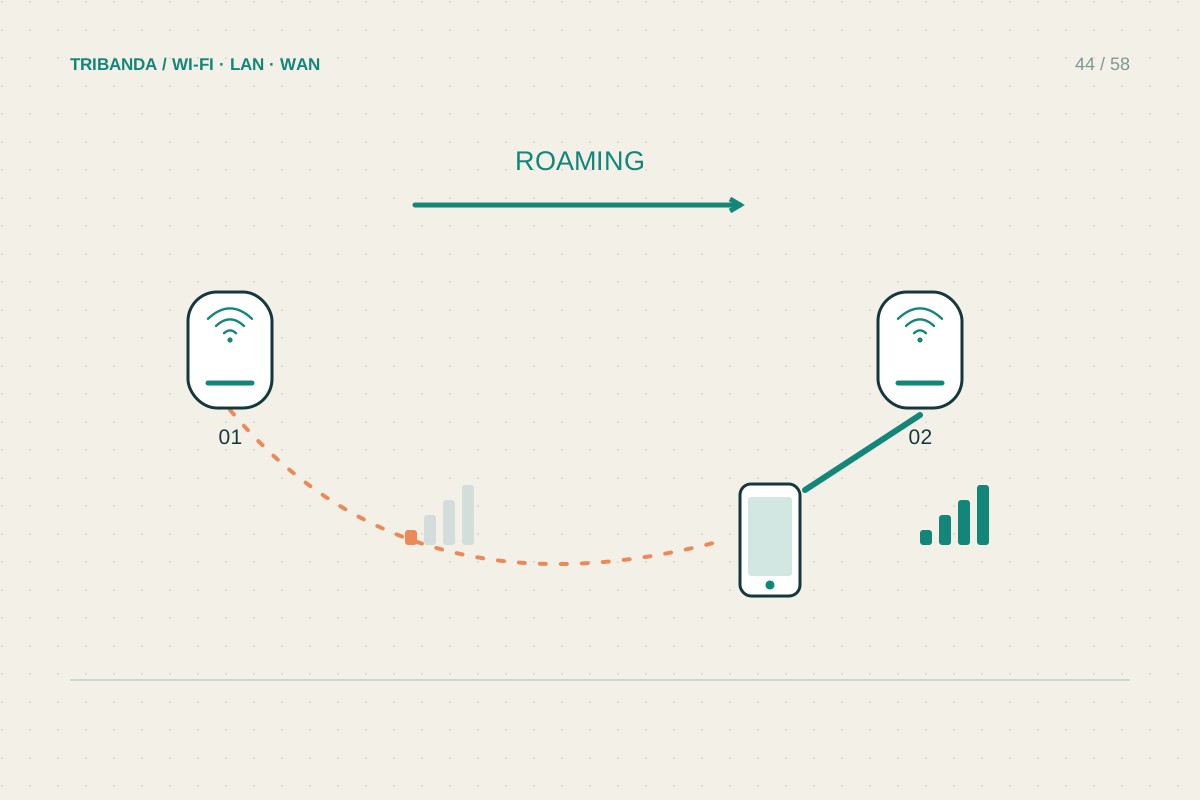
Why a phone stays on the wrong mesh node
Judge the connection by its behaviour before judging the node name.
Read the guide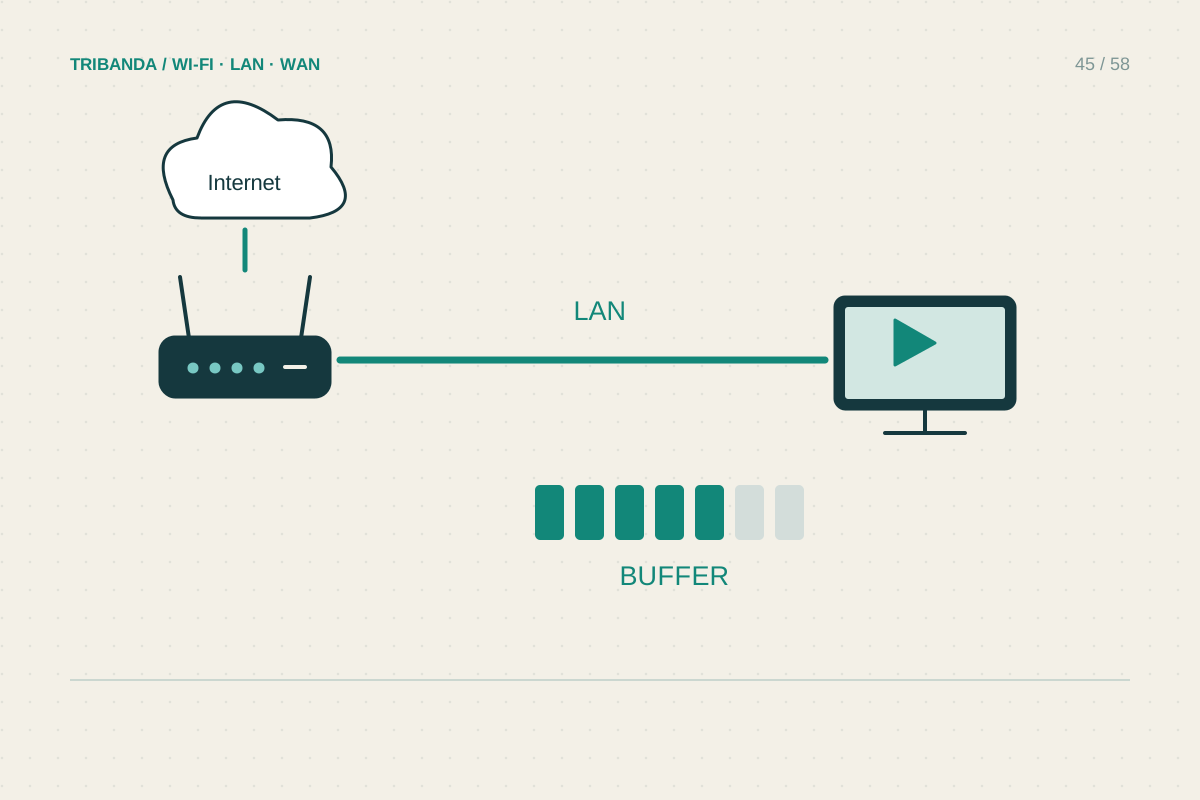
Fixing buffering on the living-room TV
Test the television's path, not just the phone beside it.
Read the guide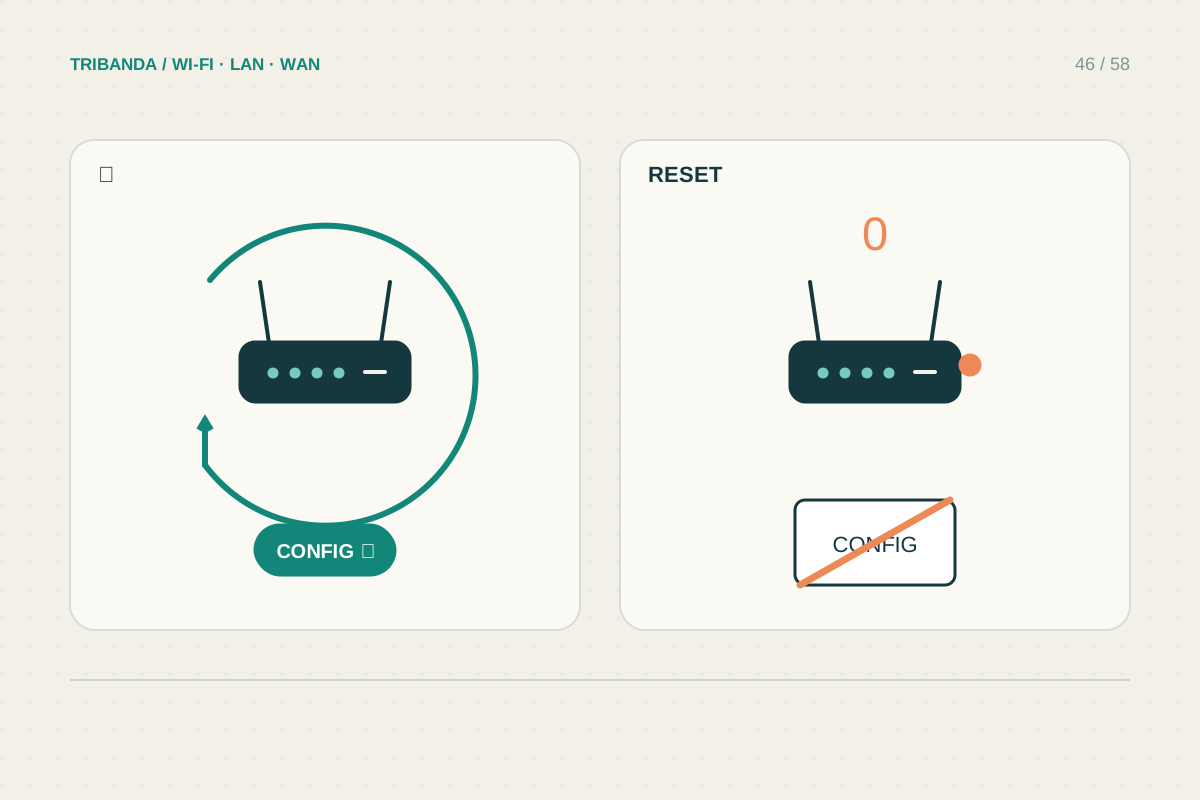
Restart or factory reset?
Know which settings you will keep before pressing a button.
Read the guide